

Artifacts vs. Dependencies
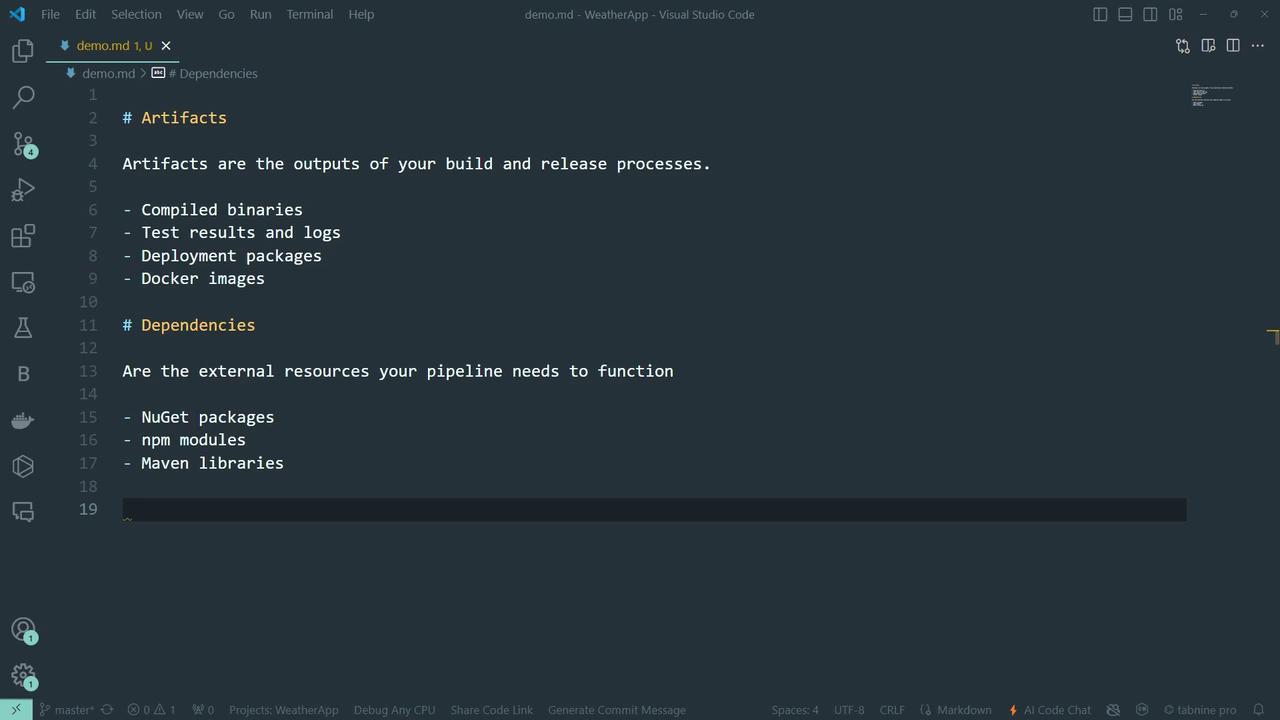
ArtifactsOutputs generated by your build and release processes—binaries, Docker images, test results, logs, deployment packages, and more. Dependencies
External libraries and packages required at build time—NuGet, npm modules, Maven dependencies, etc.
Think of dependencies as ingredients and artifacts as the final dishes.
Why Retention Matters
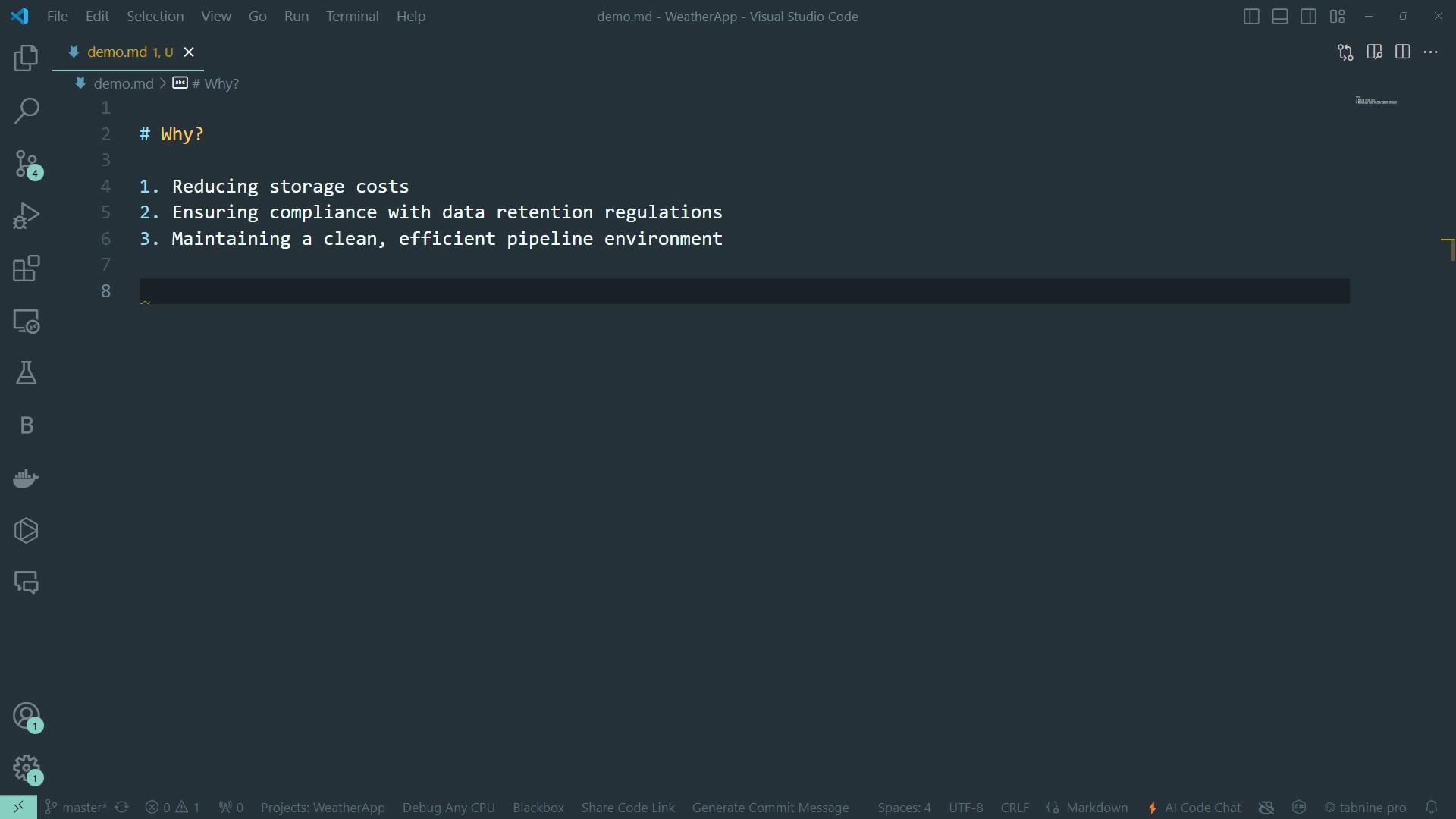
Retention policies in Azure DevOps automatically purge old runs, artifacts, and attachments based on configurable rules. Key benefits include:- Lower cloud storage costs
- Compliance with data retention regulations
- Cleaner, more efficient pipeline environments
You can scope retention settings to specific branches, tags, or pipeline triggers.
Configure Retention in the Azure DevOps UI
- Go to your Azure DevOps project.
- Select Project settings > Pipelines > Settings.
- Under Retention, adjust:
- Days to keep runs
- Pull request runs
- Number of recent runs
If Days to keep runs is shorter than any artifact-level setting, the pipeline-level setting takes precedence.
Define Retention in Your Pipeline YAML
Embed retention rules directly in YAML for repeatable CI configurations:Other Retention Management Methods
| Method | Description | Example Command or Script |
|---|---|---|
| Azure DevOps UI | Centralized retention settings in Project Settings | N/A |
| PowerShell Scripts | Use the [Retention Leases API] | Invoke-RestMethod -Uri .../leases?api-version=6.0 |
| Azure CLI | Manage leases from the command line | az pipelines runs lease create --days 30 |
Best Practices for Balancing Retention and Cost
- Review and prune retention policies quarterly.
- Tag production releases for extended retention.
- Automate variable templates to standardize
retentionDays.
Centralize retention variables in a template to keep your pipelines DRY and maintainable.