

Environment Overview
We’re using three Amazon Linux EC2 instances in AWS, all tagged to enable discovery:- Tag Key:
cluster - Tag Value:
us-east-1
Make sure each EC2 instance has the
cluster=us-east-1 tag applied before starting Vault.Vault Configuration
On each node, update/etc/vault.d/vault.hcl to use Raft storage with auto-join in AWS:
retry_jointells Vault to query AWS EC2 instances with thecluster=us-east-1tag.auto_join_schemedefaults tohttps; we usehttphere since TLS is disabled.
Never disable TLS in production. This example uses
tls_disable = true for simplicity in a lab environment.IAM Role for Auto-Join
Attach an IAM role to each EC2 instance with permissions to describe instances and access KMS: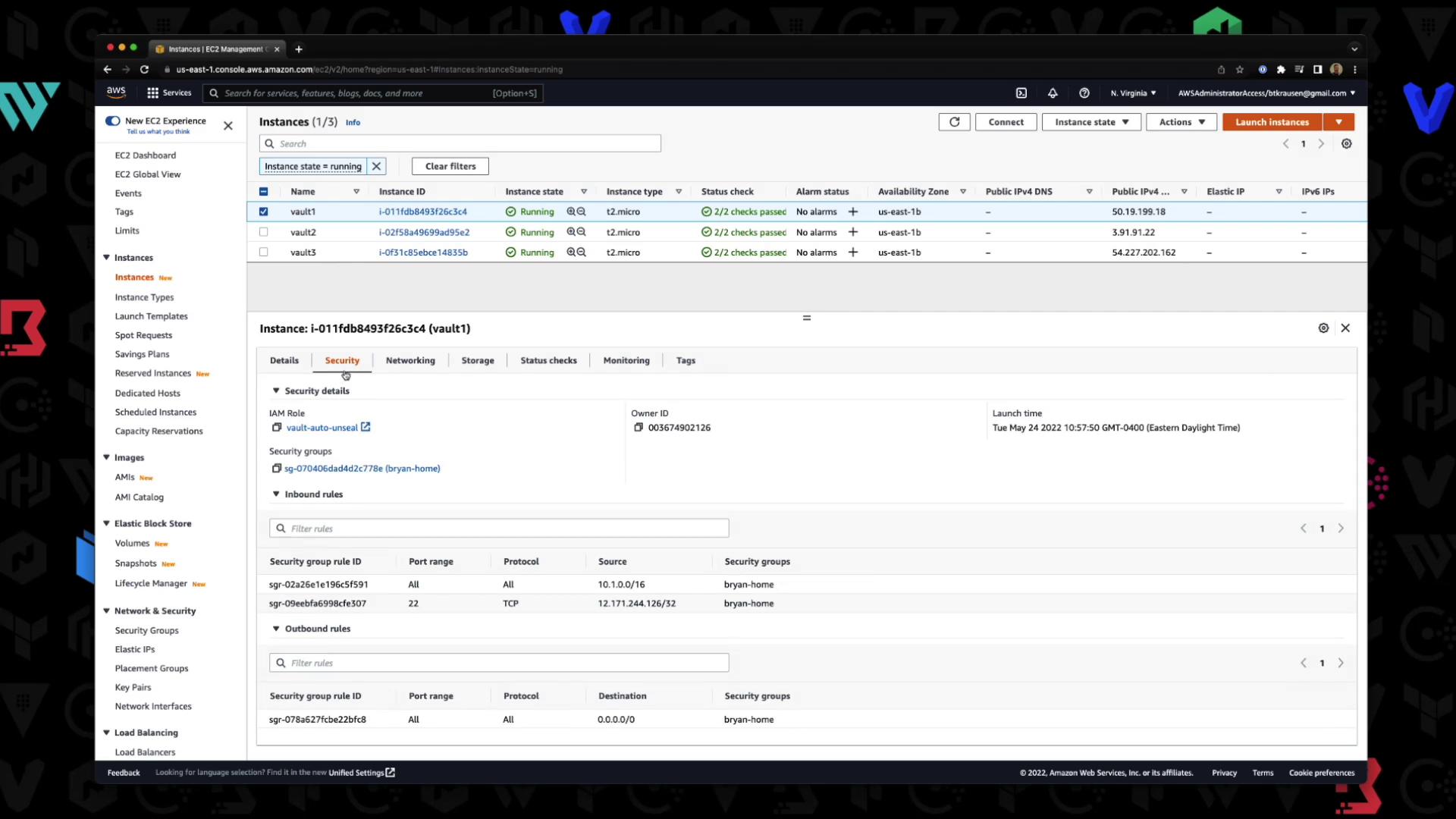
Initializing the Cluster
On the first node:- Start Vault:
- Verify service status:
- Initialize Vault to generate recovery keys and a root token:
Sample output:
Cluster Auto-Join Logs
Watch Vault logs to confirm auto-join behavior:Verify Cluster Status
Runvault status on each node. You should see one active leader and two standbys: