

- A primary cluster
- A performance replica in another data center
- DR replicas for each cluster
You need a DR operation token to promote a DR secondary. You can generate this token on the DR cluster using unseal or recovery keys, or pre-create a DR operation batch token on the primary to have it automatically replicate to the secondary.
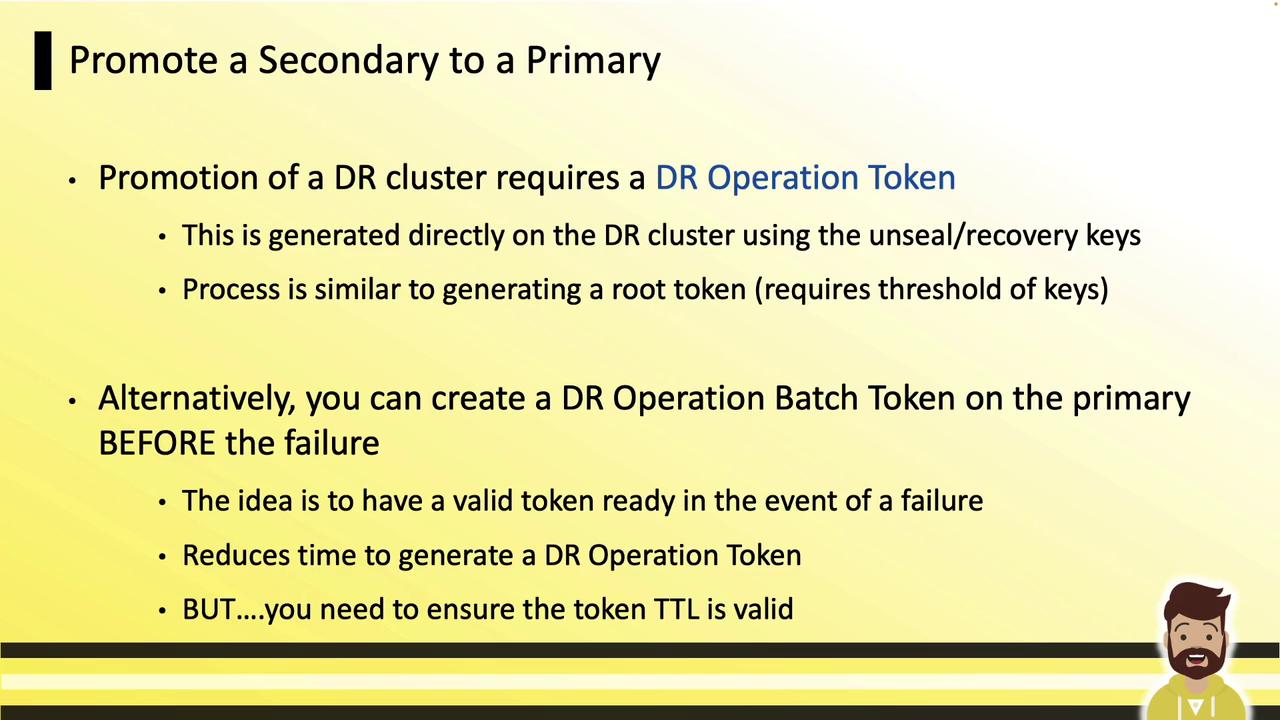
Comparison: Batch Token vs. Generated DR Operation Token
DR Operation Batch Token
A batch token is an orphan token created on the primary with permissions to promote a DR cluster. It automatically replicates to the DR secondary.- Generate at the start of each shift (valid only for that period).
- Store securely (e.g., in an HSM or secure vault).
- On failure, use it immediately—no need for unseal or recovery key collection.
Generating a DR Operation Token
If you don’t have a valid batch token, follow these steps on the DR secondary: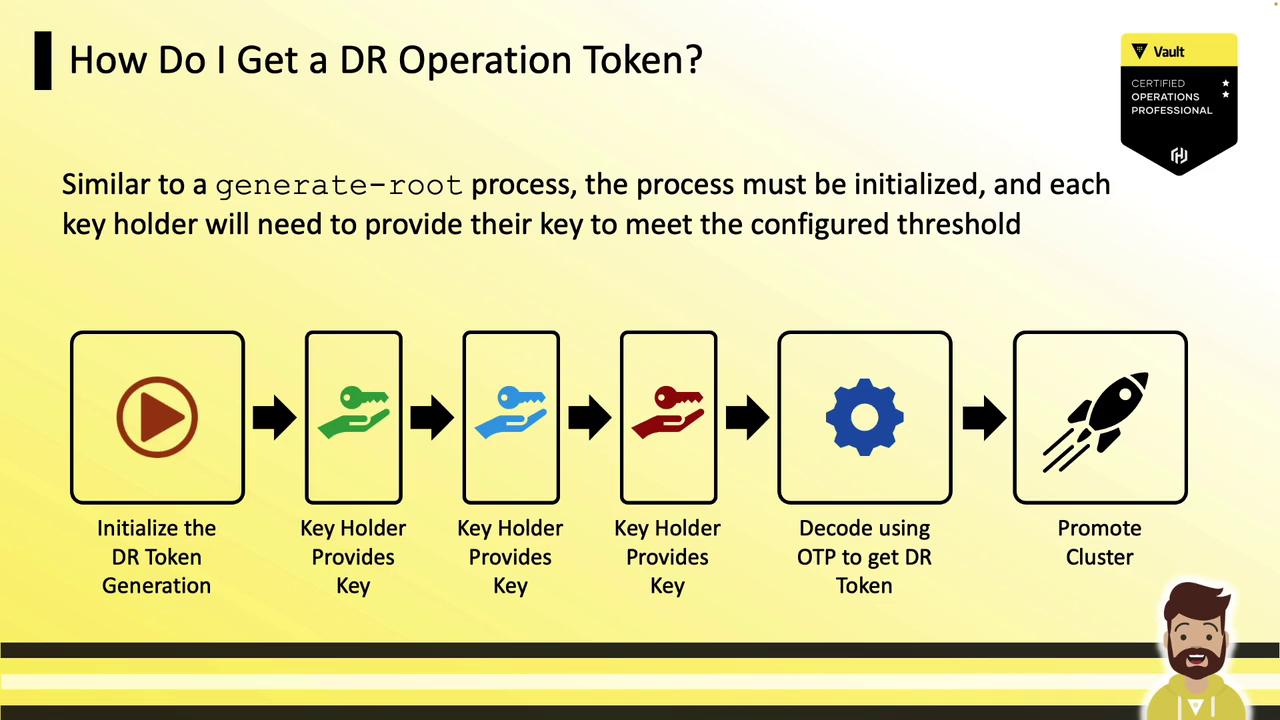
Step 1: Initialize DR Token Generation
Runvault operator generate-root with the -dr-token flag and -init to receive a nonce, an OTP, and progress status:
Step 2: Collect Key Shares
Each key holder submits their key:Operation nonce: 0ccf03cd-33b3-96db-577c-d5492c4cf909 and enter a unseal or recovery key. After collecting the threshold (e.g., 3 of 5), Vault returns an encoded token:
Step 3: Decode the Encoded Token
Use the OTP from step 1 and the encoded token to retrieve the DR operation token:Promote the DR Secondary
With either the batch token or generated DR operation token, run:During promotion, Vault will be temporarily unavailable. Plan for a brief service interruption.