This guide demonstrates how to initialize HashiCorp Vault with encrypted recovery keys and a root token using public OpenPGP keys. In this example, we’ll use three public keys—btk.pub, frank.pub, and susan.pub—located in your current directory.

Prerequisites

  • Vault server (v1.10.0+ent) installed and running
  • Three PGP public keys: btk.pub, frank.pub, susan.pub
  • GPG (GnuPG) installed for decryption

1. Verify Your PGP Keys

List the .pub files to ensure your public keys are accessible:
$ ls *.pub
btk.pub
frank.pub
susan.pub
Make sure these files are the intended public keys. Do not expose your private keys.

2. Confirm Vault Is Uninitialized

Check Vault’s status before initialization:
$ vault status
Key                     Value
---                     -----
Recovery Seal Type      awskms
Initialized             false
Sealed                  true
Total Recovery Shares   0
Threshold               0
Unseal Progress         0/0
Unseal Nonce            n/a
Version                 1.10.0+ent
Storage Type            raft
HA Enabled              true
Vault should be initialized: false and sealed: true.

3. Initialize Vault with Encrypted Shares

Run the vault operator init command to:
  • Create 3 recovery shares
  • Require 2 shares to meet the threshold
  • Encrypt each share with our PGP keys
$ vault operator init \
    --recovery-shares=3 \
    --recovery-threshold=2 \
    --recovery-pgp-keys="btk.pub,frank.pub,susan.pub" \
    > vaultinit.txt
The file vaultinit.txt contains sensitive data. Store it in a secure location—never commit it to version control.

Initialization Parameters

ParameterValue
recovery-shares3
recovery-threshold2
recovery-pgp-keysbtk.pub, frank.pub, susan.pub

4. Review the Initialization Output

Since the command redirected output to vaultinit.txt, your console is blank. Display the file to see each encrypted share and the root token:
$ cat vaultinit.txt
Recovery Key 1: wcFMA4Z9h7N72NGARAAzMm1xOnYclitFpuA07AOUVKDPOx03mKT0RyPQgRzsgVhs+748139se3DUAkprZx/...
Recovery Key 2: ZlXab7mVy0sR8b4JHJL0T2G9gC0KpLmYrKvWUkiFZ1...
Recovery Key 3: qW8/E7u5OzLmZk3R2H4jXn1a9vK5mCuXbJ9pR0gLZ2...
Initial Root Token: hvs.8CSU02a1xcS21iehKawiqWN
Success! Vault is initialized
Each recovery key is a Base64-encoded string—encrypted with the matching PGP public key. The root token remains in plaintext by default.

5. Decrypt a Recovery Share

To decrypt the share encrypted for Susan:
Ensure you have Susan’s private key and know the GPG passphrase to unlock it.
$ echo "qW8/E7u5OzLmZk3R2H4jXn1a9vK5mCuXbJ9pR0gLZ2..." \
  | base64 --decode \
  | gpg --decrypt
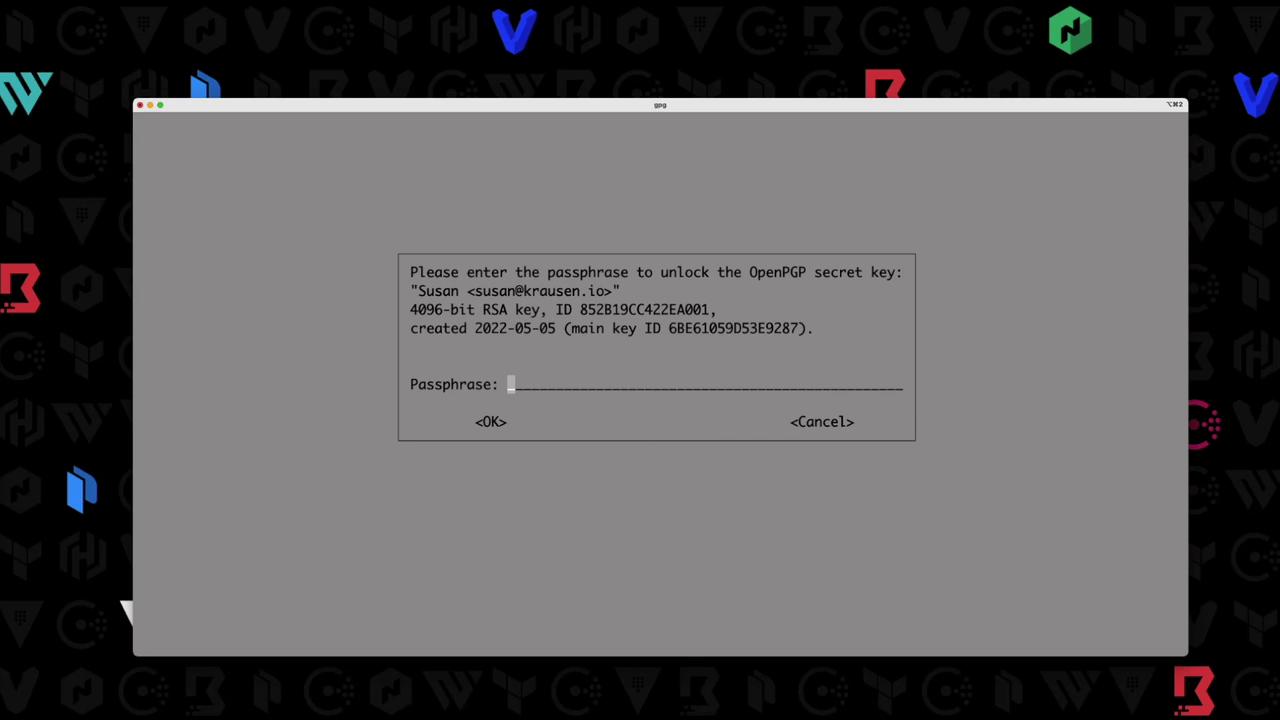
GPG will prompt for the passphrase:
The image shows a dialog box prompting the user to enter a passphrase to unlock an OpenPGP secret key. It includes details about the key, such as the key ID and creation date.
Once unlocked, you’ll see the plaintext recovery key:
5f3e1c4a6d9b8e7c2d1f0a9b4c3e2f1a

6. Next Steps

With at least two decrypted shares (meeting the threshold), you can:
  • Unseal Vault or a DR cluster
  • Generate a new root token
  • Perform emergency recovery
By encrypting each recovery share with a different PGP key, you ensure that only authorized users can decrypt their respective shares, strengthening Vault’s security model.

References