In this lesson, you’ll learn what to expect on the HashiCorp Vault Operations Professional exam. We’ll cover question formats, the exam interface, and walk through multiple-choice, hybrid, and hands-on lab scenarios to help you feel confident on exam day.Documentation Index
Fetch the complete documentation index at: https://notes.kodekloud.com/llms.txt
Use this file to discover all available pages before exploring further.
Question Types
The Vault exam assesses you in three formats:| Format | Description | Key Characteristics |
|---|---|---|
| Multiple-Choice | Scenario-based questions testing recall, performance, security trade-offs. | Identify keywords and choose the best answer. |
| Hands-On Lab Scenarios | Live HCL file editing in an embedded VS Code editor. | Graded per step; tasks build sequentially. |
| Hybrid Scenarios | Live Vault login combined with multiple-choice. | Inspect cluster state; only your choice is scored. |
1. Multiple-Choice Questions
These scenario-based items focus on trade-offs (e.g., “high read workload,” “zero downtime”). Read each stem carefully, spot keywords, and select the optimal solution.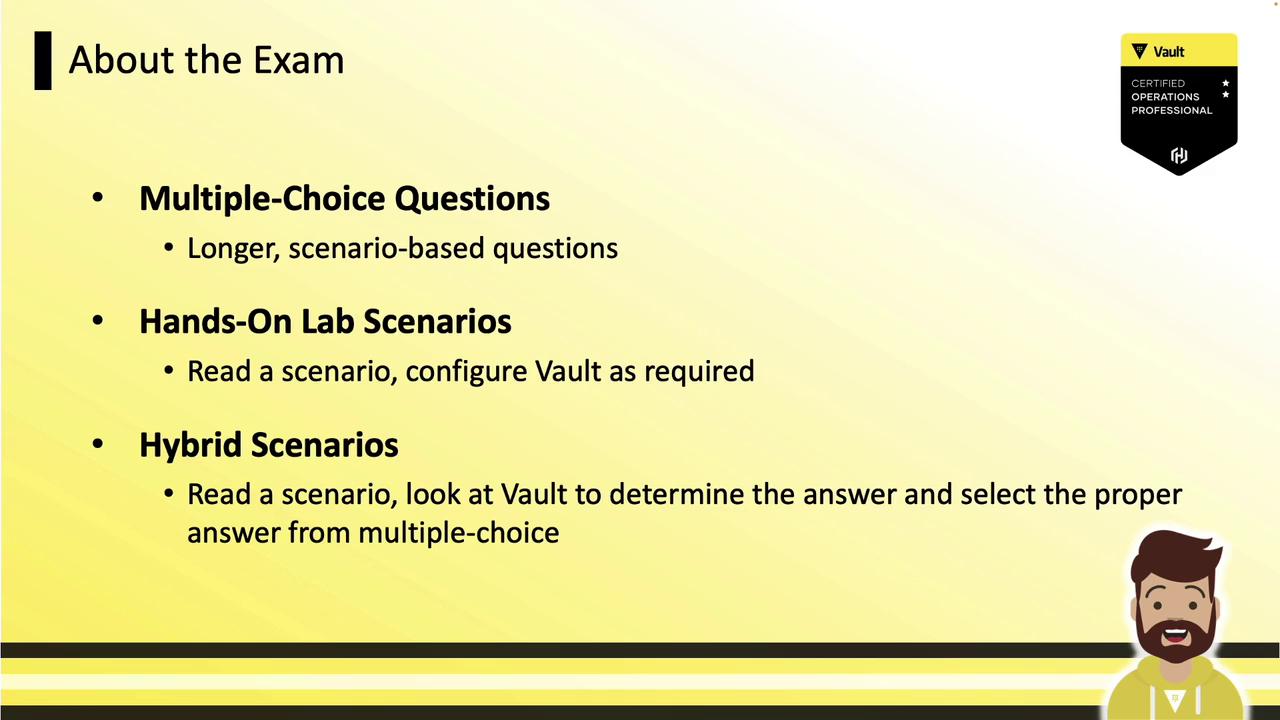
2. Hands-On Lab-Based Scenarios
Configure Vault by creating or editing HCL files in the built-in VS Code editor—then initialize or test your deployment.3. Hybrid Scenarios
Combine a live Vault session with a multiple-choice question. You’ll inspect policies, namespaces, and more; only your selected answer is scored.Exam Interface
All exam tasks run in a browser inside a virtual desktop. The left pane includes:| Pane | Contents |
|---|---|
| Multiple Choice | Dedicated section for MCQs |
| Lab-Based Scenarios | Hands-on labs (hybrid questions nested) |
| Assessment Review | Post-exam feedback survey |
You can open Firefox to access an allow-listed set of sites, such as the Vault documentation or API docs. External portals (e.g., the public Learn site) are blocked.

Example: Multiple-Choice Question
Your organization uses Vault Enterprise in production and is struggling with a surge of read requests. You need to scale read capacity with zero node downtime. How can you achieve this? A. Increase node memory by upgrading hardwareB. Enable multiple Secrets Engines to spread the load
C. Reconfigure the load balancer with a listener for performance standby nodes and route read-only traffic there
D. Deploy a new cluster with disaster recovery replication and redirect some clients Key Insight: Performance standby nodes provide scale-out read capability without downtime.
Answer: C
Example: Hybrid Scenario
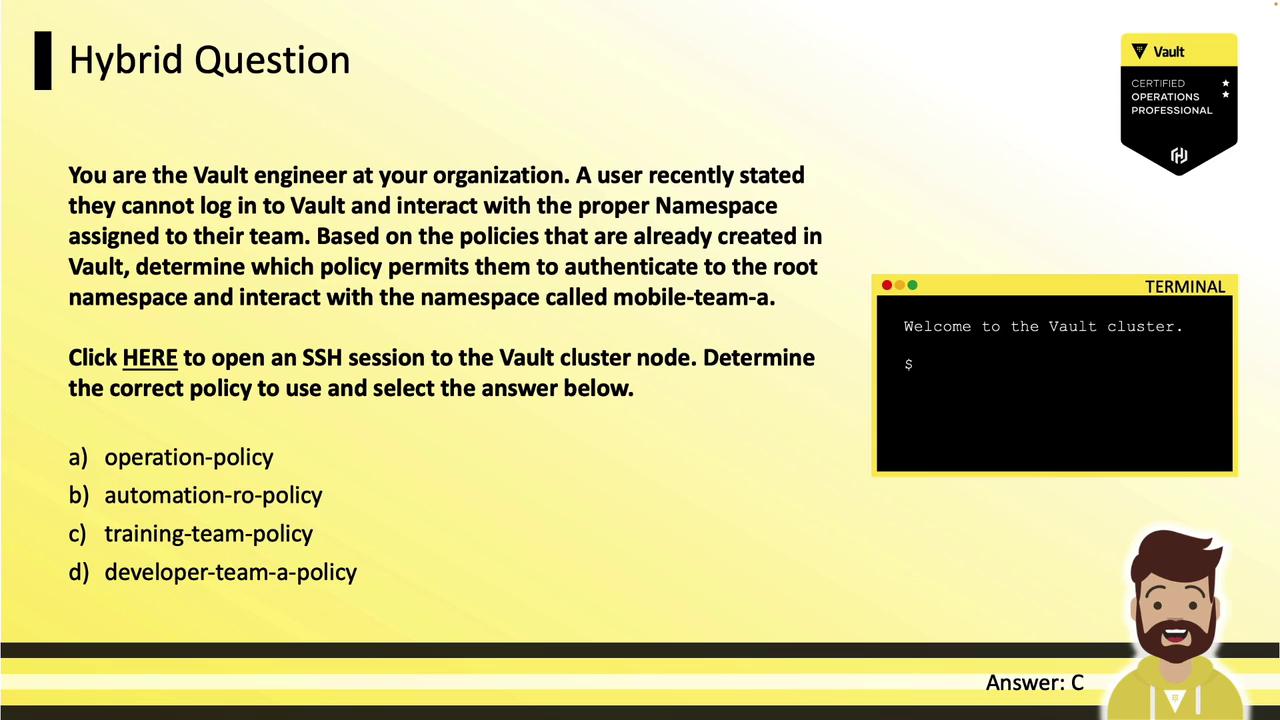
Scenario: A user reports they cannot authenticate to their assigned namespace. Identify which policy grants login to the root namespace plus access toMobile Team A.
- Click the SSH link to open a terminal:
- List and inspect policies:
- Look for the policy that includes
namespace="root"andpath "Mobile Team A/*".
Hands-On Lab-Based Scenarios
Lab tasks are graded per step, and you can earn partial credit. Tasks build on previous steps—create the config file before starting the server, then initialize Vault.If you skip a prerequisite step (like creating the HCL file), subsequent tasks may fail and you cannot go back to earn points.
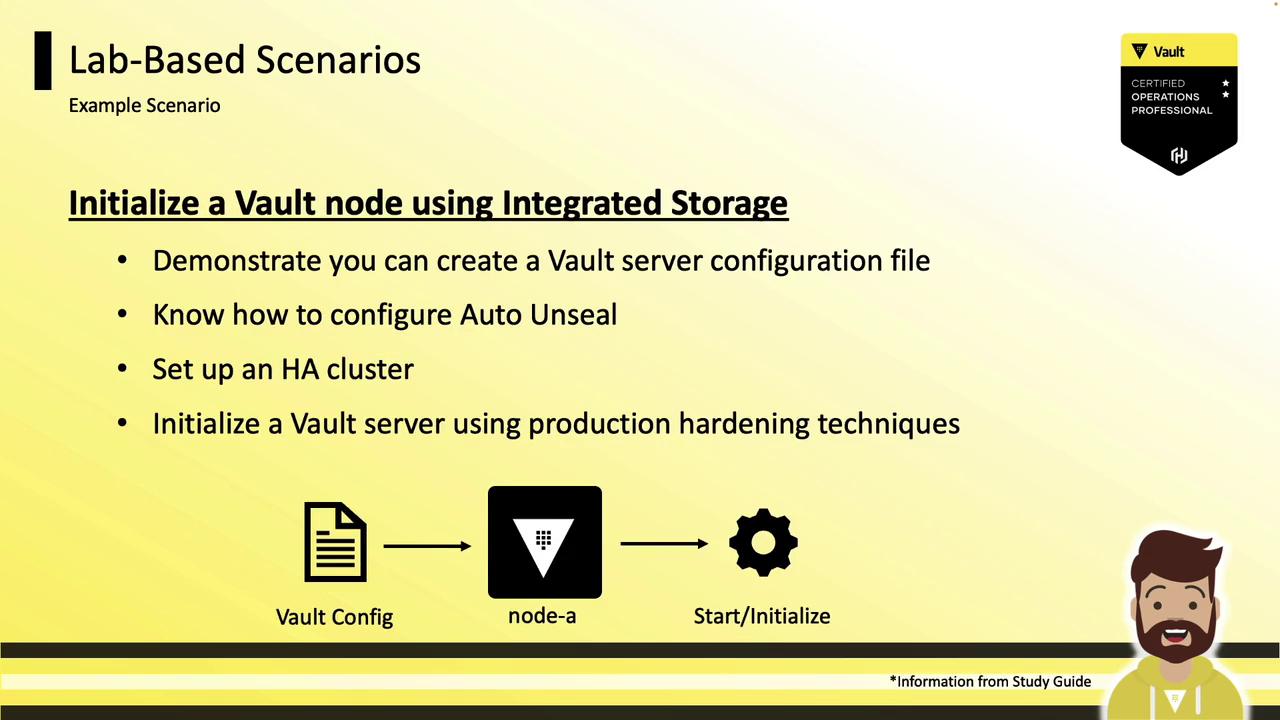
Example Lab 1: Initialize Vault with Integrated Storage
- Create a Vault HCL configuration file in VS Code.
- Add the
sealstanza for Auto Unseal (Transit, KMS, etc.). - Enable integrated storage with high-availability settings.
- Start the Vault server container.
- Initialize Vault using production-hardening options.
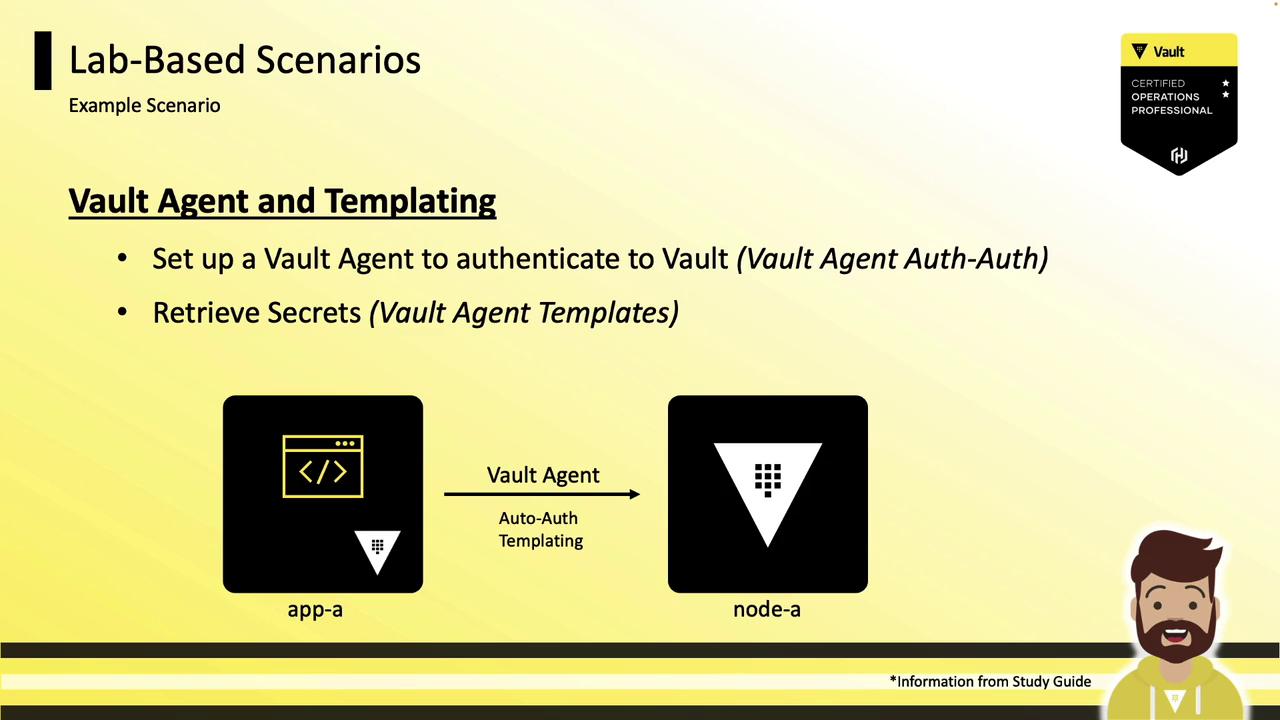
Example Lab 2: Vault Agent and Templating
- Provide a Vault Agent HCL file for Auto Auth.
- Authenticate the agent and retrieve a token.
- Use a template stanza to render secrets into a file for
app-a.
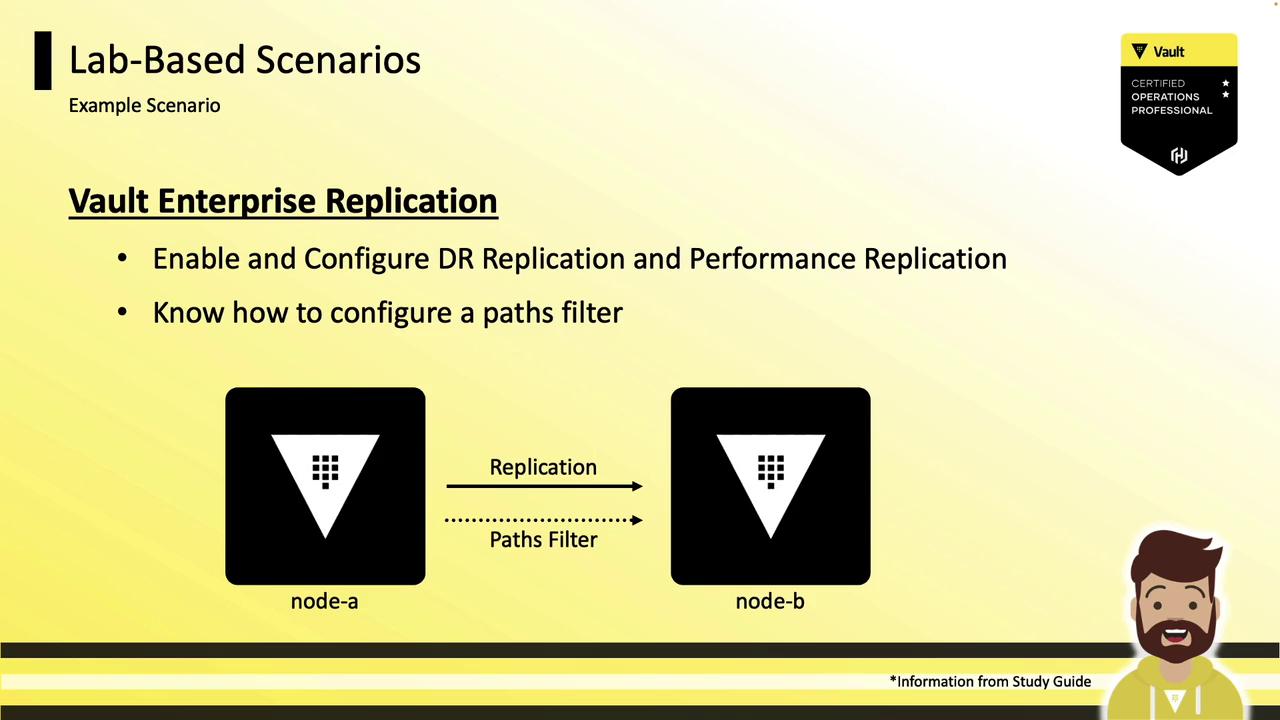
Example Lab 3: Vault Enterprise Replication
- Enable and configure DR or Performance replication.
- Define
primaryandsecondaryclusters. - Apply a
pathsfilter to restrict replicated secrets.
Managing Containers with Portainer
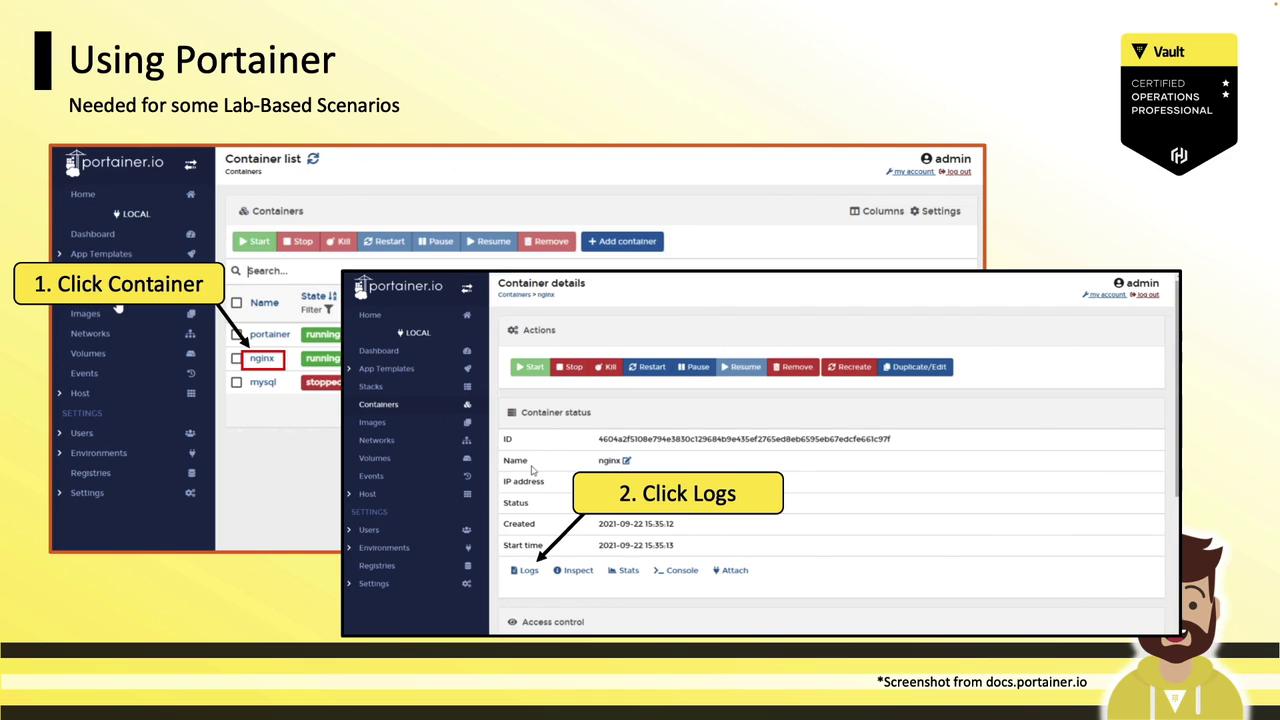
The exam environment uses Docker containers managed by Portainer. You may need to start, stop, or restart containers after creating configuration files:- In Portainer’s left menu, click Containers.
- Select the container’s checkbox, then click Start, Restart, or Stop.
- To view logs, click the container name (not the checkbox), then select Logs.