

Ensure you have Vault CLI installed and authenticated. For installation instructions, see the Vault Installation Guide.
KV CLI Command Overview
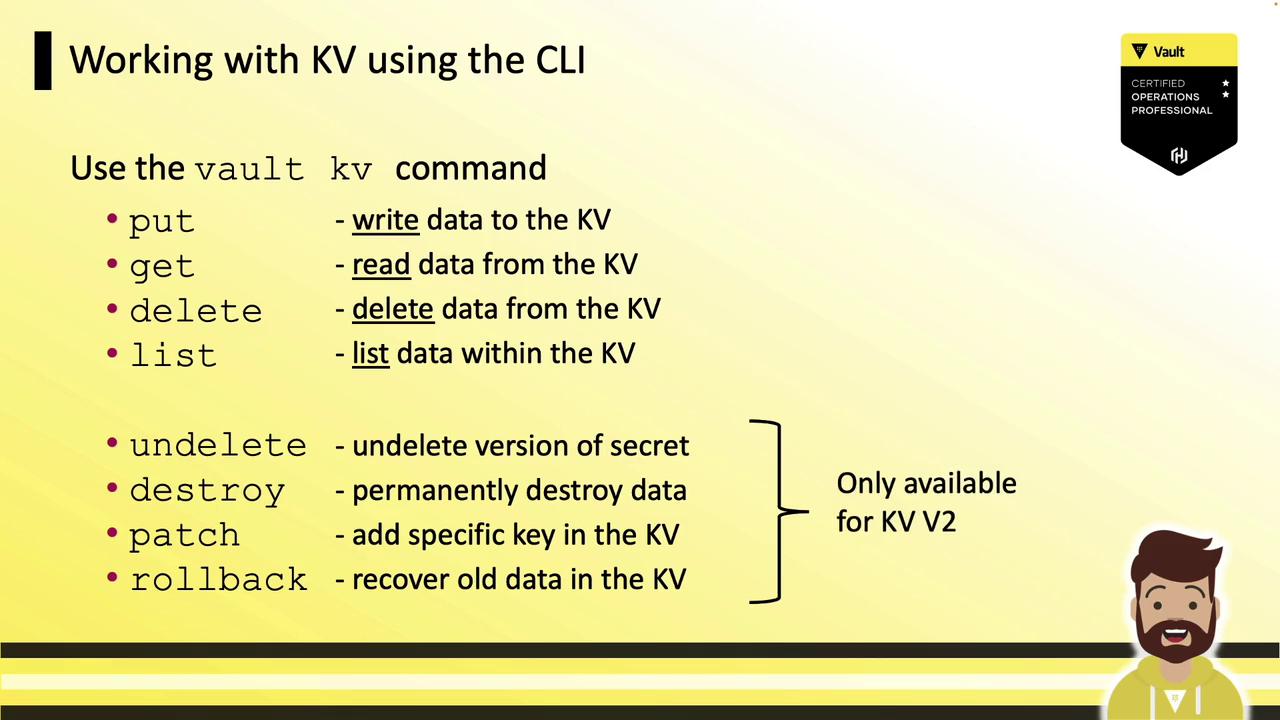
Vault provides a unifiedvault kv command with these core subcommands:
KV v2 adds these metadata and versioning operations:
Comparing KV Version 1 vs. Version 2
Althoughvault kv put kv/app/db pass=123 uses the same syntax in both versions, the output and data paths differ:
KV Version 1
KV Version 2
data/ and returns metadata, including version details.
Writing Secrets to the KV Store
Basic Write
Bulk Write from File
secrets.json and store them at the specified path.
Each
put command replaces the entire data set at that path. It does not merge with existing keys.Overwriting vs. Patching
To overwrite all data:Managing Versions: Rollback
Restore a previous version as the latest:Reading Secrets
Retrieve the latest version:JSON Output
For machine-friendly output, use-format=json or set VAULT_OUTPUT=json:
Working with Specific Versions
- Latest version:
- Specific version (
N):
Deleting and Destroying Secrets
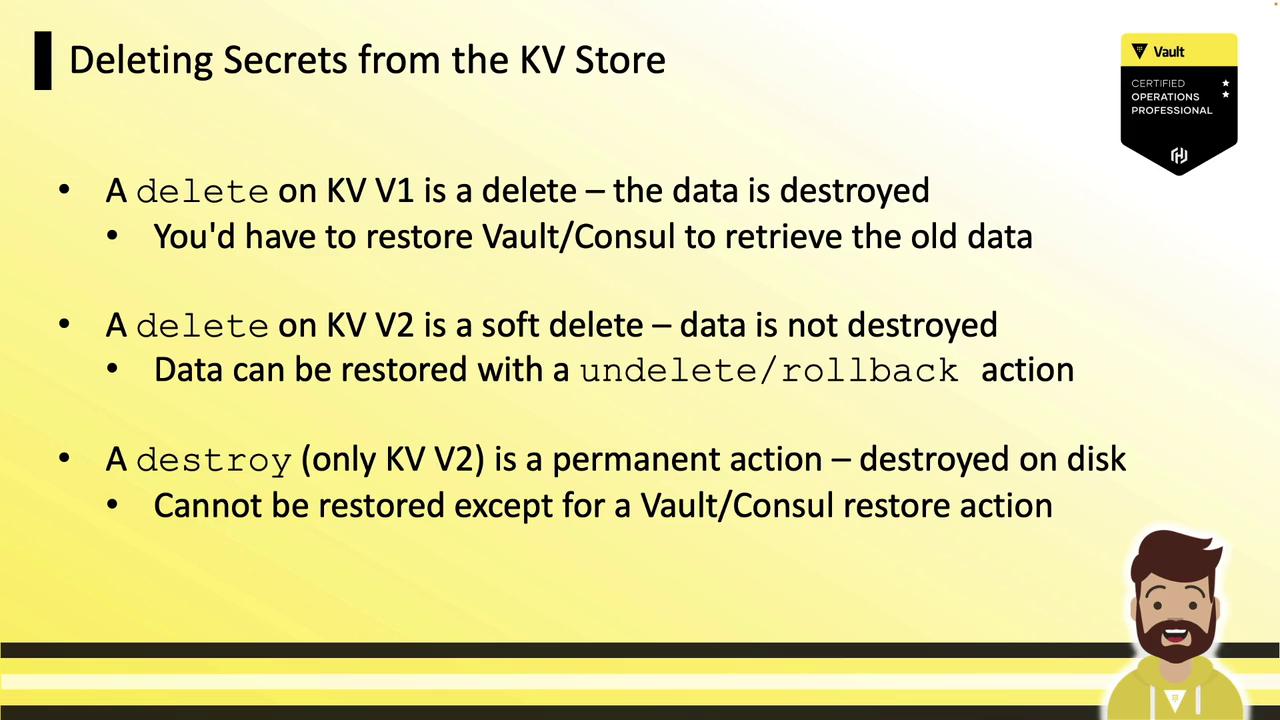
KV Version 1
A delete permanently removes the data:KV Version 2
- delete performs a soft delete (marks data without purging).
- destroy permanently purges specified versions.
Soft Delete
Destroy
Once destroyed, the data cannot be recovered without a snapshot restore.
Summary
Vault’s KV Secrets Engine is your go-to store for arbitrary secrets. KV v2 enhances this with:- Versioning and detailed metadata
- Soft deletes and permanent destroys
- Granular updates via
patch - Recovery operations:
undeleteandrollback