

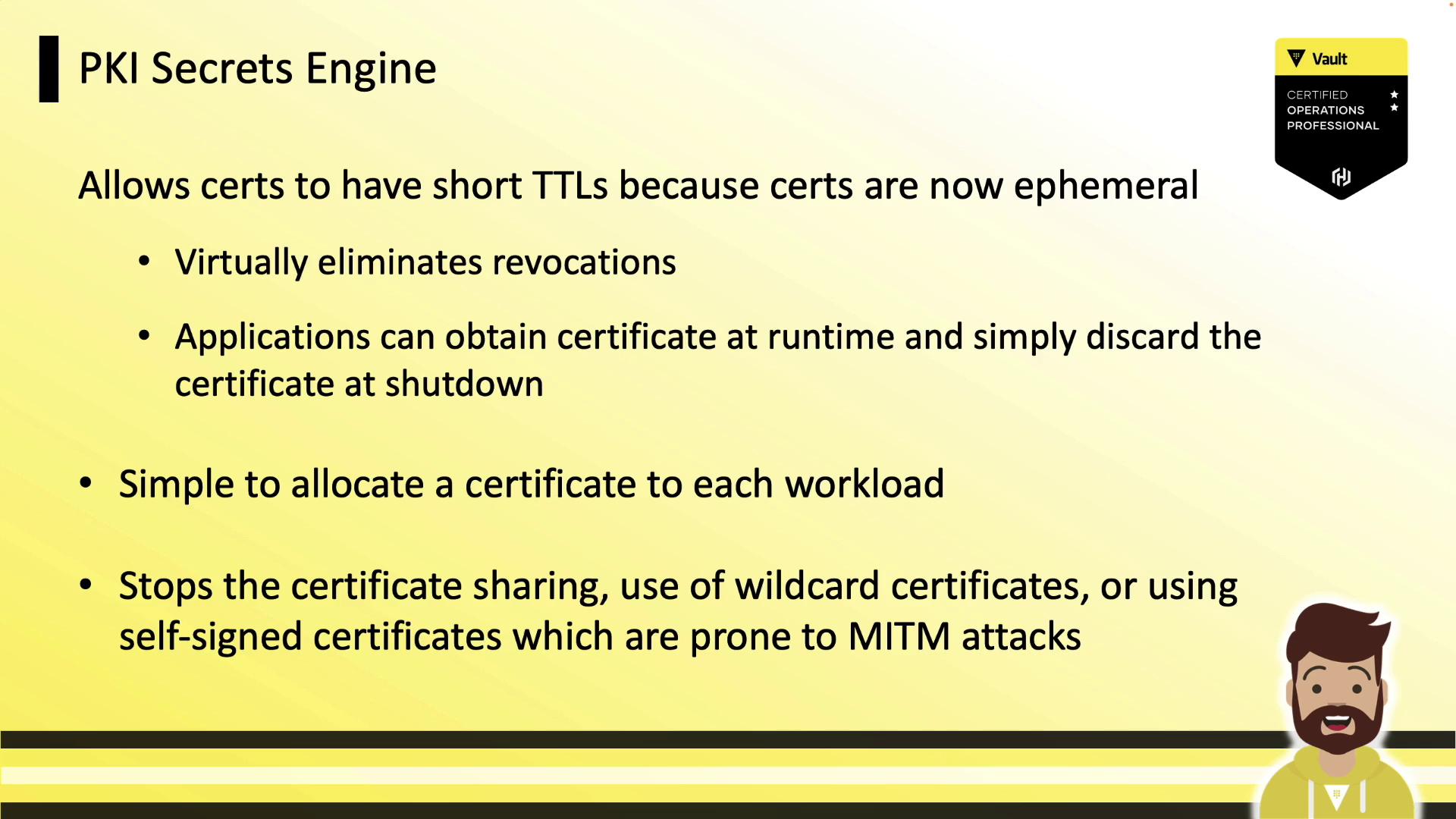
Key Benefits of Vault PKI
Vault as an Intermediate CA
Vault typically functions as an intermediate CA, integrating seamlessly with your offline root CA. The flow is:- Vault generates an intermediate CSR.
- You sign it with the offline root CA.
- You import the signed intermediate certificate into Vault.
- Vault issues end-entity certificates on behalf of your root.
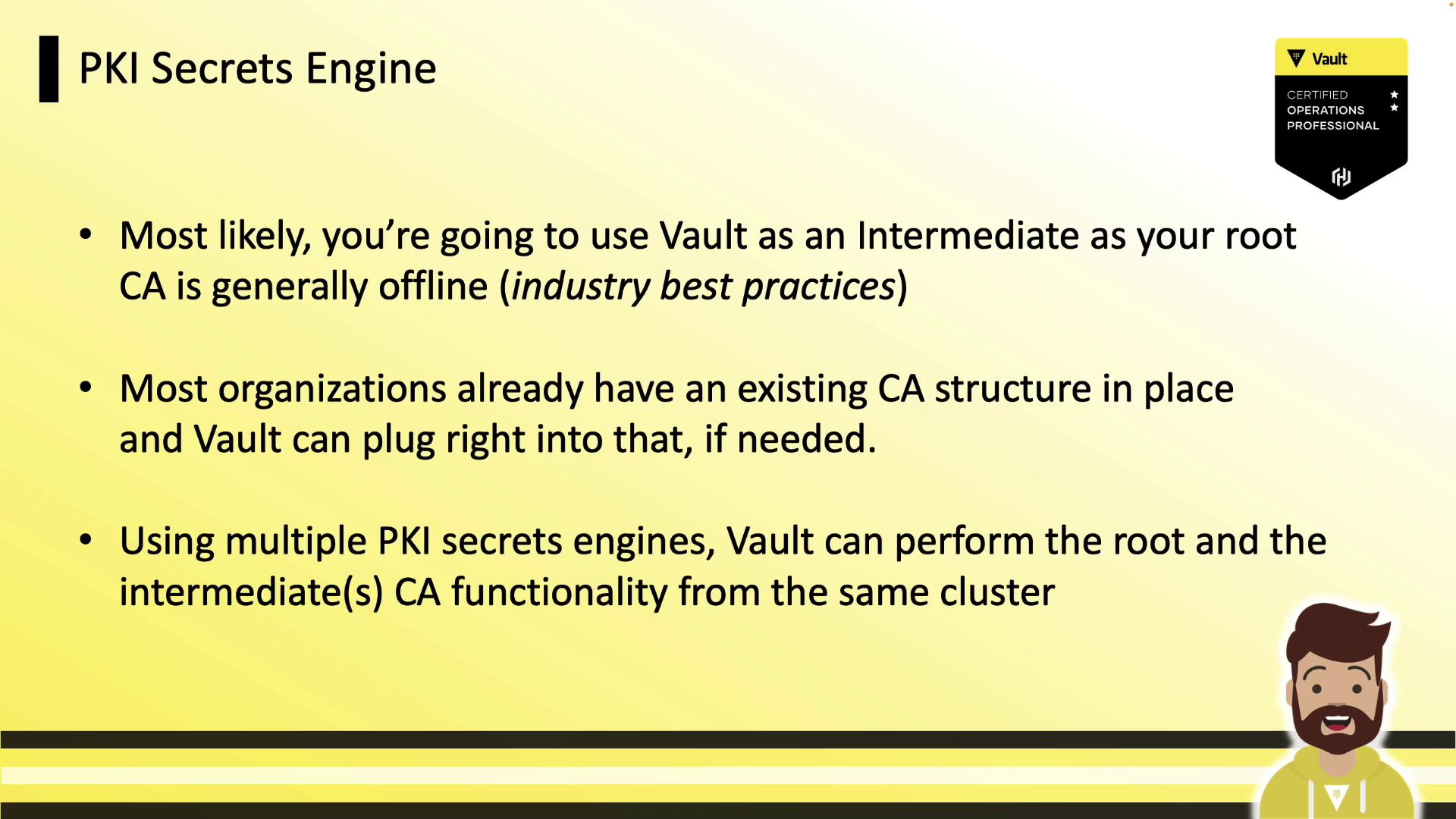
Never expose your root CA online. Keep the root CA offline and only use Vault’s intermediate for runtime operations.
Certificate Management Architecture
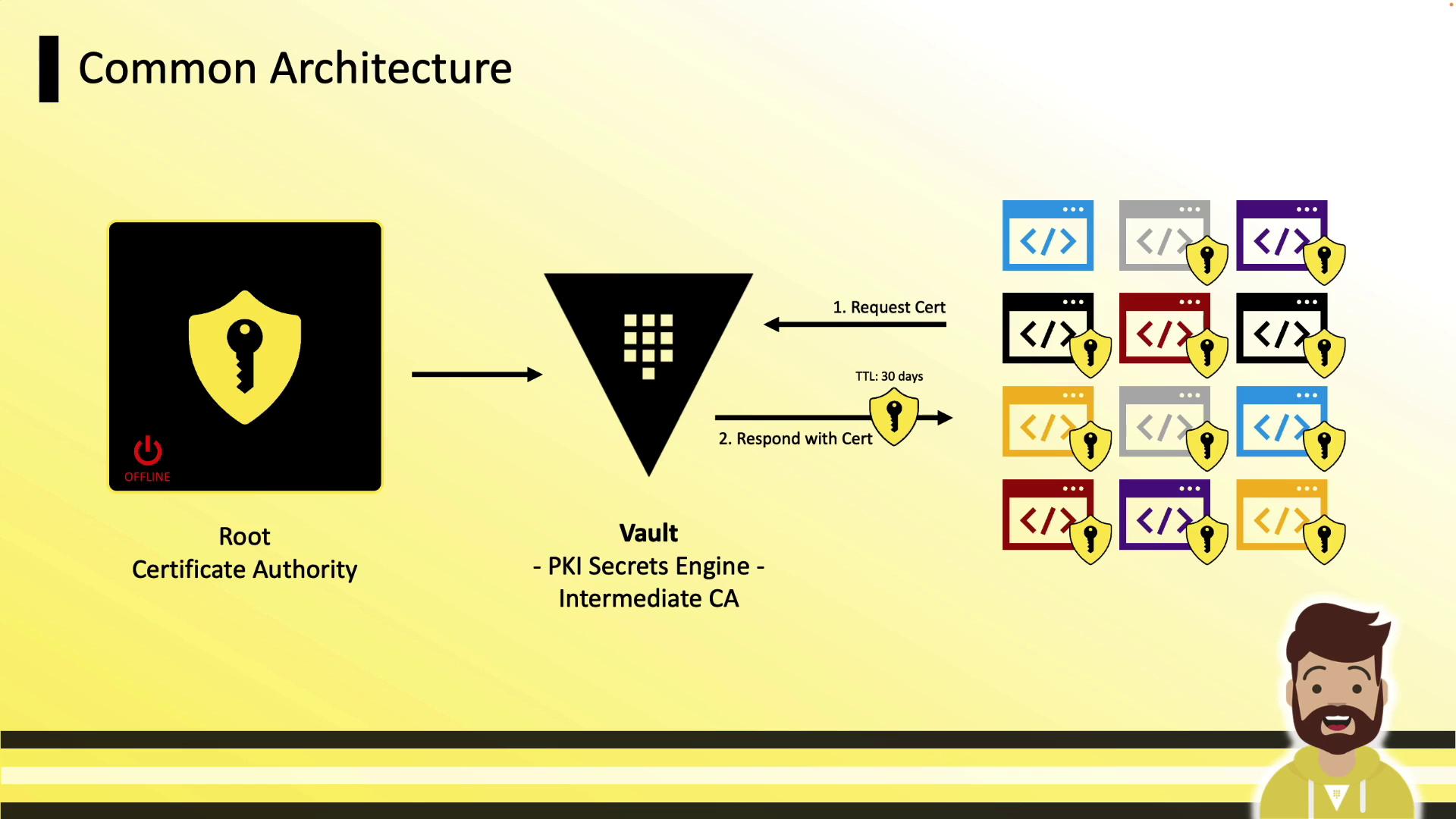
A typical deployment architecture:- Root CA (offline, long-lived)
- Vault running the PKI Secrets Engine (intermediate CA)
- Clients (VMs, containers, applications) that authenticate to Vault and request certificates
Enabling the PKI Secrets Engine
Enable Vault’s PKI engine at the default or a custom path:Tuning the Maximum TTL
Set the maximum lease TTL to enforce certificate lifetimes:Generating and Signing an Intermediate CSR
-
Generate CSR in Vault (outputs JSON, extract CSR):
-
Sign CSR with your offline root CA and save as
intermediate.cert.pem. -
Import the signed certificate back into Vault:
Configuring CA and CRL URLs
Clients fetch the issuer certificate and CRL via these URLs embedded in issued certs:Defining PKI Roles
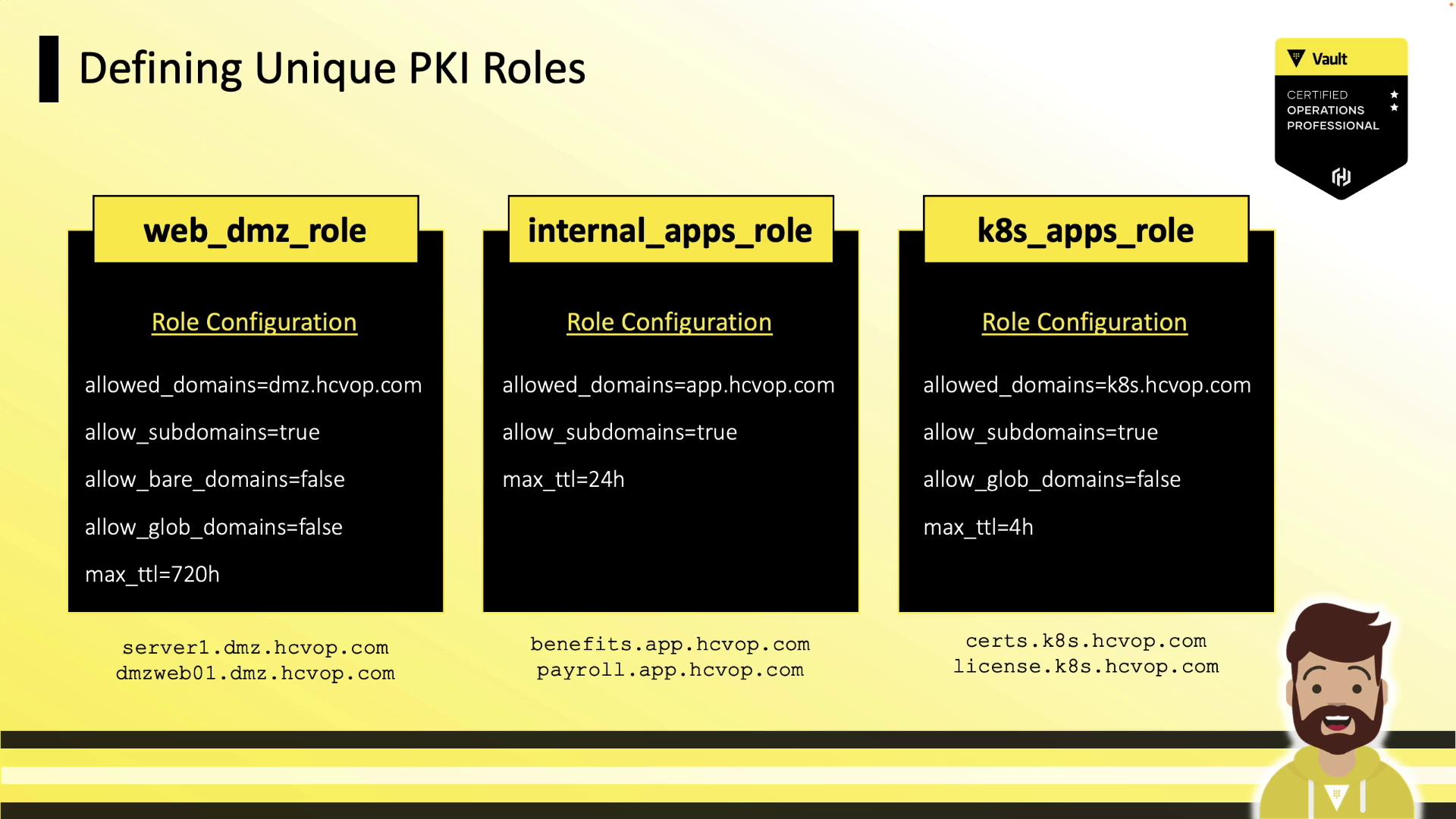
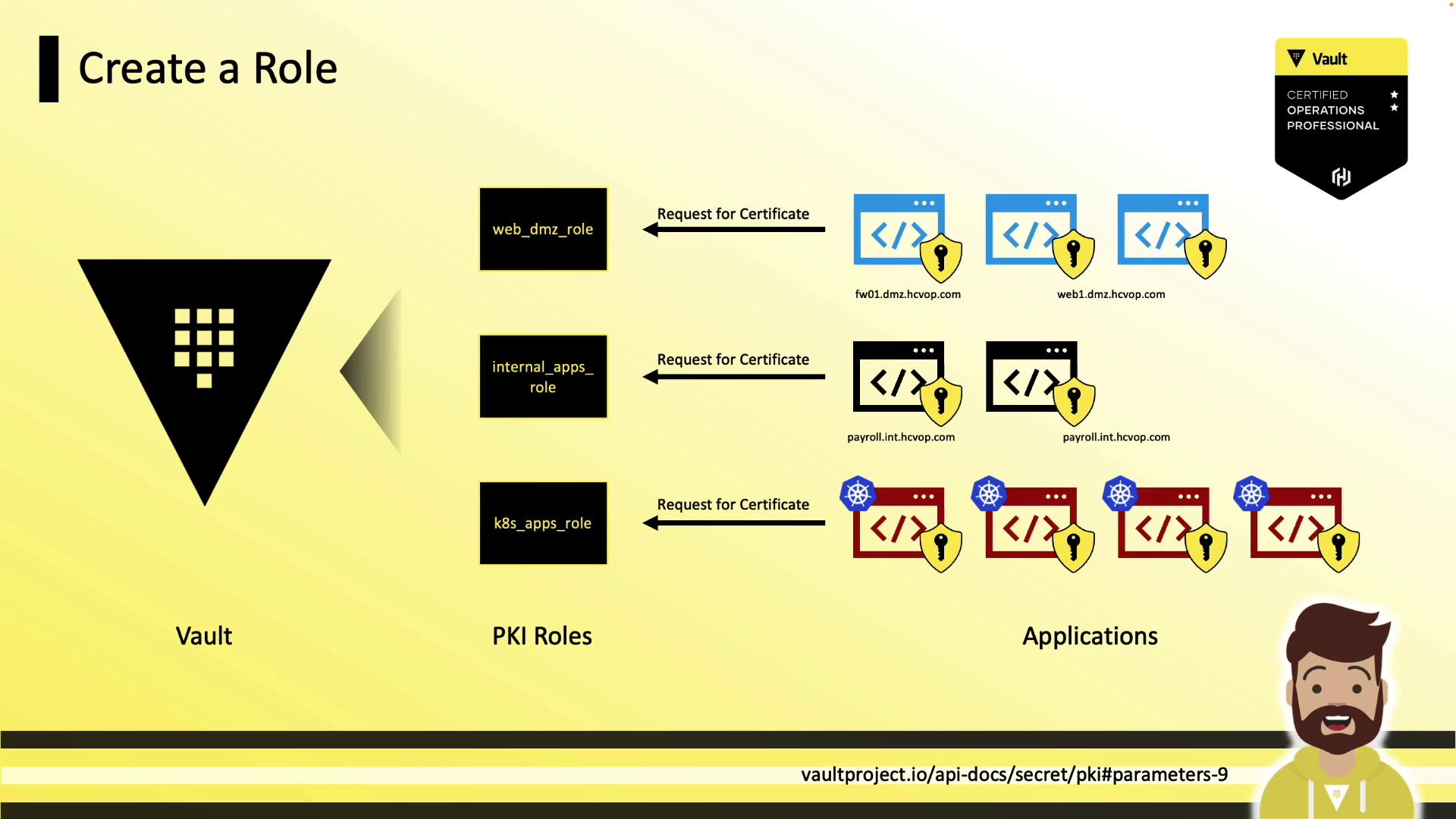
A role in Vault maps policies to certificate settings (allowed domains, TTLs, SANs).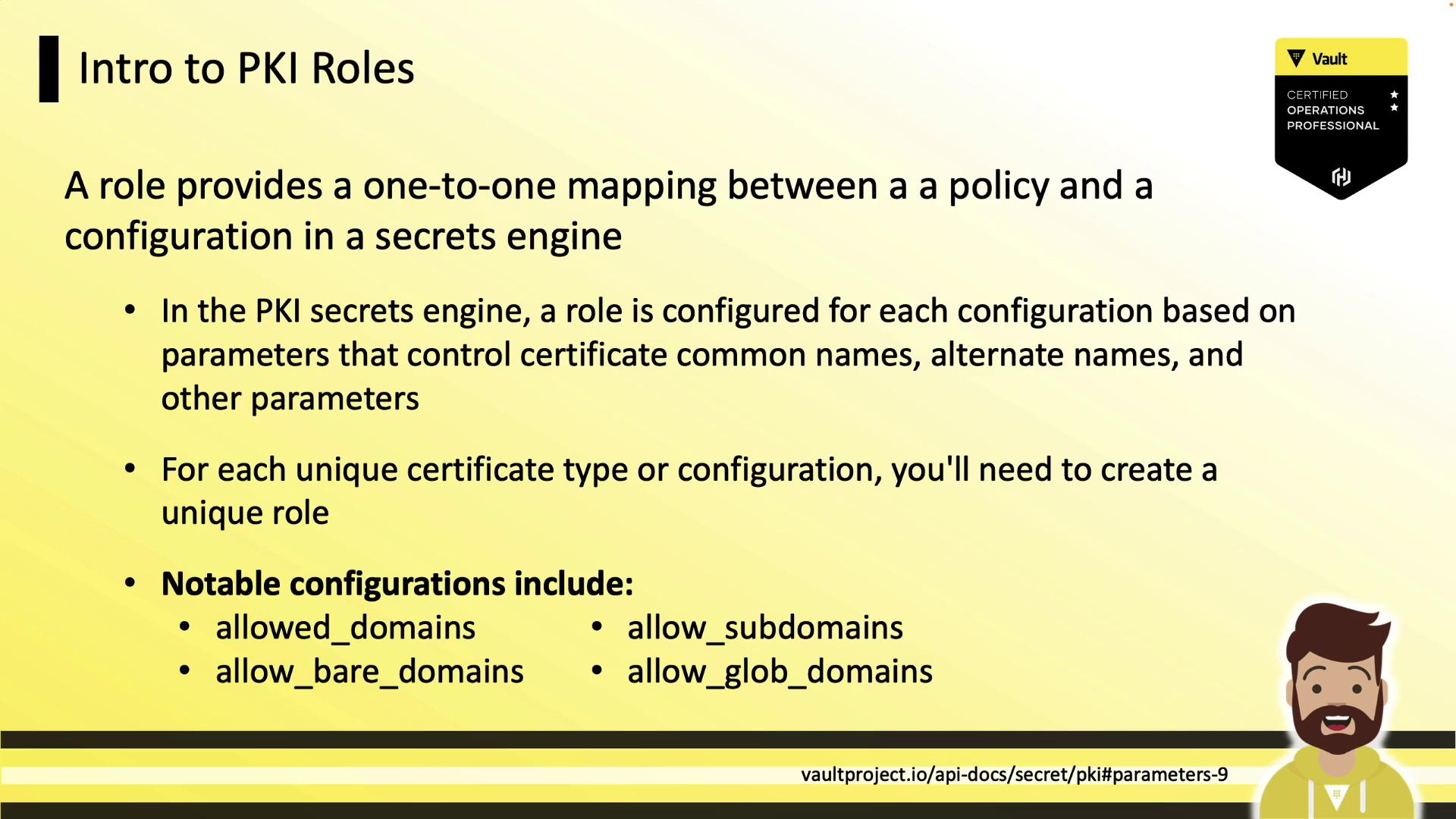
Example Role Configurations
Creating a PKI Role
Issuing Certificates
Issue a certificate for a given role:certificate: TLS certificate (PEM)issuing_ca: CA certificate chain (Vault intermediate)private_key: Private key (returned only once)private_key_type: Key algorithm (e.g., rsa)serial_number: Unique cert serial number
Always save the
private_key immediately; Vault does not retain it for later retrieval.Revoking Certificates
Revoke by serial number:Cleaning Up the Certificate Store
Periodically tidy expired and revoked certificates:References
- Vault PKI Secrets Engine
- Vault Authentication Methods
- X.509 Certificate Profile
- Managing Certificate Revocation List (CRL)