

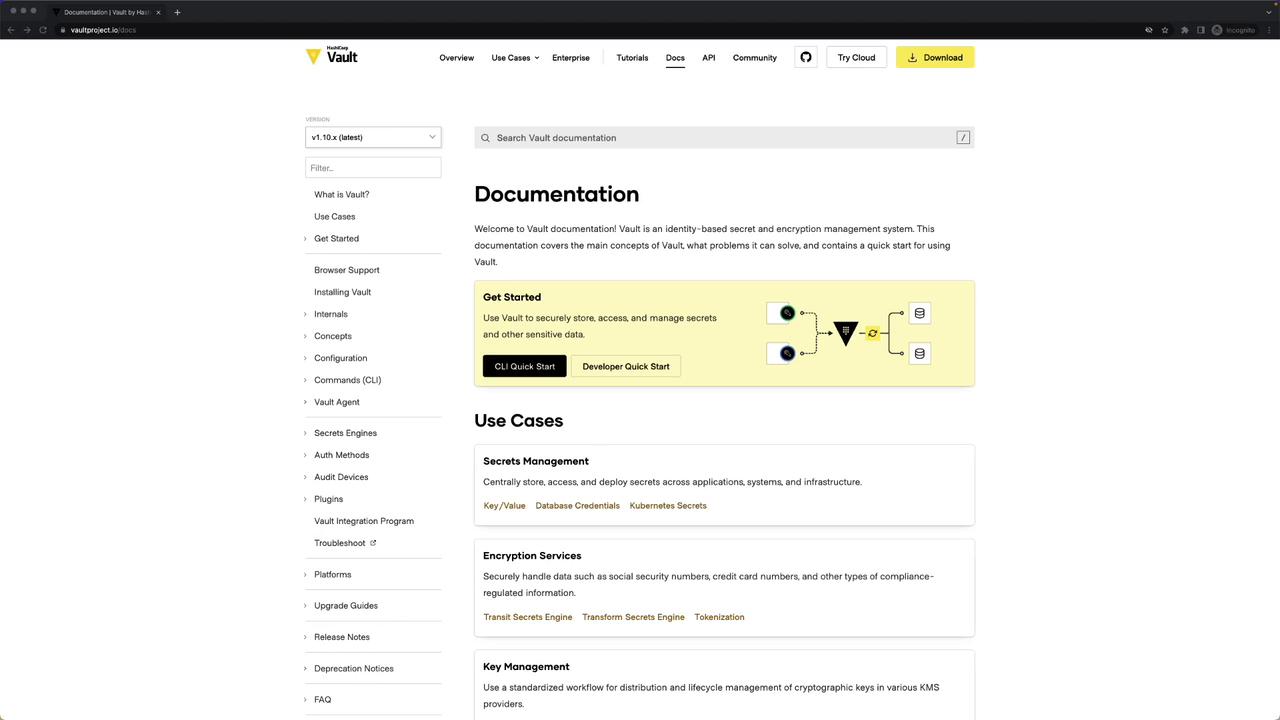
Documentation Structure Overview
The left-hand navigation pane organizes Vault content into high-level concepts and detailed references. Use this table to focus your study on exam-relevant topics:1. Configuration
Vault’s Configuration section covers everything in your server’s HCL file—listeners, seal backends, storage, UI, telemetry, and more.1.1 Listener Configuration
Vault supports a single listener type: TCP.Key parameters:
addresscluster_addresstls_disabletls_cert_filetls_key_file
Disabling TLS (
tls_disable = true) is insecure. Only use in development or isolated test environments.
1.2 Seal Configuration
Choose a seal backend to protect the master key. Examples:1.3 Storage Backend
Example: Integrated Raft storage for HA.2. CLI Commands
Vault’s Commands reference documents every subcommand. Common ones include:vault operator for Raft snapshots, key rotation, and more.
3. Vault Agent
Vault Agent automates authentication, token caching, template rendering, and secret synchronization.Auto-Auth with AppRole
4. Secrets Engines
Enable and configure Secrets Engines to manage credentials dynamically:4.1 Database Engine (MySQL)
4.2 Database Engine (PostgreSQL)
4.3 AWS Engine
5. Authentication Methods
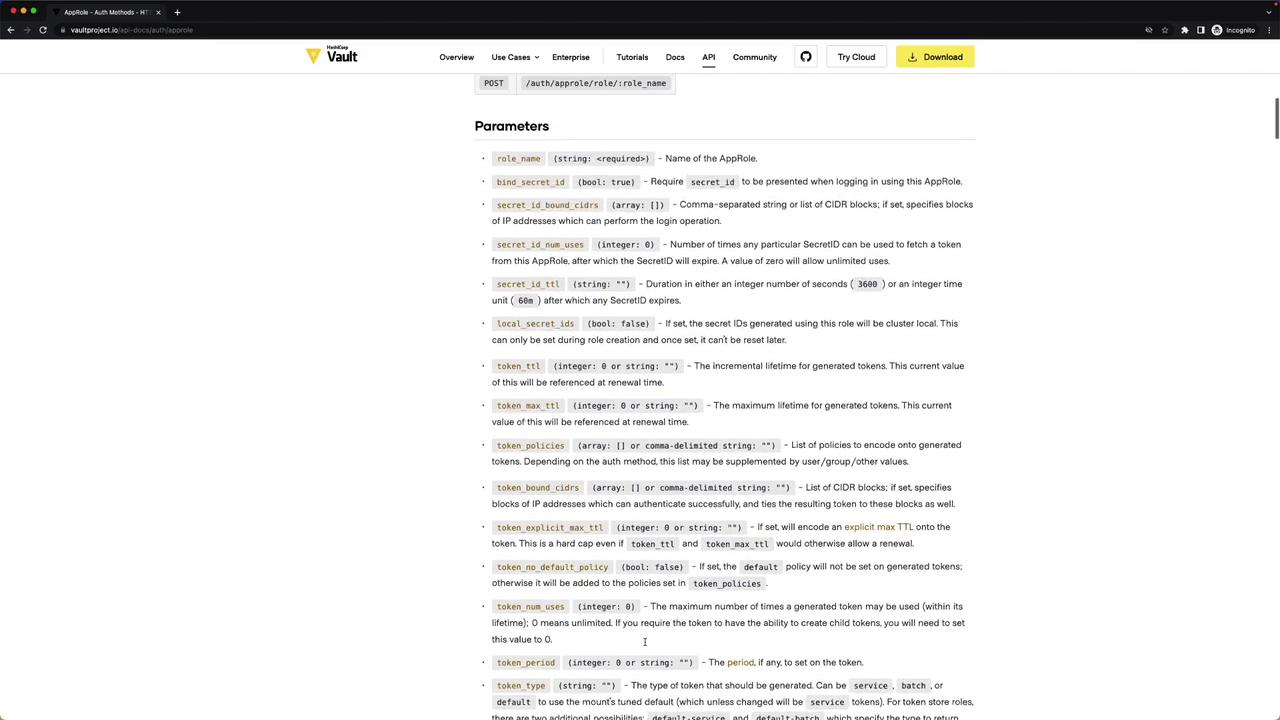
Enable and configure Auth Methods for user and machine identities.5.1 AppRole Example
6. Audit Devices
Vault’s Audit Devices record all API requests and responses. Examples:7. API Documentation
If a parameter or endpoint isn’t in the primary docs, click the API tab at the top of each section to access the full reference. This includes:- Secrets Engines
- Auth Methods
- System Backend
- Audit and Metrics
By mastering these sections—Configuration, CLI, Vault Agent, Secrets Engines, Auth Methods, Audit Devices, and the API reference—you’ll be able to quickly find examples and parameter details during your Vault Professional exam. Good luck!