

- Vault v1.10.0-ent or later
- AWS CLI v2 configured with sufficient IAM permissions
- A customer-managed AWS KMS key in the desired region
- Basic knowledge of Vault CLI and AWS IAM
Table of Contents
- Initial Vault Configuration
- Start Vault Server
- Initialize & Unseal Vault
- Enable KV Secrets Engine
- Configure AWS KMS Auto-Unseal
- Grant AWS IAM Permissions
- Set AWS Credentials
- Restart & Migrate Seal
- Validate Auto-Unseal
1. Initial Vault Configuration
Create avault.hcl with Raft storage and default Shamir sealing (no seal stanza yet):
2. Start Vault Server
Launch Vault with the above configuration:3. Initialize & Unseal Vault
-
Check status:
Expected output:
-
Initialize Vault with 1 key share and threshold:
Save the Unseal Key and Initial Root Token.
-
Unseal Vault:
-
Login:
-
Verify unseal:
4. Enable KV Secrets Engine
Enable the KV (Key/Value) secrets engine and add a sample secret:5. Configure AWS KMS Auto-Unseal
Editvault.hcl to include the seal stanza for AWS KMS:
5.1 Retrieve KMS Key ARN
In the AWS KMS console, copy your customer-managed key ARN: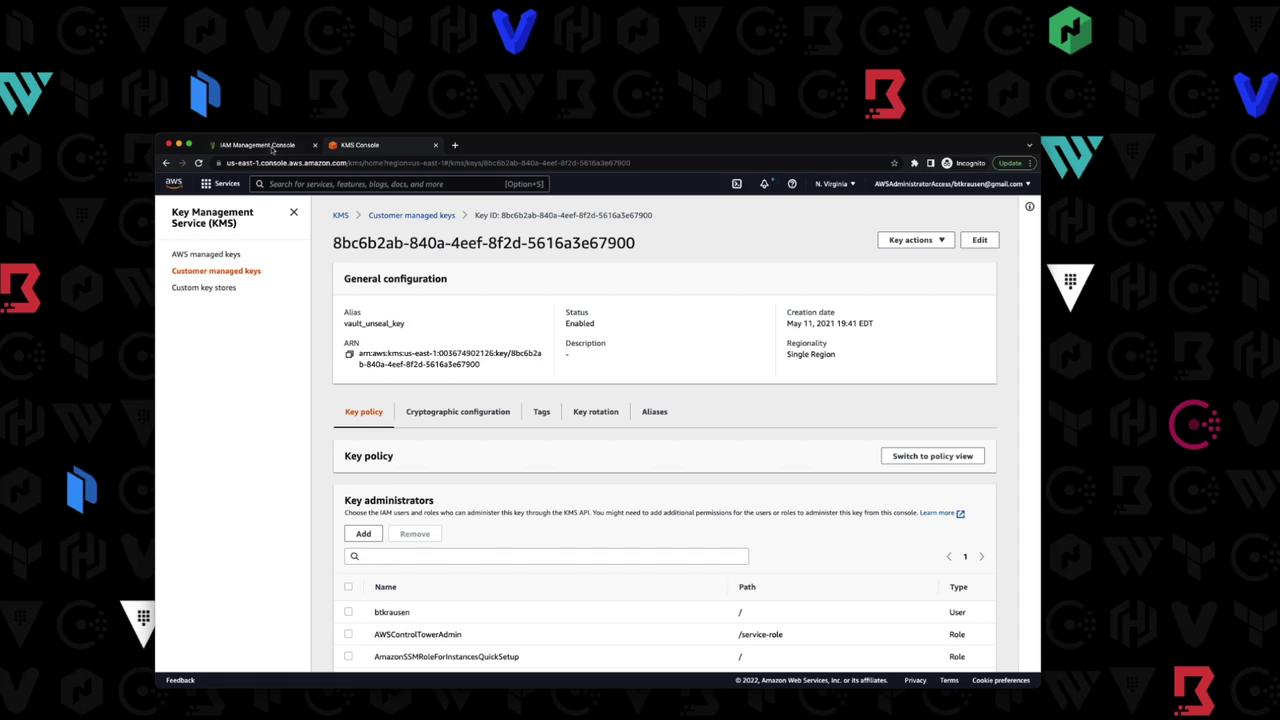
6. Grant AWS IAM Permissions
Create an IAM user with programmatic access and attach a policy allowing Vault to use the KMS key.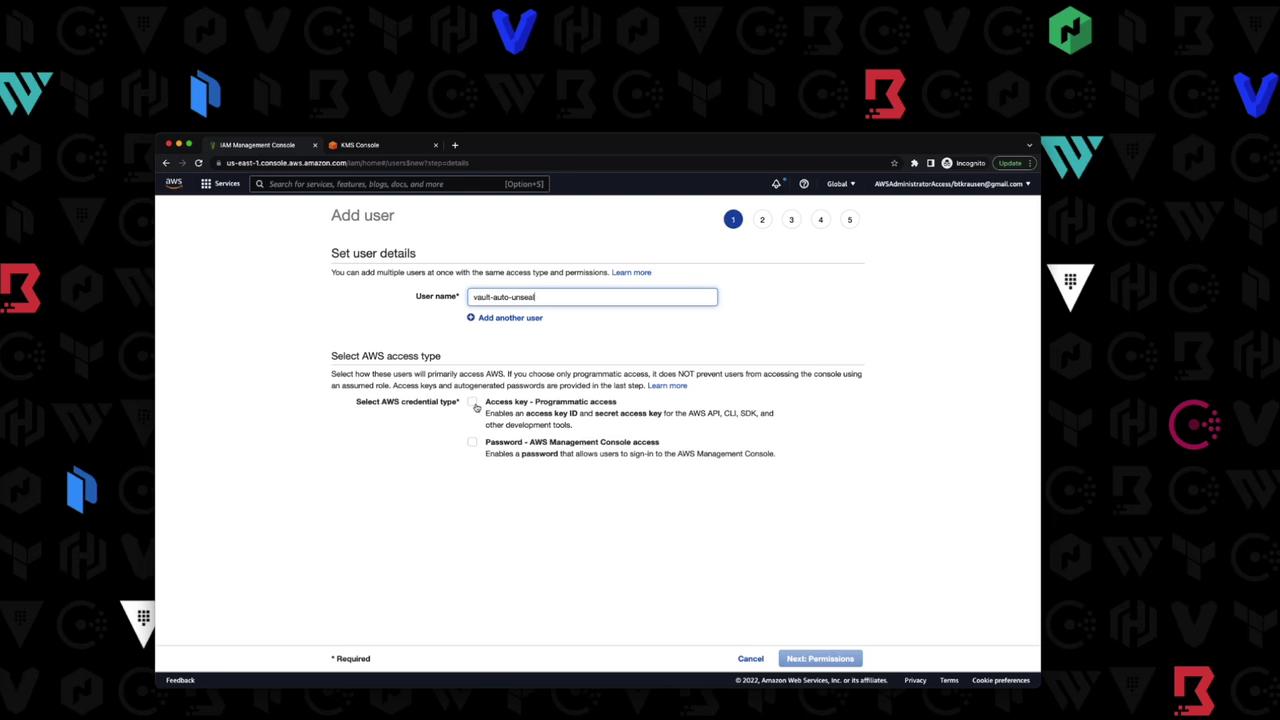
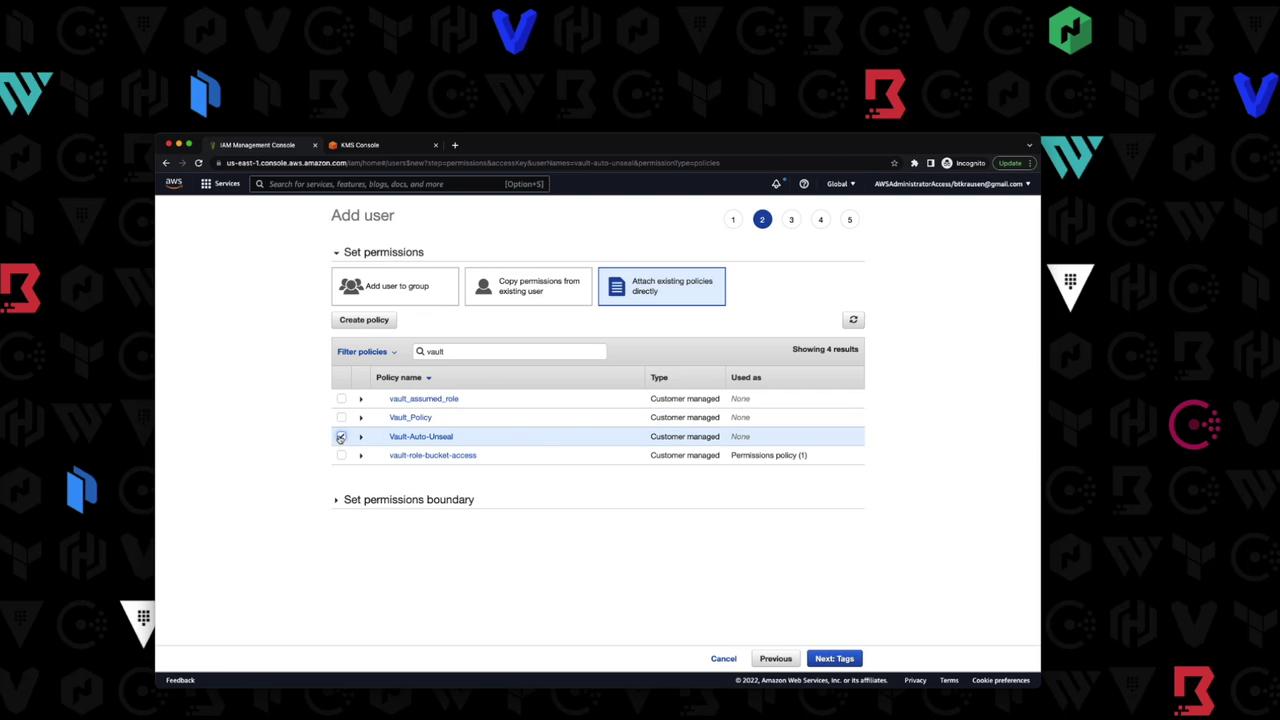
7. Set AWS Credentials
In your shell, export the IAM user credentials and region:Perform seal migration only in a non-production environment first. Ensure you have backups of your unseal keys before proceeding.
8. Restart & Migrate Seal
-
Stop the Vault process (
Ctrl+C). -
Restart with the updated
vault.hcl: -
You’ll see:
-
Migrate the seal:
Successful output:
9. Validate Auto-Unseal
-
Stop and start Vault again:
-
Look for:
-
Confirm seal type:
The
Seal Typeshould beawskmsandSealedshould befalse.
You have now configured Vault with AWS KMS auto-unseal, migrated from Shamir, and verified the process. For more details, see: