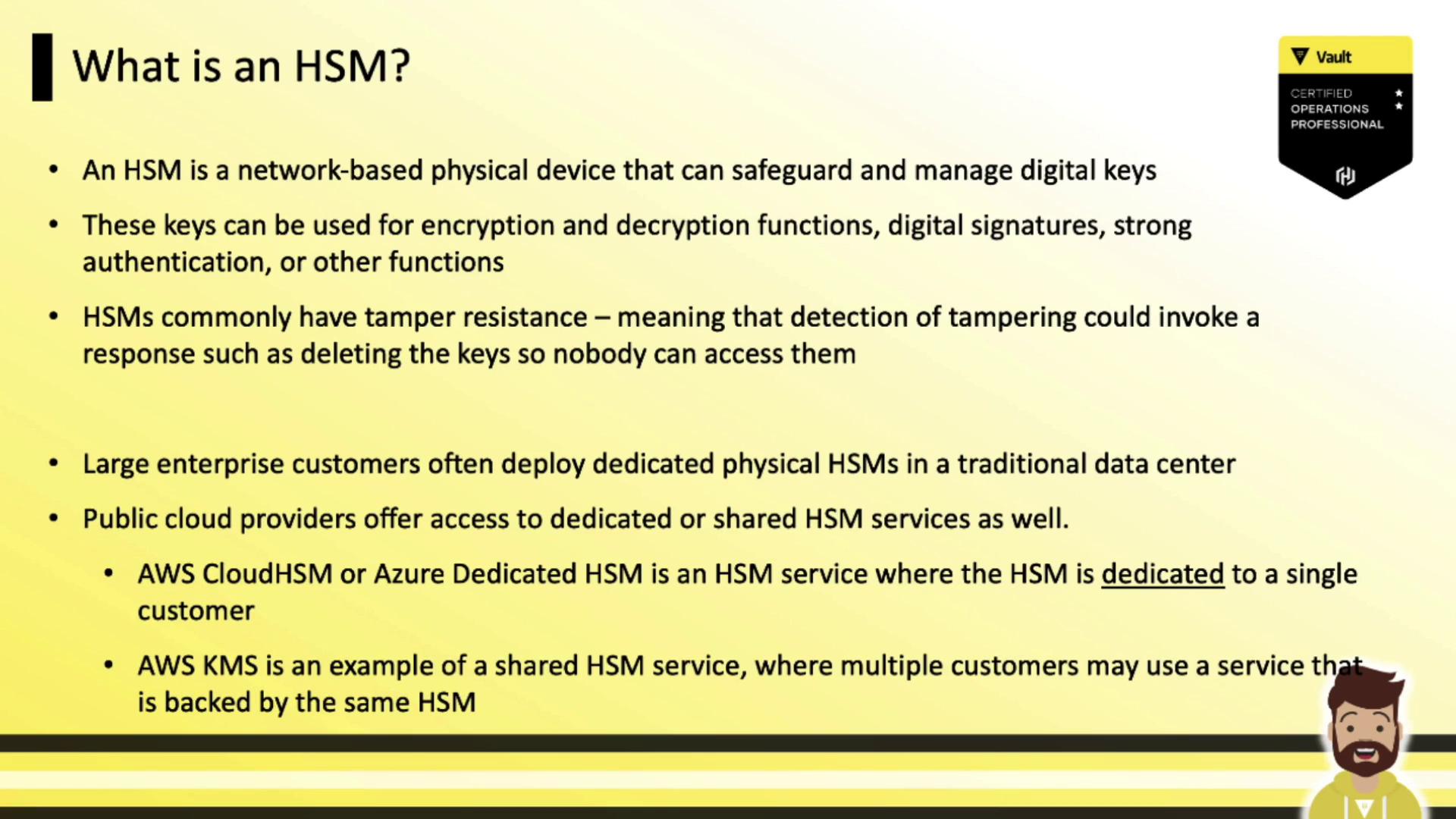
- Encrypting/decrypting data
- Digital signatures
- Strong authentication
- Secure key storage
- AWS CloudHSM
- Azure Dedicated HSM
- AWS KMS (shared HSM-backed)
- Azure Key Vault (shared HSM-backed)
Vault Enterprise HSM Support
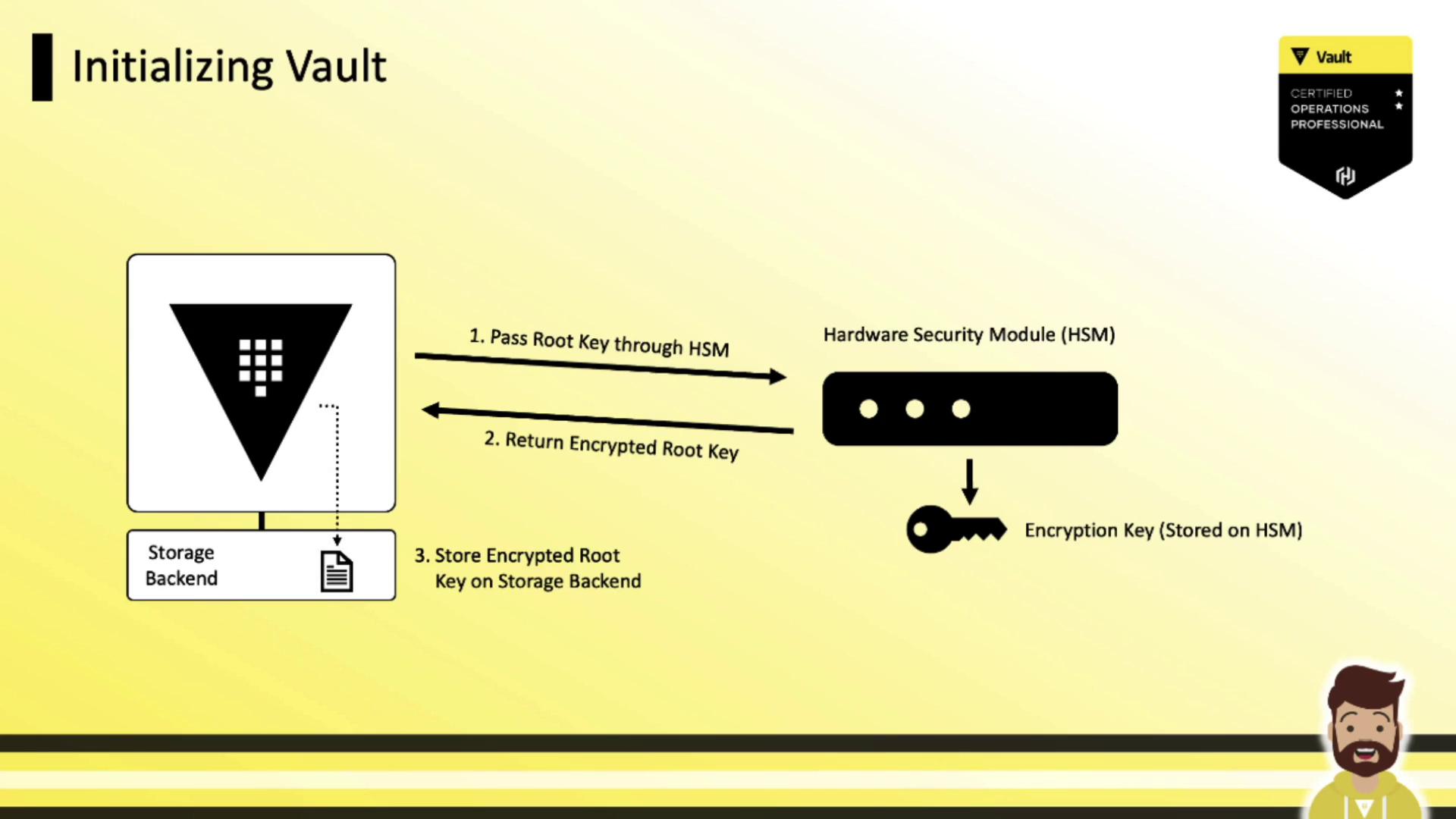
Vault Enterprise integrates with any HSM that supports the PKCS#11 standard. Key features include:
To use these features, download the Vault Enterprise HSM–enabled binary (suffix
+ent+hsm) from releases.hashicorp.com.
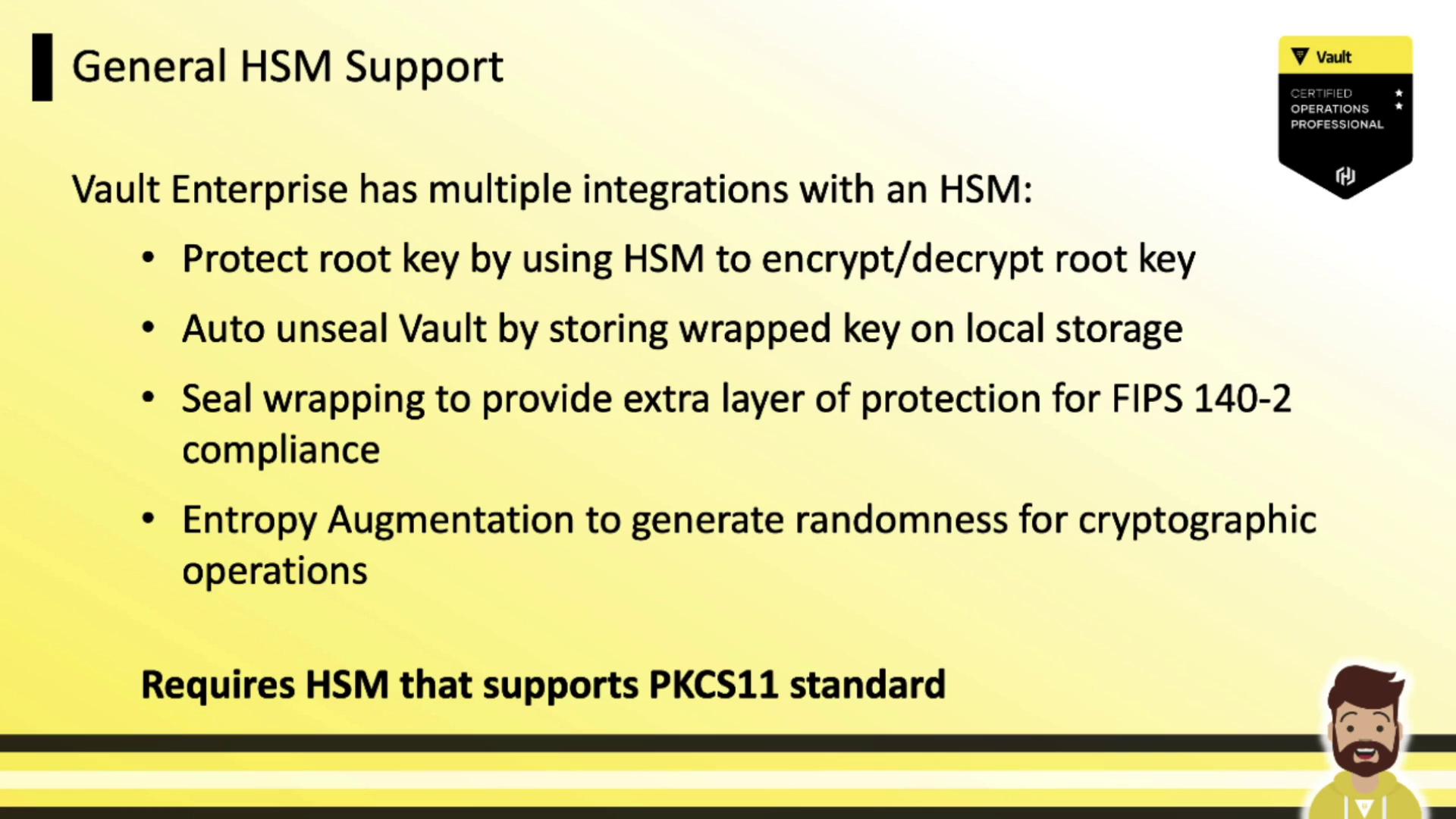
HSM in Vault Initialization
When initializing Vault with HSM auto unseal:- Vault generates the root key.
- Vault submits the root key to the HSM.
- The HSM encrypts it with its internal key and returns ciphertext.
- Vault stores the encrypted root key on its backend.
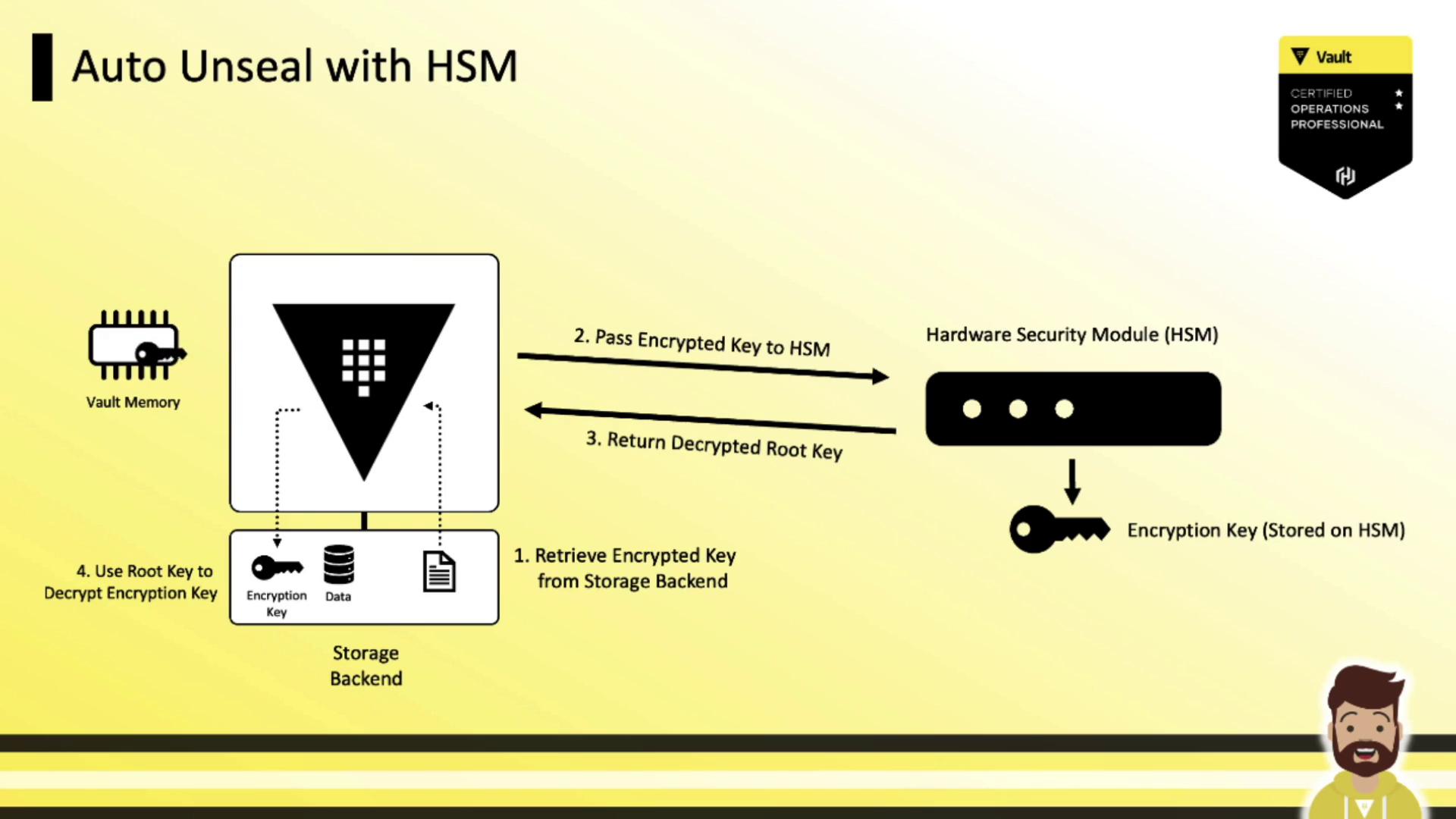
Auto Unseal Flow
On each Vault restart, auto unseal follows these steps:- Retrieve the encrypted root key from the storage backend.
- Send the ciphertext to the HSM for decryption.
- Receive the plaintext root key from the HSM.
- Use the root key to decrypt Vault’s data-encryption key.
- Keep the data-encryption key in memory to handle storage encryption/decryption.
Configuring the PKCS#11 Seal Stanza
Add aseal "pkcs11" block to your Vault HCL configuration to enable HSM auto unseal:
Avoid embedding sensitive values (like the HSM PIN) directly in a world-readable file.
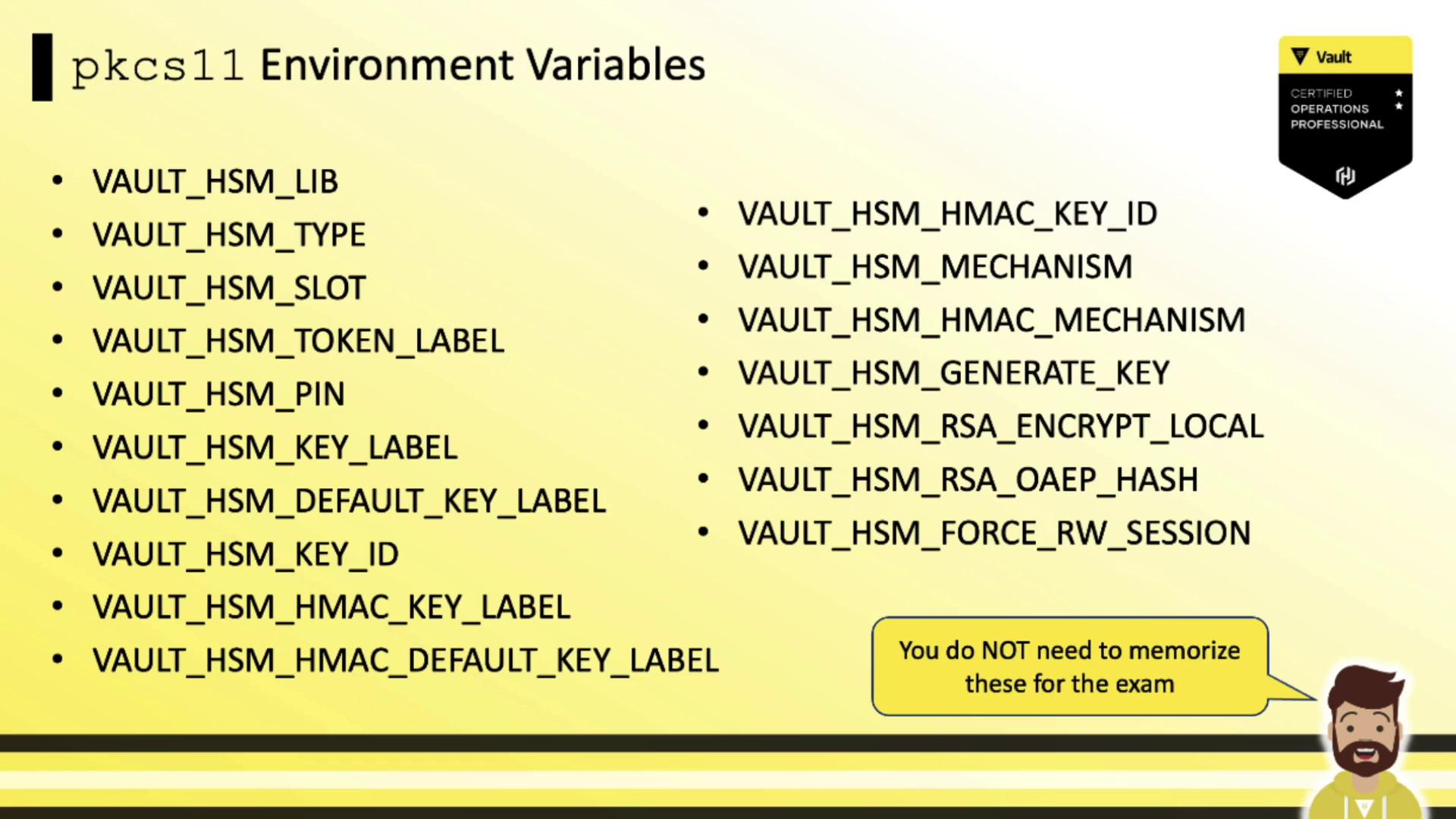
Vault supports environment variables for all PKCS#11 parameters so you can inject secrets at runtime without exposing them on disk.
Vault supports environment variables for all PKCS#11 parameters so you can inject secrets at runtime without exposing them on disk.