

Control groups are rarely used in production environments but are essential for high-security workflows and exam preparation.
What Are Control Groups?
By default, Vault evaluates:- The token’s attached ACL policies
- Any Sentinel policies applied to the token or path
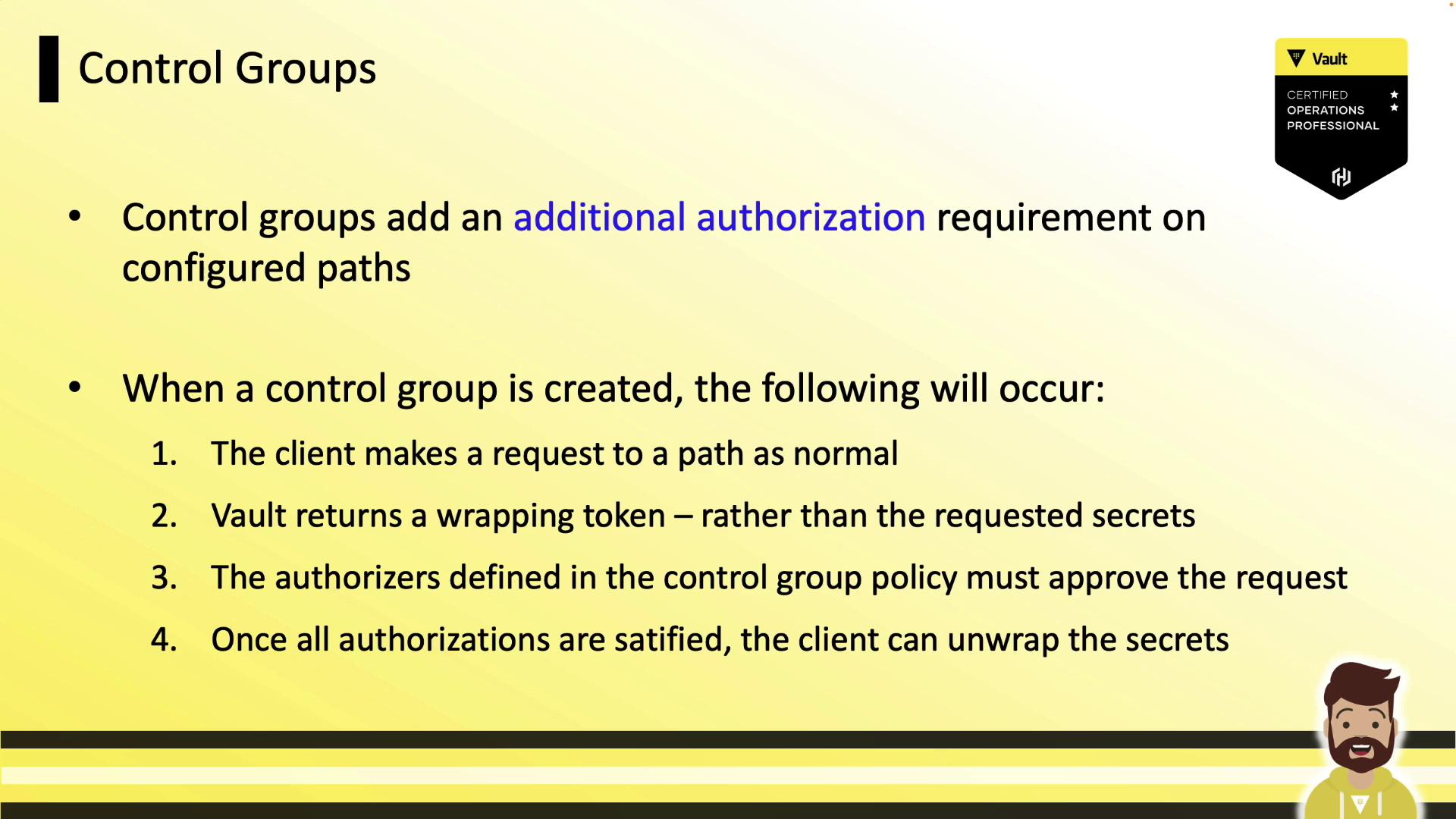
Control Group Factors
You can define control group requirements in:- ACL policies
- Sentinel policies
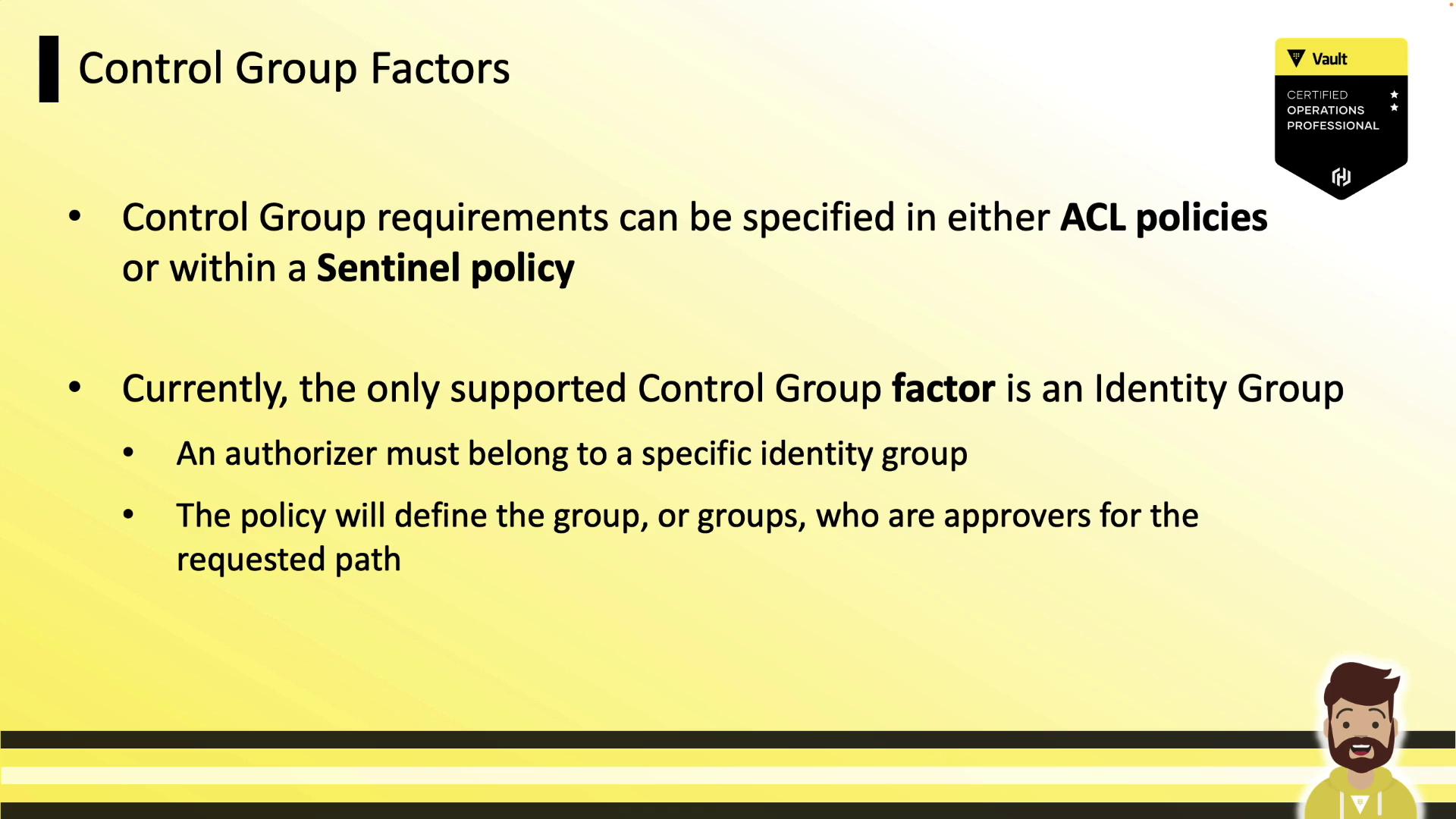
Control Group Workflow
When a control group is applied, Vault follows this sequence: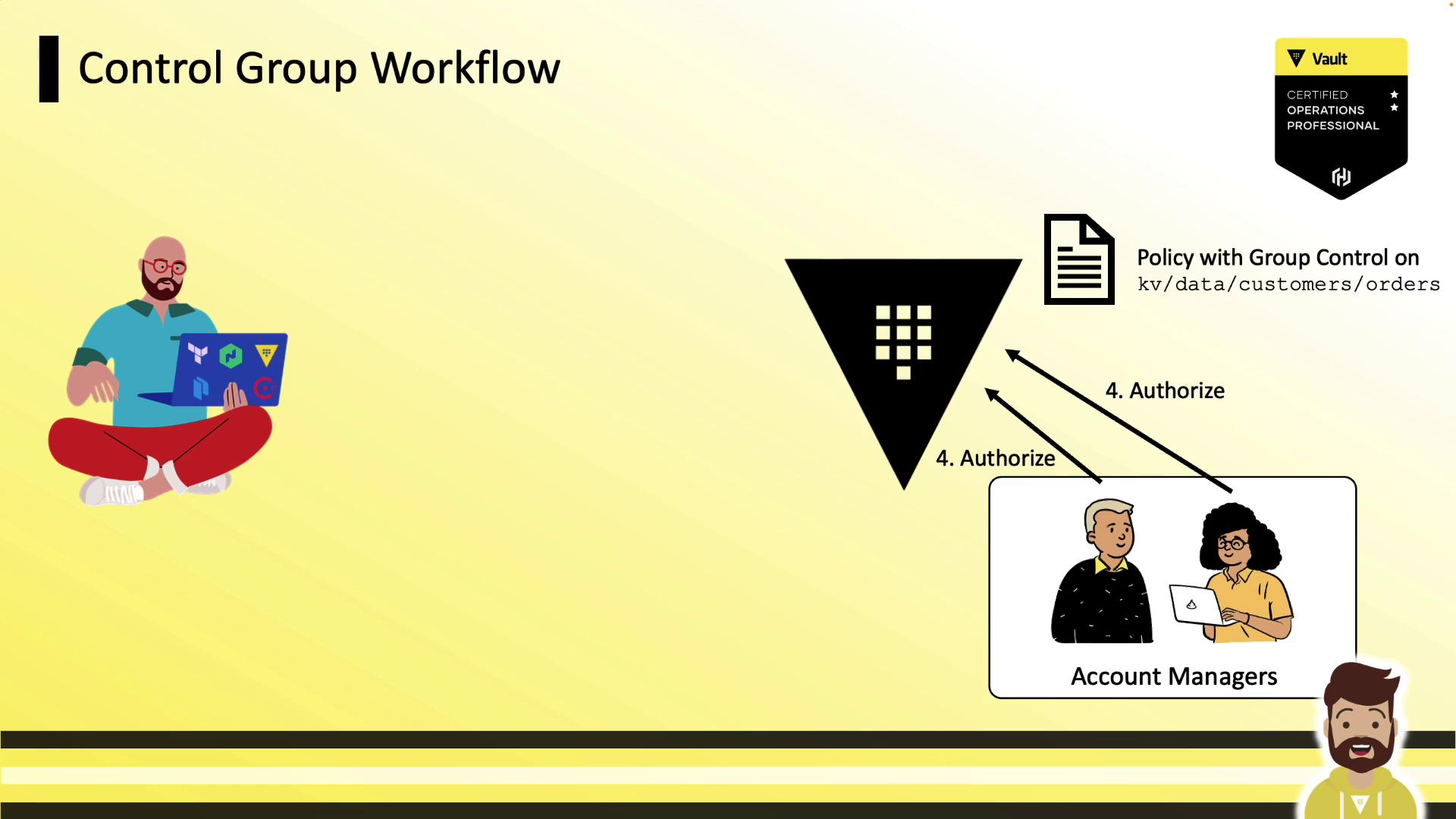
- Client requests a secret at the protected path.
- Vault returns a wrapping token instead of the secret.
- Client shares the wrapping token’s accessor with the approvers.
- Approvers submit the accessor back to Vault to authorize the request.
- Once all approvals are met, the client runs
vault unwrapto retrieve the secret.
1. Client Receives a Wrapping Token
A standard read on a protected path yields wrapping info:accessor to the designated approvers.
2. Approvers Authorize the Request
Approvers log in (CLI or UI) and run: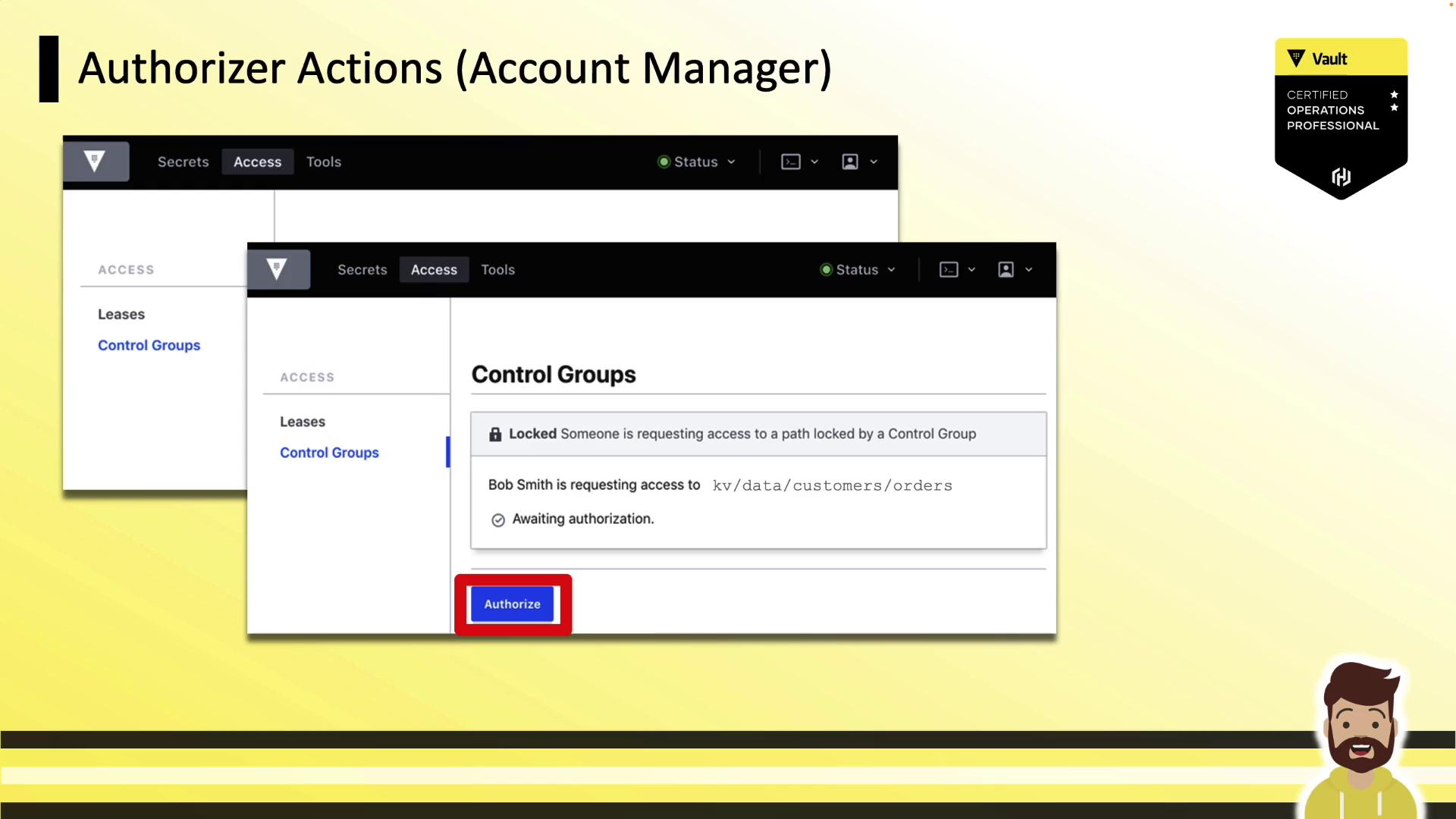
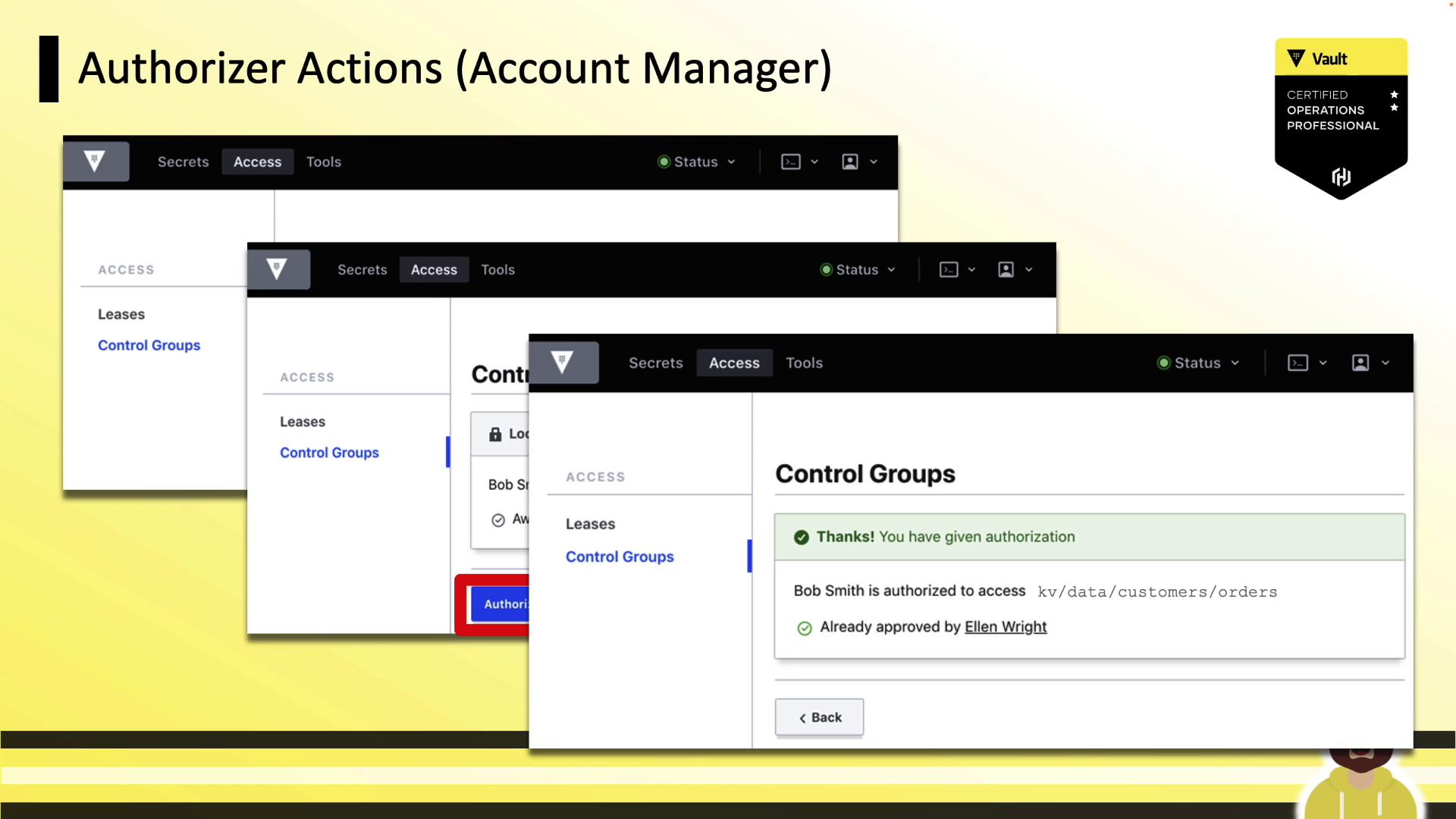
3. Client Unwraps the Secret
After approvals: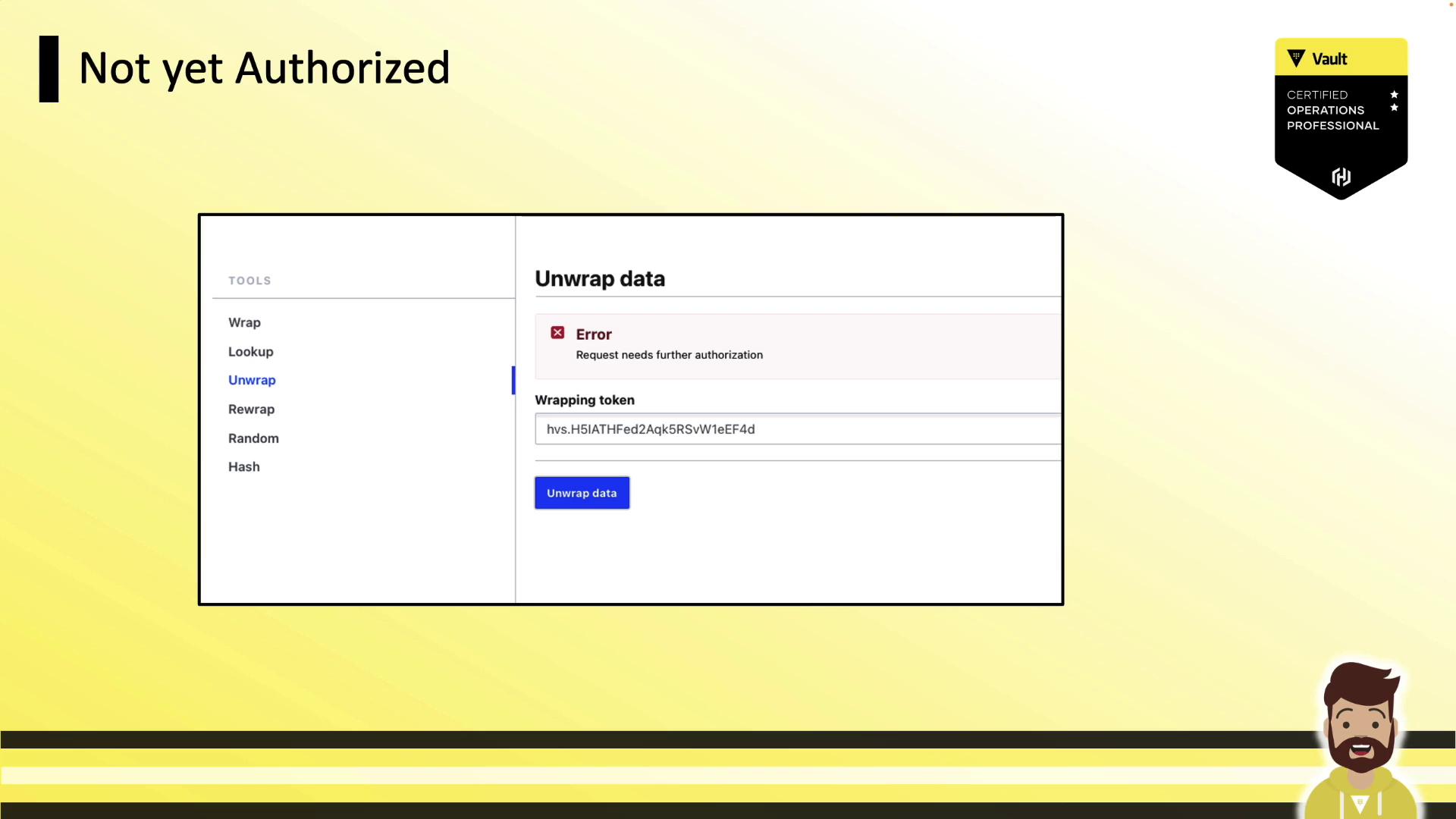
Defining Control Groups in ACL Policies
The following ACL policy requires two approvals from theaccount-managers group on path kv/data/customers/orders:
factor blocks or specify multiple group_names for more complex authorization schemes.
Defining Control Groups in Sentinel Policies
Control groups can also be enforced in Sentinel as an External Governance Policy (EGP). This example requires at least two approvals fromaccount-managers:
Demo: Control Groups in Action
-
Authenticate with a token that has a control-group policy:
-
Request the secret:
-
Share the
wrapping_accessorwith approvers and await authorization. -
Unwrap the token once all approvals are in place: