

What Is Auto-Unseal?
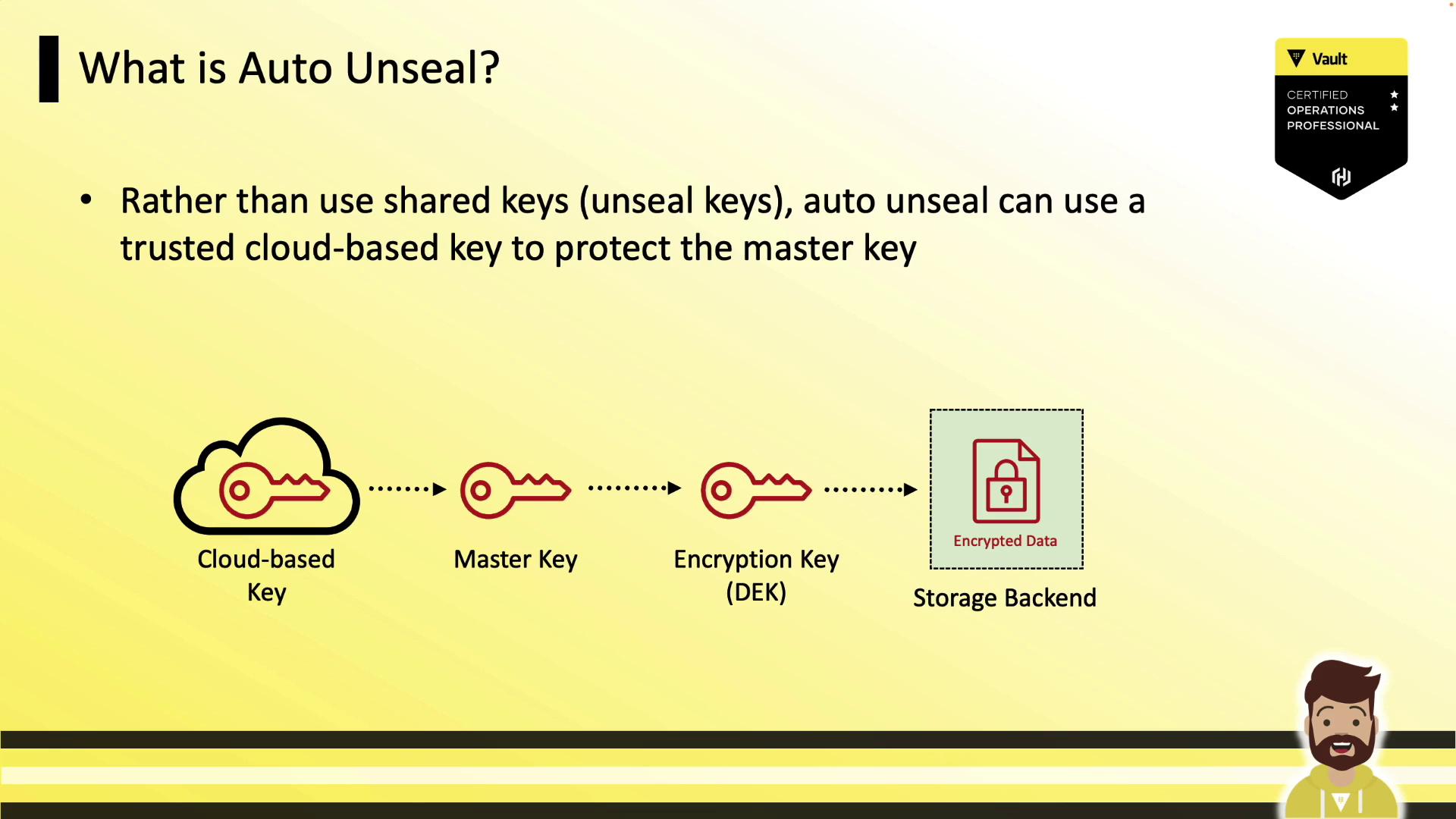
By default, Vault uses Shamir’s Secret Sharing to protect its master key. Administrators must supply a threshold of unseal key shares (e.g., 3 out of 5) each time Vault starts. Auto-unseal simplifies this by delegating master key encryption and decryption to a trusted cloud KMS. When Vault launches, it contacts the configured KMS to decrypt the master key, avoiding manual key entry.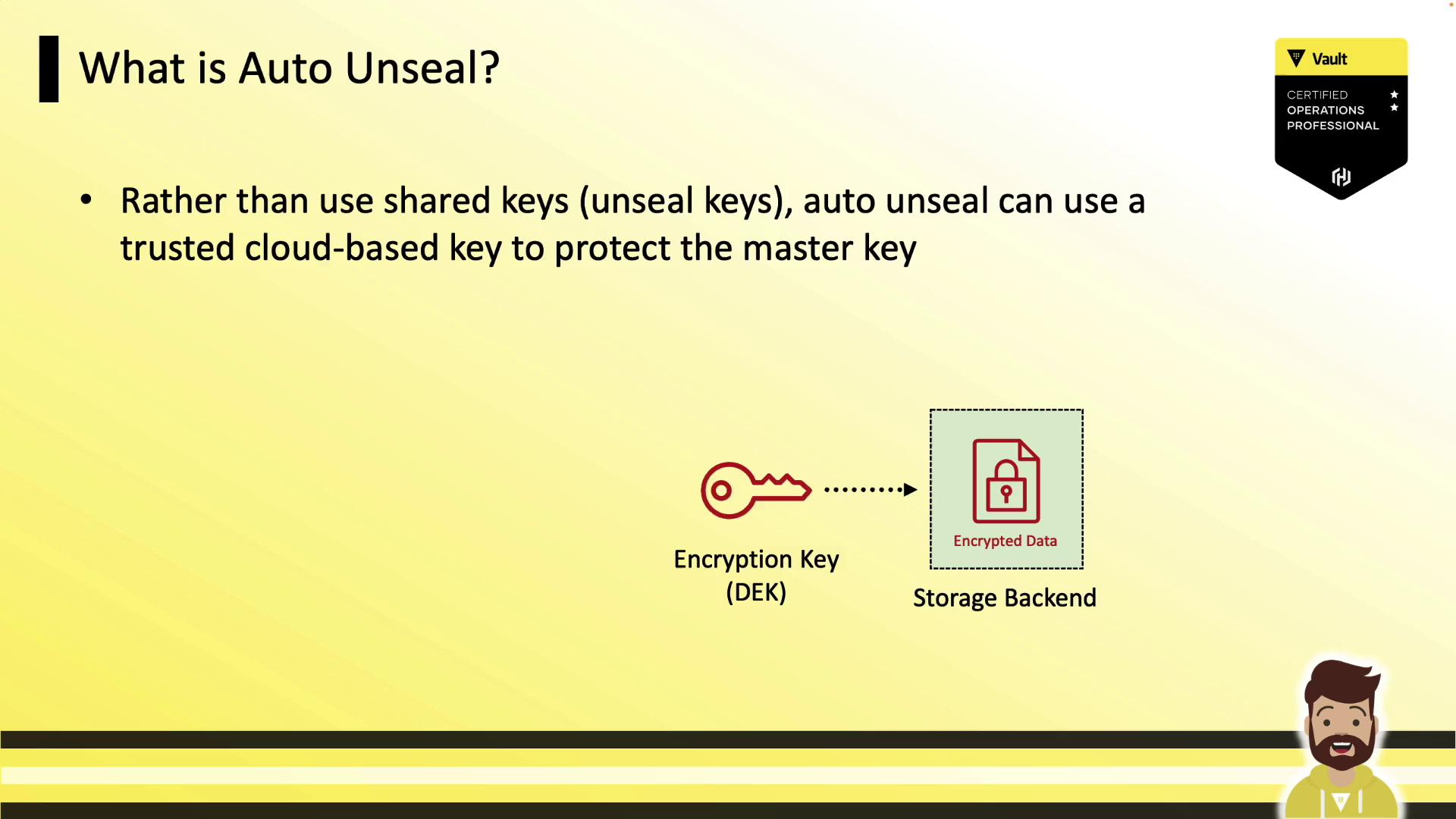
Supported Auto-Unseal Mechanisms
Vault natively integrates with multiple cloud KMS providers and on-prem HSMs: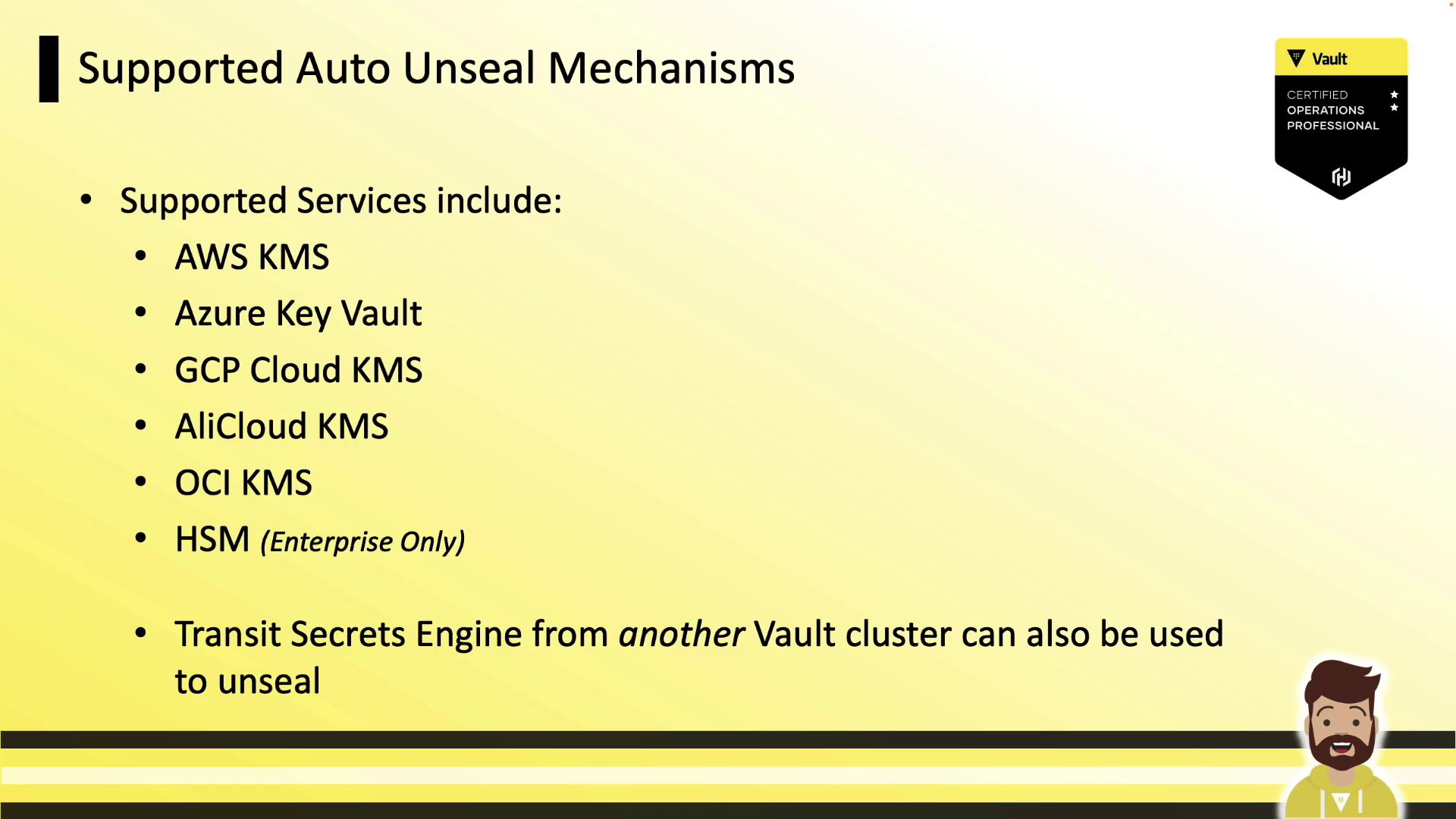
† Regional key outage can affect unseal. See Design Considerations.
How Auto-Unseal Works
- You create a key (or HSM object) in your cloud KMS.
- Configure Vault’s
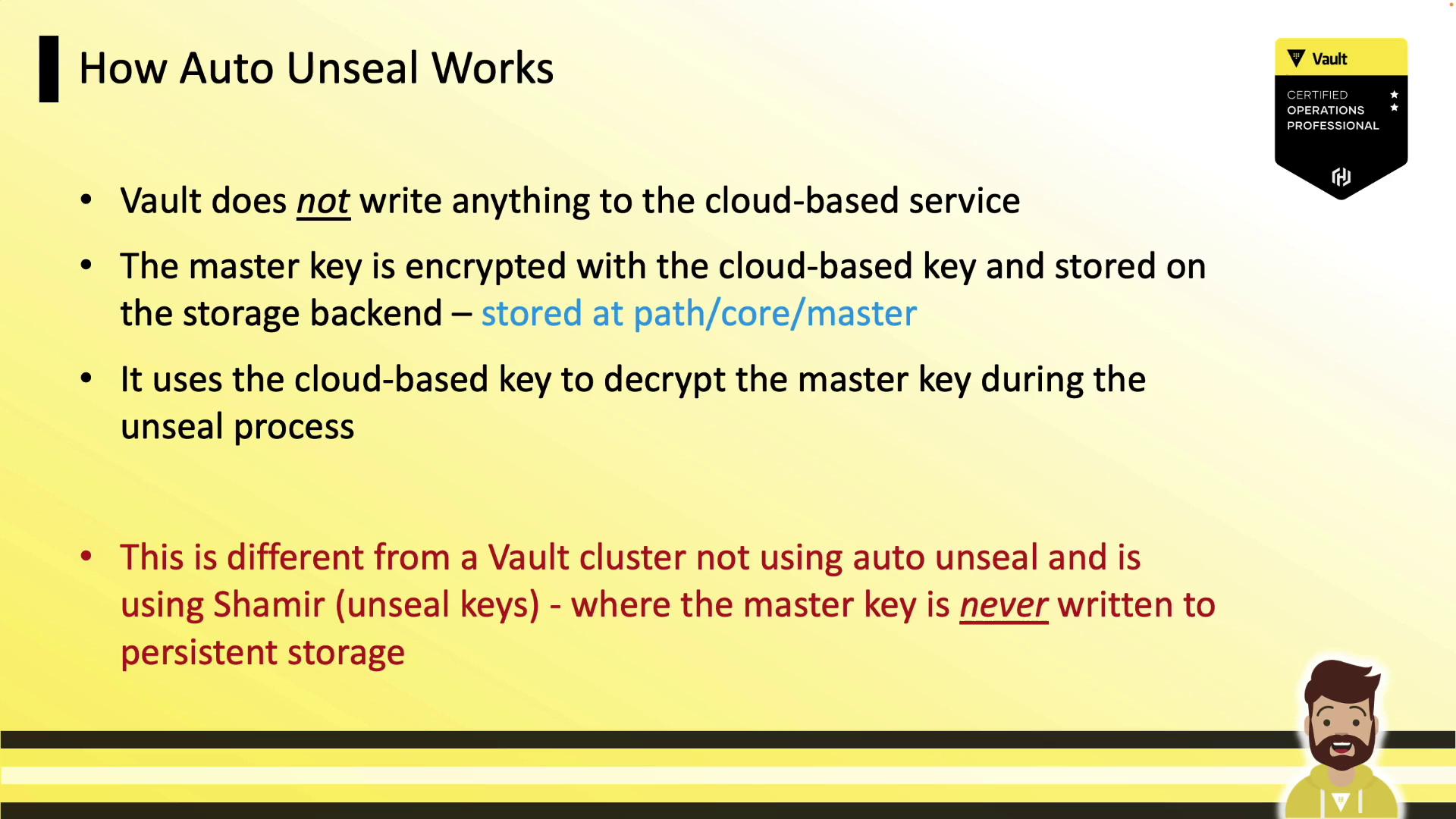
sealstanza with the KMS details. - On initialization, Vault encrypts its master key with the KMS key and stores the ciphertext under
core/master. - At each startup, Vault automatically requests a decrypt operation from the KMS to recover the master key.
Design Considerations
- Key Rotation
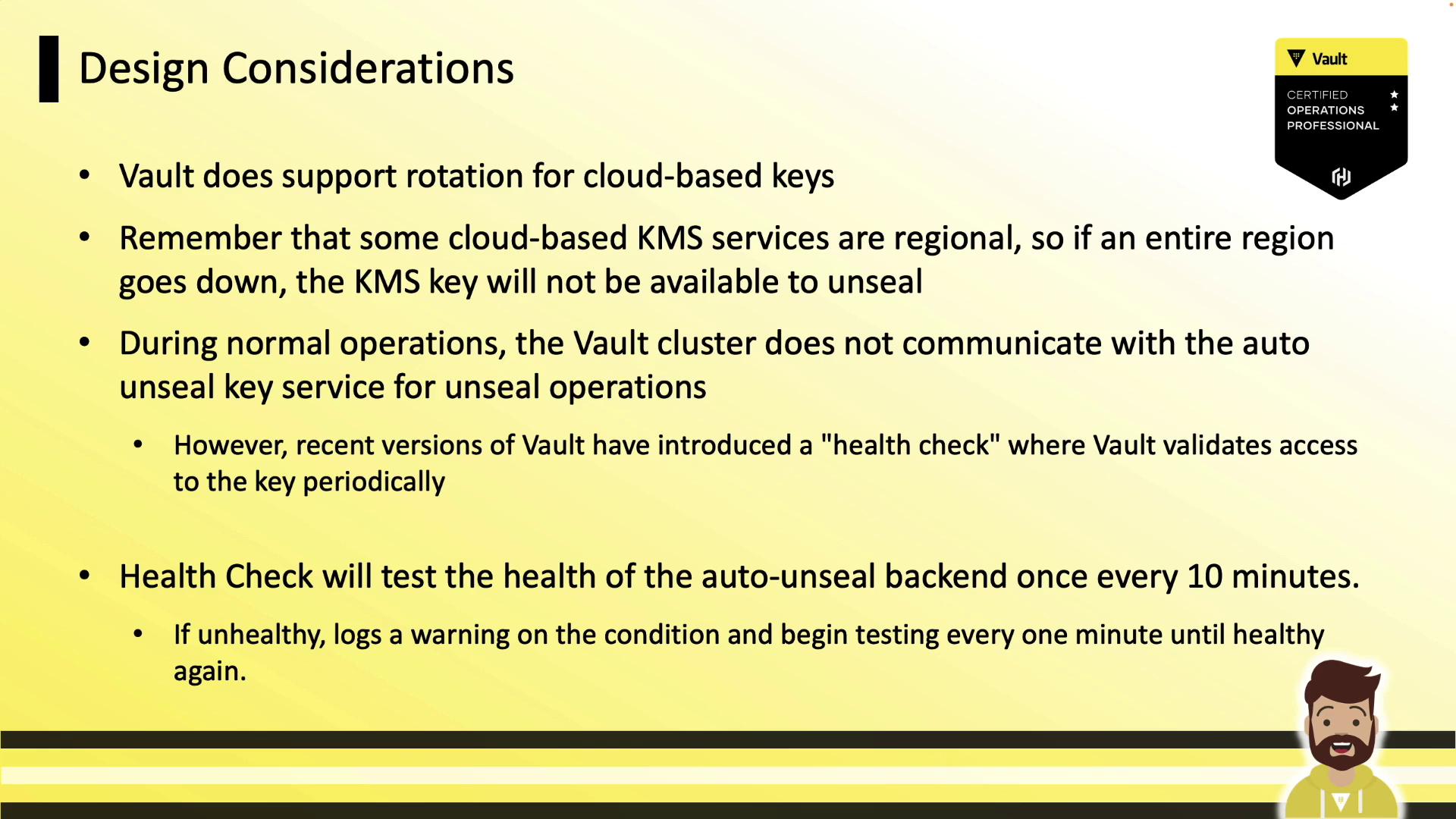
Vault supports automatic rotation of cloud-managed keys (e.g., AWS KMS annual rotation). Ensure Vault’s service account has decrypt permissions on new key versions.
- Regional Outages
Some KMS providers are regional. A full-region outage can prevent Vault from unsealing. Consider multi-region keys or Transit auto-unseal for high availability.
- Health Checks
Vault pings the KMS every 10 minutes; on failure, it logs warnings and retries every minute. A loss of access only impacts restarts, not normal operations.
Enabling Auto-Unseal
Add aseal block to your Vault HCL configuration:
- AWS: IAM instance role (preferred) or environment variables ([AWS_ACCESS_KEY_ID], [AWS_SECRET_ACCESS_KEY]).
- Azure: Managed identity or
AZURE_CLIENT_ID,AZURE_CLIENT_SECRET. - GCP: Service account JSON (
GOOGLE_APPLICATION_CREDENTIALS) or instance default credentials.
Example: Azure Key Vault
Example: GCP Cloud KMS
Auto-Unsealing with Transit
Use a highly available Vault cluster running the Transit Secrets Engine: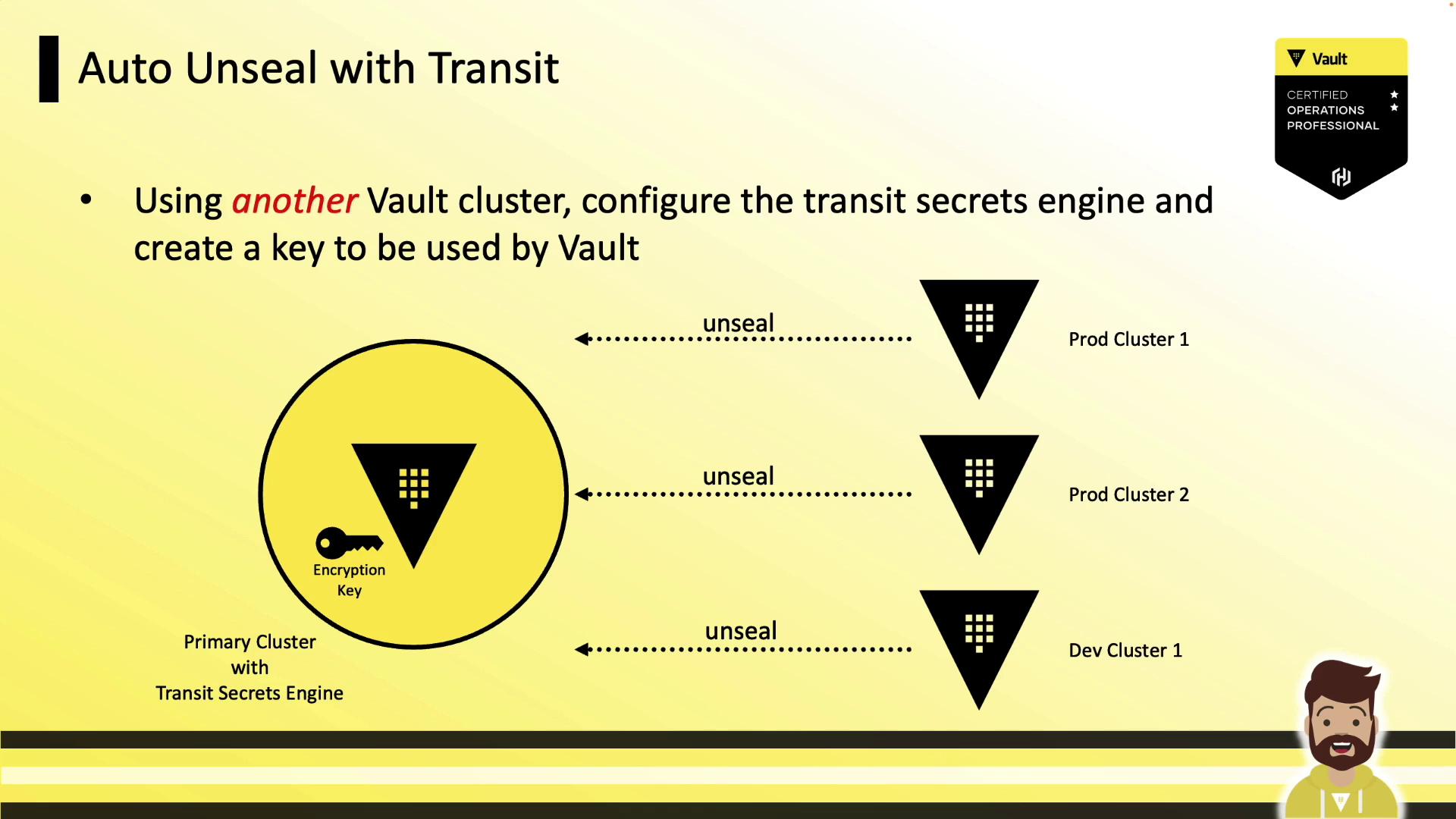
Other Options
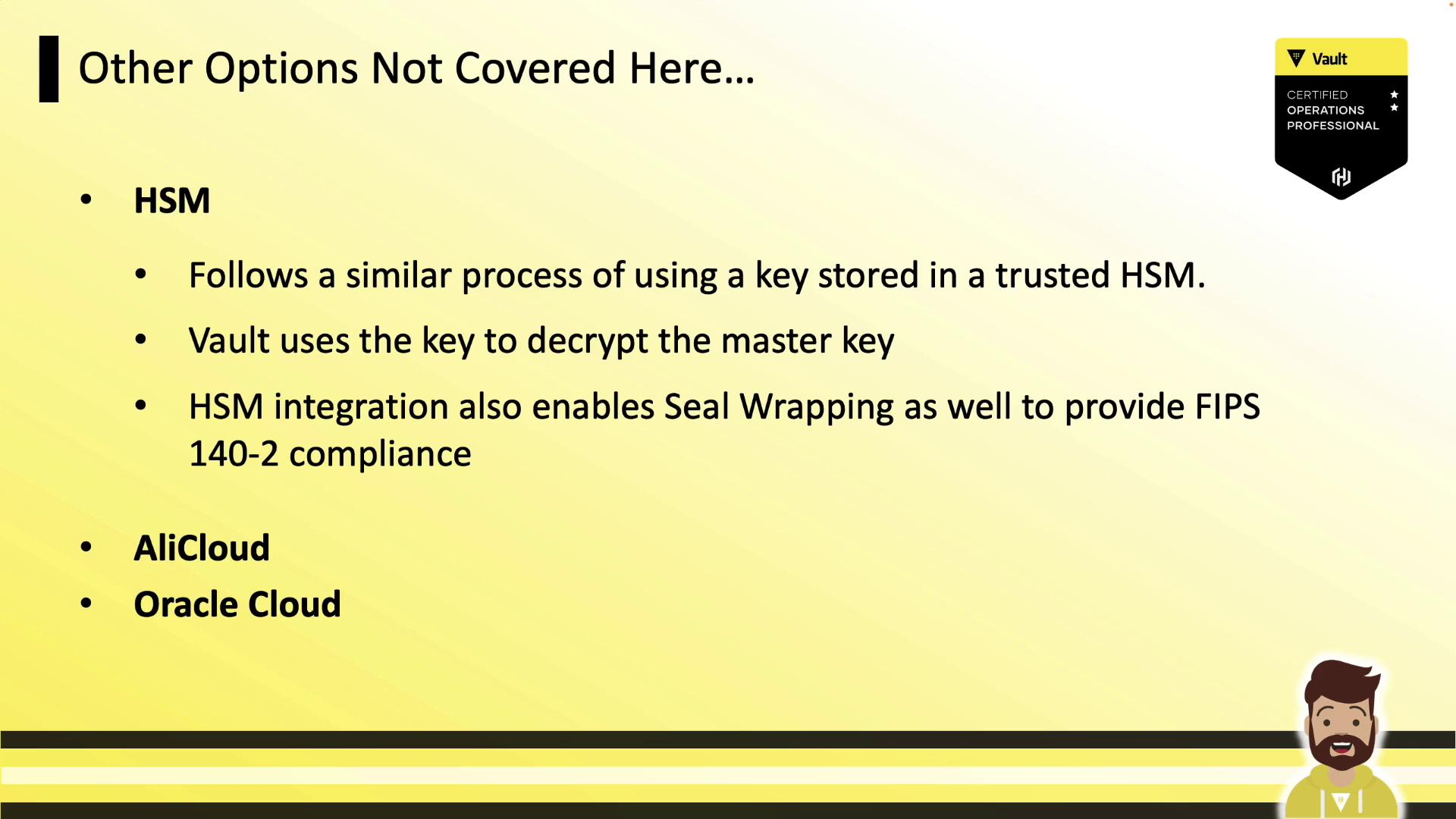
Vault Enterprise also provides:- HSM integration via PKCS#11 (FIPS 140-2)
- AliCloud KMS
- Oracle Cloud Infrastructure KMS
Seal Migration
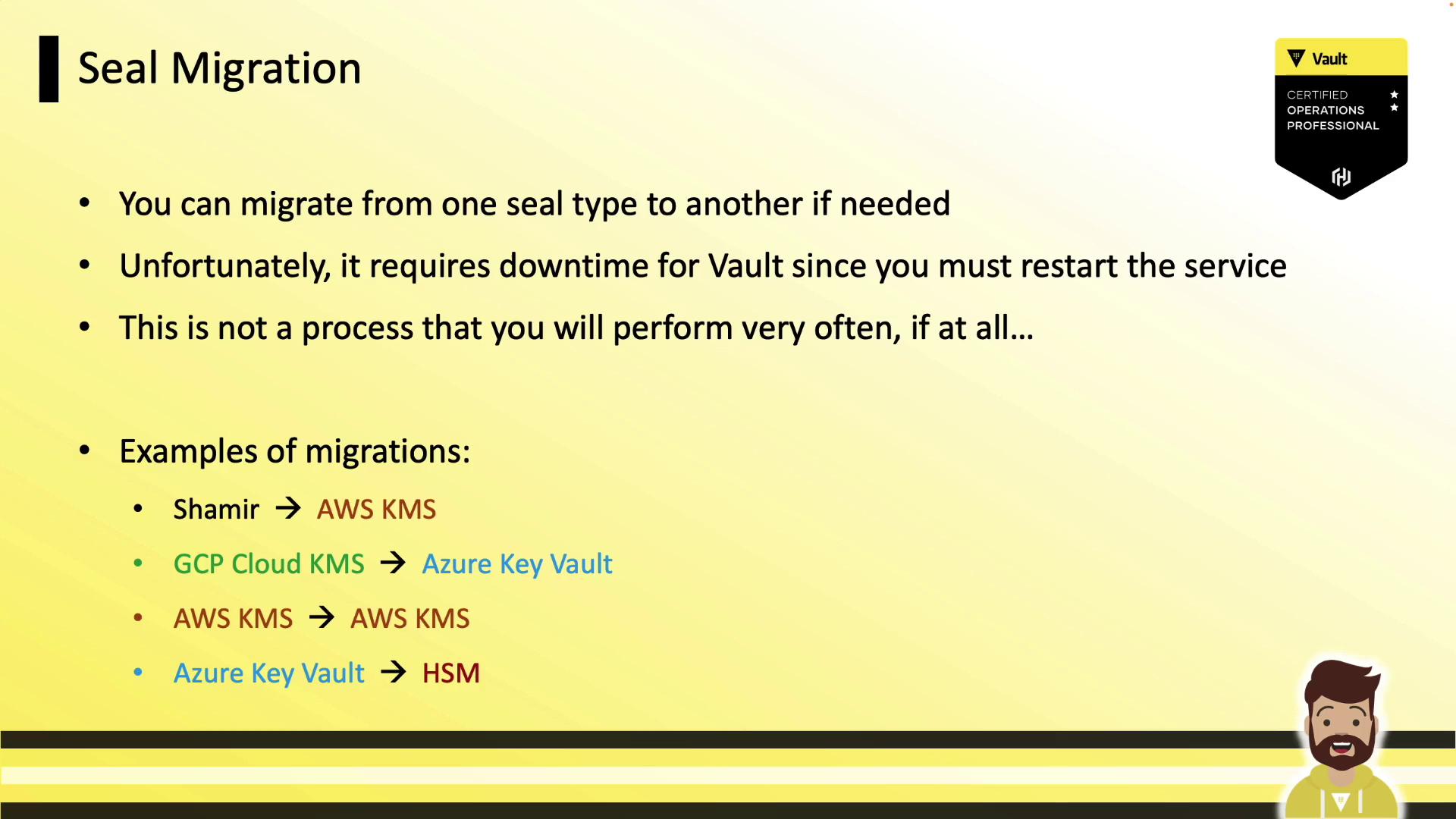
You can migrate between seal methods (e.g., Shamir ↔ AWS KMS) with minimal downtime. Vault must be restarted on each node.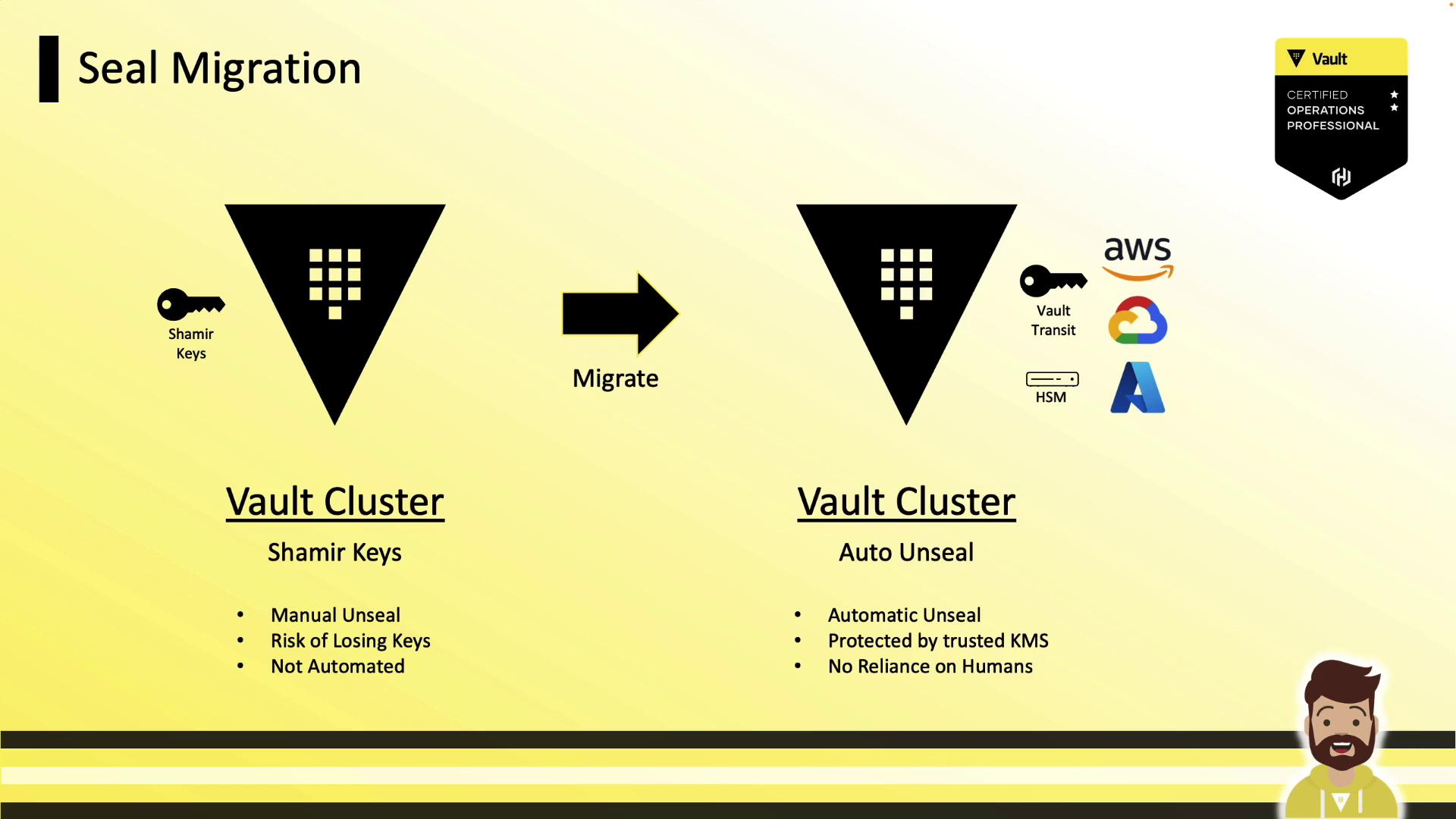
Example: Shamir → AWS KMS
- Add the AWS KMS
sealstanza. - Restart Vault on a node:
- Monitor logs for migration mode:
- Unseal with migration:
- Verify status:
- Repeat on each node (Standby nodes → Leader).
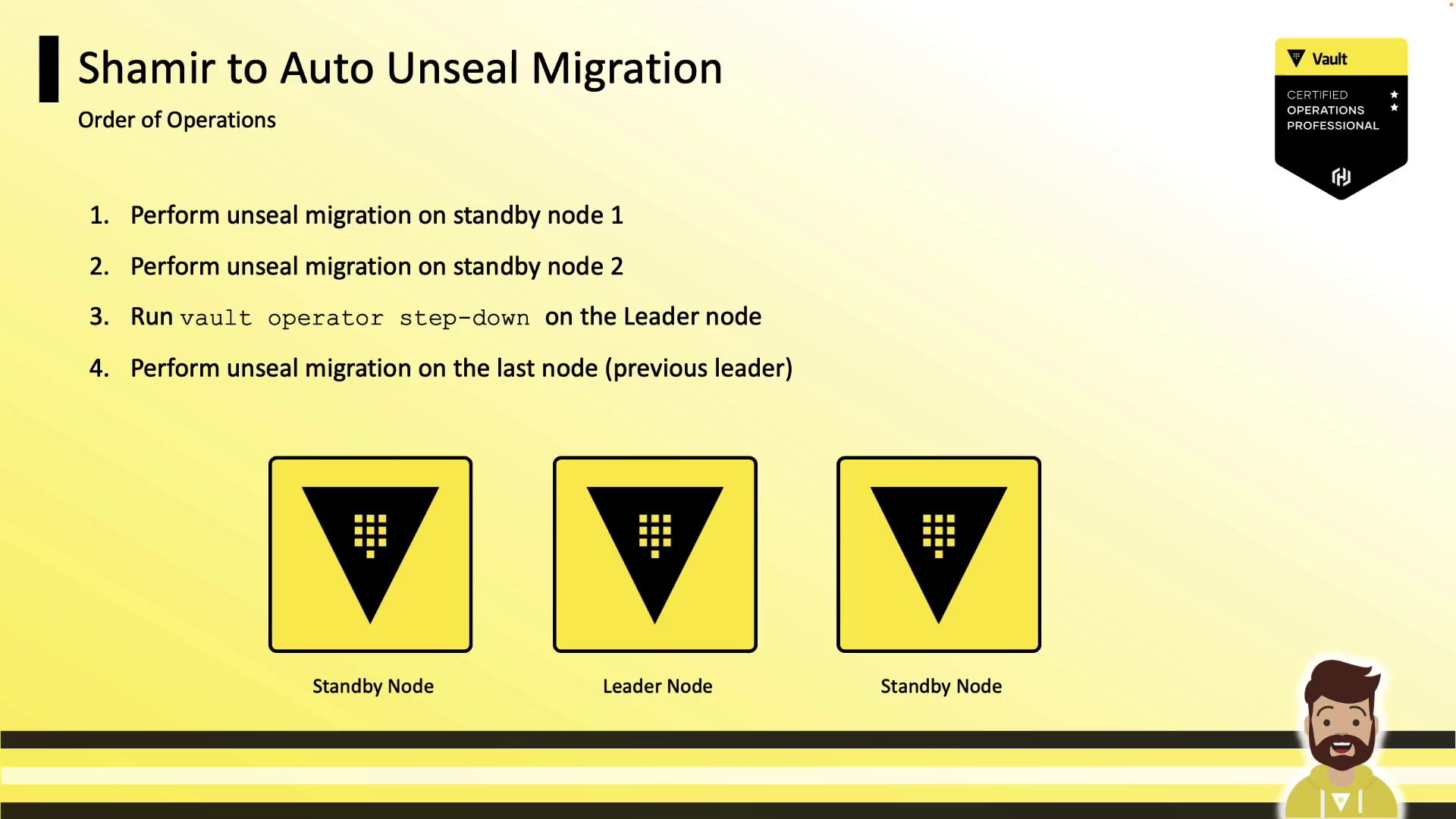
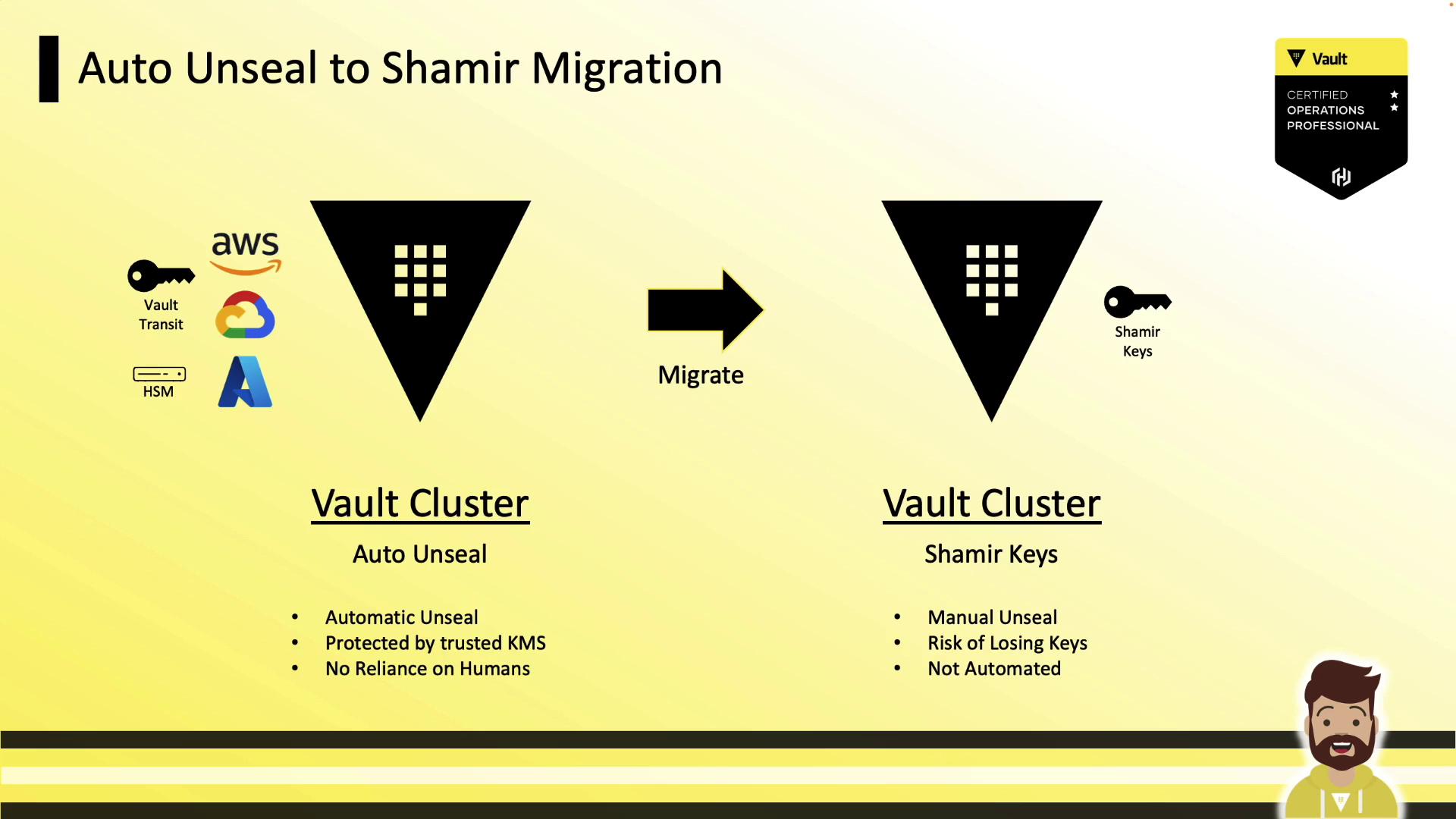
Example: Auto-Unseal → Shamir Keys
- Add
disabled = trueto the active seal stanza. - Restart Vault and run:
- Apply across all nodes.
Example: Rotating Auto-Unseal Keys
Rotate from one KMS key to another:- Restart Vault and run
vault operator unseal -migratewith recovery keys. - Repeat on each node.
Links and References
- Vault Auto-Unseal Documentation
- AWS KMS Overview
- Azure Key Vault Documentation
- GCP Cloud KMS Documentation