

Rekey Vault
Rekeying creates a brand-new set of unseal or recovery key shares and lets you adjust how many shares exist and how many are required to reconstruct the master key. This operation is performed online—Vault continues to serve requests throughout.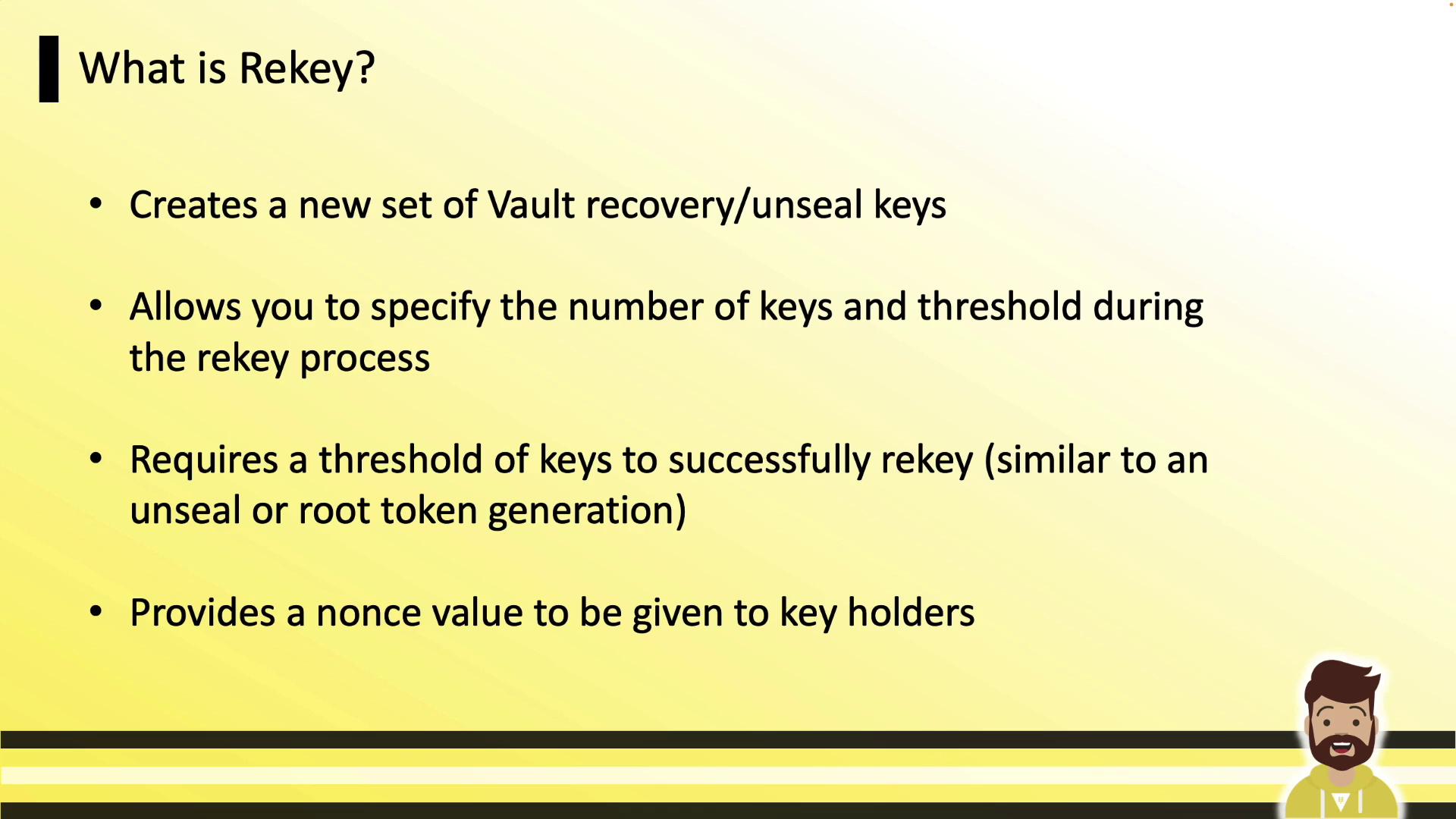
Why Rekey Vault?
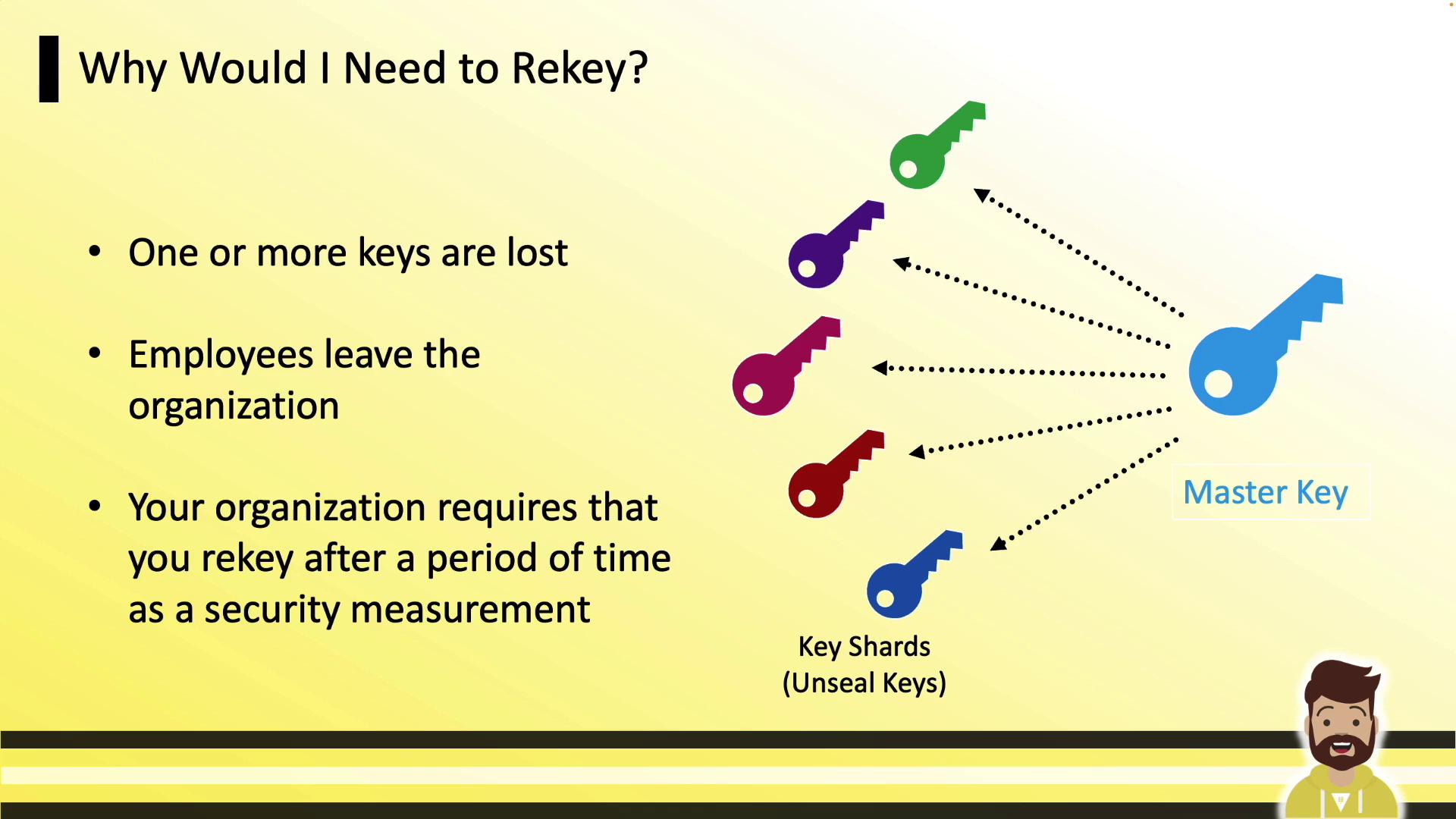
Rekeying is commonly required when:- Lost or inaccessible key shares need replacement (e.g., lost PGP private key).
- Employees or key holders leave the organization.
- Your security policy mandates periodic rotation of master key shares.
Rekey Command
Use thevault operator rekey command to start a rekey. You can include -key-shares and -key-threshold to change those values.
Initialize a rekey for recovery keys (auto-unseal defaults to unseal keys):
In Vault Enterprise with replication enabled, always run the rekey on the primary cluster. Replicas will automatically receive the updated key shares.
Production Impact
Rekey is non-disruptive. Vault continues handling API calls and UI requests throughout the process, ensuring zero downtime.Rekey vs. Key Rotation
These two operations are often confused. The diagram below clarifies their roles:
Rotate Encryption Key
Key rotation updates Vault’s internal encryption key used for data-at-rest. Vault transparently retains old key versions so existing data remains decryptable.
Permissions Required
To rotate the encryption key, your policy must grant:Omitting
sys/key-status read permission causes the CLI to report a permission error when displaying key status, even though the rotation itself succeeds.