

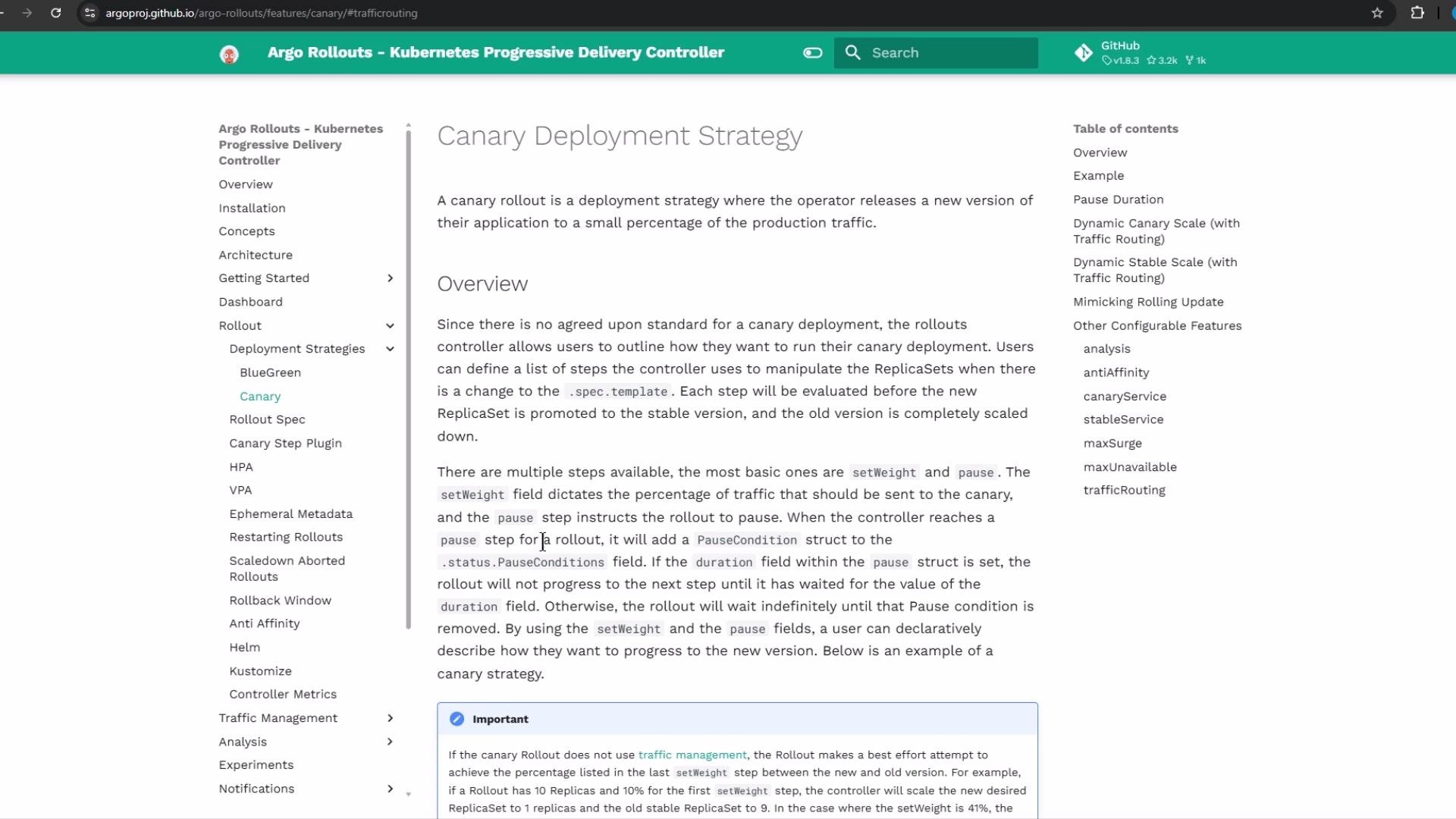
Rollout manifest (canary strategy) — overview
A Rollout manifest (kind:Rollout) looks like a Deployment but gives you fine-grained control of updates. Instead of replacing all pods at once, the canary strategy lets you increment traffic using setWeight steps and pause actions (timed or indefinite).
Example Rollout (illustrative):
10s), minutes (10m), hours (1h), or an empty object ({}) for an indefinite (manual) pause:
A
pause: {} is an indefinite pause — the rollout will wait until you manually promote the next step (UI or kubectl argo rollouts promote). Plan for manual verification before continuing.Blue-green (reference snippet)
For comparison, here is a sample blue-green configuration (used for preview/promotion workflows):Applying the canary example from the repository
This repository contains apatterns/canary/ folder with rollout.yml and service.yml. Below are the manifests used in the demo.
Initial rollout.yml (canary steps):
10s so the rollout completes faster:
Argo Rollouts manages ReplicaSets and pods for
Rollout resources. You will not see a Kubernetes Deployment for this workload — instead look for rollout.argoproj.io and ReplicaSets.Inspecting Rollouts
List rollouts in the cluster or a specific namespace:Accessing the application and observing canary traffic
TheService exposes the app on a NodePort (e.g., 30797). In the demo we continuously polled the /app endpoint and printed the reported application version. Use this local script (adjust the port as necessary):
v1 at first, then occasional v2 responses as the canary begins, then a growing mix of v2 as the setWeight increases, and finally all v2 once the rollout completes.
Promoting a new version (UI or CLI)
To promote a new revision, update the container image tov2 in the manifest and apply it (or use the UI). The Rollout will create a new revision and follow the configured canary steps:
- A
setWeight: 20step means 2 of 10 pods will runv2while 8 runv1. - If the first step contains
pause: {}, the rollout will stop for manual promotion. - On manual promotion, the rollout proceeds to 40%, 60%, 80%, and finally 100% (with configured pauses).
kubectl-argo-rollouts plugin is installed if you plan to promote from the CLI. Alternatively, use the Argo Rollouts UI.
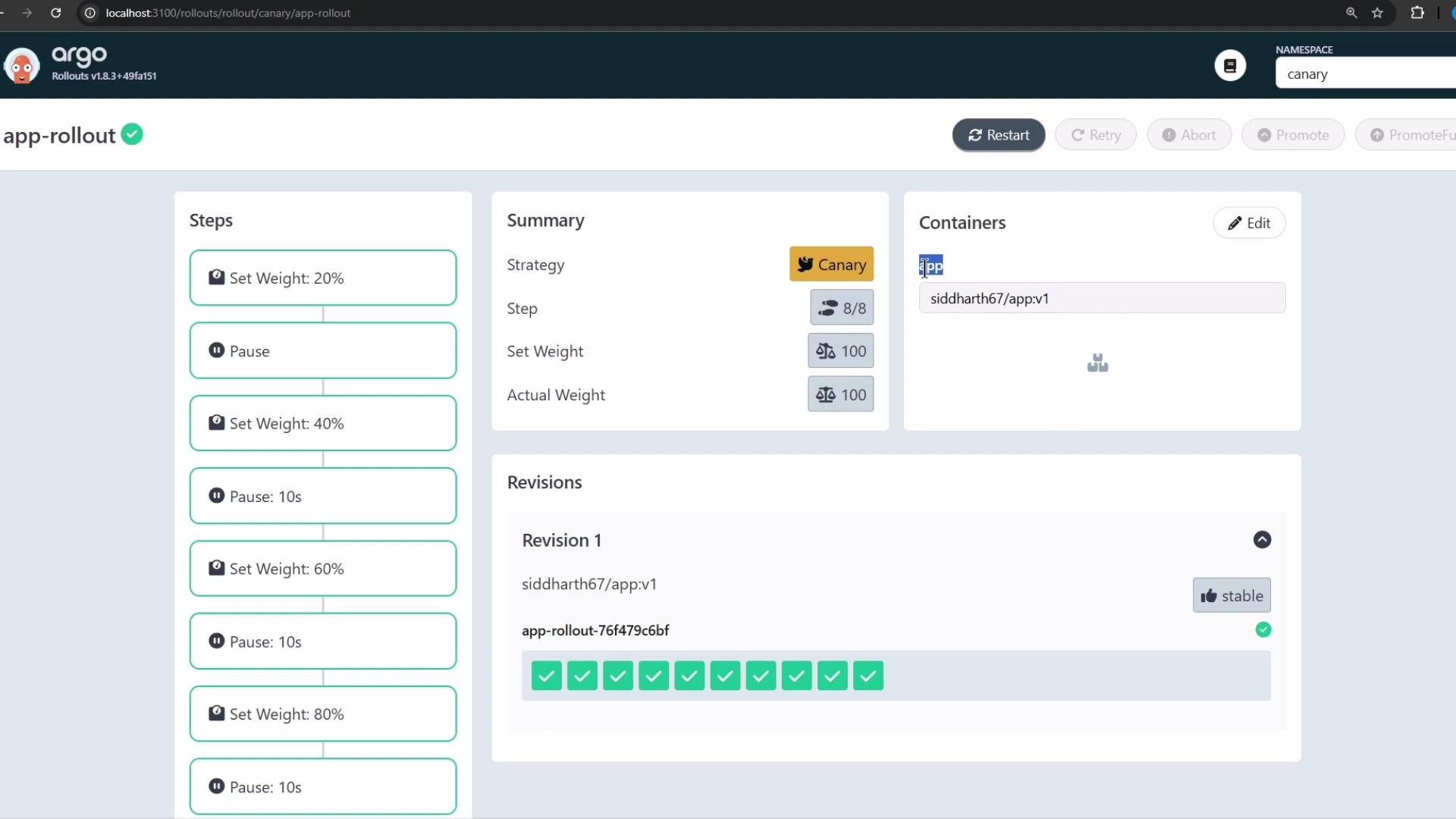
setWeight steps, the frequency of v2 responses increases until all pods serve v2.
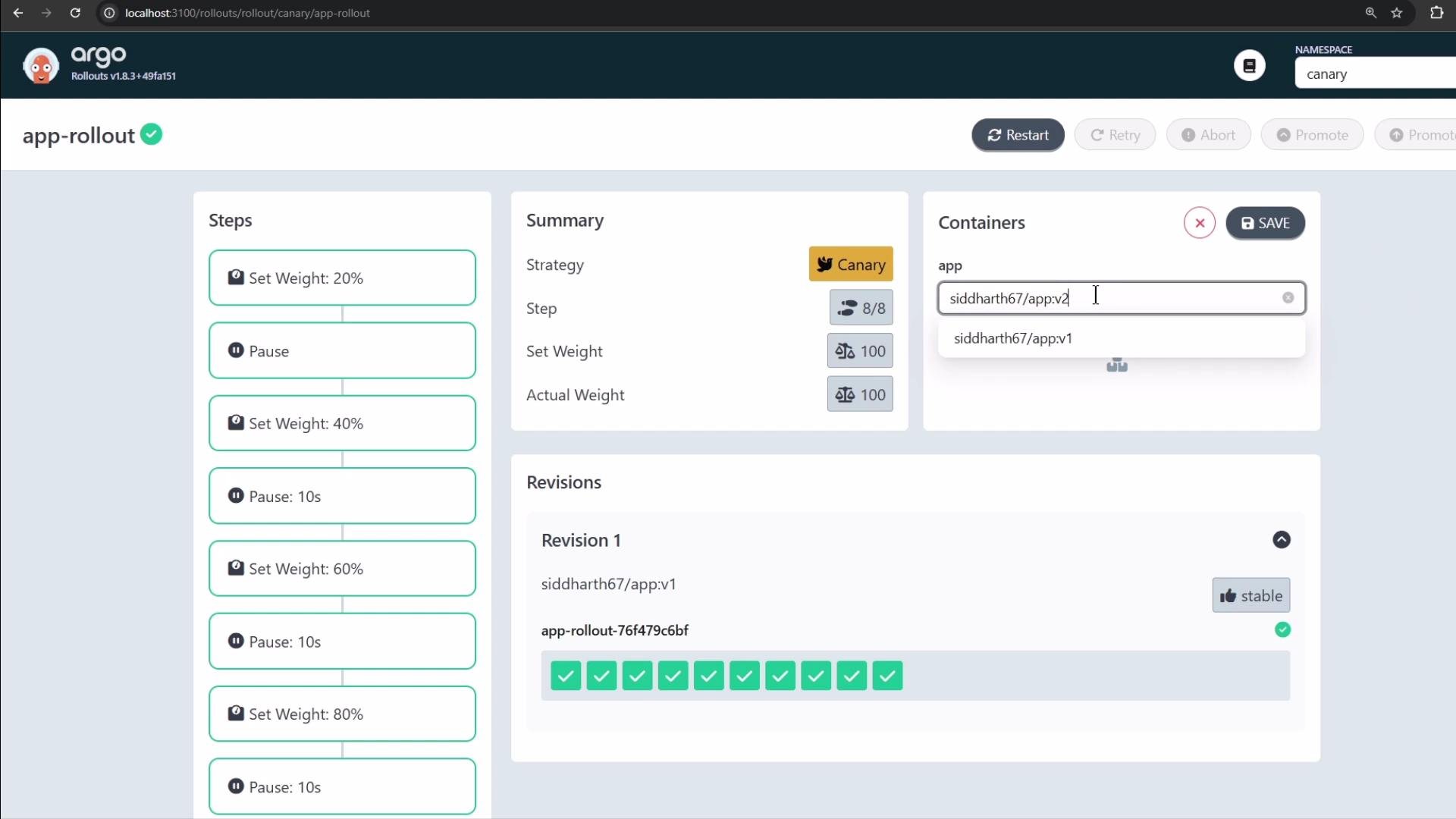
Rollbacks and stability
Argo Rollouts keeps a revision history and supports rollback to a previous revision if issues are detected during promotion. You can revert using the UI or the CLI to restore a stable revision. The UI highlights stable revisions and current status for easy rollback.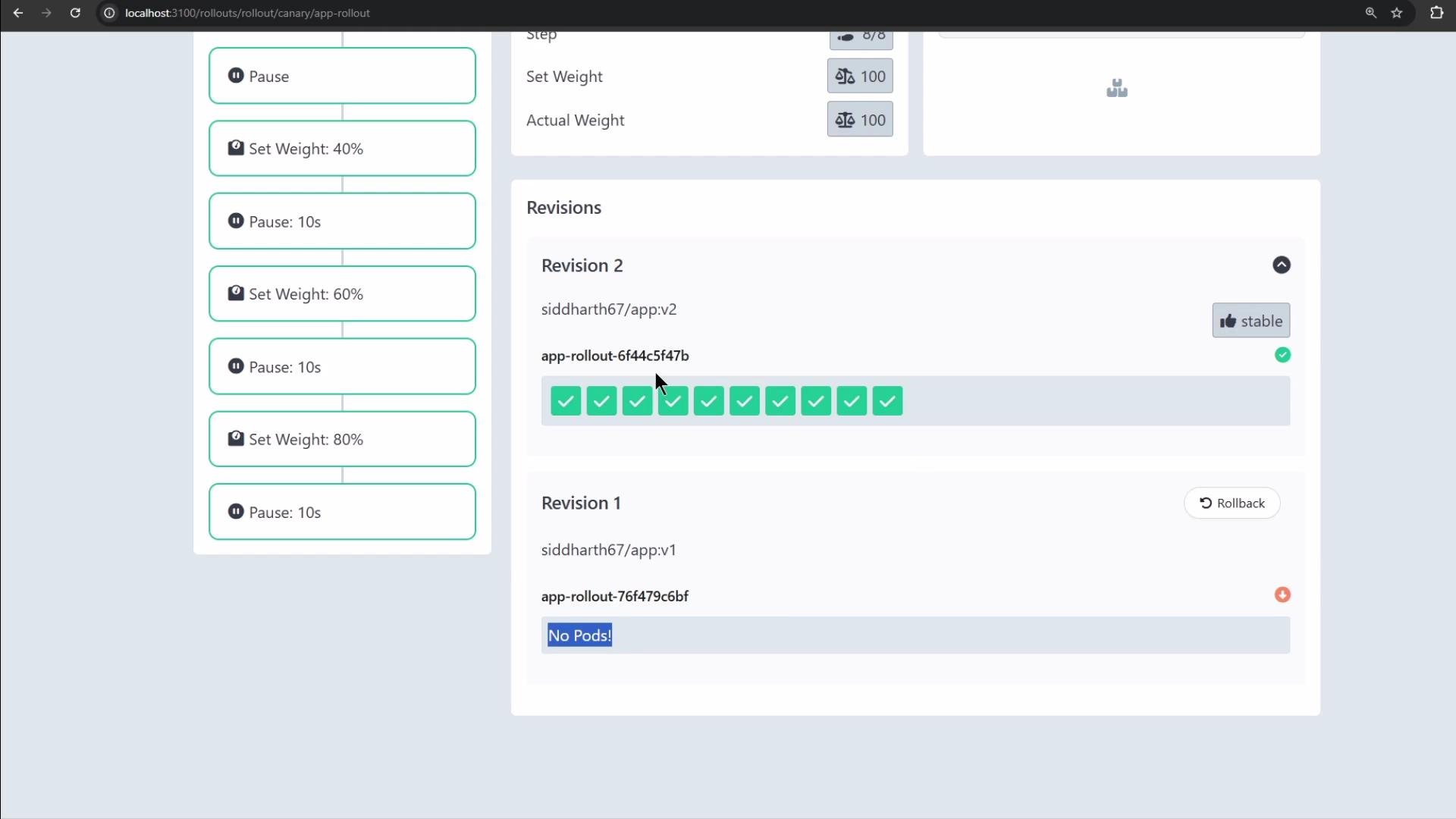
Quick reference
Table: common pause durations and promotion commands
Summary of best practices
- Use
setWeightsteps to route a specific percentage of traffic to a new revision. - Combine timed pauses (e.g.,
10s,1m) with indefinite pauses ({}) for manual verification. - Observe application metrics and logs during each pause before promoting.
- Use the Argo Rollouts UI or
kubectl-argo-rolloutsplugin to promote, inspect, and roll back as needed.
Ensure Argo Rollouts CRDs and controller are installed in your cluster and install the
kubectl-argo-rollouts plugin if you intend to promote or inspect rollouts from the CLI. See the Argo Rollouts installation guide for details.Links and references
- Argo Rollouts documentation: https://argoproj.github.io/argo-rollouts/
- kubectl-argo-rollouts plugin installation: https://argoproj.github.io/argo-rollouts/installation/#kubectl-plugin
- Kubernetes documentation: https://kubernetes.io/docs/