

1) Plain Kubernetes manifests
The simplest approach is to store raw Kubernetes YAML files (for exampledeployment.yaml, service.yaml, ingress.yaml) directly in your repository. GitOps operators such as Argo CD or Flux CD read these files and apply them directly to the Kubernetes API without additional rendering.
Example repository layout:
- Direct one-to-one mapping to Kubernetes API objects—every field is explicit.
- Easy to inspect, review in PRs, and reason about.
- Low tooling overhead; minimal learning curve.
- Duplication across environments (dev/prod/staging) when only a few values differ.
- Manual updates across many manifests can be error-prone at scale.
- Very small apps or proofs-of-concept.
- Cases where you need line-by-line control with no templating.
2) Kustomize
Kustomize is a native Kubernetes configuration tool for patching and composing YAML without templating. The common pattern uses abase (shared resources) and overlays (environment-specific patches).
Example project layout:
overlays/prod/kustomization.yaml:
- Store
baseandoverlaysin Git. - GitOps operators that support Kustomize (Argo CD, Flux) will render the selected overlay by applying patches to the base, producing final YAML that is applied to the cluster.
- Avoids duplicate manifests for each environment.
- Clear separation between shared resources and environment-specific changes (replicas, images, env vars).
- No templating language to learn—uses standard YAML plus patches.
- Best suited for incremental differences to a base. Large divergences across environments can be awkward.
- Less ideal for packaging reusable distributed charts with complex templating needs.
- Single applications deployed to multiple environments with small variations.
- Teams preferring YAML-native tooling and minimal templating.
3) Helm
Helm is a package manager for Kubernetes that uses templates andvalues.yaml to generate final manifests. Helm charts bundle related resources and can declare dependencies.
Typical GitOps workflow with Helm:
- Commit your chart (or a reference to a chart) and
values.yamlto Git. - GitOps operators with Helm support render the chart using your values and apply the rendered manifests to the cluster.
values.yaml (custom overrides):
- Charts bundle complex applications and dependencies, enabling sharing and reuse.
- Powerful templating and overrides (
values.yaml) for flexible environment configuration. - Widely used for distributing third-party software (Prometheus, NGINX Ingress) via public Helm repositories.
- Templating adds complexity and a learning curve.
- Rendered output is generated at deploy time—less direct visibility into final manifests unless you render locally or rely on the GitOps operator to show rendered output.
- Packaging complex applications or shared infrastructure components.
- Deploying third-party software or when you need versioned, distributable application packages.
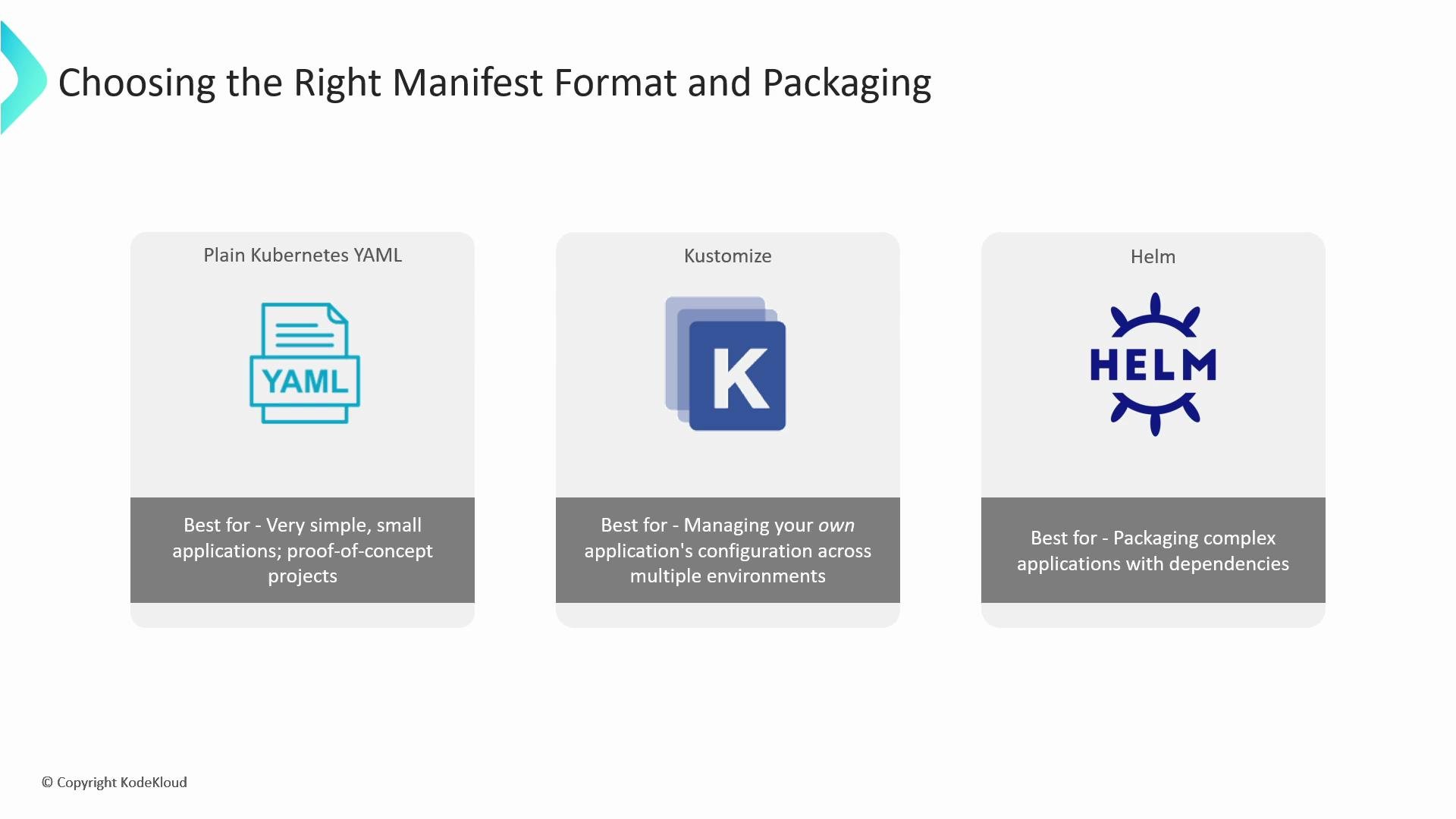
Choosing the right approach
Which approach to choose depends on your project complexity and operational needs:
You can also mix approaches. For example, use Kustomize to patch a set of manifests that include rendered Helm releases, or keep simple resources as plain YAML while packaging third-party components with Helm. The important part: keep everything declarative in Git so your GitOps operator can manage the complete deployment pipeline.
Mix-and-match strategies are common: use plain YAML for small resources, Kustomize for environment overlays, and Helm for complex or third-party packages. Most GitOps operators (Argo CD, Flux) can render and apply manifests from any of these formats.
Links and references
- Argo CD documentation
- Flux CD documentation
- Kustomize documentation
- Helm documentation
- Kubernetes concepts: What is Kubernetes?