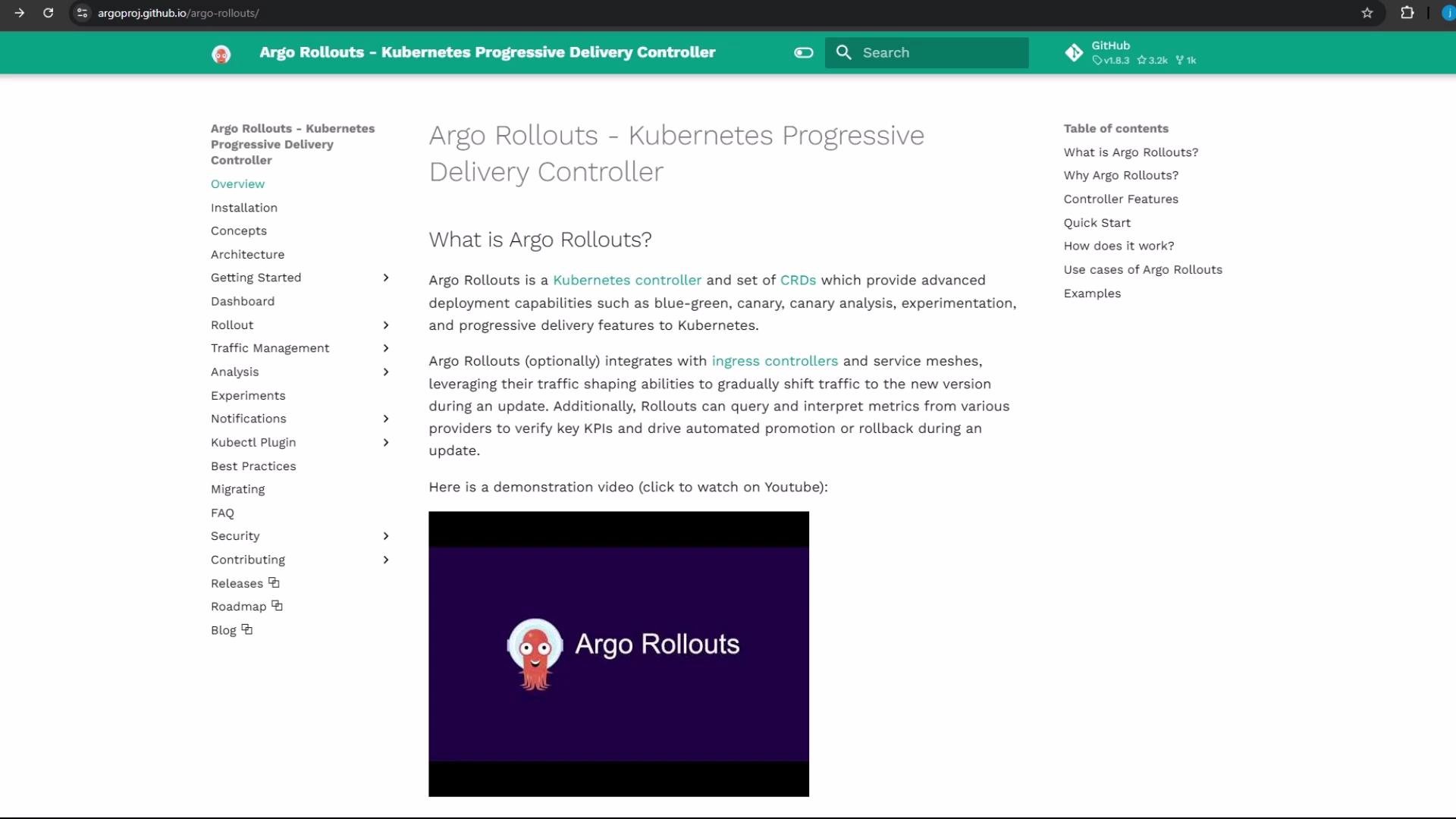
In this guide you’ll install Argo Rollouts in a Kubernetes cluster, verify the controller, and install the CLI so you can experiment with canary and blue-green deployments. Argo Rollouts is a Kubernetes controller plus a set of CRDs that extend the Deployment semantics to enable progressive delivery: fine-grained traffic control, automated analysis, and safe rollbacks.
The image shows a webpage from the Argo Rollouts documentation, explaining its functions as a Kubernetes Progressive Delivery Controller, with a menu on the left and a description of its key features on the right.

1) Cluster permissions

Argo Rollouts requires the controller to run with appropriate RBAC permissions. If your user is not already cluster-admin (common in managed clusters), you can temporarily grant cluster-admin for installation/testing by creating a ClusterRoleBinding — replace <YOUR_EMAIL> with your identity:
kubectl create clusterrolebinding YOURNAME-cluster-admin-binding --clusterrole=cluster-admin --user=`<YOUR_EMAIL>`
Granting cluster-admin is powerful. Only create a ClusterRoleBinding in test environments (minikube, kind, or disposable clusters) or when you understand the security implications.

2) Install Argo Rollouts

Create the argo-rollouts namespace and apply the official install manifest. The manifest sets up CRDs, RBAC, ConfigMap, Service, and the Rollouts controller Deployment.
kubectl create namespace argo-rollouts
kubectl apply -n argo-rollouts -f https://github.com/argoproj/argo-rollouts/releases/latest/download/install.yaml
Expected install output (sample):
namespace/argo-rollouts created
customresourcedefinition.apiextensions.k8s.io/analysisruns.argoproj.io created
customresourcedefinition.apiextensions.k8s.io/analysistemplates.argoproj.io created
customresourcedefinition.apiextensions.k8s.io/clusteranalysistemplates.argoproj.io created
customresourcedefinition.apiextensions.k8s.io/experiments.argoproj.io created
customresourcedefinition.apiextensions.k8s.io/rollouts.argoproj.io created
clusterrole.rbac.authorization.k8s.io/argo-rollouts created
clusterrolebinding.rbac.authorization.k8s.io/argo-rollouts created
clusterrole.rbac.authorization.k8s.io/argo-rollouts-aggregate-to-admin created
clusterrole.rbac.authorization.k8s.io/argo-rollouts-aggregate-to-edit created
clusterrole.rbac.authorization.k8s.io/argo-rollouts-aggregate-to-view created
configmap/argo-rollouts-config created
secret/argo-rollouts-notification-secret created
service/argo-rollouts-metrics created
deployment.apps/argo-rollouts created
Verify the controller pod, service, and deployment are present and running:
kubectl get all -n argo-rollouts
Sample verification output:
NAME                                   READY   STATUS    RESTARTS   AGE
pod/argo-rollouts-64d959676c-m6h4w     1/1     Running   0          2m

NAME                                   TYPE        CLUSTER-IP      PORT(S)    AGE
service/argo-rollouts-metrics          ClusterIP   10.101.96.18    8090/TCP   2m

NAME                                   READY   UP-TO-DATE   AVAILABLE   AGE
deployment.apps/argo-rollouts          1/1     1            1           2m

NAME                                           DESIRED   CURRENT   READY   AGE
replicaset.apps/argo-rollouts-64d959676c       1         1         1       2m
Recommended quick reference: resources created by the install manifest
Resource TypePurposeExample created by manifest
NamespaceLogical isolation for Argo Rollouts componentsargo-rollouts
CRDsCustom resources for Rollouts, AnalysisRuns, Experimentsrollouts.argoproj.io
DeploymentController process that reconciles Rollout CRsdeployment.apps/argo-rollouts
ServiceMetrics endpoint for dashboard/monitoringservice/argo-rollouts-metrics
RBACPermissions for the controller to manage cluster resourcesclusterrole/argo-rollouts

3) Install the Argo Rollouts CLI

To manage Argo Rollouts from your workstation, install the kubectl plugin binary (kubectl-argo-rollouts). Download the correct release for your OS/arch from the Argo Rollouts releases page: Example for Linux AMD64 (version v1.8.3):
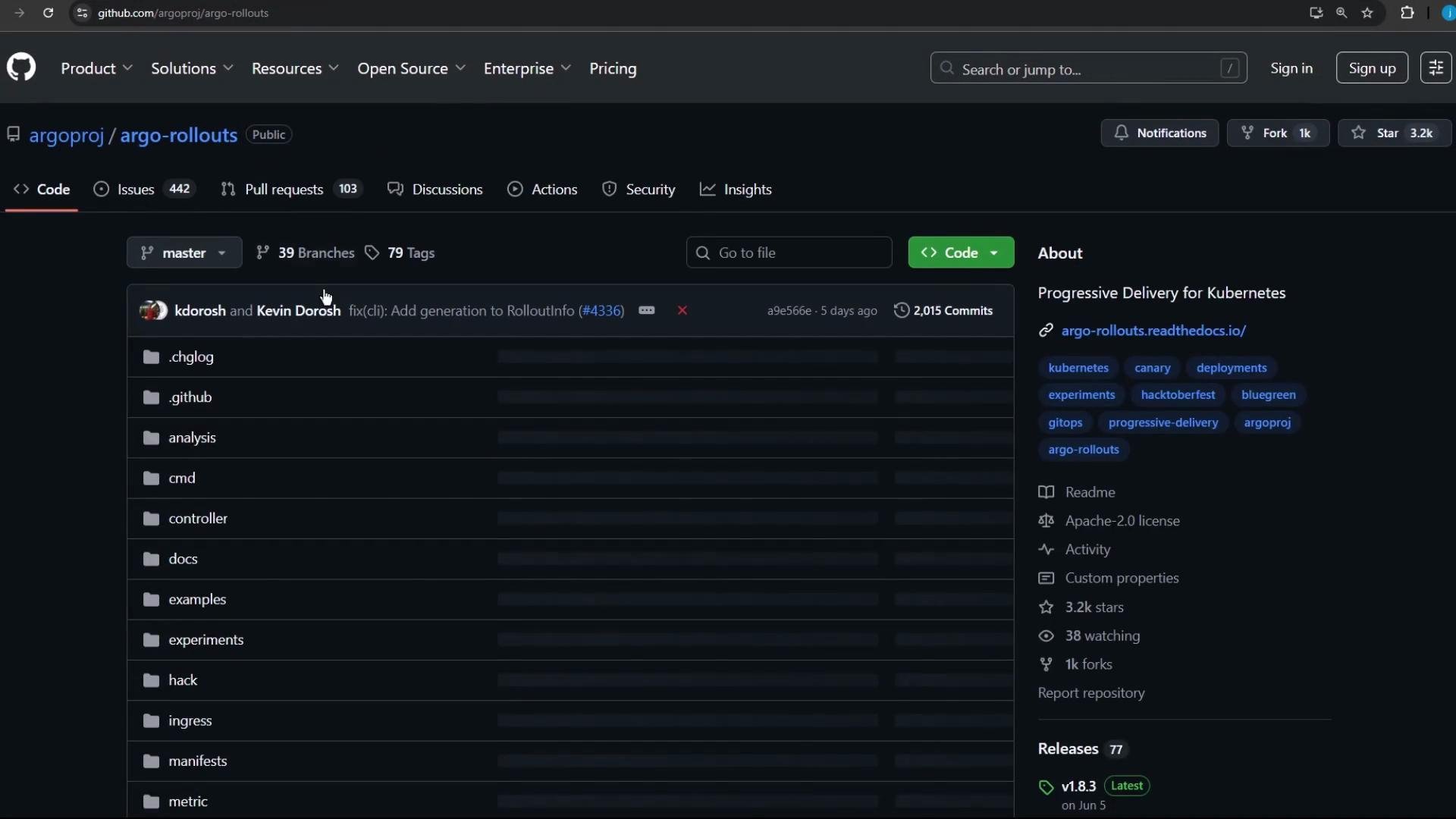
This image shows a GitHub repository page for "argo-rollouts," featuring sections for code, issues, and pull requests, with repository statistics like stars and forks.
wget https://github.com/argoproj/argo-rollouts/releases/download/v1.8.3/kubectl-argo-rollouts-linux-amd64
chmod +x ./kubectl-argo-rollouts-linux-amd64
sudo mv ./kubectl-argo-rollouts-linux-amd64 /usr/local/bin/kubectl-argo-rollouts
After placing the binary on your PATH (for example /usr/local/bin/kubectl-argo-rollouts), invoke it through kubectl:
kubectl argo rollouts version
Example output:
kubectl-argo-rollouts: v1.8.3
Notes:
  • On macOS use the Darwin binary; on Windows use the .exe release and add it to your PATH.
  • You can also install via package managers or Homebrew where available — check the releases page for options.

4) Accessing the Argo Rollouts dashboard

The CLI can start a local web UI for inspecting Rollout resources:
kubectl argo rollouts dashboard
When started it will print the local address, for example:
INFO[0000] Argo Rollouts Dashboard is now available at http://localhost:3100/rollouts
Open http://localhost:3100/rollouts in your browser. The dashboard lists Rollout CRs across namespaces you have access to. Initially it will be empty until you create Rollout objects (the Argo Rollouts CRD) in the namespaces you inspect. Useful links and references That’s it — Argo Rollouts is installed and ready. The controller is running, and the CLI + dashboard are available so you can begin testing blue-green and canary deployment strategies.

Watch Video