

sealed-secret directory of the cgoa-demos repository.
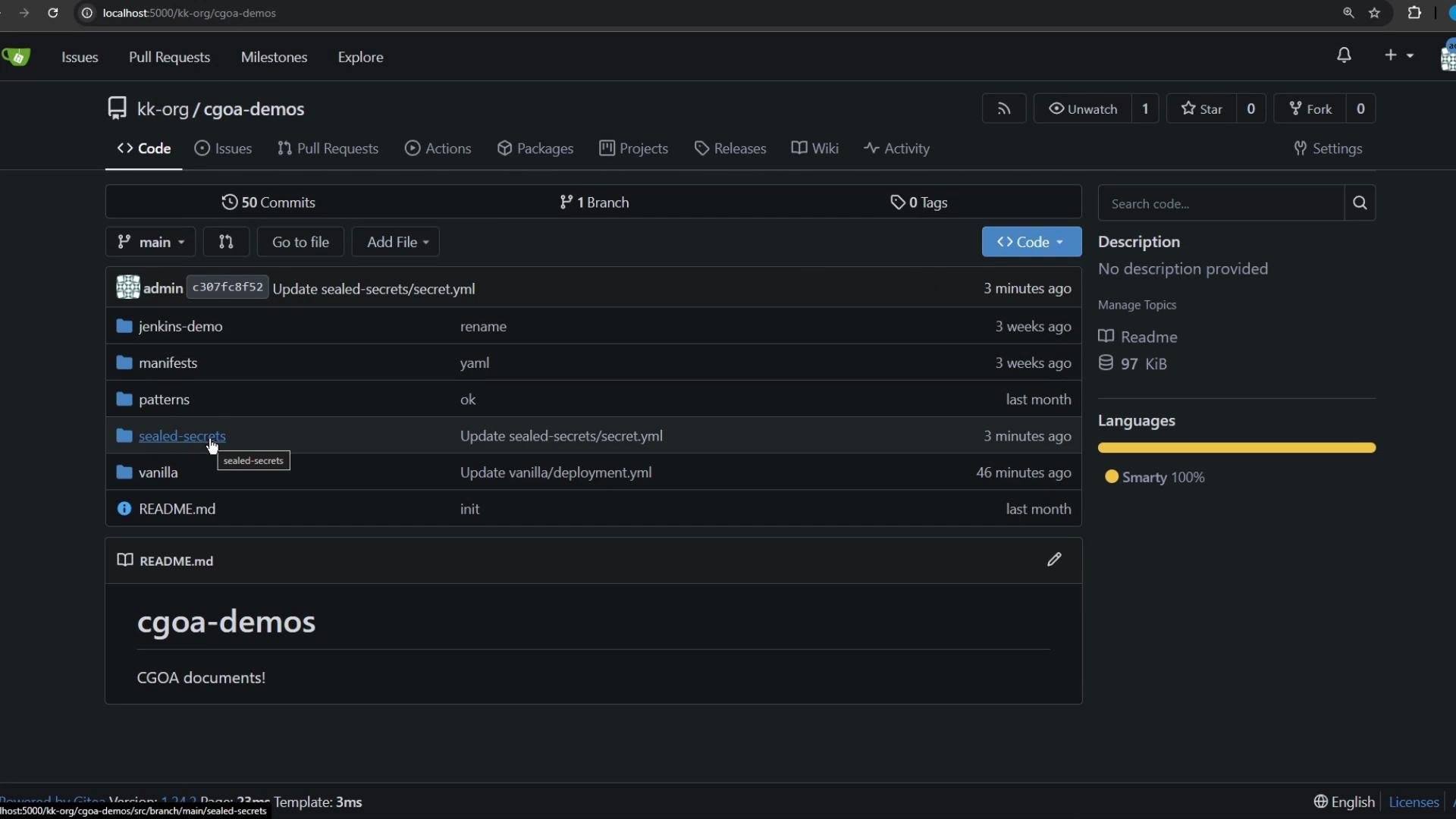
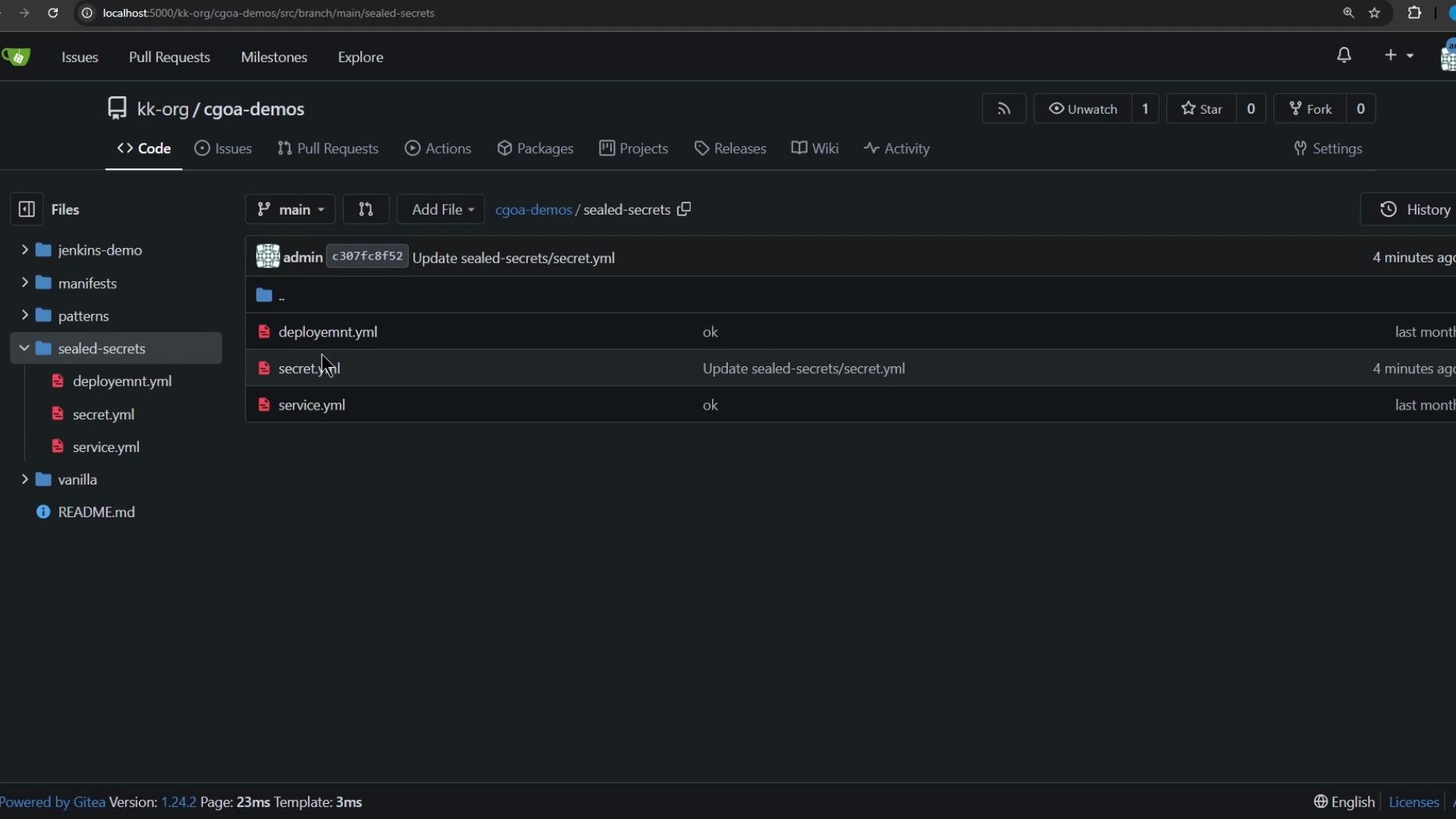
- The Sealed Secrets controller in the cluster holds a private key.
- You fetch the controller’s public certificate and use
kubesealto encrypt a regular Secret YAML into a SealedSecret. - The SealedSecret is safe to commit to Git because it contains only encrypted data.
- When applied to a cluster, the controller decrypts it and creates a standard Kubernetes Secret for pods to consume.
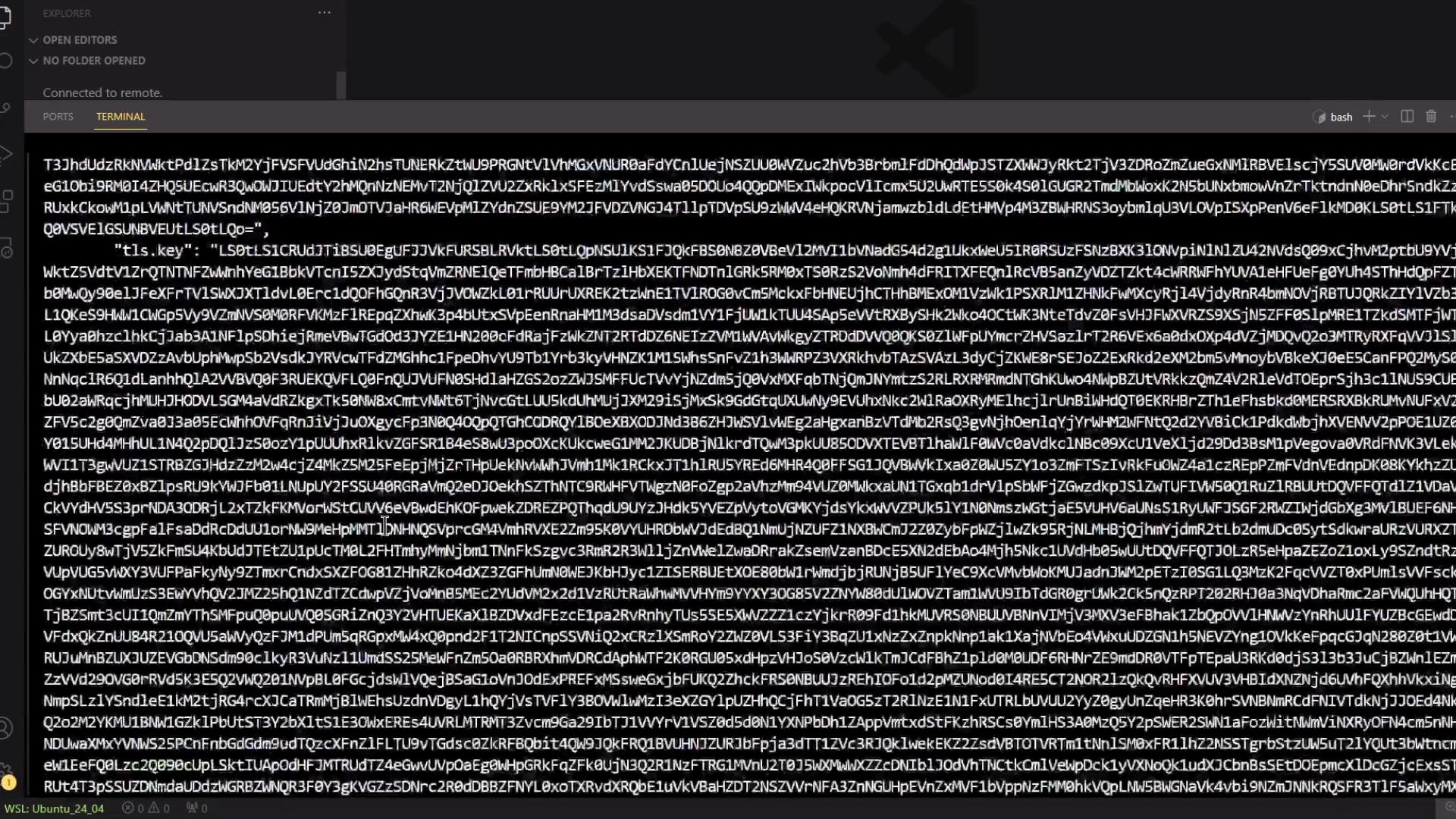
kubeseal client needs the controller’s public cert to encrypt secrets. Fetch it from the namespace where the controller is installed (commonly kube-system):
- List secrets in the controller namespace:
- Extract and decode the controller certificate (replace
<SECRET_NAME>with the secret name you found):
- The bracket notation
["tls.crt"]is required because the key contains a dot. ss-public.crtwill contain the controller public certificate in PEM format, e.g.:
kubectl create secret with a dry-run to produce the Secret YAML file:
$) to prevent expansion, as shown for the password.
Generated Secret (simplified):
cluster-wide or namespace):
sealed-secret.yaml. A SealedSecret uses spec.encryptedData (not data) and is safe to commit.
Example (truncated):
Do not commit plain Secret YAML files to Git. Commit only the SealedSecret YAML so secrets remain encrypted in the repository.
- Commit
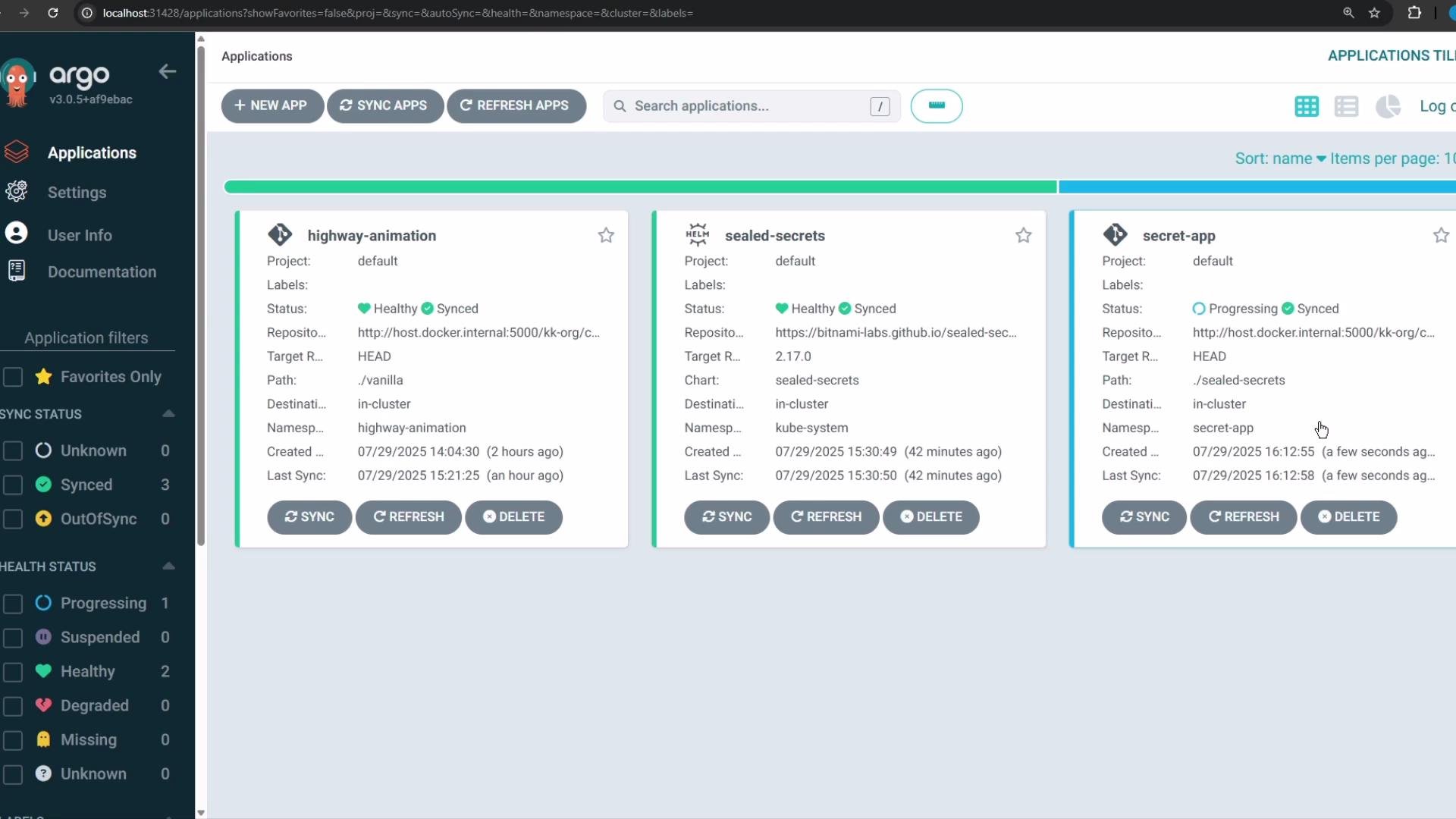
sealed-secret.yamlto the repository path monitored by Argo CD. - Configure an Argo CD Application pointing at the repo/path containing the SealedSecret (you can create the application’s namespace via Argo CD or beforehand).
- Sync the Argo CD Application.
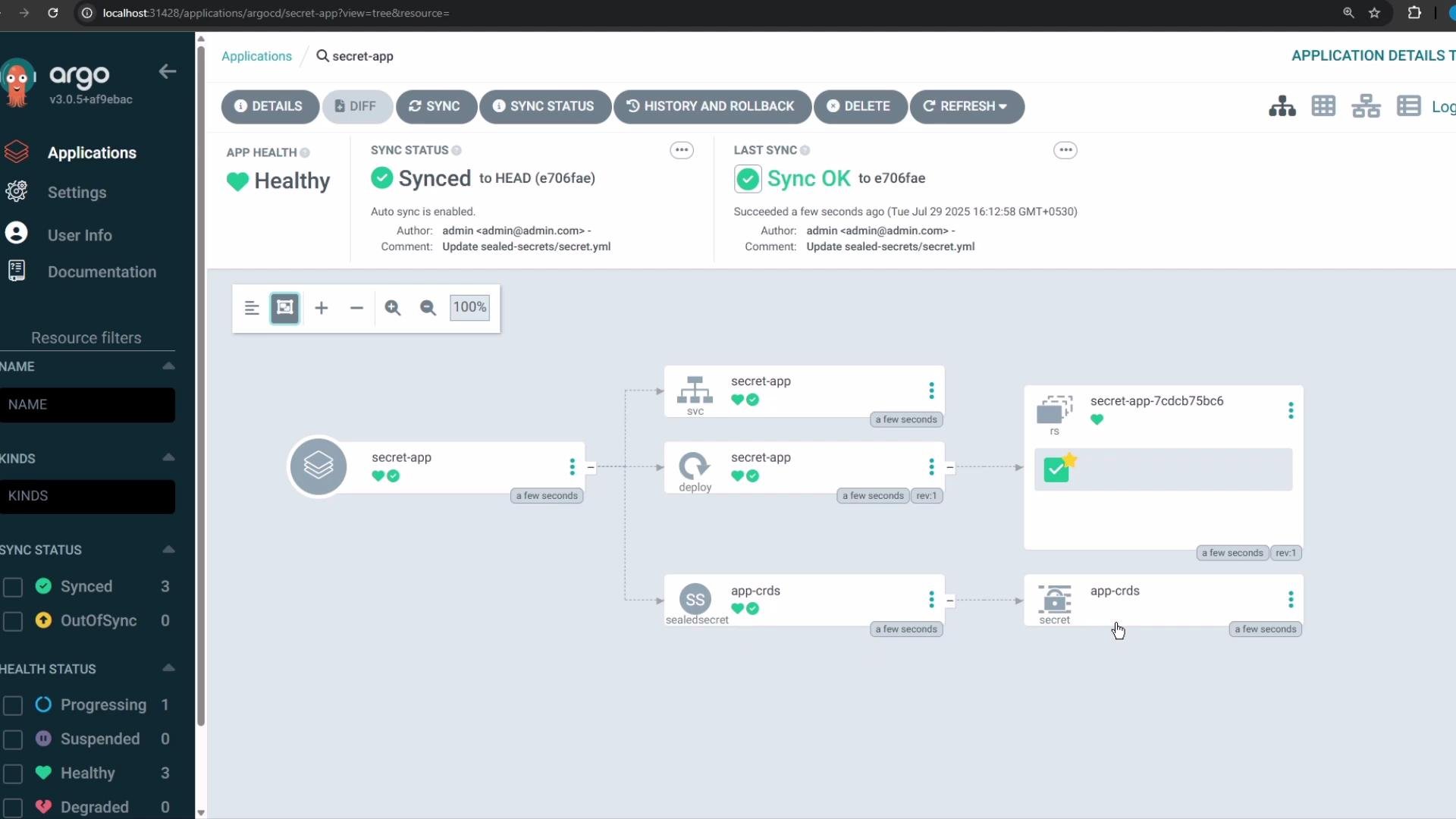
encryptedData with its private key, and creates a regular Kubernetes Secret in the target namespace for your application.
Argo CD UI — application view
- Verify namespaces (you should see
secret-appif Argo CD created it):
- Check resources in the application namespace:
- Inspect the created Secret (the Sealed Secrets controller creates a normal
Secretresource — values are still Base64-encoded per Kubernetes format, but represent the decrypted values from the original Secret):
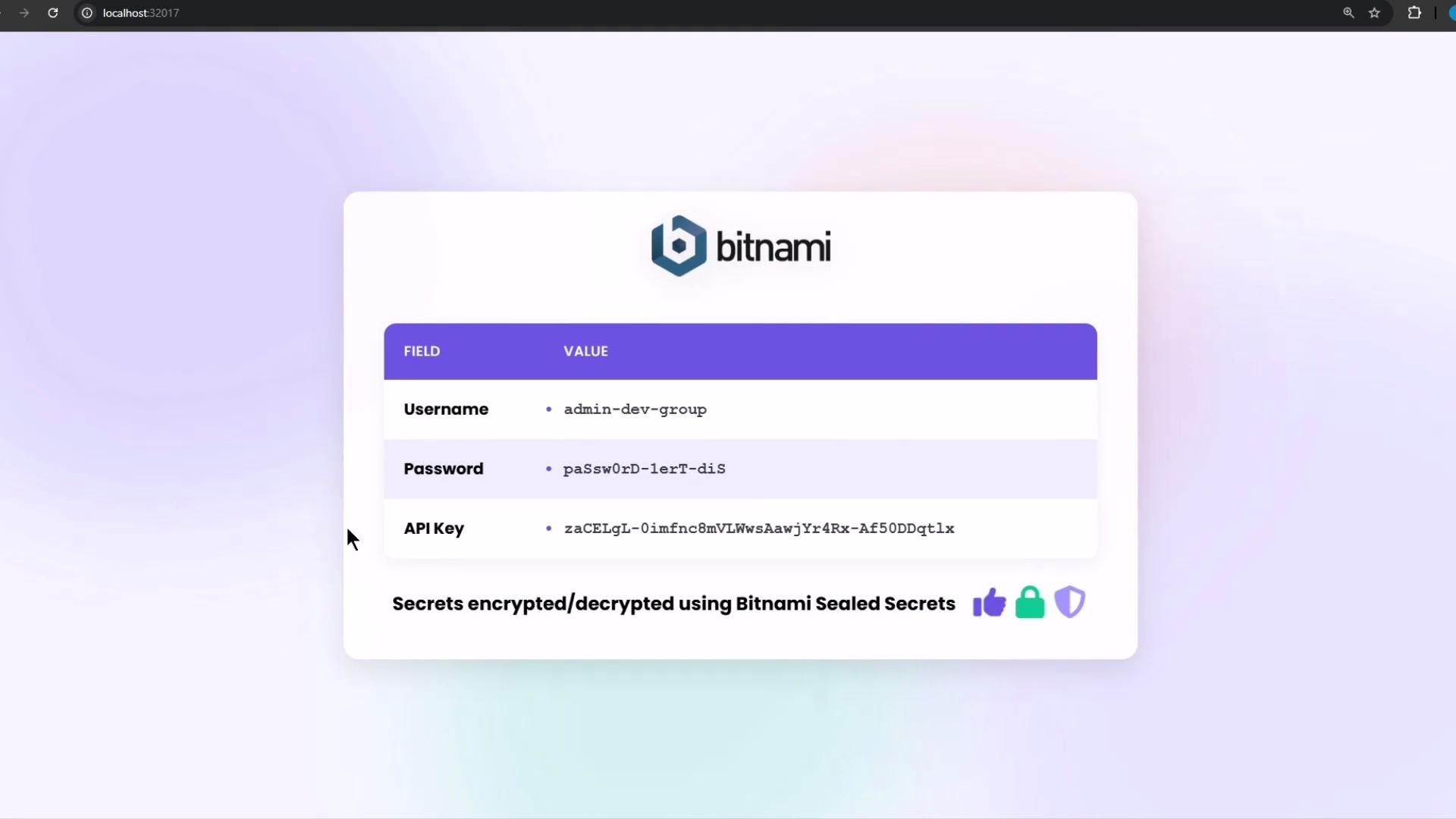
- SealedSecrets are safe to commit to Git because they store only encrypted data.
- The cluster’s Sealed Secrets controller holds the private key and will decrypt SealedSecrets to create real Kubernetes Secrets in the target namespace.
- Applications consume the resulting Secret as usual.
Alternatives and further reading
- Bitnami Sealed Secrets: https://github.com/bitnami-labs/sealed-secrets
- kubeseal (client): https://github.com/bitnami-labs/sealed-secrets#kubeseal
- Argo CD documentation: https://argo-cd.readthedocs.io/
- Other GitOps secret management tools: Mozilla SOPS, HashiCorp Vault