ArgoCD performs reconciliation by polling Git and comparing the desired state to cluster state. By default ArgoCD polls at a relatively low frequency (often on the order of minutes). This guide shows how to tune ArgoCD’s pull-based reconciler to poll Git more frequently (for example, every 10s) by updating the argocd-cm ConfigMap and restarting the application controller so the new setting takes effect. Key steps
  • Edit the argocd-cm ConfigMap in the argocd namespace and set timeout.reconciliation to a duration string (for example, "10s").
  • Restart the ArgoCD application controller (Deployment or StatefulSet) so it loads the updated configuration.
  • Verify the new behavior by changing an ArgoCD-managed manifest in Git and observing faster reconciliation.
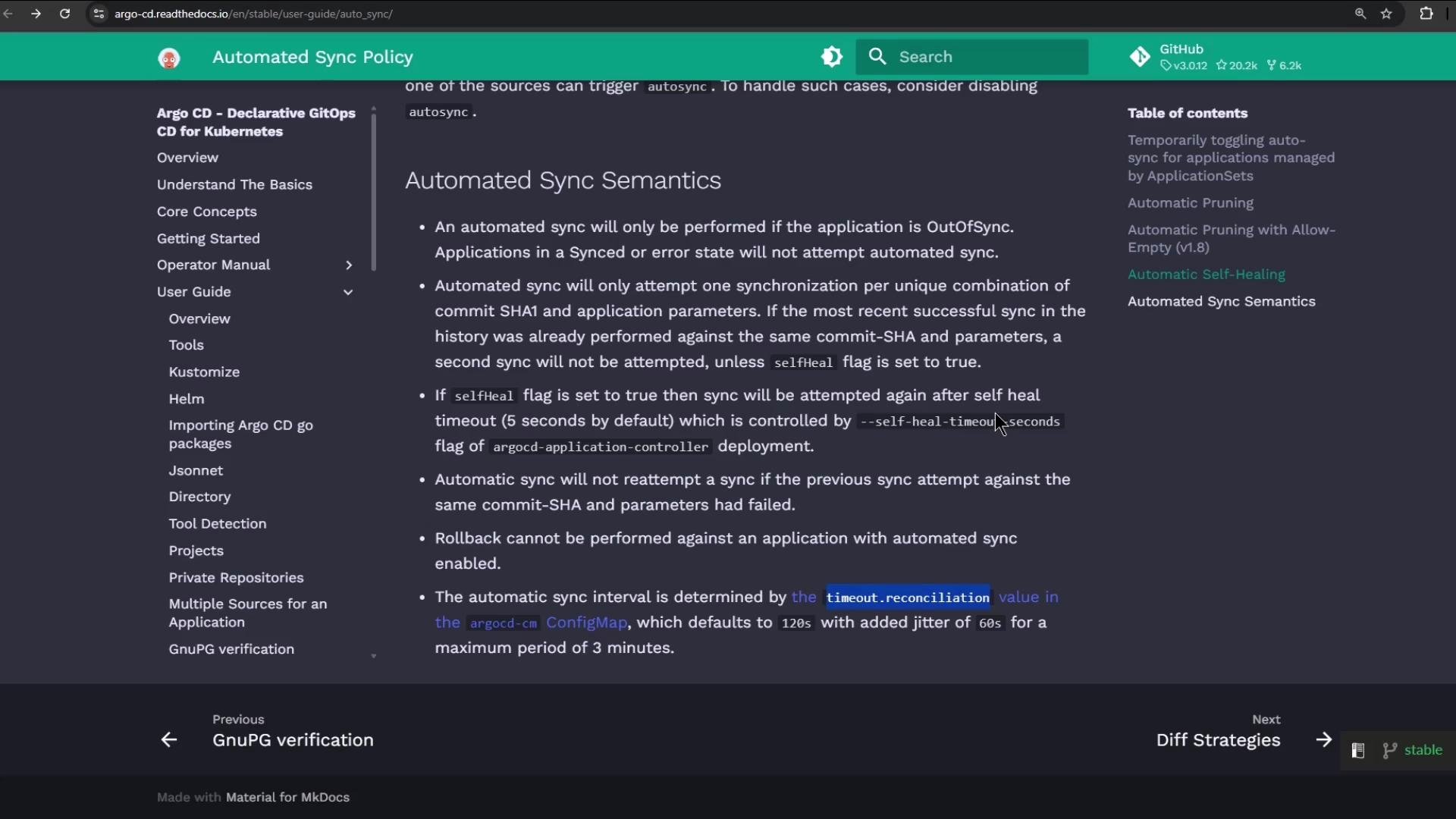
The image is a screenshot of the Argo CD documentation webpage, displaying information about automated sync semantics in Kubernetes, with a sidebar menu for navigation.

1. Edit the ConfigMap (set poll/reconciliation interval)

Open the argocd-cm ConfigMap in the argocd namespace and edit it:
kubectl -n argocd edit cm argocd-cm
Under the ConfigMap data: section add or update timeout.reconciliation with a duration string (examples: "10s", "60s", "1m"). The value must be a string. Minimal example to add:
apiVersion: v1
data:
  # Poll/reconciliation interval. This must be a string duration.
  timeout.reconciliation: "10s"
If your ConfigMap already contains resource.customizations (for ignoring noisy fields or other behaviors), keep those entries. A common pattern includes resource.customizations.ignoreResourceUpdates.* to avoid unnecessary drift detection noise. Example entries you can keep or adapt:
data:
  resource.customizations.ignoreResourceUpdates.ConfigMap: |
    jqPathExpressions:
      # Ignore cluster-autoscaler last-updated annotation
      - '.metadata.annotations["cluster-autoscaler.kubernetes.io/last-updated"] = ""'
      # Ignore legacy leader election annotation
      - '.metadata.annotations["control-plane.alpha.kubernetes.io/leader"] = ""'
  resource.customizations.ignoreResourceUpdates.Endpoints: |
    jsonPointers:
      - /metadata
      - /subsets
  resource.customizations.ignoreResourceUpdates.all: |
    jsonPointers:
      - /status
Note: The exact customization keys and formats depend on your ArgoCD version and needs. The important setting for poll frequency is timeout.reconciliation.
After you save the edited ConfigMap, you must restart the ArgoCD application controller (Deployment or StatefulSet) so the controller picks up the new timeout.reconciliation value.

2. Restart the application controller

The application controller must be restarted to load the new ConfigMap value. Most ArgoCD installations use a Deployment named argocd-application-controller, but some use a StatefulSet. For a Deployment:
kubectl -n argocd rollout restart deployment argocd-application-controller
For a StatefulSet:
kubectl -n argocd rollout restart sts argocd-application-controller
Confirm the rollout status:
kubectl -n argocd get deployment argocd-application-controller
# Example output:
# NAME                             READY   UP-TO-DATE   AVAILABLE   AGE
# argocd-application-controller    0/1     0            0           45m
# (after a short while)
# argocd-application-controller    1/1     1            1           46m
Verify the ConfigMap contains the new timeout:
kubectl -n argocd get cm argocd-cm -o yaml | grep -i timeout
# Expected output:
# timeout.reconciliation: 10s
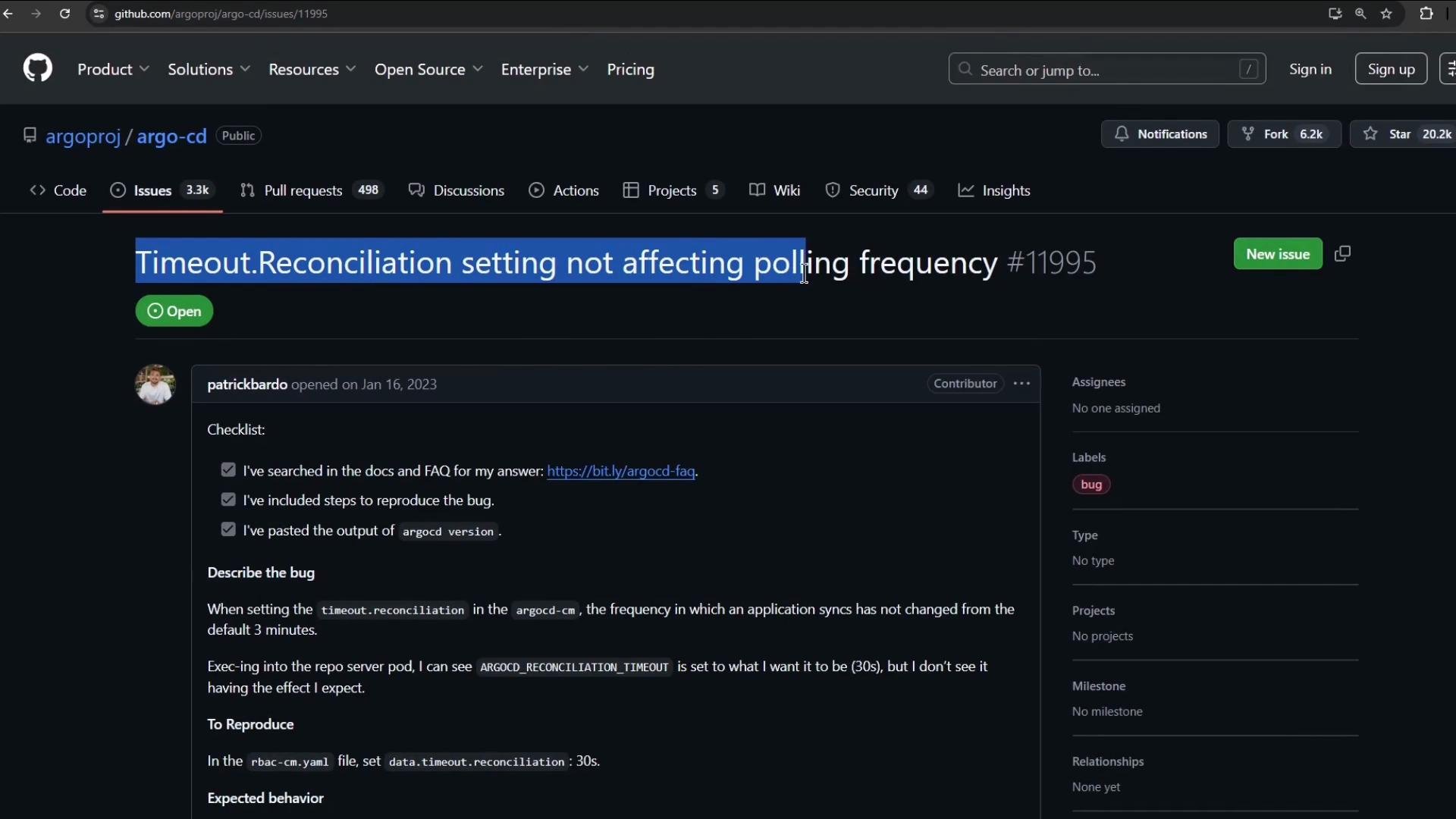
The image shows a GitHub issue page for the project "argo-cd," where an open issue titled "Timeout.Reconciliation setting not affecting polling frequency" is being discussed. The issue, labeled as a bug, includes a checklist and a description of the problem.

3. Verify with a deployment change (test reconciliation frequency)

Make a small change in the Git repo for an ArgoCD-managed app to confirm faster polling. In this demo we change the replica count of a Deployment. This is the manifest as stored in Git before the change:
apiVersion: apps/v1
kind: Deployment
metadata:
  name: highway-animation
  namespace: highway-animation
spec:
  replicas: 10
  selector:
    matchLabels:
      app: highway-animation
  template:
    metadata:
      labels:
        app: highway-animation
    spec:
      containers:
        - name: highway-animation
          image: siddharth67/highway-animation:blue
          ports:
            - containerPort: 3000
          env:
            - name: POD_COUNT
              value: "10"
Change replicas to a new value (for example 7), commit and push. Example updated manifest:
apiVersion: apps/v1
kind: Deployment
metadata:
  name: highway-animation
  namespace: highway-animation
spec:
  replicas: 7
  selector:
    matchLabels:
      app: highway-animation
  template:
    metadata:
      labels:
        app: highway-animation
    spec:
      containers:
        - name: highway-animation
          image: siddharth67/highway-animation:blue
          ports:
            - containerPort: 3000
          env:
            - name: POD_COUNT
              value: "7"
After pushing the change, ArgoCD will poll the Git repository according to the configured timeout.reconciliation (plus any processing time). Check the target namespace to observe pod scaling and reconciliation:
kubectl -n highway-animation get po
# Example output shows new pods being created and old pods terminating as the Deployment scales:
# NAME                                       READY   STATUS              RESTARTS   AGE
# highway-animation-97b59688-rrnh2           1/1     Running             0          14s
# highway-animation-c88486bd5-kfkqp          0/1     Pending             0          0s
# ...
Timing may vary slightly due to controller scheduling and cluster load. If timeout.reconciliation: "10s" is set and the application controller was restarted, you should observe reconciliation occurring more frequently than the default (often within the configured interval plus controller processing time).

Quick reference — common commands

TaskCommand / Notes
Edit ConfigMapkubectl -n argocd edit cm argocd-cm
Set poll intervalAdd timeout.reconciliation: "10s" under data: in the ConfigMap
Restart controller (Deployment)kubectl -n argocd rollout restart deployment argocd-application-controller
Restart controller (StatefulSet)kubectl -n argocd rollout restart sts argocd-application-controller
Verify ConfigMap contains timeout`kubectl -n argocd get cm argocd-cm -o yamlgrep -i timeout`
Check controller logskubectl -n argocd logs -l app.kubernetes.io/name=argocd-application-controller
Inspect target namespace podskubectl -n <namespace> get po

Troubleshooting tips

  • Ensure timeout.reconciliation is a quoted string value (for example "10s") under the ConfigMap data:; unquoted values may be rejected or parsed incorrectly.
  • Always restart the argocd-application-controller after editing argocd-cm; the controller reads this ConfigMap at startup.
  • If reconcilation is still slow:
    • Confirm the controller restart succeeded (kubectl -n argocd get deployment argocd-application-controller).
    • Inspect controller logs for errors or warnings:
      kubectl -n argocd logs -l app.kubernetes.io/name=argocd-application-controller
      
    • Check for any cluster-level rate limiting or heavy controller load that could delay reconciliation.
  • For ArgoCD version-specific behavior or additional tuning options, refer to the official docs: Argo CD documentation - Configuration and Argo CD troubleshooting.
This walkthrough demonstrates how to tune ArgoCD’s pull/poll frequency by updating timeout.reconciliation in the argocd-cm ConfigMap and ensuring the application controller loads the new configuration.

Watch Video