In this lesson you’ll deploy a simple multi-replica app and observe how Kubernetes handles updates using the two Deployment strategies: RollingUpdate (the default) and Recreate. You’ll see how each strategy affects application availability during a rollout.
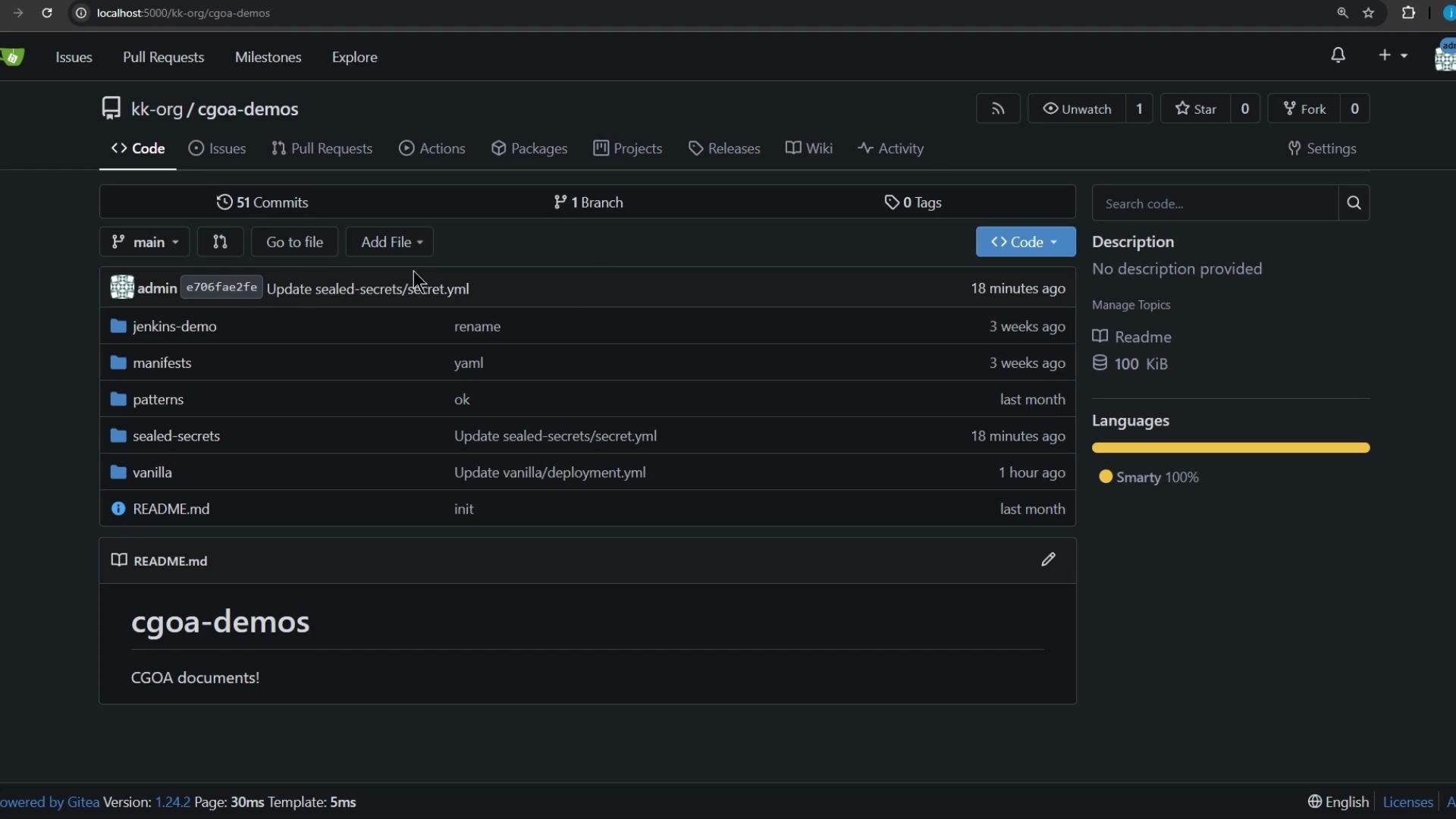
The image shows a web interface of a Git repository named "cgoa-demos," displaying folders and files along with their last updated information. It is powered by Gitea and shows sections like commits, branches, and languages used.
Prerequisites
  • A working Kubernetes cluster and kubectl configured to talk to it.
  • curl available locally to probe the service.
  • The example repo is hosted at http://localhost:5000/kk-org/cgoa-demos (adjust to your environment).
Repository and manifests We will work from the patterns/release directory in the cgoa-demos repository. It contains two manifests: deployment.yml and service.yml. The Deployment shown below does not explicitly set a strategy, so Kubernetes will default to RollingUpdate.
If a Deployment does not specify strategy.type, Kubernetes uses RollingUpdate by default.
Initial Deployment manifest (as present in the repo)
apiVersion: apps/v1
kind: Deployment
metadata:
  name: app
  labels:
    app: app-demo
spec:
  replicas: 5
  selector:
    matchLabels:
      app: app-demo
  template:
    metadata:
      labels:
        app: app-demo
    spec:
      containers:
        - name: app
          image: siddharth67/app:v1
          imagePullPolicy: IfNotPresent
          ports:
            - containerPort: 3311  # Note: v2 also uses 3000 internally
Step-by-step: reproduce locally
  1. Clone the repository and open the release pattern directory
git clone http://localhost:5000/kk-org/cgoa-demos
cd cgoa-demos/patterns/release
  1. Create a namespace and apply the manifests
kubectl create ns rolling-recreate
kubectl -n rolling-recreate apply -f .
Verify resources:
kubectl -n rolling-recreate get all
You should see the Deployment with 5 replicas and a Service of type NodePort. Note the NodePort value from the kubectl get svc output — you’ll use it to probe the app.
  1. Continuously probe the application to observe availability during rollouts
The application exposes /app which returns Application Version: vX. Use the loop below to poll the service every second and colorize responses so version switches and downtime are obvious. Replace 32431 with the actual NodePort reported for the Service.
while true; do
  echo -n "$(date '+%H:%M:%S') - ";
  curl -s --max-time 1 http://localhost:32431/app 2>/dev/null |
  awk '{
    if (/^Application Version:/) {
      if ($0 ~ /v1/) print "\033[34m"$0"\033[0m";
      else if ($0 ~ /v2/) print "\033[33m"$0"\033[0m";
      else print $0;
    } else print "\033[31mERROR: Service unreachable\033[0m"
  }';
  sleep 1;
done
  1. Perform a RollingUpdate (default behavior)
Trigger a RollingUpdate by changing the Deployment image to v2. This will roll new pods in while terminating old pods according to maxSurge / maxUnavailable settings (defaults preserve availability).
kubectl -n rolling-recreate set image deployment/app app=siddharth67/app:v2
Expected observation
  • The polling loop should show a smooth transition from v1 to v2.
  • You might see, at most, a brief single-second miss while pods start, but generally there is no sustained downtime.
Example excerpt from the probe output:
16:34:33 - Application Version: v1
16:34:34 - Application Version: v2
16:34:35 - Application Version: v2
This is how RollingUpdate preserves availability: new pods are started before old ones are terminated (subject to maxUnavailable / maxSurge).
  1. Switch the Deployment strategy to Recreate and observe the difference
Edit the Deployment to change the strategy to Recreate:
kubectl -n rolling-recreate edit deployment app
In the editor, add or update the strategy section:
strategy:
  type: Recreate
If any rollingUpdate fields (e.g. maxSurge, maxUnavailable) exist, remove them for clarity when using Recreate. Then trigger another rollout (for example, set the image back to v1):
kubectl -n rolling-recreate set image deployment/app app=siddharth67/app:v1
With Recreate, Kubernetes first terminates all existing pods and then starts new pods. Expect downtime between termination and readiness of the new pods — the Service will be unreachable during that window.
Expected observation under Recreate
  • The probe loop will show repeated ERROR: Service unreachable lines while Kubernetes brings up the new pods.
  • Once the new pods are ready, the probe resumes showing Application Version: v1 (or whatever target version you deployed).
Example observation sequence:
16:36:32 - Application Version: v2
16:36:33 - ERROR: Service unreachable
16:36:34 - ERROR: Service unreachable
16:36:35 - Application Version: v1
16:36:36 - Application Version: v1
Quick comparison
StrategyBehavior during rolloutTypical downtime
RollingUpdate (default)Starts new pods before terminating old ones; traffic shifts gradually.Minimal or none (depends on readiness probes and surge/unavailable settings)
RecreateTerminates all old pods first, then starts new pods.Service unavailable during the interval between termination and readiness of new pods
Further reading and references That’s all for this lesson — you can repeat the experiment with different replica counts, readiness probes, and maxSurge / maxUnavailable values to explore more nuanced availability behavior.

Watch Video