

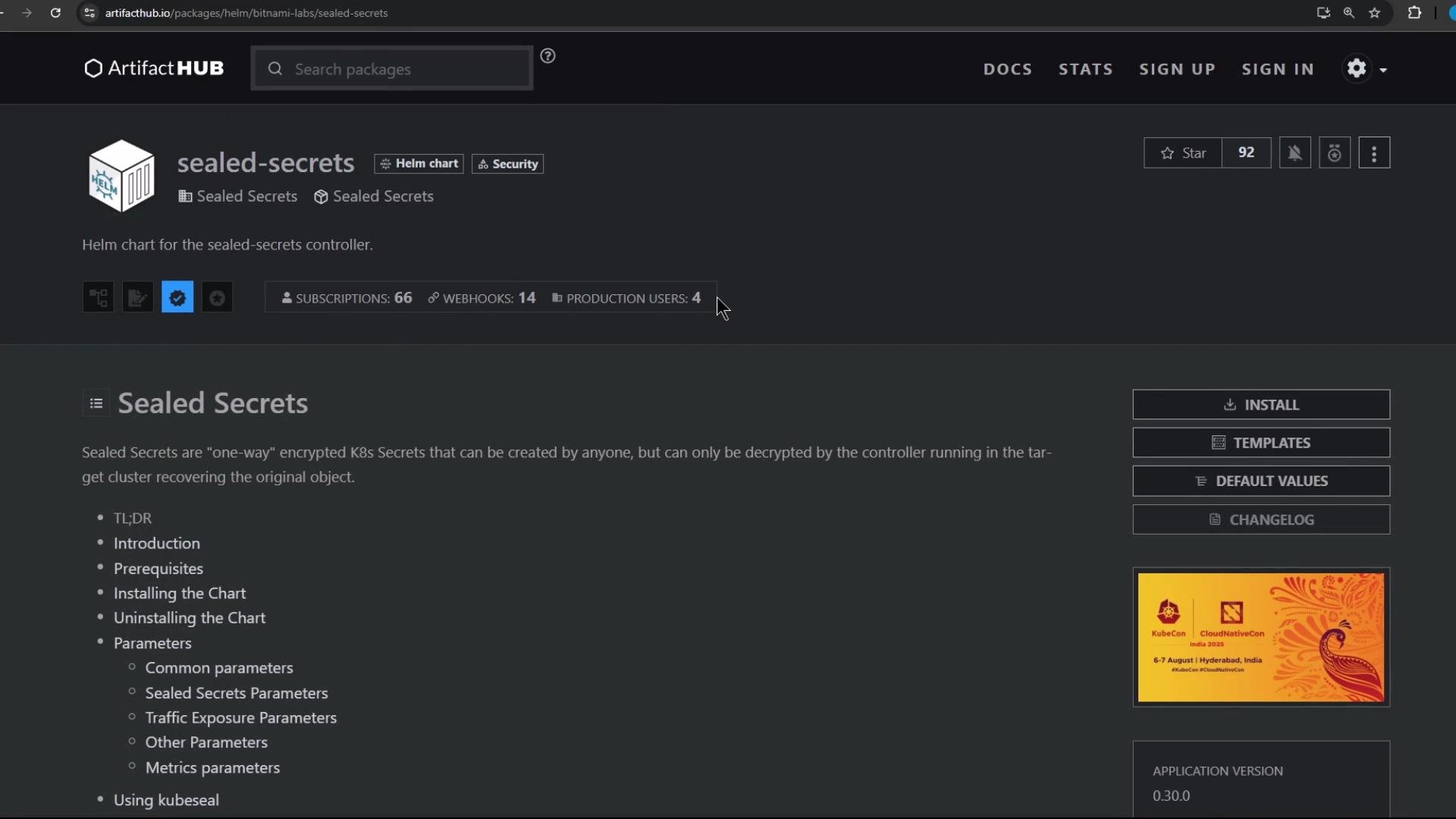
Option A — Install locally with Helm
Add the Bitnami Labs repo and install the sealed-secrets chart. Pick a chart version that matches your requirements (example below uses2.17.3):
values.yaml file and passing -f values.yaml to helm install.
Option B — Deploy via Argo CD (recommended for GitOps)
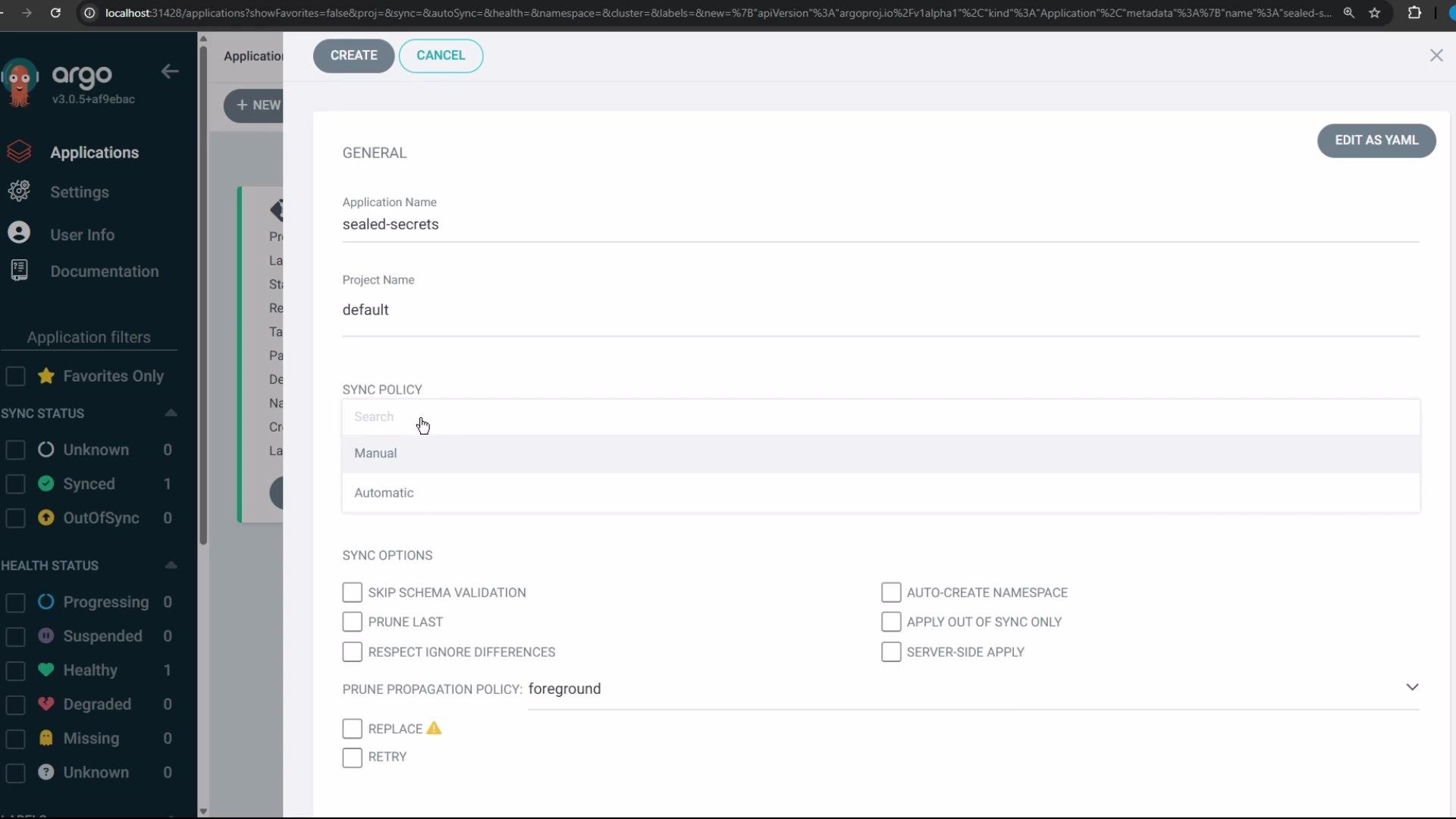
Configure an Argo CD Application that points to the Bitnami Labs Helm repo so Argo CD can fetch and sync the chart automatically. Steps in the Argo CD UI:- Set Source Type to Helm and paste the Helm repository URL:
https://bitnami-labs.github.io/sealed-secrets/ - Select the
sealed-secretschart and pick the desired chart version (for example,2.17.0or2.17.3) - Set the Destination cluster and choose the target namespace (this example uses
kube-system) - Optionally enable Auto-Sync so changes in the chart are applied automatically
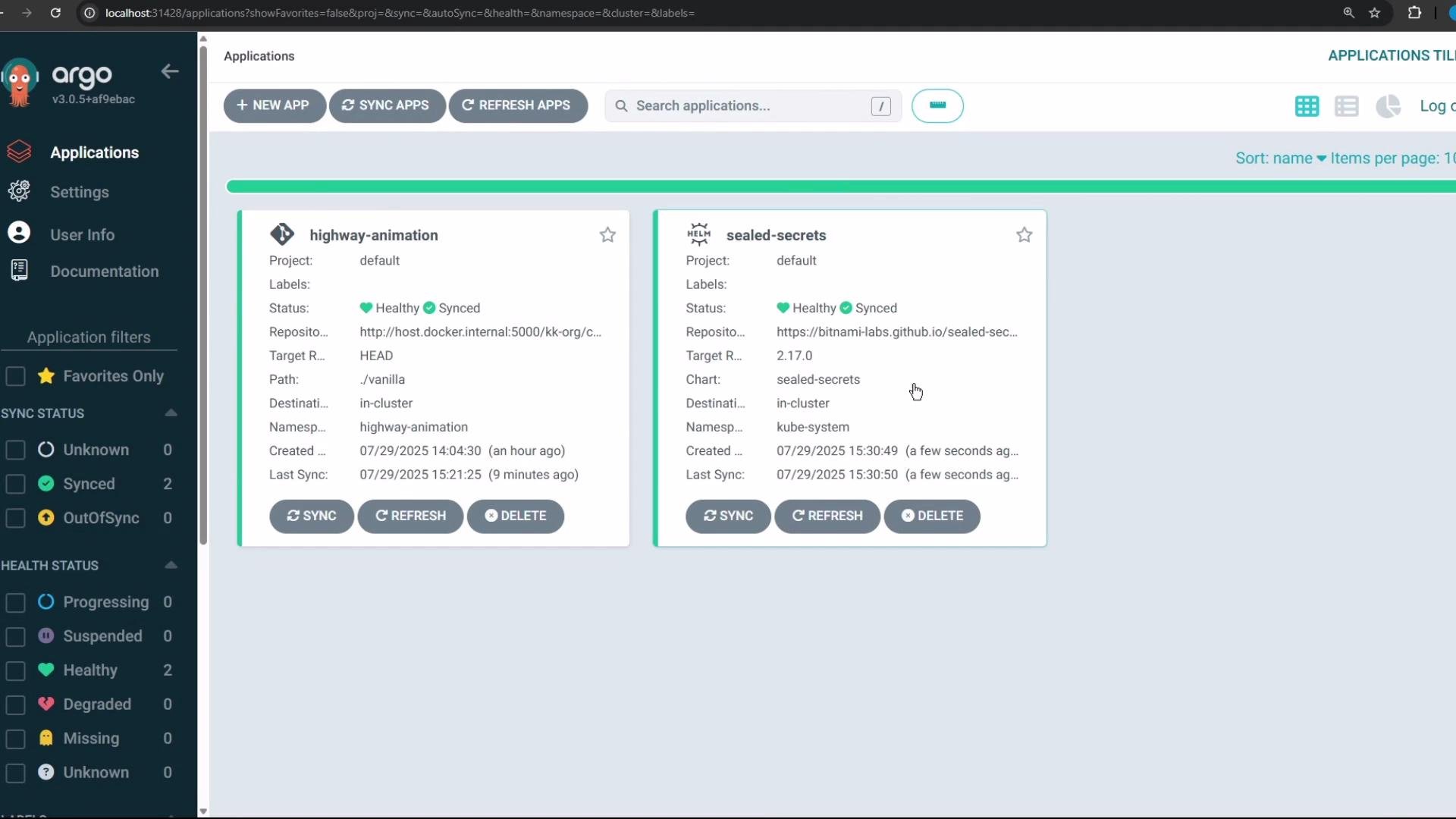
When sync completes in Argo CD, the Application should show a healthy and synced status.
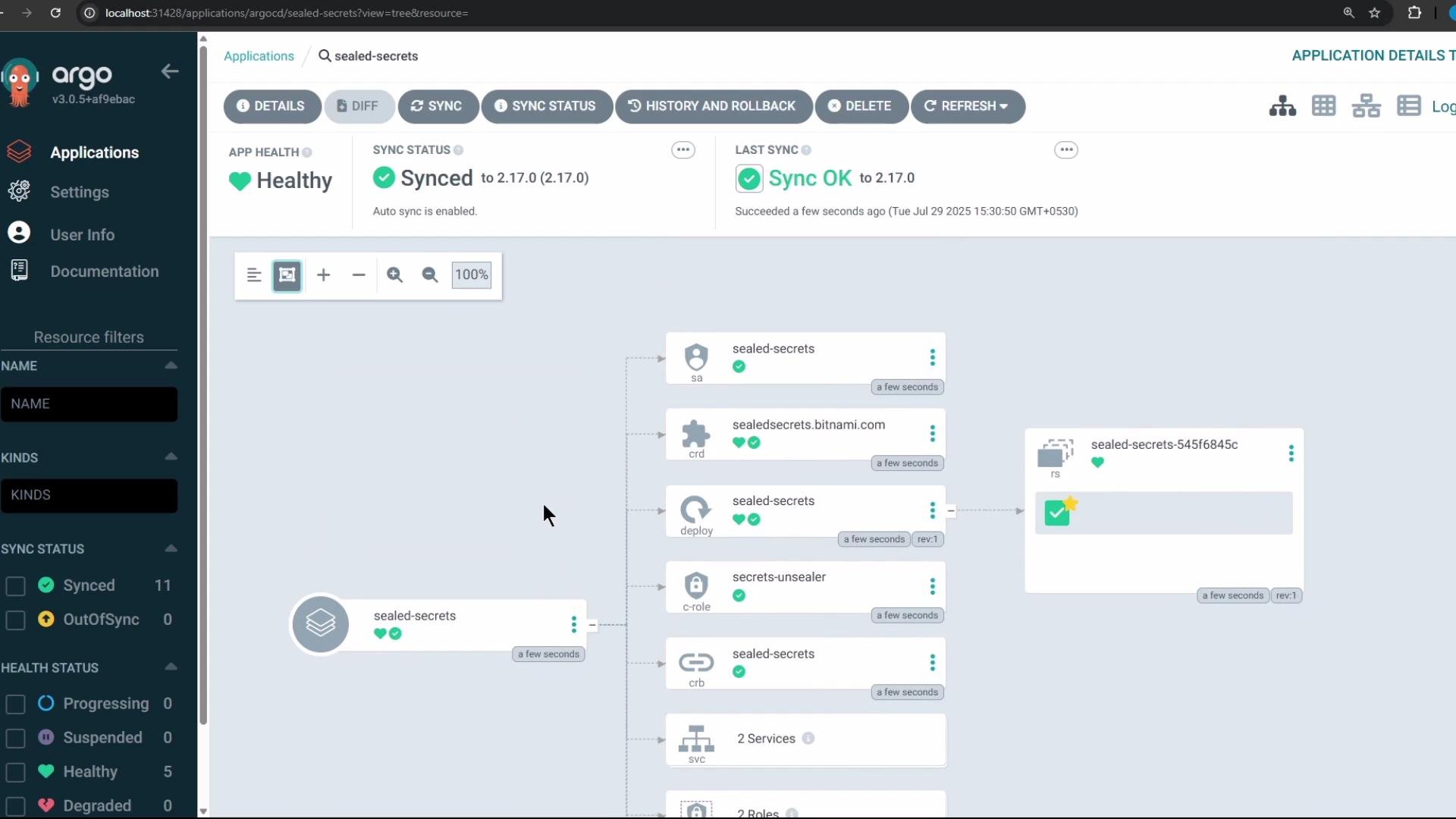
Verify the controller in Kubernetes
Use kubectl to confirm the controller, services and the TLS secret are present in the target namespace (example useskube-system):
Install the kubeseal CLI
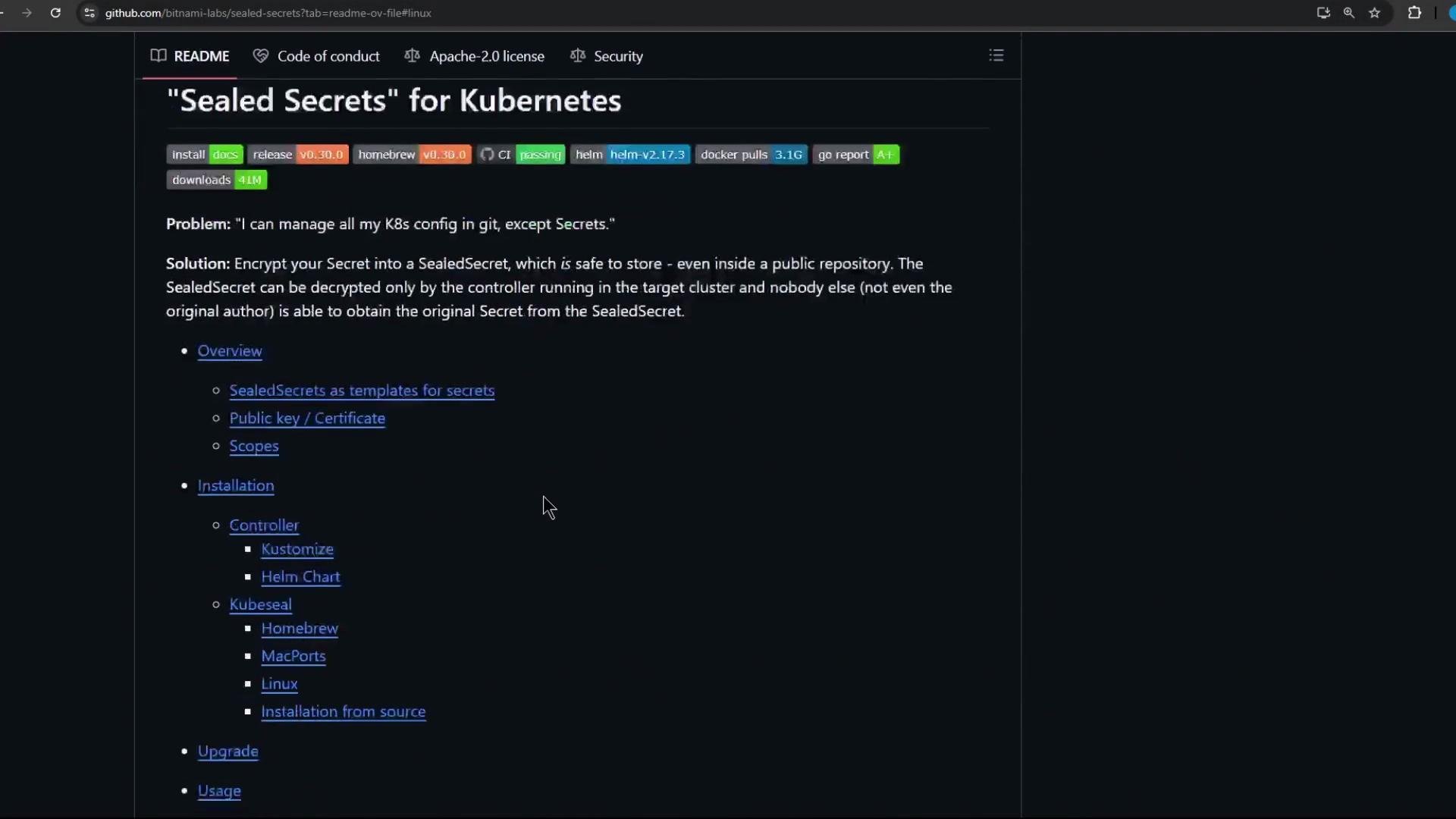
Thekubeseal client encrypts Kubernetes Secret manifests using the controller’s public key. The output is a SealedSecret resource that can be safely stored in Git and applied to the cluster; only the controller can decrypt it.
You can find releases on the Bitnami Labs Sealed Secrets GitHub repo: bitnami-labs/sealed-secrets.
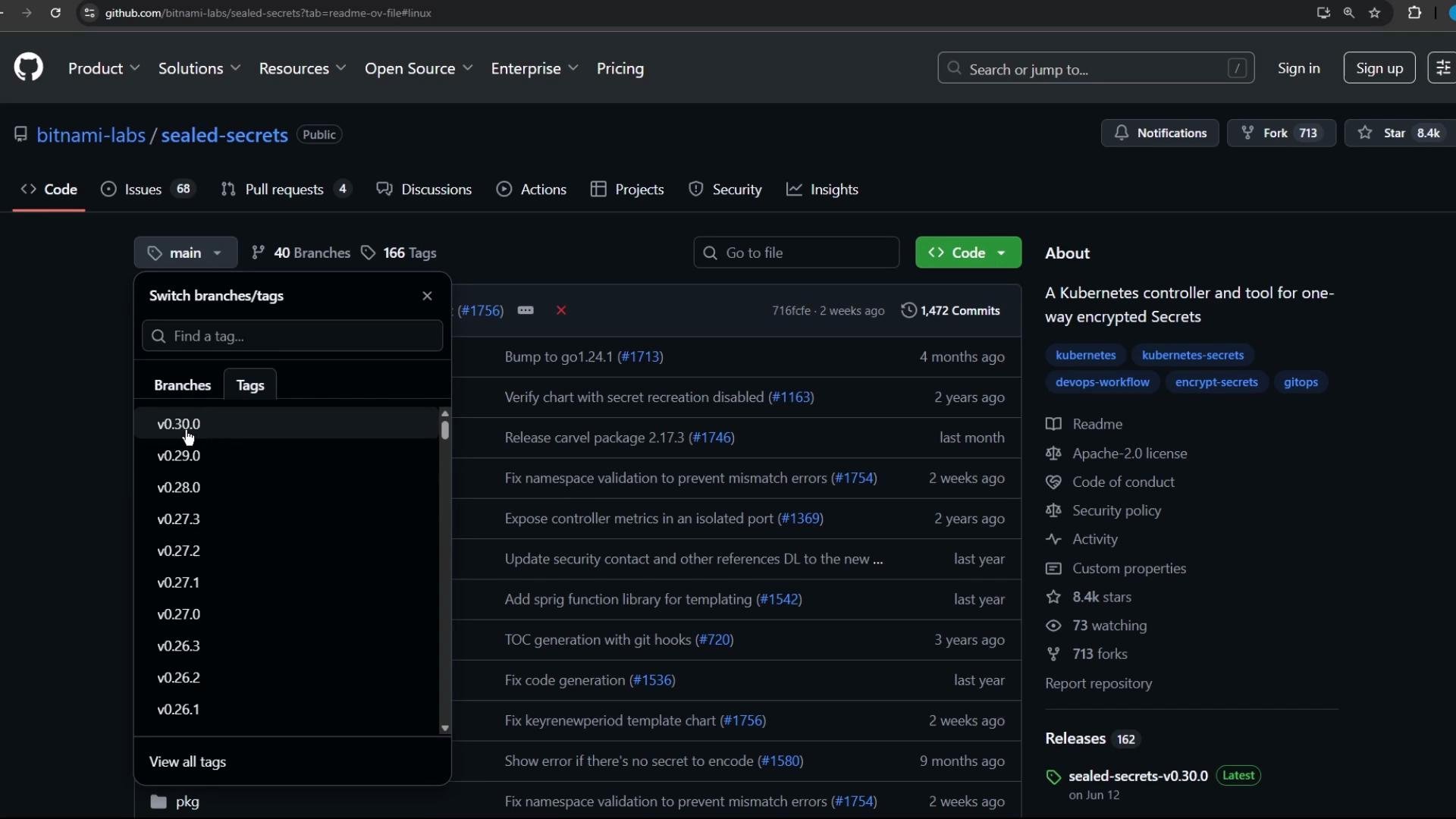
0.30.0 with the version you want):
jq):
Ensure your
kubeconfig points to the cluster where the sealed-secrets controller is installed before using kubeseal. The client fetches the controller’s public key from the cluster to create SealedSecrets that only the controller can decrypt.What you now have
- Bitnami Sealed Secrets controller deployed in your cluster (via Helm or Argo CD)
kubesealCLI installed locally to generate SealedSecrets- The foundation for a GitOps workflow: encrypt plain Secrets into SealedSecrets and commit them to Git; the sealed-secrets controller will decrypt and create Kubernetes Secrets in-cluster
Quick links and references
- Artifact Hub sealed-secrets chart: https://artifacthub.io/packages/helm/bitnami-labs/sealed-secrets
- Sealed Secrets GitHub repo: https://github.com/bitnami-labs/sealed-secrets
- Argo CD documentation: https://argo-cd.readthedocs.io/en/stable/
- Helm documentation: https://helm.sh/docs/
kubeseal, and commit the resultant SealedSecret to Git for automatic deployment.