

Why Use Iterators?
Iterators offer a concise and expressive approach to handling collections. They help eliminate common pitfalls associated with manual loop management—such as off-by-one errors—and greatly enhance code readability and maintainability.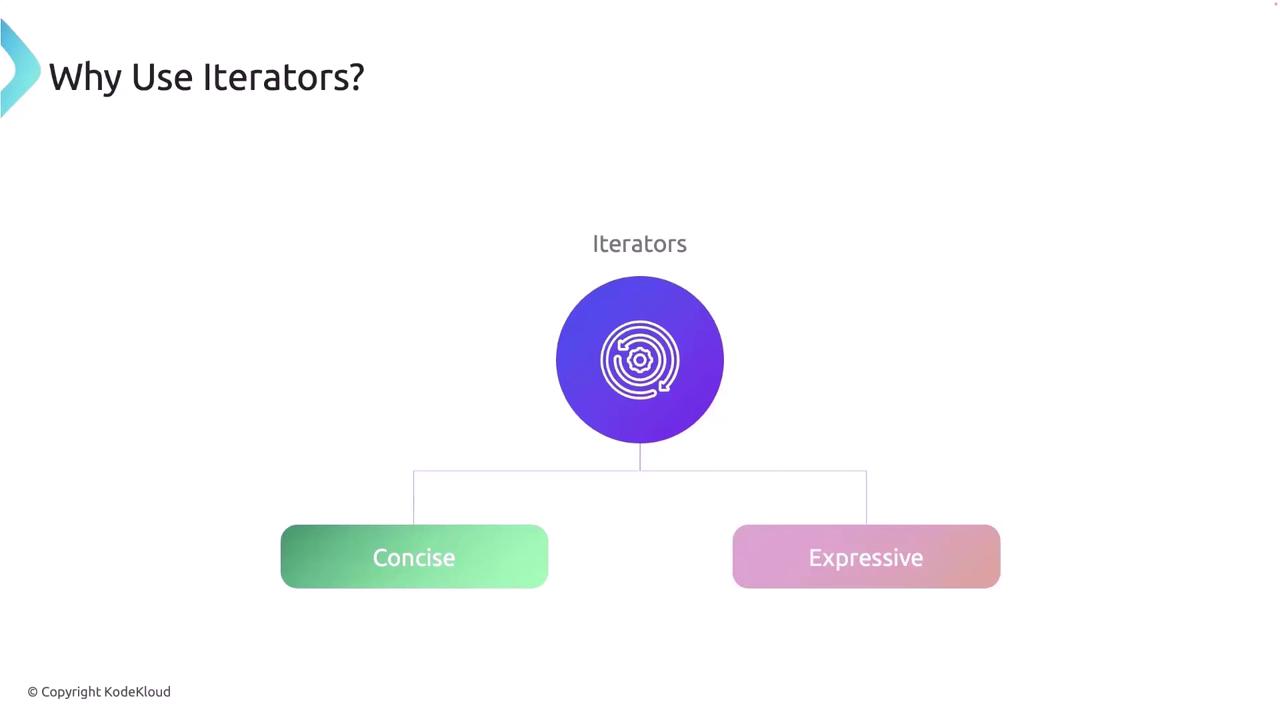
The Iterator Trait
At the core of Rust’s iteration system is the Iterator trait. It requires implementing just one method—thenext method—which returns the next element in the sequence wrapped in an Option.
type Item defines the type of elements yielded by the iterator. The next method advances the iterator, returning Some(value) when a value is available and None when the sequence is exhausted. Many default methods such as map, filter, and collect rely on a correctly implemented next.
Implementing the next Method: A Custom Counter
Consider the following example where we define a simple custom iterator named Counter. This iterator tracks a count that starts at zero and increments until it reaches 5.
main function, the while loop continuously calls next until it returns None, thereby printing the numbers 1 through 5.
Comparing Iterators and Traditional Loops
Traditional loops in Rust, likefor and while, often require manual management of counters or indices, which can lead to mistakes. For example, a manual loop may look like this:
map or filter only yield values when the iterator is consumed.
Consuming Iterators
Iterators are consumed when methods likefor, collect, or fold are invoked, taking ownership of the iterator. For example:
sum, the iterator is exhausted and cannot be reused. The following example demonstrates consumption in action:
next consumes the first element; subsequently, sum consumes the remaining elements.
Another pattern uses a consuming while let loop:
collect, fold, and for_each similarly exhaust the iterator as they process each element.
Iterator Adapters
Iterator adapters allow you to convert one iterator into another without consuming it immediately. Common examples includemap, filter, and chain.
The map Adapter
The map method applies a function to every element, producing a new iterator. For example:
The filter Adapter
The filter method selects elements that satisfy a given predicate. Note the use of double dereferencing to handle references returned by .iter():
The chain Adapter
The chain method combines two iterators into one. In the following example, two vectors are chained. Note that copied() is used to convert references to owned values before collection.
Lazy Evaluation
Rust iterators are lazy, meaning they do not perform any computation until they are consumed by an operation. Consider the following example:for loop.
Ownership and Borrowing with Iterators
Rust iterators typically borrow the data they traverse, meaning the original collection does not get modified or consumed.Using iter (Borrowing)
Using into_iter (Taking Ownership)
Using into_iter transfers ownership of each element:
names has been moved.
Using iter_mut (Mutable Borrowing)
Finally, iter_mut allows mutable access so that you can modify the elements in the collection:
Creating a Custom Iterator: Fibonacci Sequence
You can also implement the Iterator trait for your own types to create custom iterators. In this example, we implement a Fibonacci sequence iterator:Fibonacci struct maintains the state of the current and next numbers. The next method updates this state and returns the next number in the Fibonacci sequence, wrapped in Some. The iterator is limited to the first 10 elements using the take adapter.
Best Practices for Using Iterators
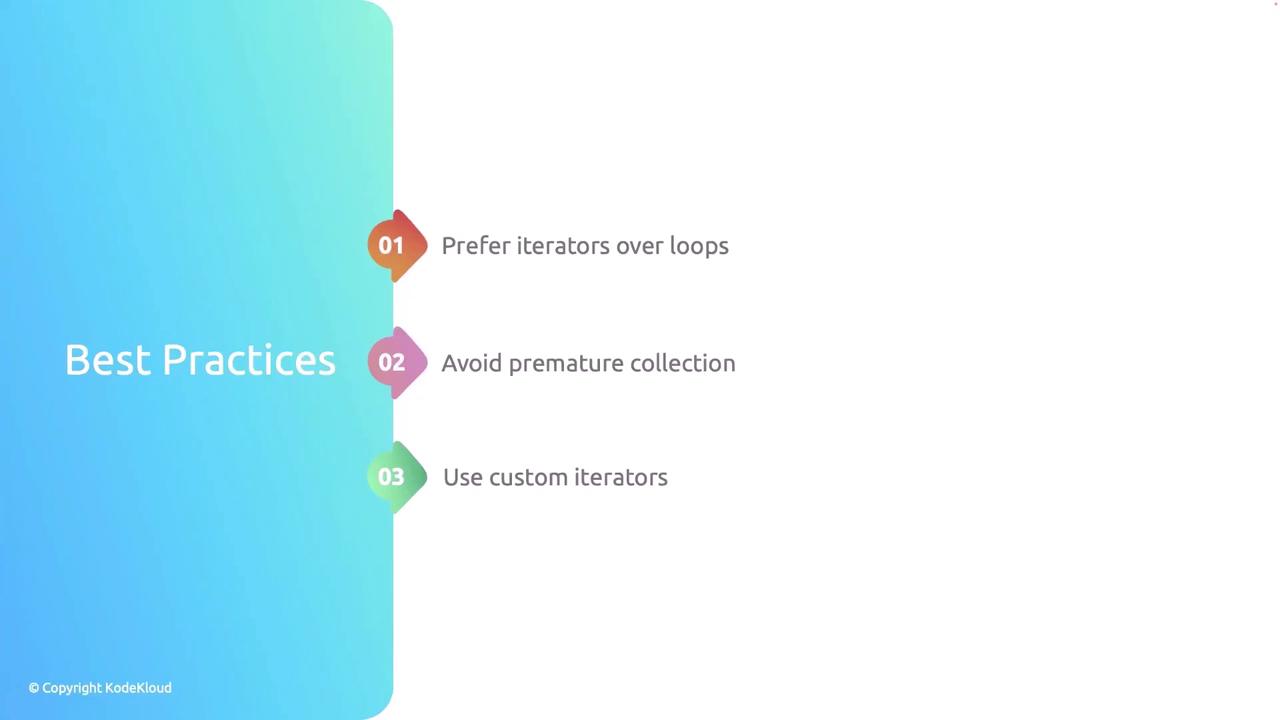
- Prefer iterators over manual loops: Utilize Rust’s built-in safety and performance optimizations by relying on iterators rather than manually handling loop counters.
- Avoid premature collection: Take advantage of lazy evaluation to prevent unnecessary memory allocation and computation.
- Implement custom iterators when necessary: For complex iteration logic, create custom iterators to keep the codebase clean and maintainable.
Remember that using iterators can lead to more concise and readable code. Their zero-cost abstraction ensures that you do not sacrifice performance.