Application Features
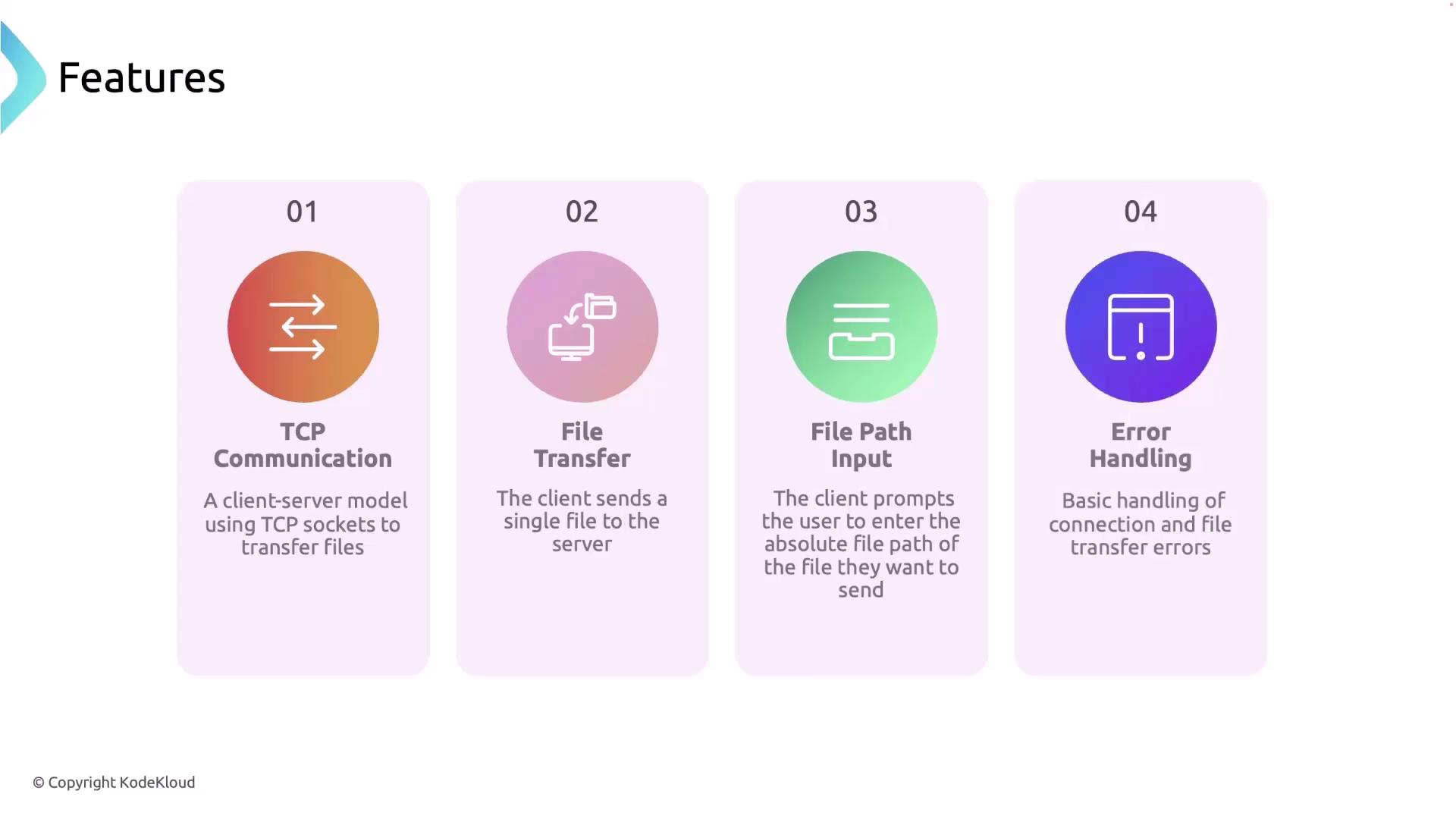
- TCP Communication: Uses TCP sockets to establish reliable client-server communication.
- File Transfer: Transfers a single file from the client to the server.
- File Path Input: The client prompts the user to input the absolute file path of the file to send.
- Error Handling: Implements basic error handling during connection setup and file transfer.
Core Components
Server
The server component consists of a TCP listener that binds to a specified port, accepts client connections, reads file chunks, and writes them to disk. Once the entire file is received, the server sends an acknowledgment back to the client.
Client
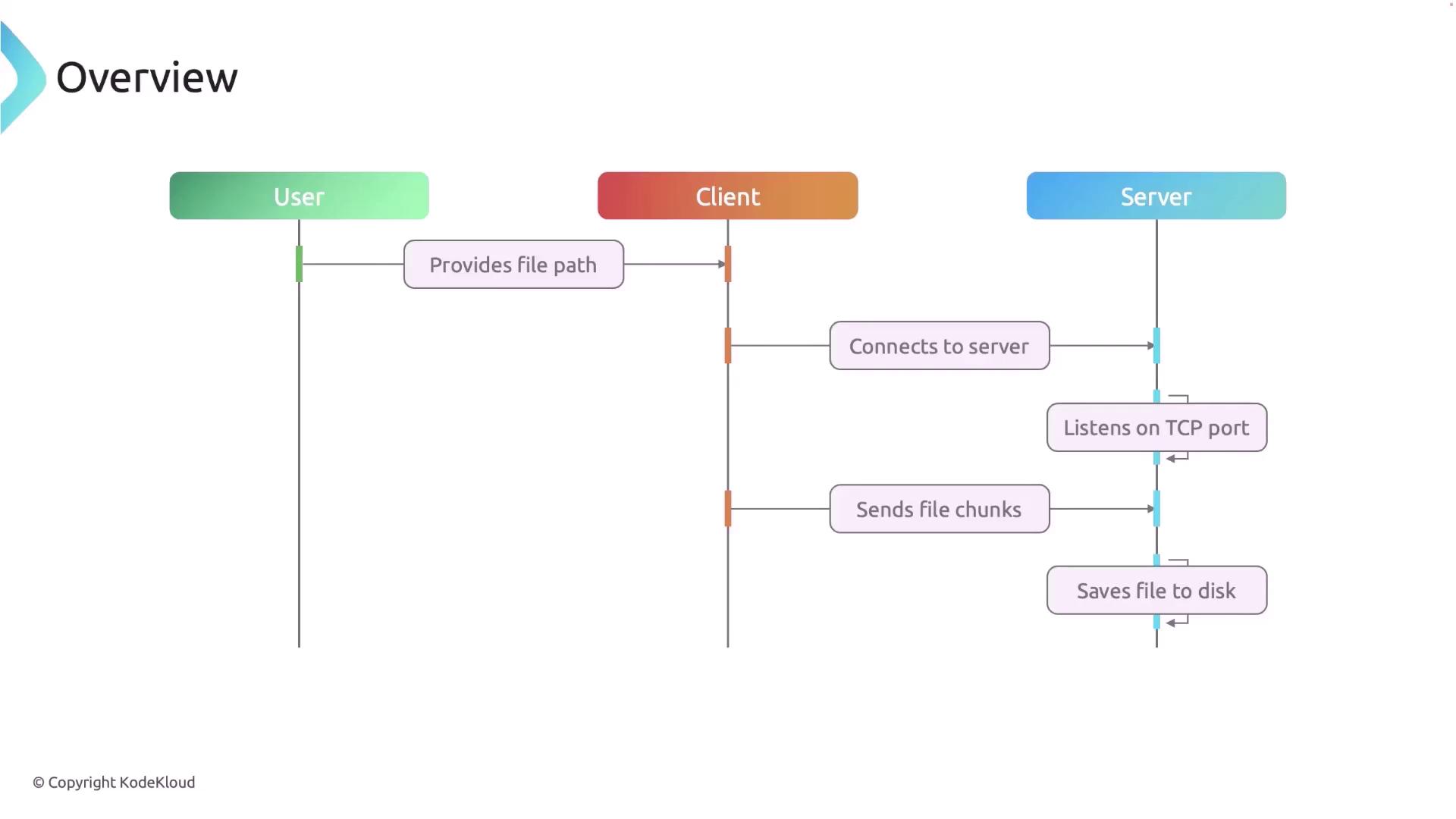
The client takes user input for the file path, connects to the server via TCP, reads the file in manageable chunks, and sends these chunks to the server. It includes error handling and waits for the server’s acknowledgment before closing the connection.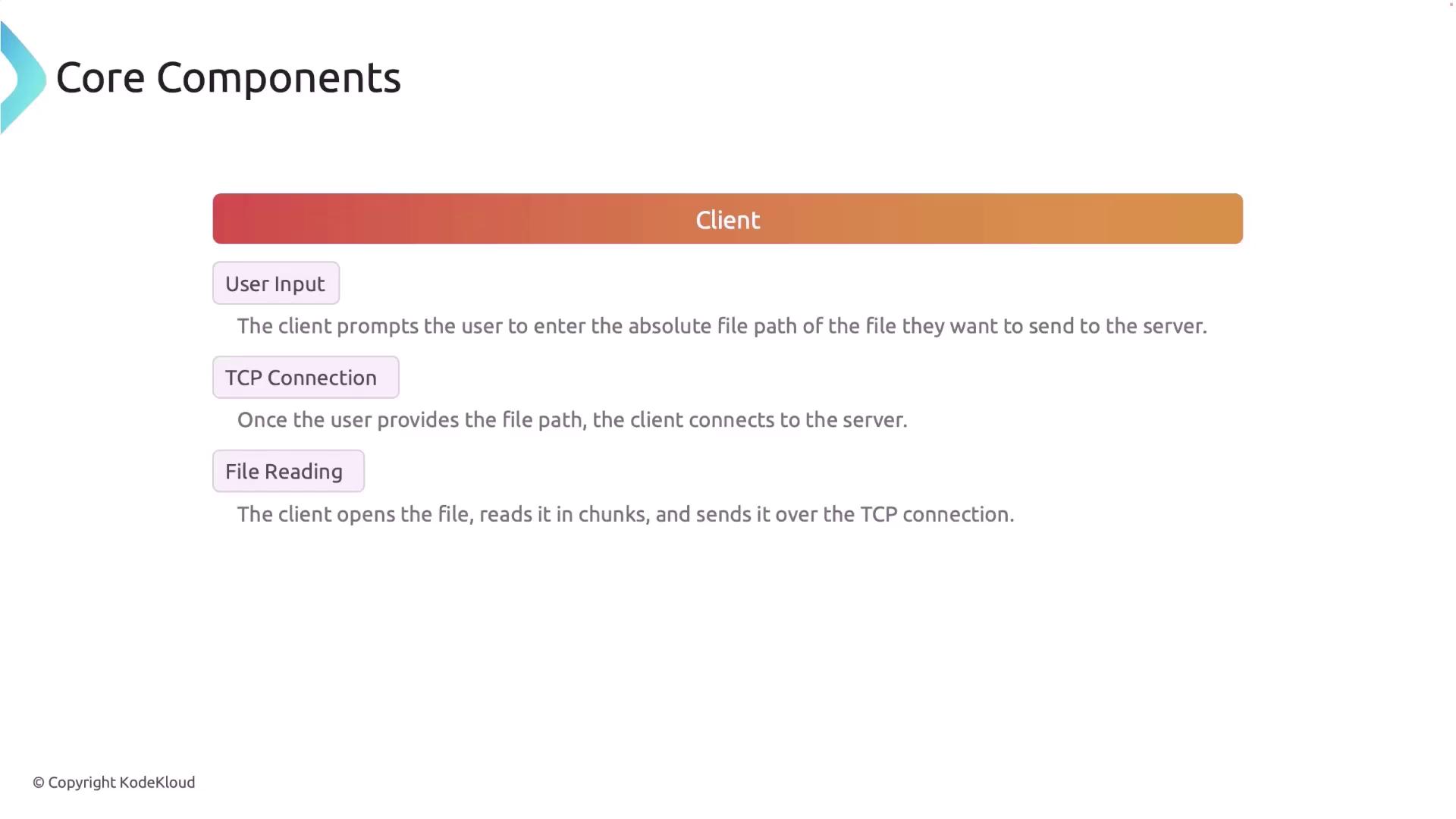
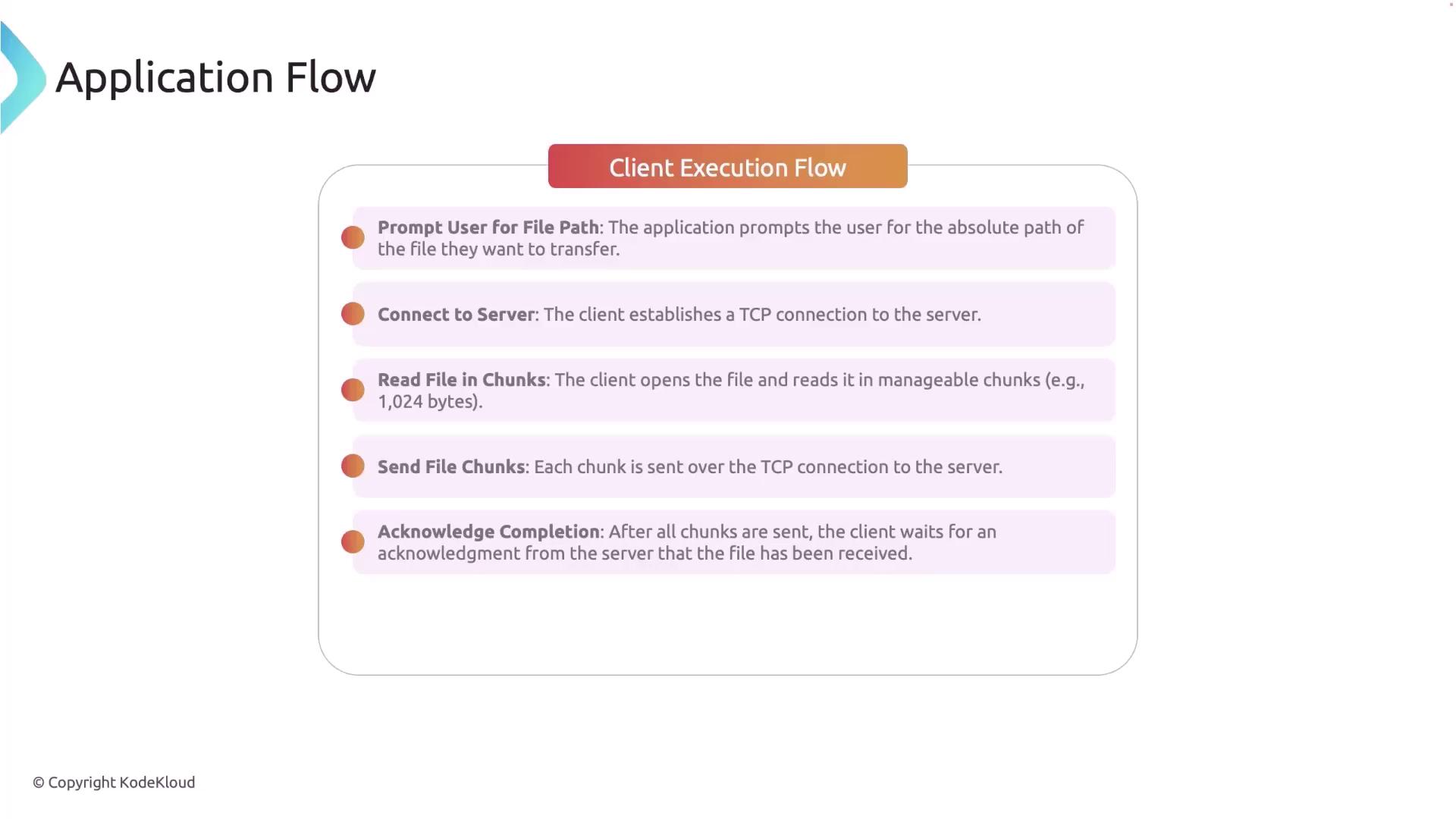
Client Execution Flow
- Prompt the user for the absolute file path.
- Establish a TCP connection to the server.
- Open the file and read it in fixed-size chunks (e.g., 1024 bytes).
- Send each file chunk to the server.
- Wait for the server’s acknowledgment after transmitting all chunks.
- Close the TCP connection.
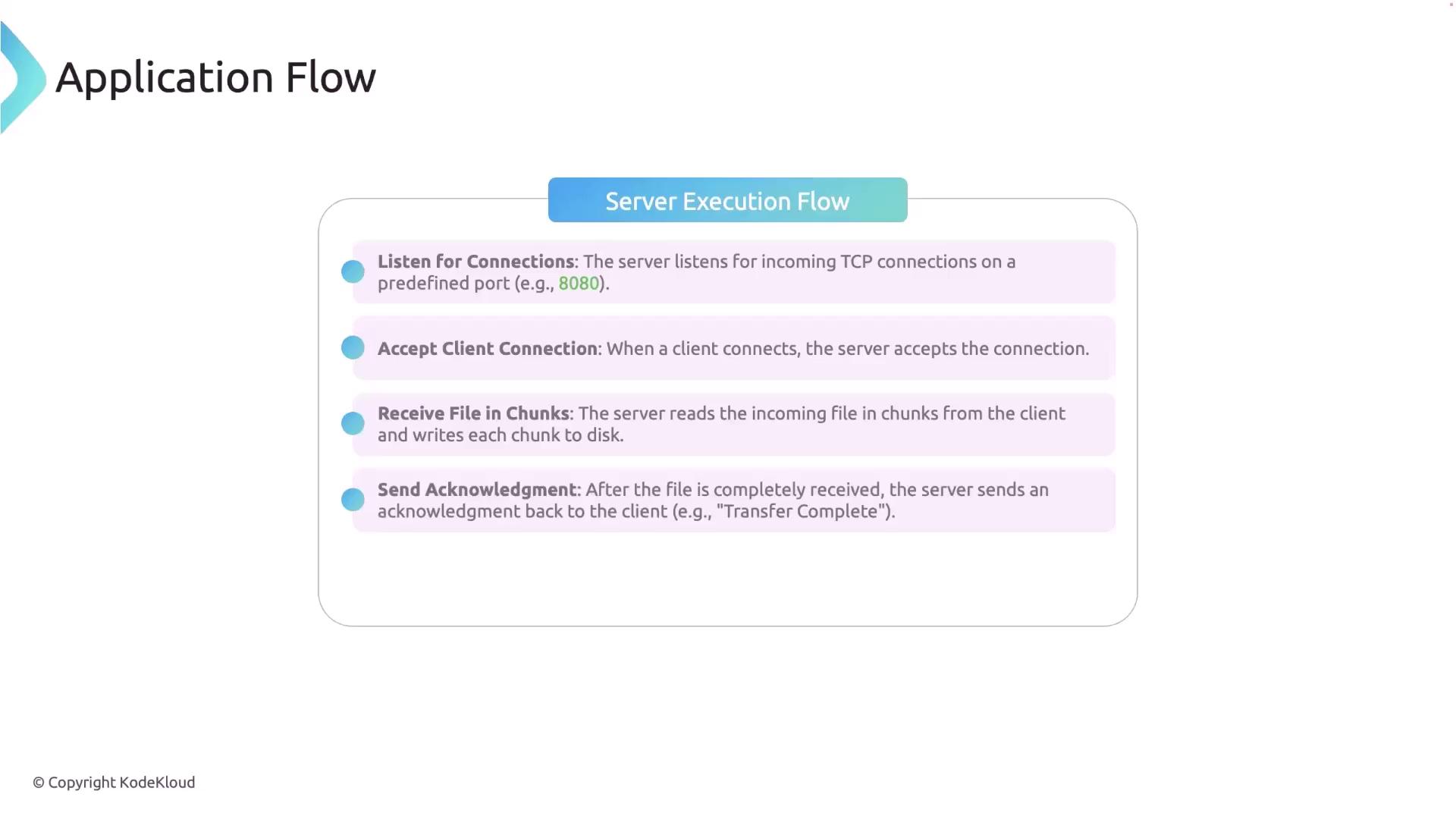
Server Execution Flow
- The server listens on a predefined TCP port.
- It accepts incoming connections from clients.
- It reads the file chunks sent by the client and writes them to disk.
- After receiving the complete file, the server sends an acknowledgment back to the client.
- The connection is then closed.
File Transfer Details
The file transfer is optimized for large files by reading and sending data in chunks. If a file with the same name already exists on the server, it will be overwritten.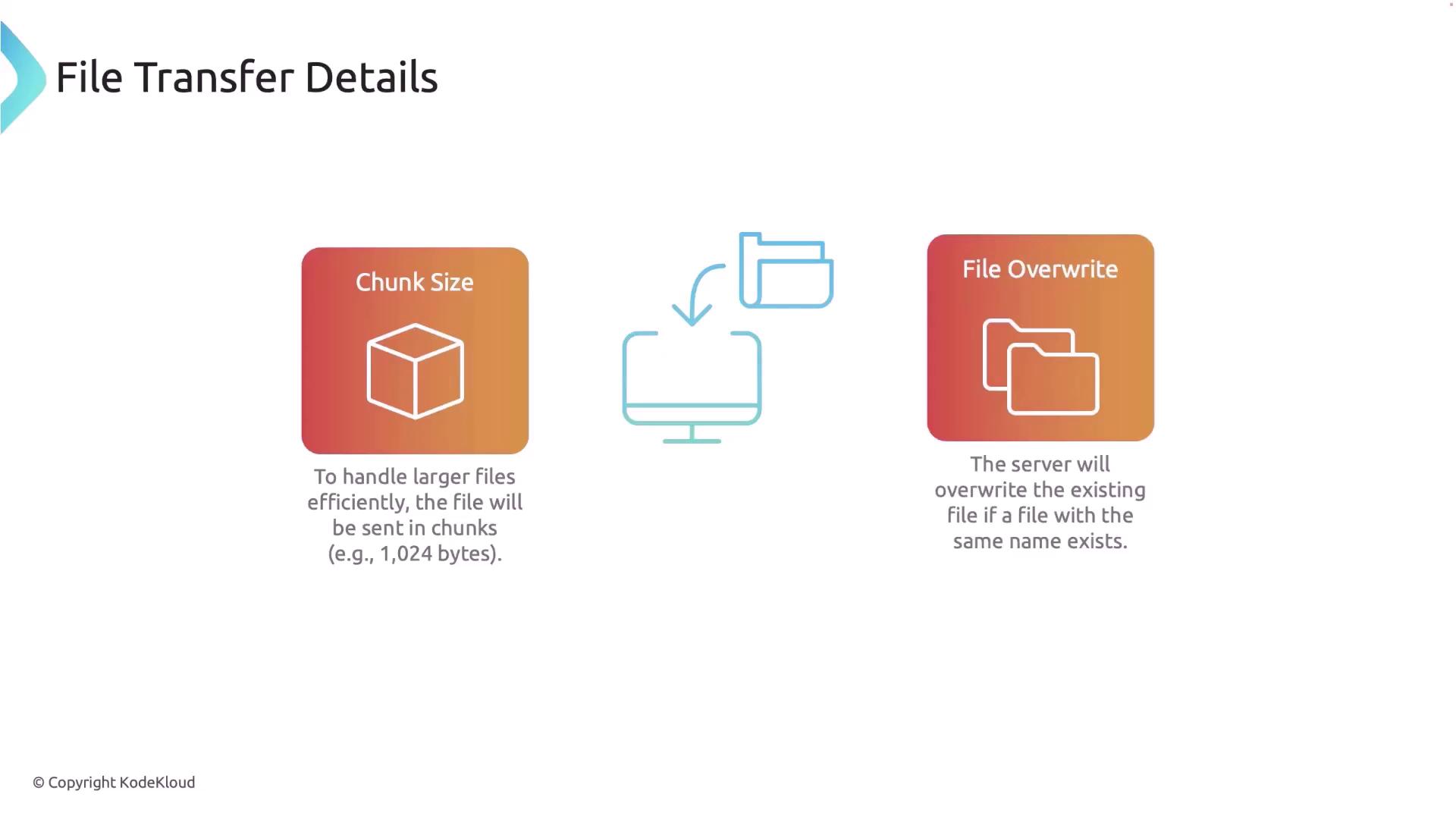
Libraries and Tools
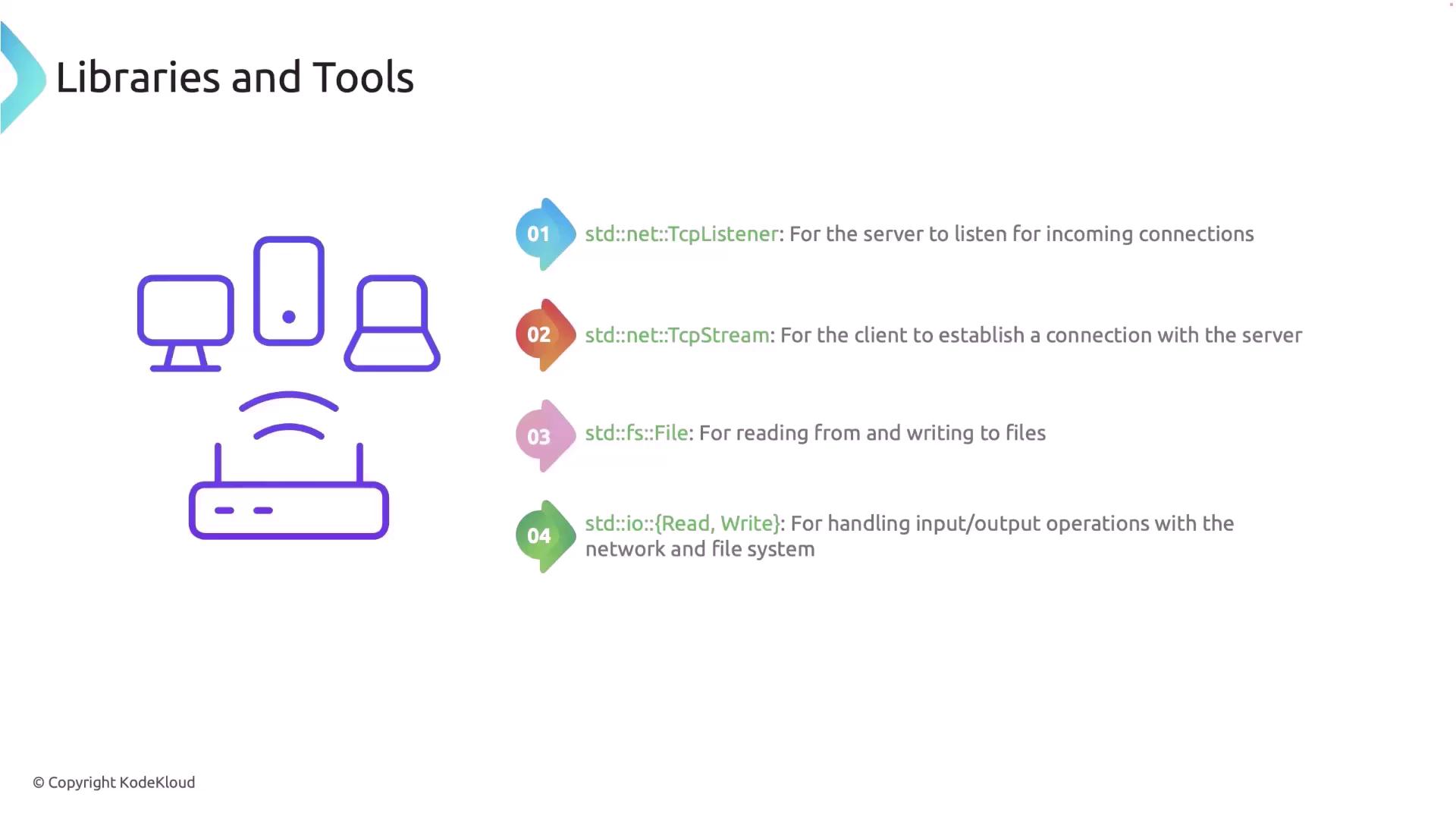
This project leverages several Rust standard libraries and tools:- std::net::TcpListener and TcpStream: For establishing and managing TCP connections.
- std::fs::File: For file operations such as reading and writing.
- std::io::: For handling data input/output.
- std::io::stdin: For managing standard input.
Code Walkthrough
Below is a step-by-step walkthrough of the server and client code for our file transfer application.Project Setup
-
Create a new Rust project by executing the following command in your project directory:
-
Inside the
srcdirectory, create a new folder namedbinand add two files:client.rsandserver.rs. This separation keeps the server and client logic distinct.
Server Code
The following code demonstrates the server functionality, including error handling and proper chunked file writing:Client Code
The client code prompts the user for the file path, reads the file in chunks, sends each chunk to the server, and waits for an acknowledgment upon completion.Running the Application
-
Build the Project
Run the following command to build the project:
-
Run the Server
Open a terminal and run the server with:
You should see output like:
-
Run the Client
Open another terminal and run the client with:
When prompted, enter the absolute file path of the file to send. An example interaction is shown below:
Summary
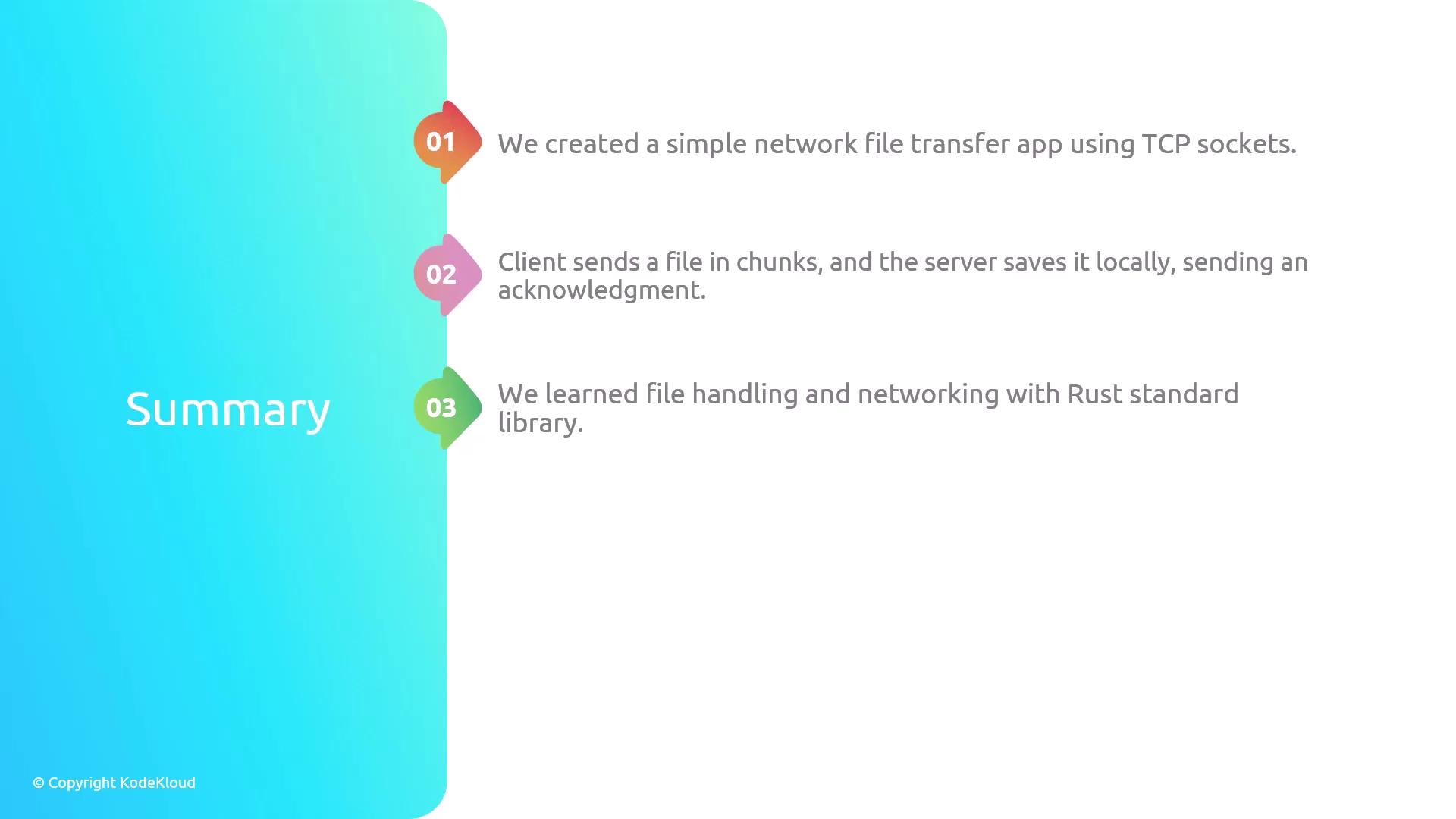
In this article, we built a networked file transfer application using Rust and TCP sockets. The client reads a file in chunks and sends it to the server, which writes the chunks to disk and sends back an acknowledgment upon successful completion.This basic application can be extended with features such as file compression, encryption, or support for transferring multiple files concurrently.