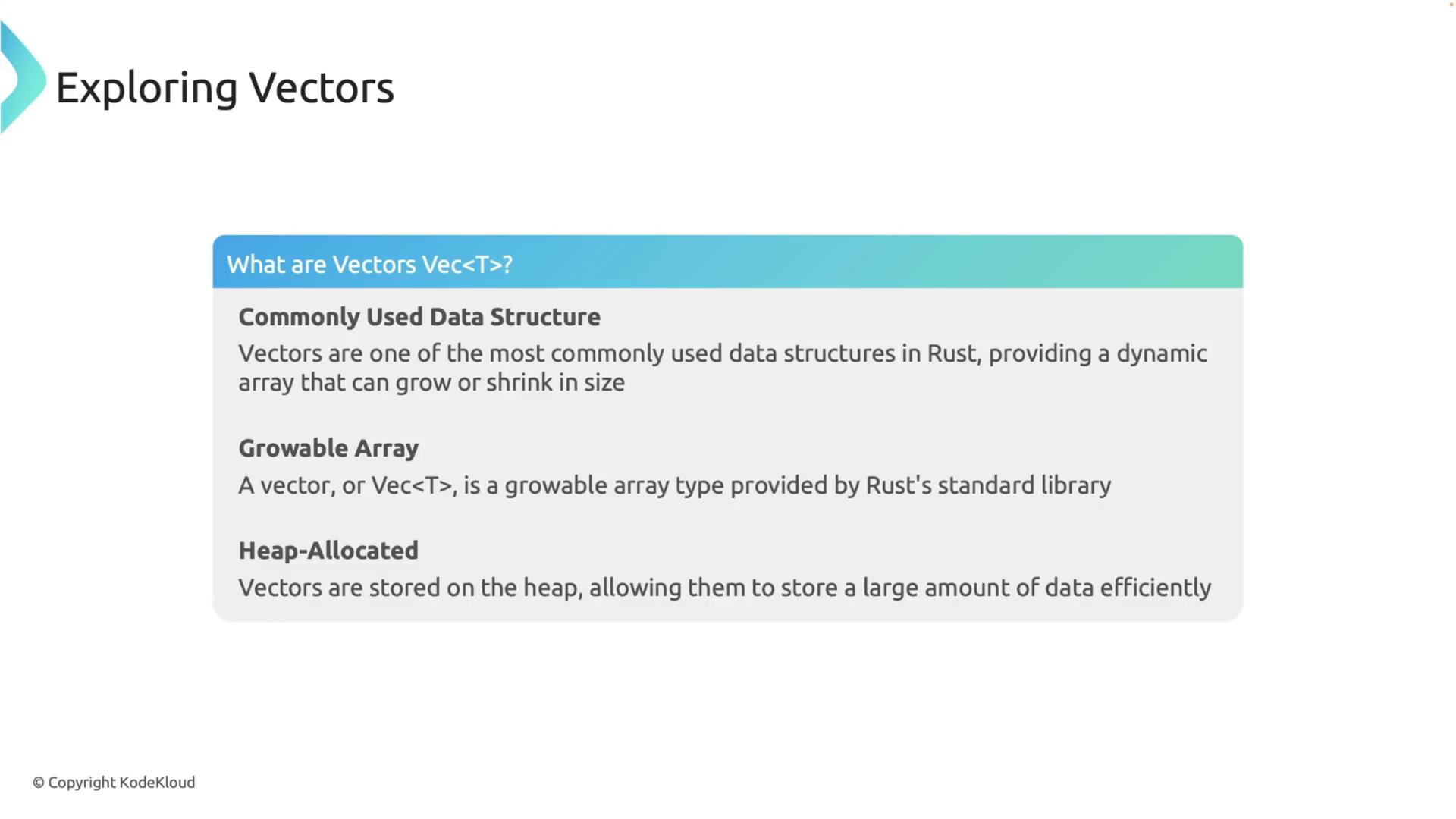
This article explores vectors in Rust, covering their creation, manipulation, iteration, and the ownership and borrowing rules associated with them.
In this article, we dive into vectors in Rust—a versatile, dynamic array data structure that grows and shrinks as needed. Vectors are one of the most commonly used data structures in Rust since they provide efficient, heap-allocated storage for a variable amount of data. By the end of this article, you will understand how to create, update, iterate, and manipulate vectors in Rust while respecting its ownership and borrowing rules.
There are several ways to create vectors in Rust. One straightforward method is using the Vec::new() function to generate an empty vector and then adding elements with the push method:
Copy
Ask AI
fn main() { let mut v: Vec<i32> = Vec::new(); // Creates an empty vector that can hold i32 values v.push(1); v.push(2); v.push(3); println!("{:?}", v); // Output: [1, 2, 3]}
Alternatively, you can initialize a vector with predefined values using the vec! macro:
Copy
Ask AI
fn main() { let v = vec![1, 2, 3]; println!("{:?}", v); // Output: [1, 2, 3]}
fn main() { // Using push let mut v = vec![1, 2, 3]; v.push(4); println!("{:?}", v); // Output: [1, 2, 3, 4]}
Copy
Ask AI
fn main() { // Using pop let mut v = vec![1, 2, 3, 4]; v.pop(); println!("{:?}", v); // Output: [1, 2, 3]}
Copy
Ask AI
fn main() { // Using insert let mut v = vec![1, 2, 4]; v.insert(2, 3); println!("{:?}", v); // Output: [1, 2, 3, 4]}
When accessing elements by index, using an out-of-bound index will cause the program to panic. Instead, you can use the get method which returns an Option, allowing for safer access:
Copy
Ask AI
fn main() { let v = vec![1, 2, 3]; // Accessing using indexing (may panic if out of bounds) let third: &i32 = &v[2]; println!("The third element is {}", third); // Output: The third element is 3}
Copy
Ask AI
fn main() { let v = vec![1, 2, 3]; // Accessing using get (returns Some if within bounds, otherwise None) match v.get(2) { Some(third) => println!("The third element is {}", third), None => println!("There is no third element."), }}
Rust’s ownership and borrowing rules apply to vectors too. When a vector is assigned to a new variable, ownership is transferred (moved), and the original variable becomes invalid. For instance:
Copy
Ask AI
fn main() { let v = vec![1, 2, 3]; let v2 = v; // Moves v to v2 // println!("{:?}", v); // Uncommenting this line will cause a compile-time error as v is no longer valid println!("{:?}", v2); // Output: [1, 2, 3]}
To work with vectors without transferring ownership, borrow the vector or its elements using references:
Copy
Ask AI
fn main() { let v = vec![1, 2, 3]; let first = &v[0]; // Borrowing the first element println!("The first element is {}", first); // Output: 1 println!("The vector is {:?}", v); // Output: [1, 2, 3]}
When passing a vector to a function without transferring ownership, use a reference parameter. This way, the original vector remains valid after the function call:
Copy
Ask AI
fn print_vector(v: &Vec<i32>) { println!("The vector is: {:?}", v);}fn main() { let v = vec![10, 20, 30, 40]; // Borrow the entire vector print_vector(&v); // The original vector is still accessible println!("The original vector is still accessible: {:?}", v);}
Understanding Rust’s ownership and borrowing model is crucial when working with vectors. It helps prevent common bugs related to memory safety.
This concludes our exploration of vectors in Rust. By mastering the creation, updating, iteration, and manipulation of vectors—and by understanding Rust’s ownership and borrowing rules—you can unlock the full potential of this flexible data structure in your Rust programs.