This article demonstrates how to share data between WebAssembly and JavaScript, including transferring, modifying, and retrieving data using Rust functions.
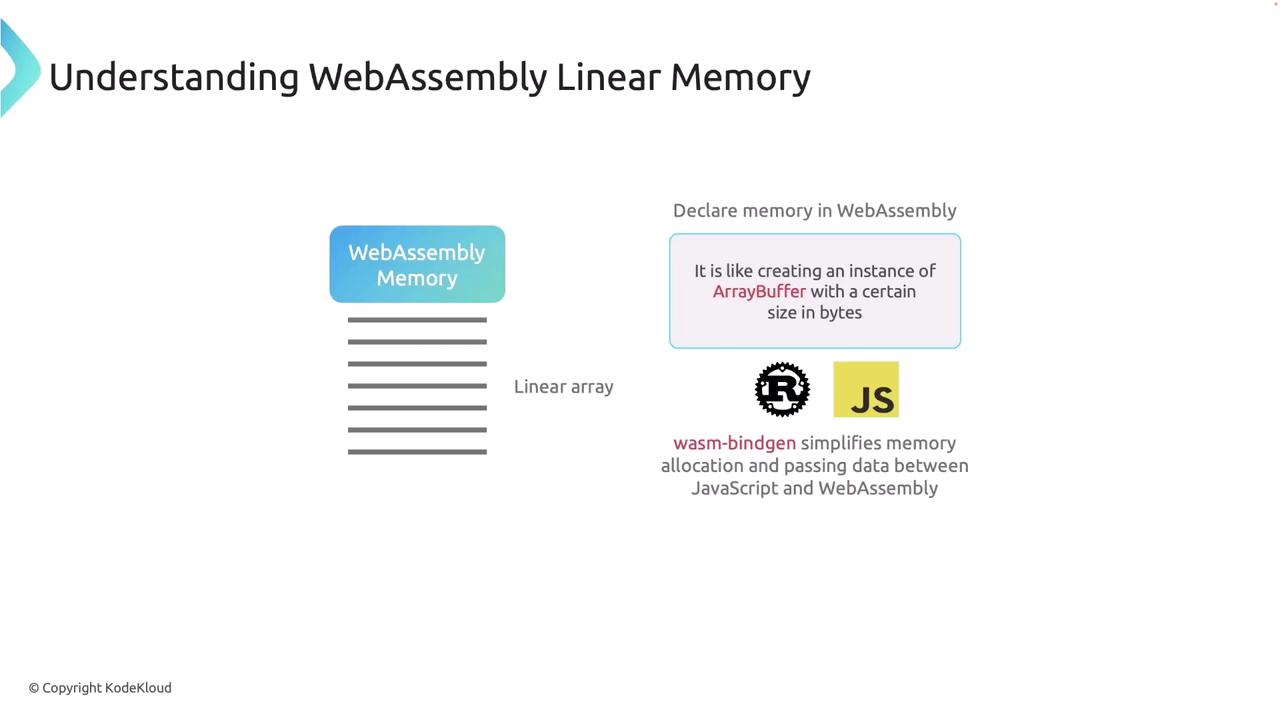
Interacting with WebAssembly memory from JavaScript enables efficient data exchange, especially when dealing with complex or large datasets like arrays, buffers, or images. Although WebAssembly operates in its own memory space, you can bridge this gap by using its linear memory—a contiguous block of memory similar to an ArrayBuffer available in JavaScript.When you declare memory in WebAssembly, it behaves like an ArrayBuffer of a defined byte size. This memory is accessible both to Rust and JavaScript, and Rust’s Wasm bindings simplify the process of memory allocation and data transfer.
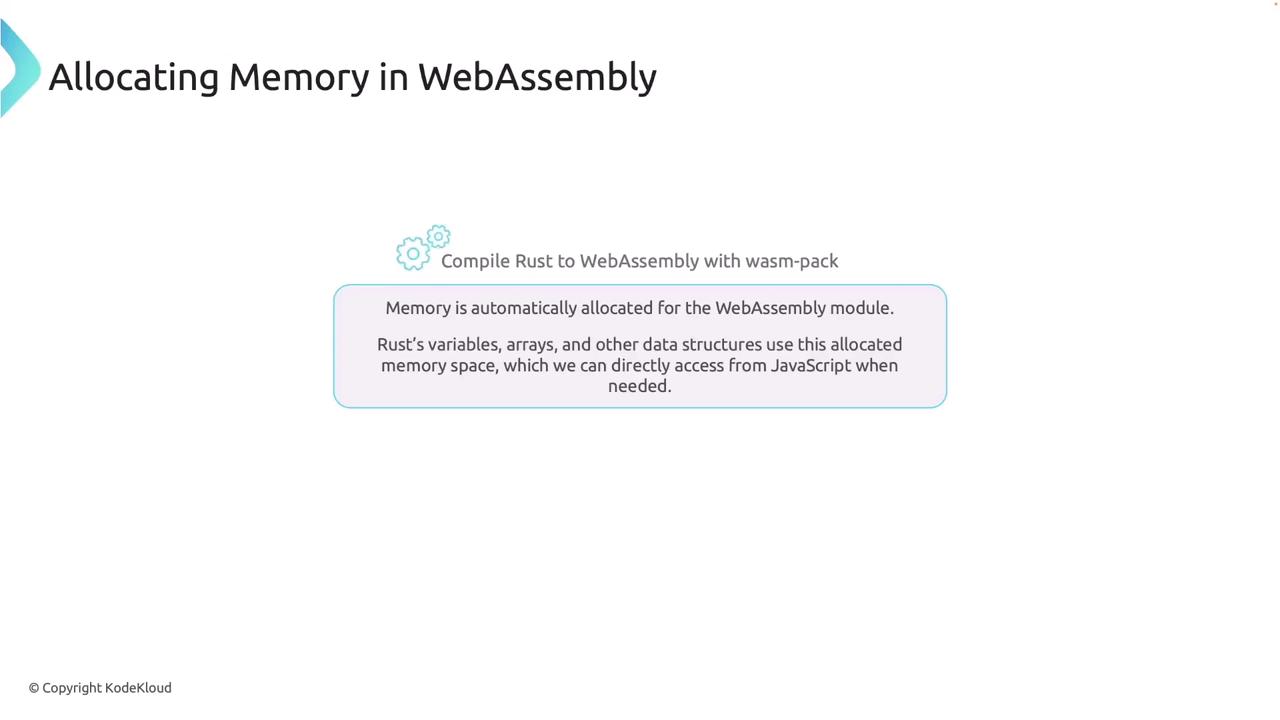
When you compile Rust to WebAssembly with WasmPack, the module’s memory is automatically allocated. Rust’s variables, arrays, and other data structures reside in this memory space, which you can directly access from JavaScript.
In this article, we demonstrate how to share data between WebAssembly and JavaScript. You will learn to transfer data from a JavaScript array into WebAssembly memory, modify it using a Rust function, and retrieve the updated values back in JavaScript.
Below is the Rust function that modifies an array stored in WebAssembly memory. The function receives a pointer to the beginning of the array, the array’s length, and a value to add to each element. Notice the use of an unsafe block to convert the raw pointer into a mutable slice, effectively bypassing Rust’s safety checks.
Copy
Ask AI
use wasm_bindgen::prelude::*;// Define a function to add a value to each element of an array#[wasm_bindgen]pub fn add_to_array(arr_ptr: *mut i32, len: usize, value: i32) { let array: &mut [i32] = unsafe { std::slice::from_raw_parts_mut(arr_ptr, len) }; for x in array.iter_mut() { *x += value; }}
On the JavaScript side, you begin by importing the initialization function (init) and the exported Rust function from the generated Wasm module. The init function loads the .wasm file, configures the module, and gives you access to its memory and functions. Below is an implementation example in an index.html file:
Copy
Ask AI
// index.html<!DOCTYPE html><html lang="en"> <body> <script type="module"> import init, { add_to_array } from './your_wasm_module.js'; init().then((wasm) => { console.log("WebAssembly initialized"); // Access the memory object from the wasm instance const memory = wasm.memory; // Define an array of integers in JavaScript const jsArray = [1, 2, 3, 4, 5]; const length = jsArray.length; // Allocate space for the array in WebAssembly memory const ptr = 0; // Start at position 0 in memory for simplicity const wasmMemoryArray = new Int32Array(memory.buffer, ptr, length); // Copy the data from the JavaScript array into WebAssembly memory wasmMemoryArray.set(jsArray); // Call the Rust function to add a value to each element const addValue = 10; add_to_array(ptr, length, addValue); // Read the updated values back from WebAssembly memory const updatedArray = Array.from(wasmMemoryArray); console.log("Updated array:", updatedArray); // Expected output: [11, 12, 13, 14, 15] }).catch(console.error); </script> </body></html>
This script performs the following steps:
Creates a JavaScript array.
Allocates a corresponding segment in WebAssembly memory using a typed view (Int32Array).
Copies the data from JavaScript into WebAssembly memory.
Calls the Rust function to modify the array in place.
Retrieves and logs the updated array from WebAssembly memory.
Reload the page, and the console will display each element increased by 10, confirming the successful in-place modification.
For those looking to start a new Rust project using WebAssembly, the following command sets up a new library project:
Copy
Ask AI
cargo new my_wasm_project --lib
After setting up your project, integrate your Rust code for memory manipulation, compile it to WebAssembly, and combine it with JavaScript as demonstrated above.
Direct memory access through WebAssembly is highly efficient when handling large datasets. Minimizing data copying between JavaScript and WebAssembly can notably boost performance, making it ideal for simulations, games, and intensive data processing tasks.

This guide has detailed the process of allocating WebAssembly memory, transferring data between JavaScript and Rust, and performing in-place modifications using raw pointers. Understanding these techniques is essential for developing high-performance WebAssembly applications.