

println! macro and advanced logging for larger applications. These techniques are beneficial for both beginners and seasoned developers seeking to efficiently troubleshoot and monitor their applications.
Quick Debugging with println!
Theprintln! macro is a straightforward way to print text and variable values to the console, making it ideal for quick and simple debugging tasks. By inserting println! statements in your code, you can trace execution, verify variable contents, and troubleshoot conditional logic.
Basic println! Usage
The example below illustrates how to print the values of variables usingprintln!:
Incorporate
println! statements at strategic points in your code to verify that your logic and variable states are as expected.Common Use Cases for println!
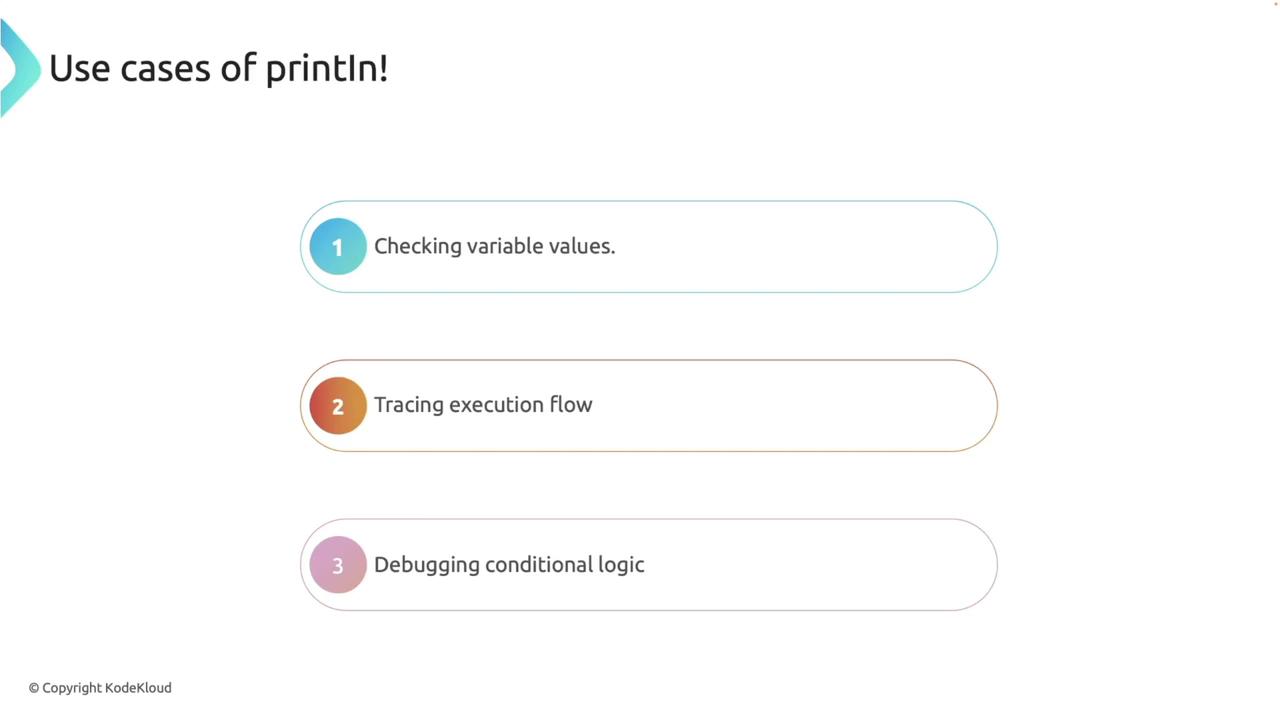
- Printing Variable Values: Insert print statements to display values at critical stages.
- Tracing Execution Paths: Log the sequence of executed code segments.
- Evaluating Conditional Branches: Debug if-else blocks by indicating which branch is executed.
Advanced Debugging with Logging
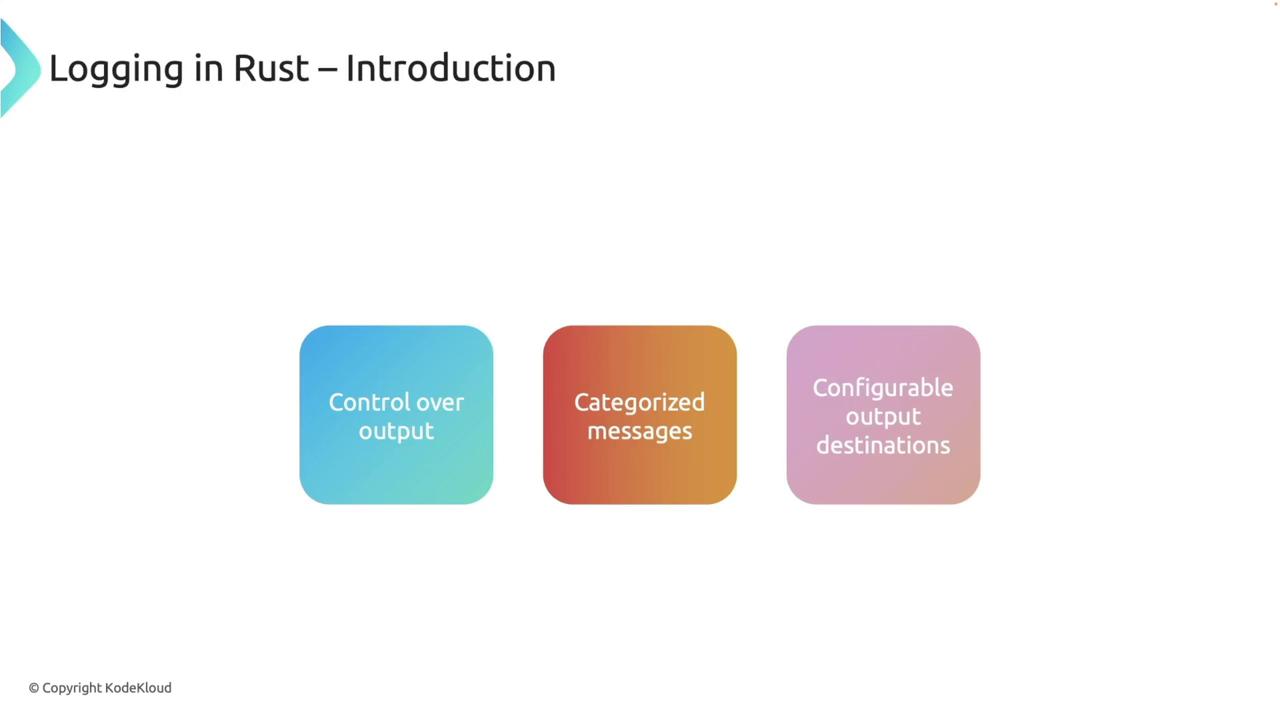
For more robust and scalable debugging, leveraging logging capabilities is essential. Logging provides finer control over the output, allowing you to define levels of verbosity, categorize messages, and choose specific output destinations.Why Use Logging?
- Control Output Levels: Filter messages based on severity (e.g., errors, warnings, debug).
- Categorize Messages: Utilize log levels such as info, warn, error, and debug.
- Flexible Output Destinations: Direct logs to the console, files, or remote systems for further analysis.
Leveraging Rust’s Logging Ecosystem
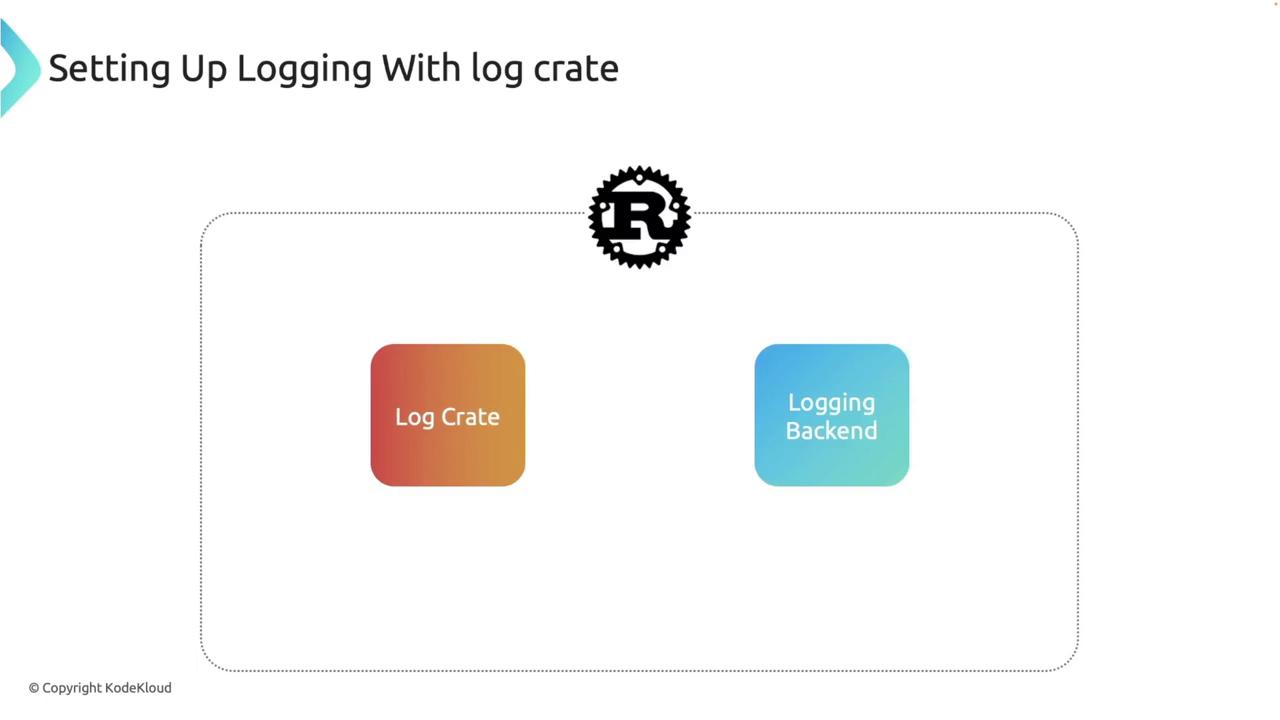
Rust offers a powerful logging ecosystem with the log crate acting as a facade. When paired with logging backends likeenv_logger or fern, you can build a robust logging framework tailored to your application’s needs.
Setting Up Logging in Your Project
To begin using logging, add thelog and env_logger crates to your Cargo.toml file:
log crate provides logging macros such as info!, warn!, error!, and debug!, while env_logger handles formatting and output based on the environment configuration.
Basic Logging Example
The following code demonstrates how to initialize the logger and output various log messages:env_logger only prints log messages at the error level and above. To view more detailed logs, set the RUST_LOG environment variable:
Remember that the default settings in
env_logger filter out debug messages when the log level is set to info.Logging with Application Logic
Enhance your application by combining logging with business logic. Consider the following example where configuration status is checked and a division function is utilized to demonstrate error handling with appropriate logging:Customizing Log Format with env_logger and chrono
For more control over how logs are formatted, you can customizeenv_logger with the help of the chrono crate. This allows you to include timestamps and format messages to your preference.
First, add the chrono crate:
Redirecting Logs to a File
Redirecting logs to a file can be useful for persistent logging. The following example demonstrates how to write logs to a file namedoutput.log:
output.log instead of the terminal.
Best Practices for Logging in Rust
Implement these best practices to ensure your logging system is both effective and secure: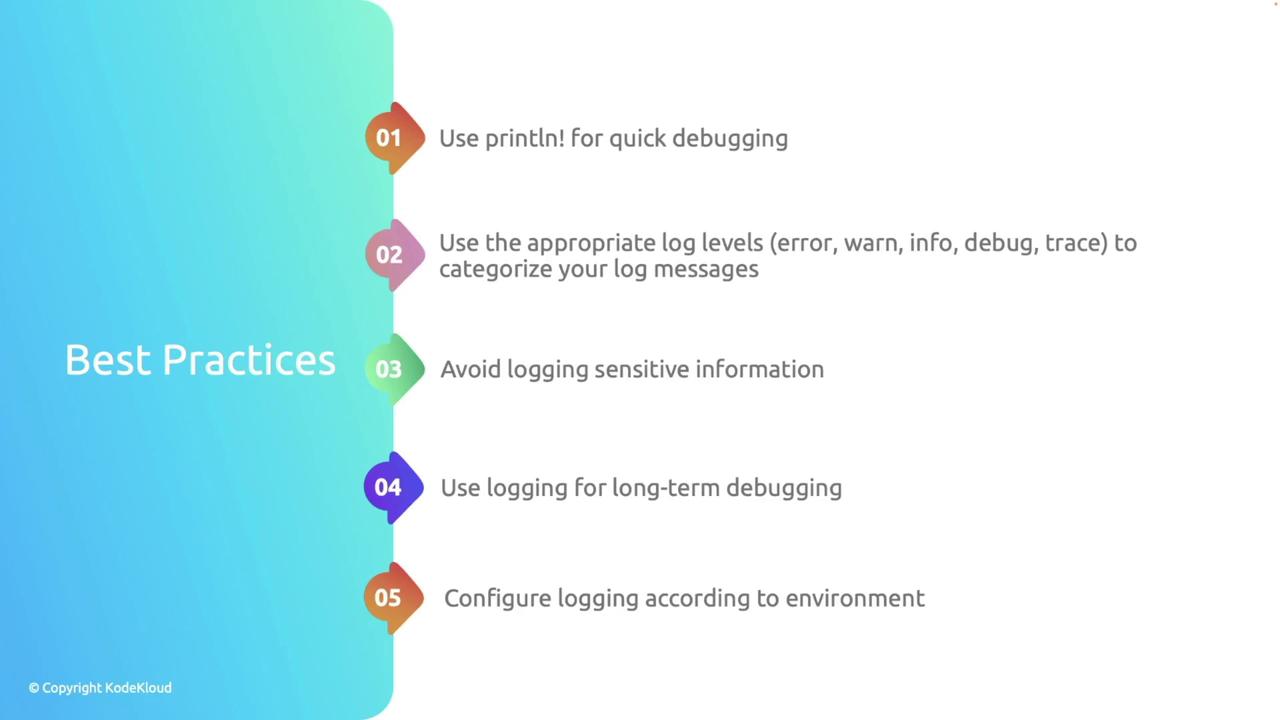
Always ensure that sensitive data, including credentials and personal information, is never logged to avoid security risks.