

What Is a Channel?
A channel in Rust is a communication primitive that enables threads to pass messages between one another. Think of it as a pipeline: one end (the sender) pushes data into the channel, while the other end (the receiver) pulls data out.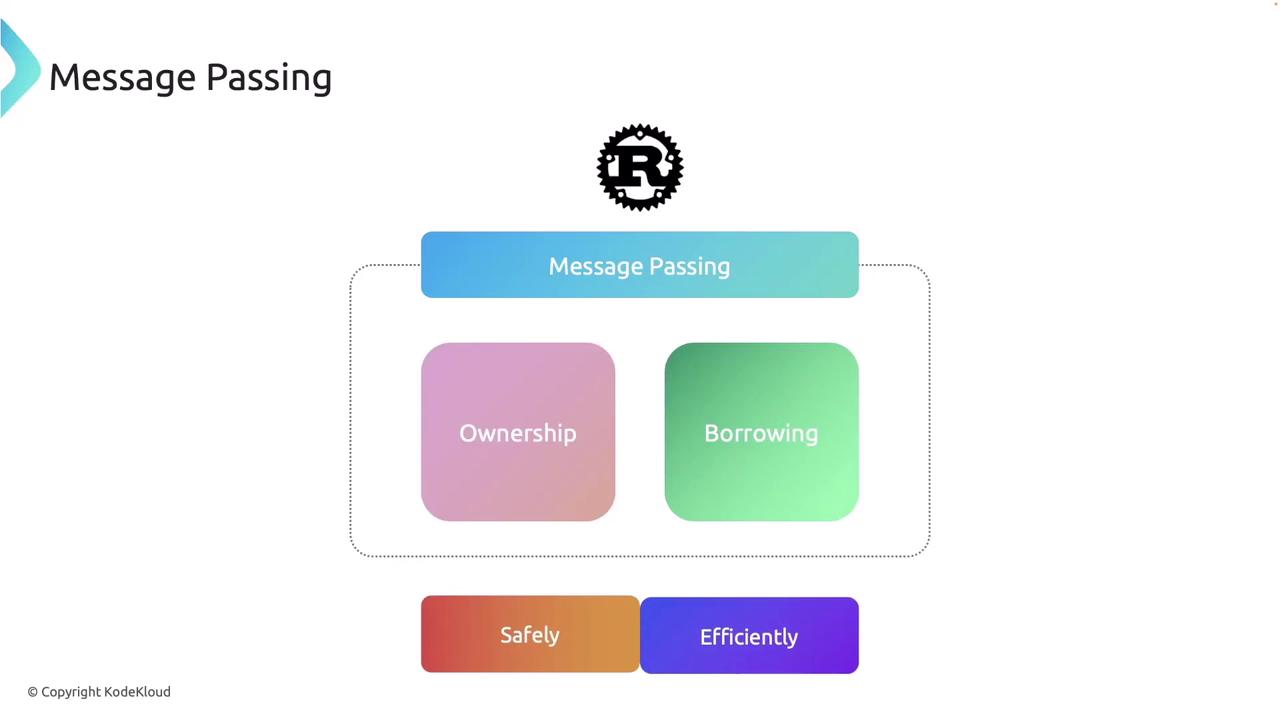
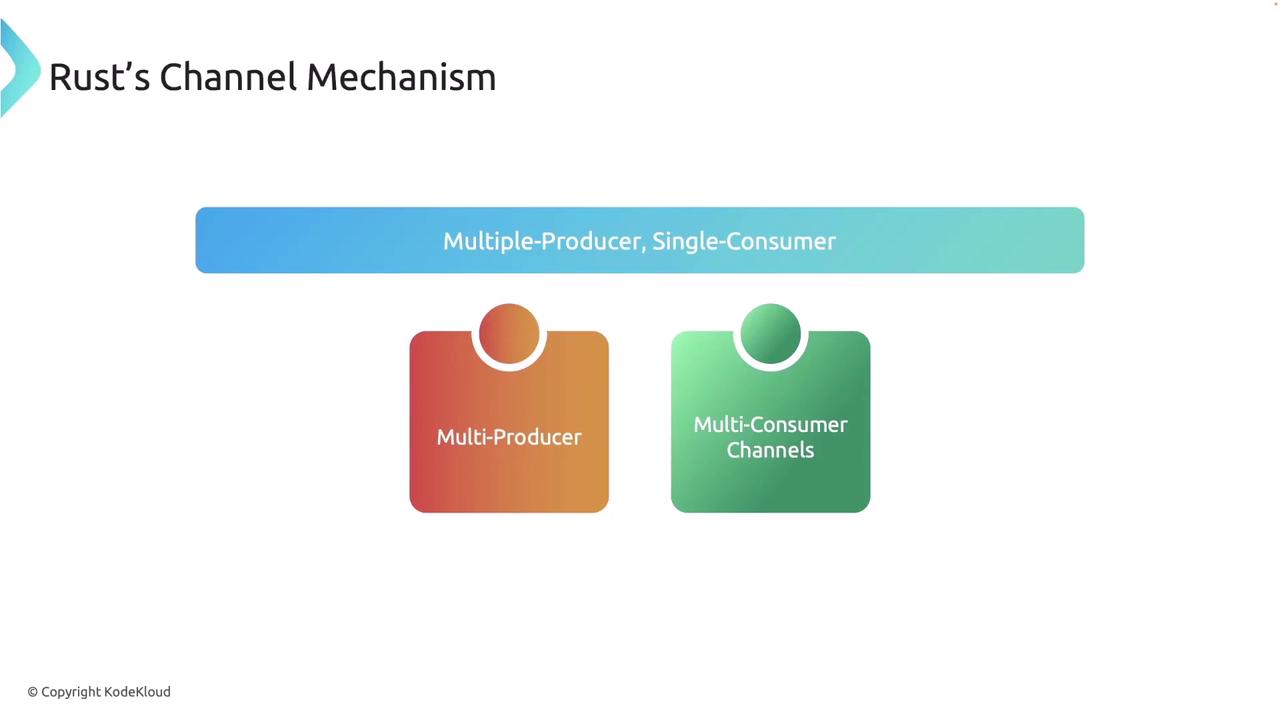
std::sync::mpsc module—where MPSC stands for “multiple producers, single consumer”—as the standard way to create channels. This allows multiple threads to send messages into the channel while a single thread is designated to receive them.
Below is a simple example illustrating how to create a channel:
tx represents the sender and rx represents the receiver. While this MPSC channel is suitable for many message-passing scenarios, Rust also supports more complex configurations like multi-consumer channels when needed.
Creating and Using Channels
Channels in Rust are created with thechannel function, which returns a tuple containing a sender and a receiver. Here’s how you can create a channel for sending String messages:
send method transfers ownership of the value into the channel. If the receiver is not present, this method will return an error.
When running the program above, you might see a warning about the unused variable
rx. To suppress this warning, either use the receiver in your code or prefix it with an underscore (i.e., _rx).Receiving Messages
On the receiving side, you can use the blockingrecv method to wait for a message:
rx.recv() blocks the current thread until a message is available, and the message is then printed to the console.
Alternatively, if you prefer a non-blocking approach, you can use try_recv. This method immediately returns an error if no message has arrived yet:
Message Passing Between Threads
A common scenario for using channels is communicating between threads. Consider this example, where a child thread sends a message to the main thread:move keyword is used to transfer ownership of the sender tx into the child thread. Attempting to use tx in the main thread after the move would result in a compiler error.
To ensure proper synchronization, you can capture the thread handle and call join to wait for the thread to complete: