

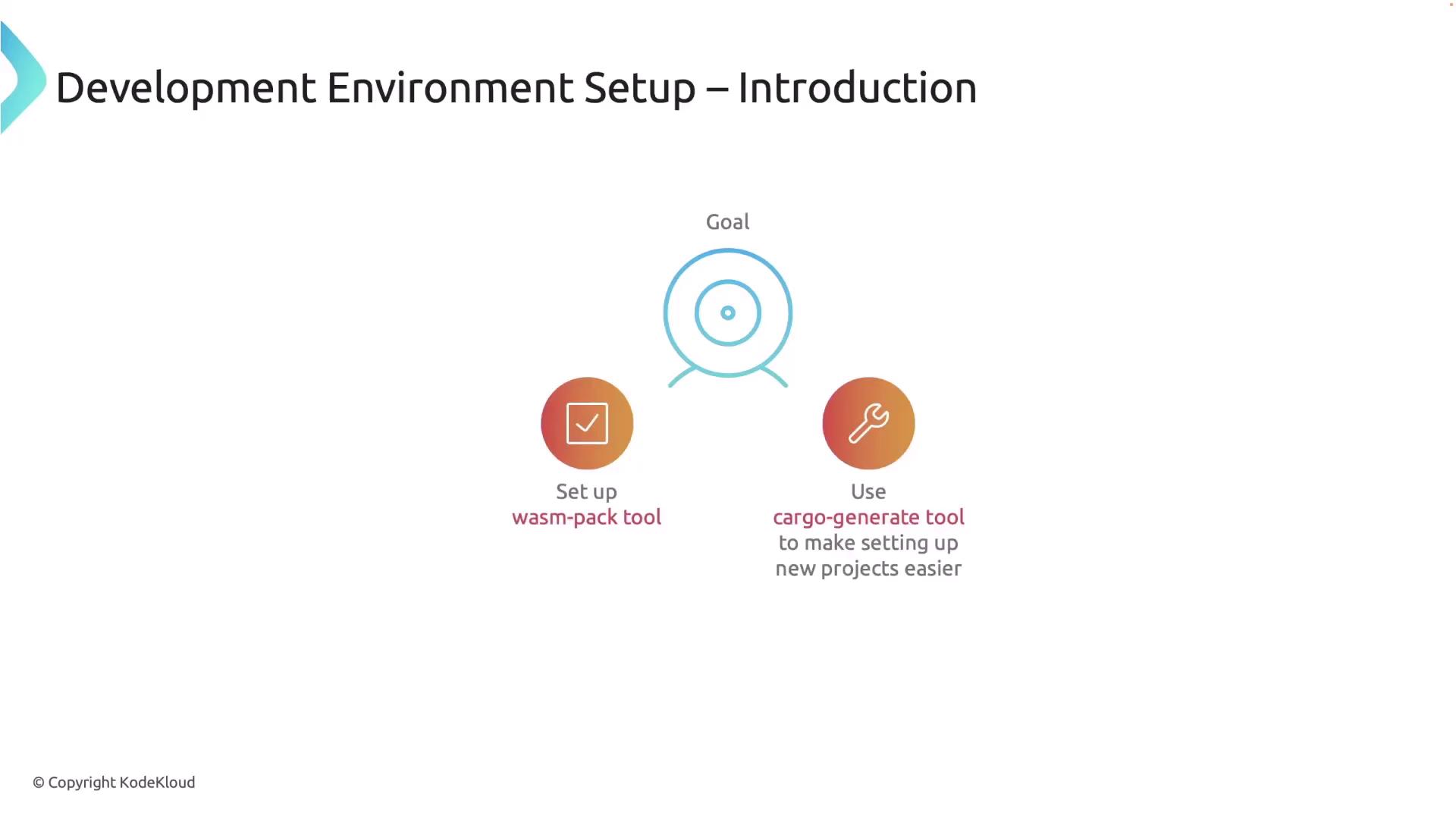
Installing wasm-pack
wasm-pack is a dedicated Rust tool for building WebAssembly projects. It compiles your Rust code, bundles the output, and seamlessly integrates with JavaScript. To install it, open your terminal and execute:wasm-pack 0.13.1), then wasm-pack has been successfully installed:
Installing Cargo Generate (Optional)
Cargo Generate is an optional helper tool that creates new Rust projects from templates quickly—particularly useful for projects requiring WebAssembly boilerplate code. To install Cargo Generate, execute:Creating a New Rust Project
Once the required tools are installed, create a new Rust library project that compiles to WebAssembly. Start by running:- Cargo.toml: The configuration file where project dependencies and settings are defined.
- lib.rs: The main Rust source file that will be compiled into WebAssembly.
Writing a Simple Rust Function for WebAssembly
Replace the content of your library file (typically located atsrc/lib.rs) with the following code. This code snippet uses the wasm-bindgen library to expose a Rust function to JavaScript:
#[wasm_bindgen] attribute is essential, as it makes the greet function callable from JavaScript after being compiled to WebAssembly.
Before compiling, add the wasm-bindgen dependency to your Cargo.toml. Update the [dependencies] section as follows:
Compiling the Project to WebAssembly
With your code and configuration in place, compile the project to WebAssembly using wasm-pack. Run the following command in your terminal:wasm-bindgen) rather than an underscore. After correcting this in Cargo.toml, run the build command again. Successful compilation produces output similar to:
If you mistakenly place a semicolon after
"Hello, wasm-pack!".to_string(); in the greet function, the result will become a statement instead of returning the string. Always ensure the function ends with the expression intended for output.Integrating with HTML and JavaScript
To load your compiled WebAssembly module onto a web page, create an HTML file (for example,index.html) with the following content:
Final Build Artifacts and Execution
After a successful build with wasm-pack, you should see output messages confirming that your WebAssembly package is ready for publishing or direct use. For example:greet function executing in your browser.
By following this guide, you have successfully established your Rust and WebAssembly development environment, created a new project, written a simple Rust function accessible from JavaScript, and compiled your code into a ready-to-use WebAssembly package. This setup paves the way to explore more complex integrations of Rust with web technologies. For further reading and advanced configurations, consider exploring the following resources: