

What is a Struct?
In Rust, a struct is a custom data type that groups related values together. Think of a struct as a container that bundles multiple pieces of data under one name. For example, aPerson struct can group attributes like name, age, and phone number together.
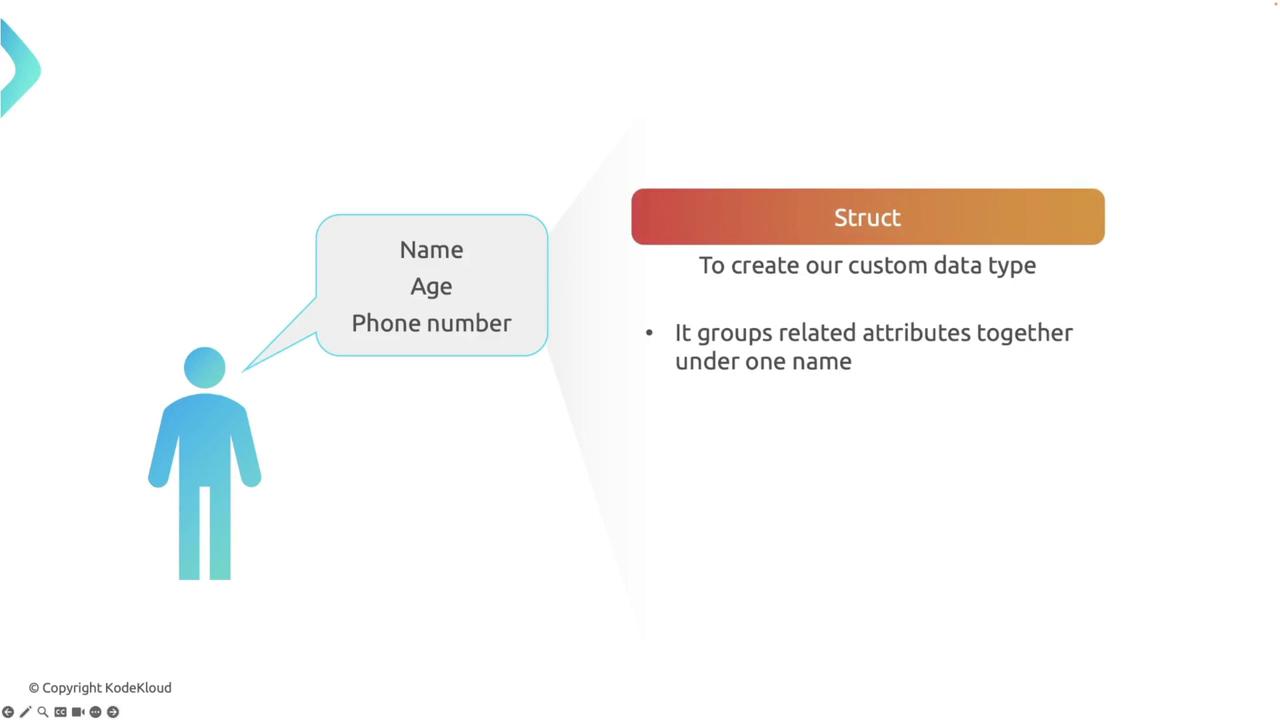
Person struct gathers multiple attributes—name, age, and phone number—into a single, coherent unit.
Benefits of Using Structs
Structs offer several advantages:- Organization: They encapsulate complex data into a single unit, enhancing code readability and maintainability.
- Type Safety: They enforce specific data types for each field.
- Reusability: Structs can be reused across various parts of your program, which promotes modularity.

Defining a Struct
Defining a struct in Rust is straightforward. The basic syntax is as follows:struct keyword, followed by the struct name and a list of fields with their respective data types.
Example: Defining a Rectangle Struct
Below is an example demonstrating how to define aRectangle struct with two fields: width and height of type u32.
r1 represents a rectangle with a width of 30 and a height of 50, and fields are accessed using dot notation (e.g., r1.width).
Struct Field Shorthand
Rust allows for a shorthand syntax when variable names match the field names. Consider the following simplification:Struct Update Syntax
Rust supports a special update syntax that creates a new instance of a struct by copying values from an existing instance while updating specified fields:r2 reuses the width from r1 while updating the height to 60.
Ownership with Structs
Understanding ownership is crucial when working with structs in Rust. Each struct field might have different ownership rules.When you assign one struct instance to another without implementing the
Copy trait, ownership moves, and the original variable becomes invalid.rect1 to rect2, attempting to access rect1 will result in a compile-time error because Rectangle does not automatically implement the Copy trait.
Borrowing and References
Borrowing in Rust lets you reference data without transferring its ownership. The following example demonstrates immutable borrowing:print_dimensions borrows rect1 immutably. This allows continued access to rect1 after the function call.
Mutable Borrowing
If modifications are necessary, you must use a mutable reference. The example below illustrates mutable borrowing:mut on rect1 allows its fields to be changed safely. Rust ensures only one mutable reference exists at any given time to prevent data races.
Structs with Non-Copy Fields
When a struct contains non-copy types (e.g.,String), the ownership rules become more pronounced.
owner1 into house1, attempting to access owner1 directly will result in a compile-time error. Access the owner’s name via house1.owner.name instead.
Printing Structs
By default, custom structs cannot be printed using the{} formatter because they do not implement the Display trait.
Using the Debug Trait
The simplest solution to print a struct is to derive theDebug trait and use the {:?} formatter:
Implementing the Display Trait
For customized formatting, manually implement theDisplay trait:
Display gives you full control over how the struct is printed.
We will continue our discussion in upcoming lessons by exploring traits and their implementations in greater detail. Happy coding!