

-
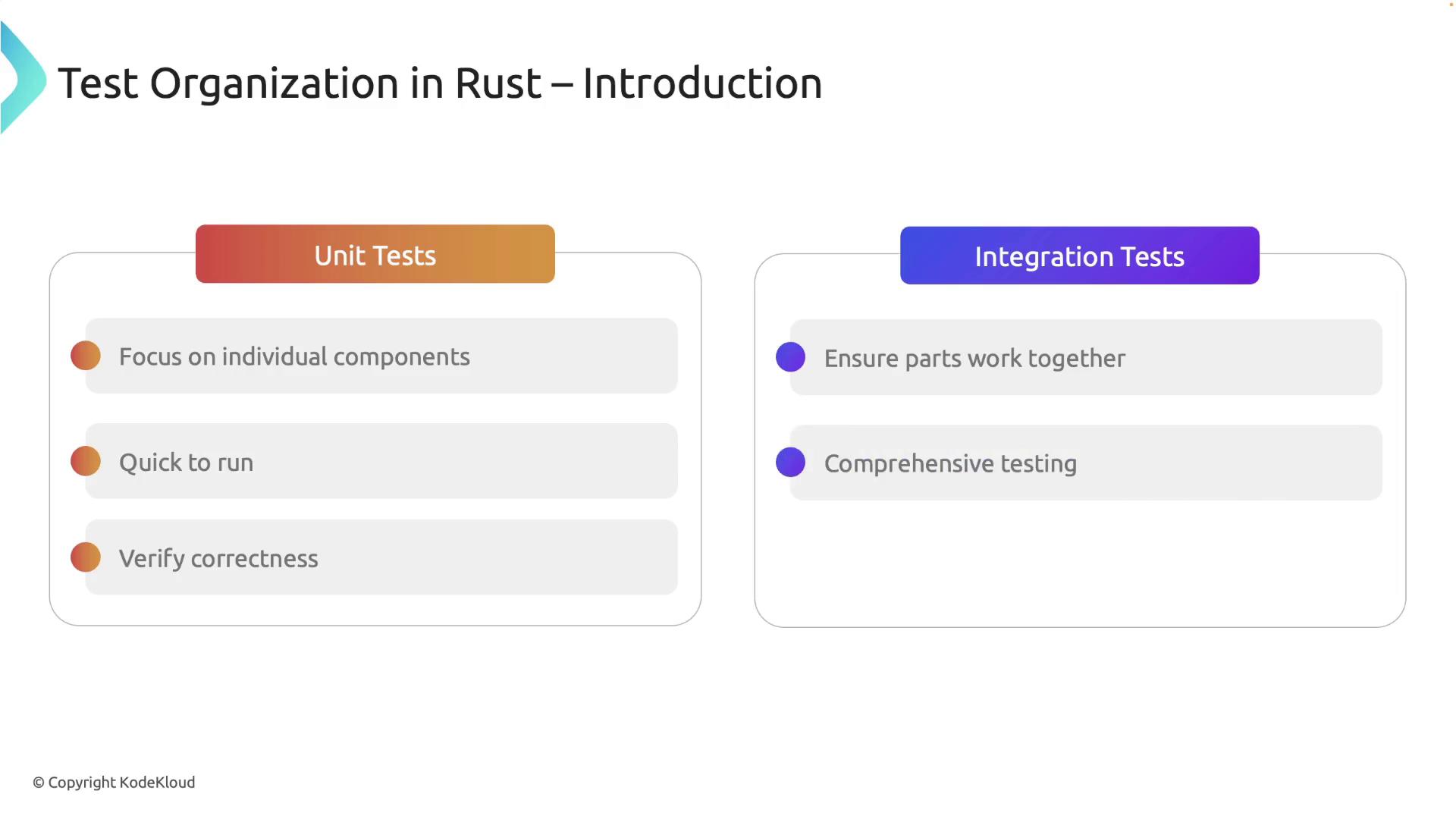
Unit Tests
These tests target individual components—such as functions and modules—in isolation. They are designed to run quickly while verifying that every specific part of your code behaves as expected. -
Integration Tests
Integration tests validate that various components of your application work together. They focus on the public interfaces and test the interactions between different parts of your code to ensure comprehensive functionality.
Unit Tests
Unit tests in Rust are typically placed in the same file as the code they test. This close proximity allows testing of private functions and promotes maintainability. Remember that unit tests should be fast, isolated, and repeatable, without relying on external systems or shared states. Below is an example of a unit test in Rust:#[cfg(test)] attribute ensures that the test module is compiled only during test runs (using cargo test). The #[test] attribute marks the function as a test case, and the assert_eq! macro compares the expected value with the actual result.
Rust’s design allows testing of private functions by situating tests in the same module. Consider this example with a private function:
Unit tests are best kept fast and deterministic. This approach aids in rapid development feedback during code changes.
Integration Tests
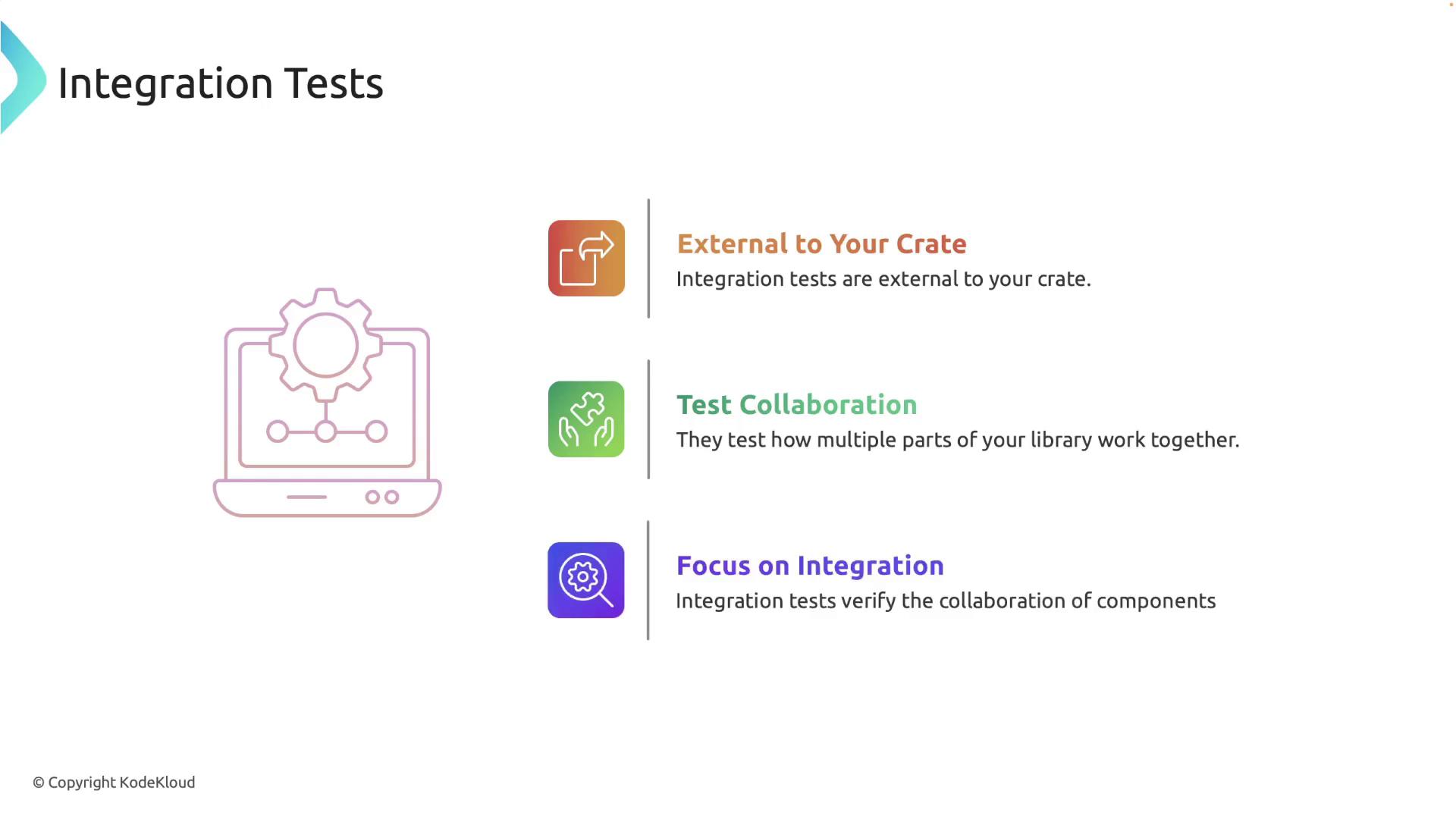
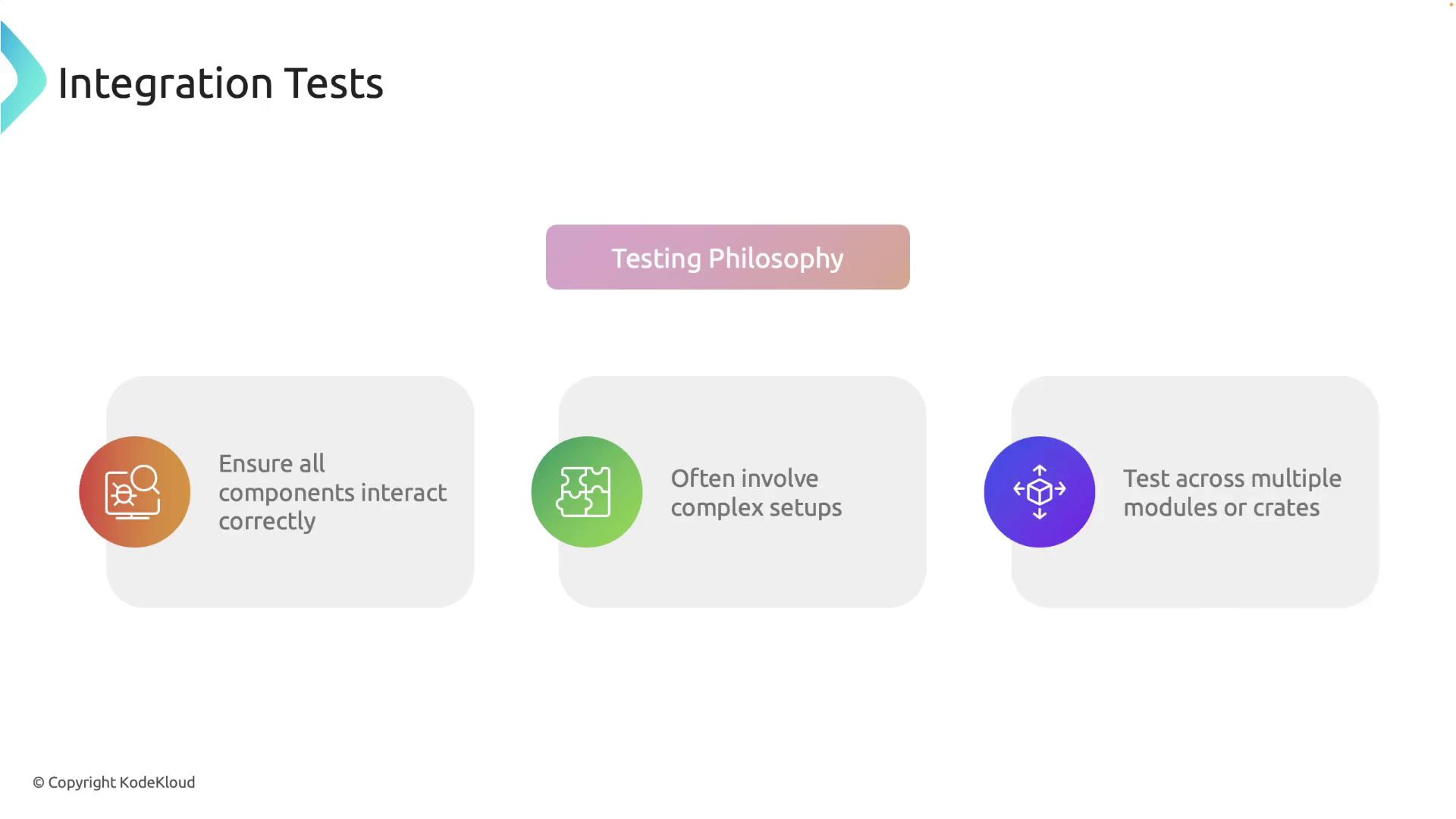
Integration tests in Rust reside outside your crate and are used to verify that various parts of your library work together correctly. These tests are designed around public interfaces and are located in a dedicatedtests directory at the project root.
Setting Up Integration Tests
Create atests directory in the root of your project. Each file within this directory is compiled as an independent crate. A typical project structure might look like this:
calculator with a function divide, your integration tests may appear as follows:
cargo test executes these tests and you should see confirmation that they passed:
tests directory works as its own crate. Therefore, it is not necessary to decorate these files with the #[cfg(test)] attribute.
Organizing Common Test Utilities
As your project scales, you may need to reuse setup code or utilities across several integration tests. To facilitate this, create a helper module within thetests directory rather than inside the src directory.
For example, create a file named tests/common/mod.rs with shared setup functionality:
Using the
--nocapture flag ensures that all println! statements are displayed in the test output, which is useful for debugging and understanding the test setup flow.Summary
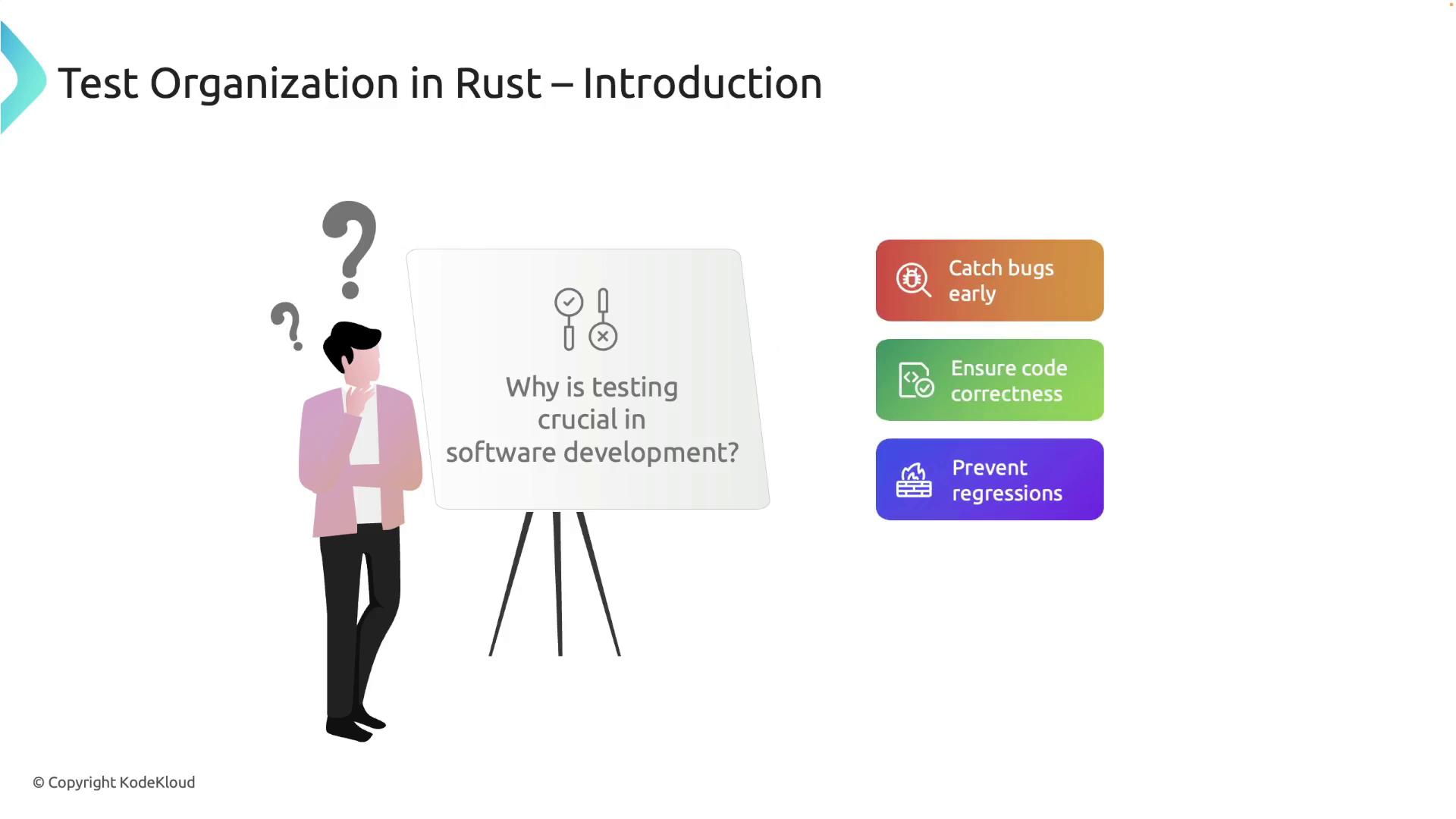
This guide covered key points on organizing tests in Rust:- Tests help catch bugs early and ensure code correctness.
- There are two main types of tests: unit tests (which focus on individual components) and integration tests (which validate interactions between components).
- Unit tests reside alongside the code and utilize attributes like
#[cfg(test)]and#[test]for easy execution. - Integration tests are placed in a separate
testsdirectory and are compiled as independent crates. - Common test utilities should be organized within the tests directory to reduce redundancy.