

Why Control Test Execution?
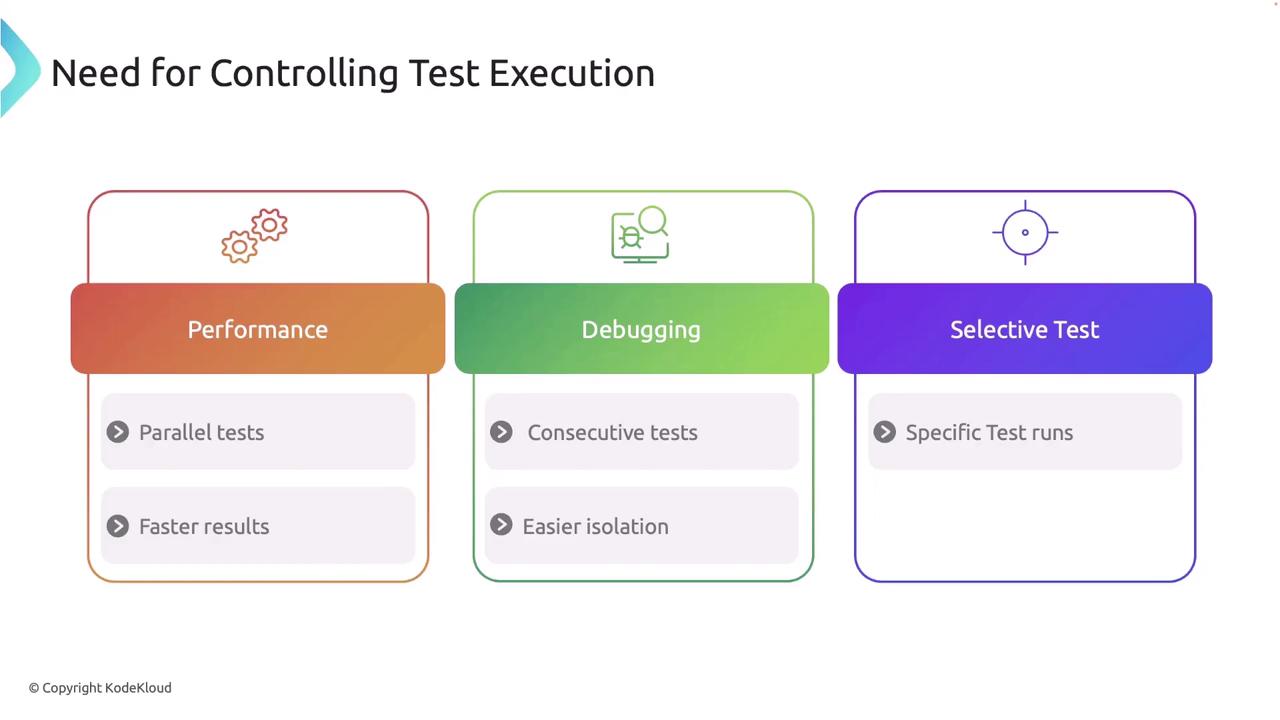
Controlling test execution can be essential for several reasons:-
Performance
Running tests in parallel can significantly reduce overall test runtime. -
Debugging
Executing tests sequentially may help isolate issues more effectively. -
Selective Testing
Filtering tests allows you to focus on specific areas under active development, saving valuable time.
Running Tests Sequentially
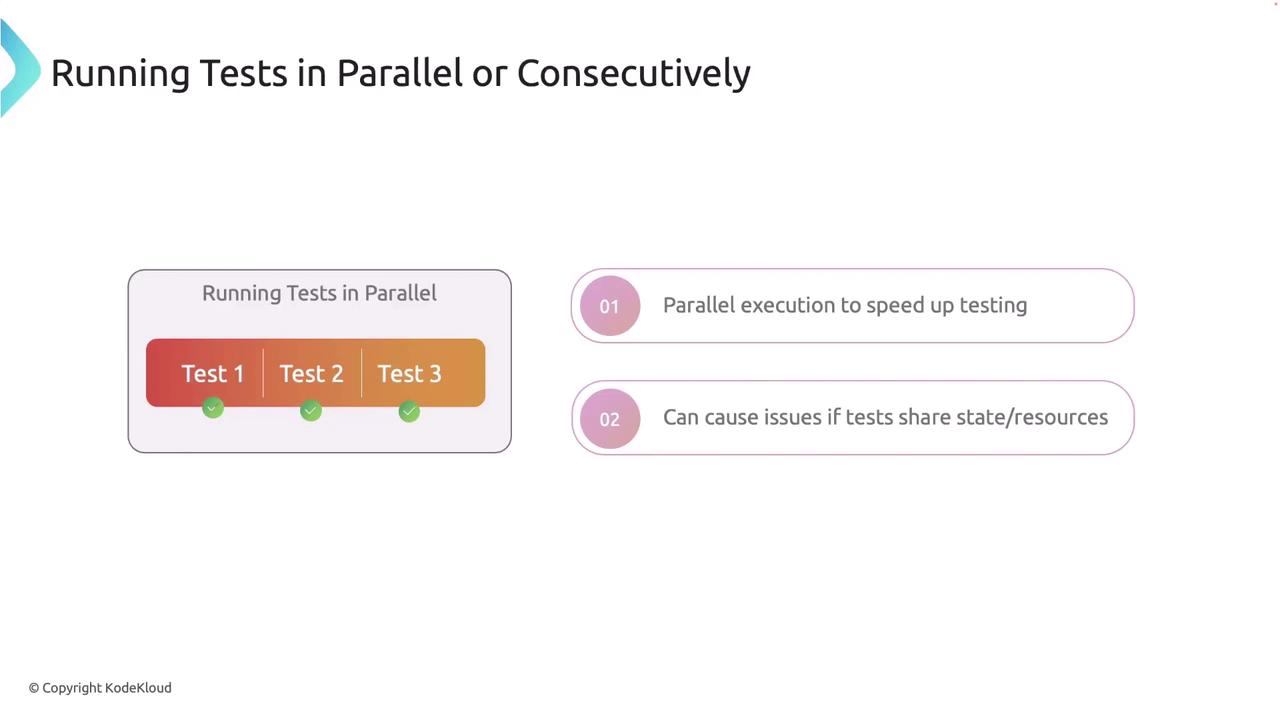
When you need to run tests consecutively—for instance, when debugging tests that are not thread-safe—use the--test-threads=1 flag with Cargo. This flag disables parallel execution.
Running tests sequentially can help pinpoint failures by isolating test interactions.
Managing Test Output
Rust captures standard output during tests by default to maintain a clean test summary. However, you can use the--nocapture flag to display output from passing and failing tests, which is particularly useful for debugging println! outputs.
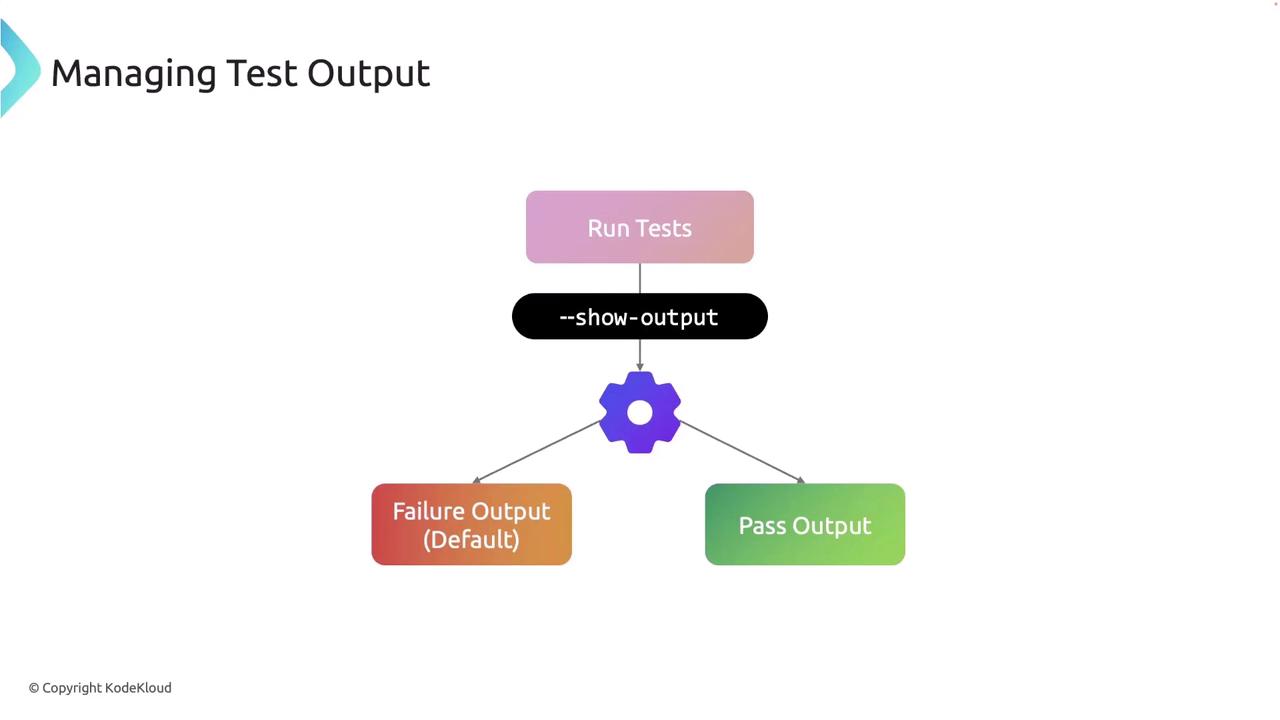
--nocapture flag is used.
Running Specific Subsets of Tests
Sometimes you may want to execute only specific tests rather than running the entire suite. Rust allows you to filter tests by name. For example, to run just thetest_greet function, use:
Ignoring Tests Unless Explicitly Requested
Certain tests, such as those that are time-consuming or depend on external resources, may not need to run every time. Rust provides the#[ignore] attribute to mark these tests so that they are skipped by default.
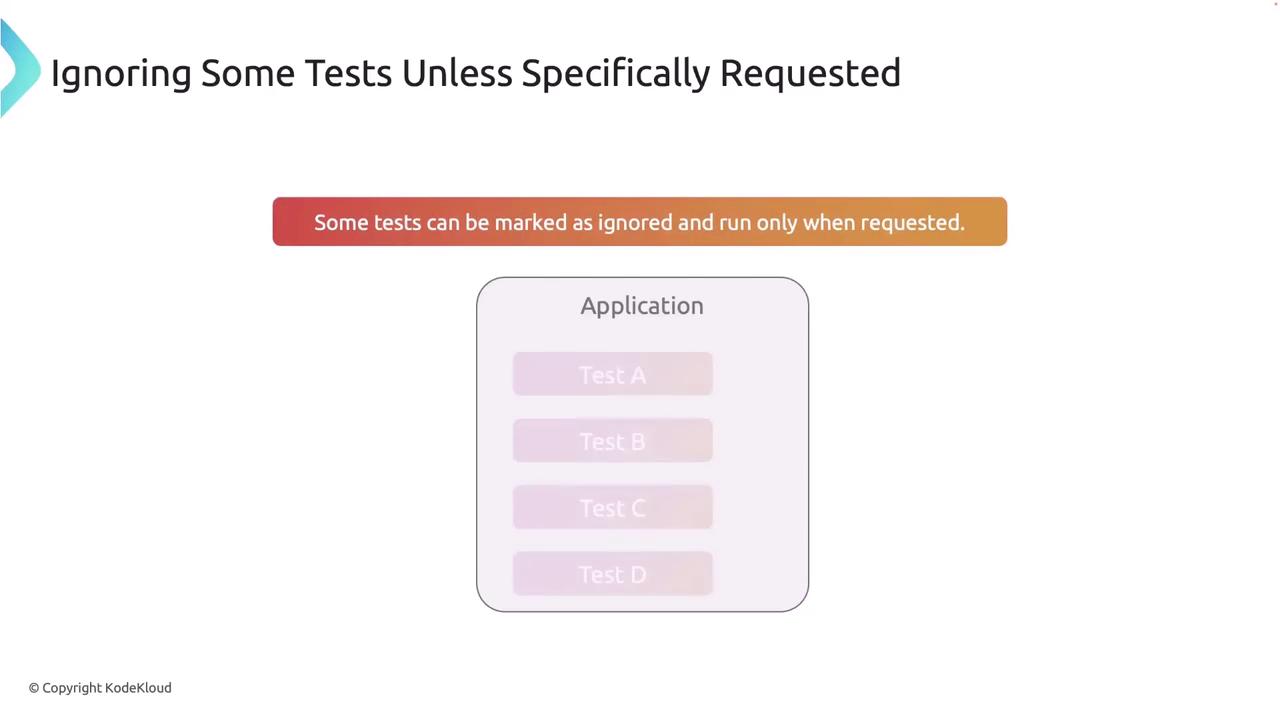
#[ignore]:
#[ignore], use:
Practical Usage Scenarios
Below are practical scenarios to enhance your testing workflow:-
Debugging with Sequential Runs
When tests intermittently fail due to shared state, it’s helpful to run them sequentially: -
Focusing on Critical Features
For critical feature development, filter tests by a substring to run only the relevant tests: -
Managing Test Output During Development
When debugging, the--nocaptureflag allows you to view all output, which may assist in identifying issues:
Summary
Effective test management in Rust involves knowing when and how to run tests both in parallel and sequentially. Using flags to manage test output and filtering helps streamline debugging and development. Moreover, marking tests as ignored optimizes your test suite by focusing on essential tests during each run.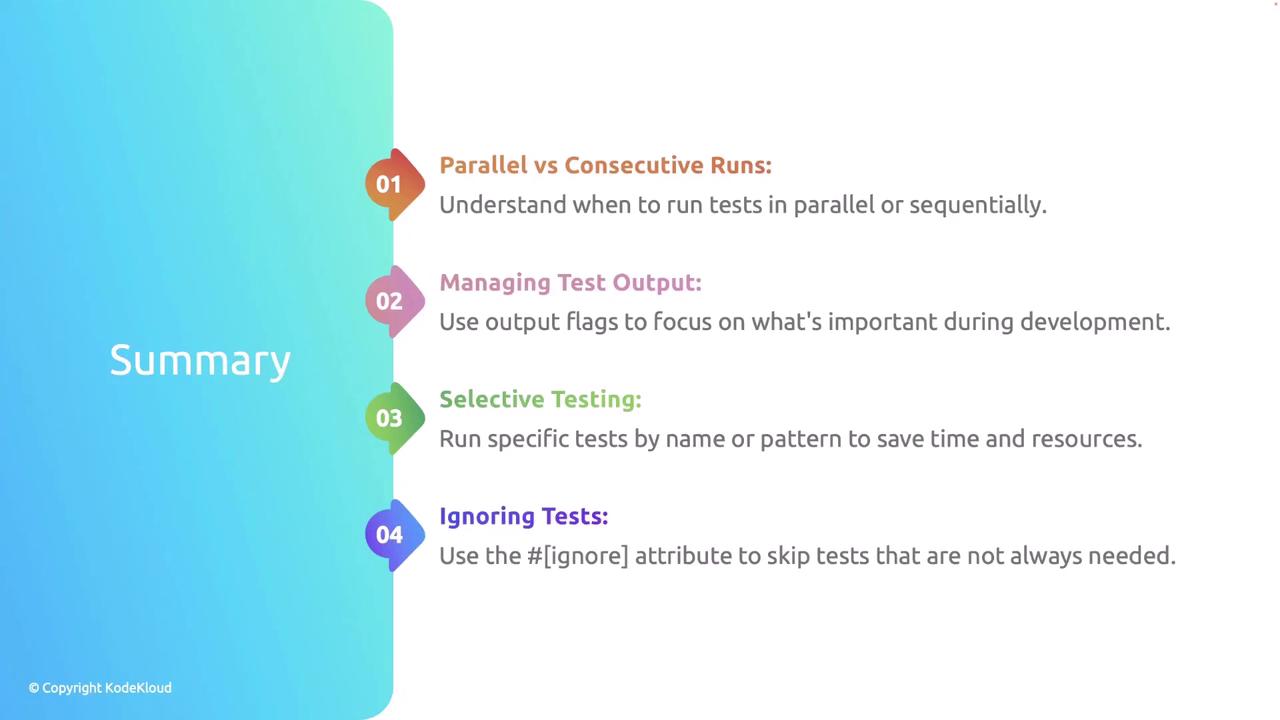
Best Practices
-
Isolate Tests
Ensure tests do not rely on shared state or external resources to prevent flaky results. -
Run Tests Frequently
Utilize selective testing to run the most critical tests frequently during development. -
Keep Test Output Clean
Limit the display of output to necessary debugging information for enhanced readability.
Following these best practices will improve your development workflow and contribute to a more robust and maintainable codebase.