This article demonstrates setting up a UDP server and client in Rust, including error handling and message processing.
In this lesson, we’ll demonstrate how to set up a UDP server and create a corresponding UDP client using Rust. Follow along for a step-by-step guide that includes proper error handling, message processing, and an explanation of the process.
We’ll start by implementing a UDP server. UDP is a connectionless protocol, meaning it doesn’t establish or maintain a persistent connection with its clients. First, import the UDP socket module from Rust’s standard library, which provides the functionality to create and manage UDP sockets.
Next, update the main function to bind the UDP socket to the local IP address on port 7878. This binding instructs the server to listen for incoming UDP packets on “127.0.0.1:7878”.
Copy
Ask AI
// UDP serveruse std::net::UdpSocket;fn main() { // Attempt to bind the UDP socket to localhost at port 7878 let socket: Result<UdpSocket, std::io::Error> = UdpSocket::bind("127.0.0.1:7878"); println!("UDP server");}
Once bound to “127.0.0.1:7878”, the server is ready to receive packets. To store data received from clients, create a fixed-size buffer with a capacity of 512 bytes:
Copy
Ask AI
// UDP serveruse std::net::UdpSocket;fn main() { let socket: Result<UdpSocket, std::io::Error> = UdpSocket::bind("127.0.0.1:7878"); println!("UDP server listening on 127.0.0.1:7878"); // Buffer for incoming data (512 bytes) let mut buffer: [u8; 512] = [0; 512];}
For better error handling, update the main function signature to return std::io::Result<()> and use pattern matching to handle potential errors when binding the socket:
Copy
Ask AI
// UDP serveruse std::net::UdpSocket;fn main() -> std::io::Result<()> { let socket_result: Result<UdpSocket, std::io::Error> = UdpSocket::bind("127.0.0.1:7878"); let mut socket: UdpSocket = match socket_result { Ok(s) => s, Err(e) => { println!("Failed to bind socket: {}", e); return Err(e); } }; println!("UDP server listening on 127.0.0.1:7878"); // Buffer for incoming data (512 bytes) let mut buffer: [u8; 512] = [0; 512]; loop { // Receive data from the client let (bytes_received, src_addr) = socket.recv_from(&mut buffer)?; println!( "Received {} bytes from {}: {}", bytes_received, src_addr, String::from_utf8_lossy(&buffer[..bytes_received]) ); // Echo the data back to the client socket.send_to(&buffer[..bytes_received], src_addr)?; }}
In the loop, the recv_from method waits for incoming UDP packets, writes the data into the buffer, and returns a tuple containing the number of bytes received alongside the client’s address. The data is then converted from bytes to a UTF-8 string for readability and echoed back using send_to. The use of the question mark operator (?) streamlines error propagation.
Now, create a UDP client that communicates with the server. Start by creating a new Cargo project:
Copy
Ask AI
cargo new my_udp_clientCreating binary (application) `my_udp_client` packagenote: see more `Cargo.toml` keys and their definitions at https://doc.rust-lang.org/cargo/reference/manifest.html
Open the project in your favorite editor (e.g., VS Code) and add the following code. The client binds to any available local IP address and port, as a fixed port is not required for client operations.
Copy
Ask AI
use std::net::UdpSocket;fn main() -> std::io::Result<()> { // Bind the client socket to any available address and port let socket = UdpSocket::bind("0.0.0.0:0")?; println!("UDP client started"); // Define the server address to which we'll send messages let server_addr = "127.0.0.1:7878"; // Send a message to the server let message = "Hello from UDP client!"; socket.send_to(message.as_bytes(), server_addr)?; println!("Sent message to {}: {}", server_addr, message); // Buffer to store the echoed message from the server let mut buffer: [u8; 512] = [0; 512]; let (bytes_received, _) = socket.recv_from(&mut buffer)?; println!( "Received from server: {}", String::from_utf8_lossy(&buffer[..bytes_received]) ); Ok(())}
In this client implementation, after binding to a local address, the server’s address (127.0.0.1:7878) is specified. The client sends a message to the server via send_to and awaits the server’s echoed response via recv_from. The received data is then converted from bytes to a readable string before printing.
my_udp_client on ✗ master [✔] v0.1.0 via 🦀 v1.82.0➜ cargo run --quietUDP client startedSent message to 127.0.0.1:7878: Hello from UDP client!Received from server: Hello from UDP client!
UDP server listening on 127.0.0.1:7878Received 22 bytes from 127.0.0.1:55740: Hello from UDP client!
Keep in mind that UDP does not provide the reliability guarantees of TCP. Its lightweight and connectionless nature make it ideal for scenarios where speed is essential and occasional packet loss is acceptable.
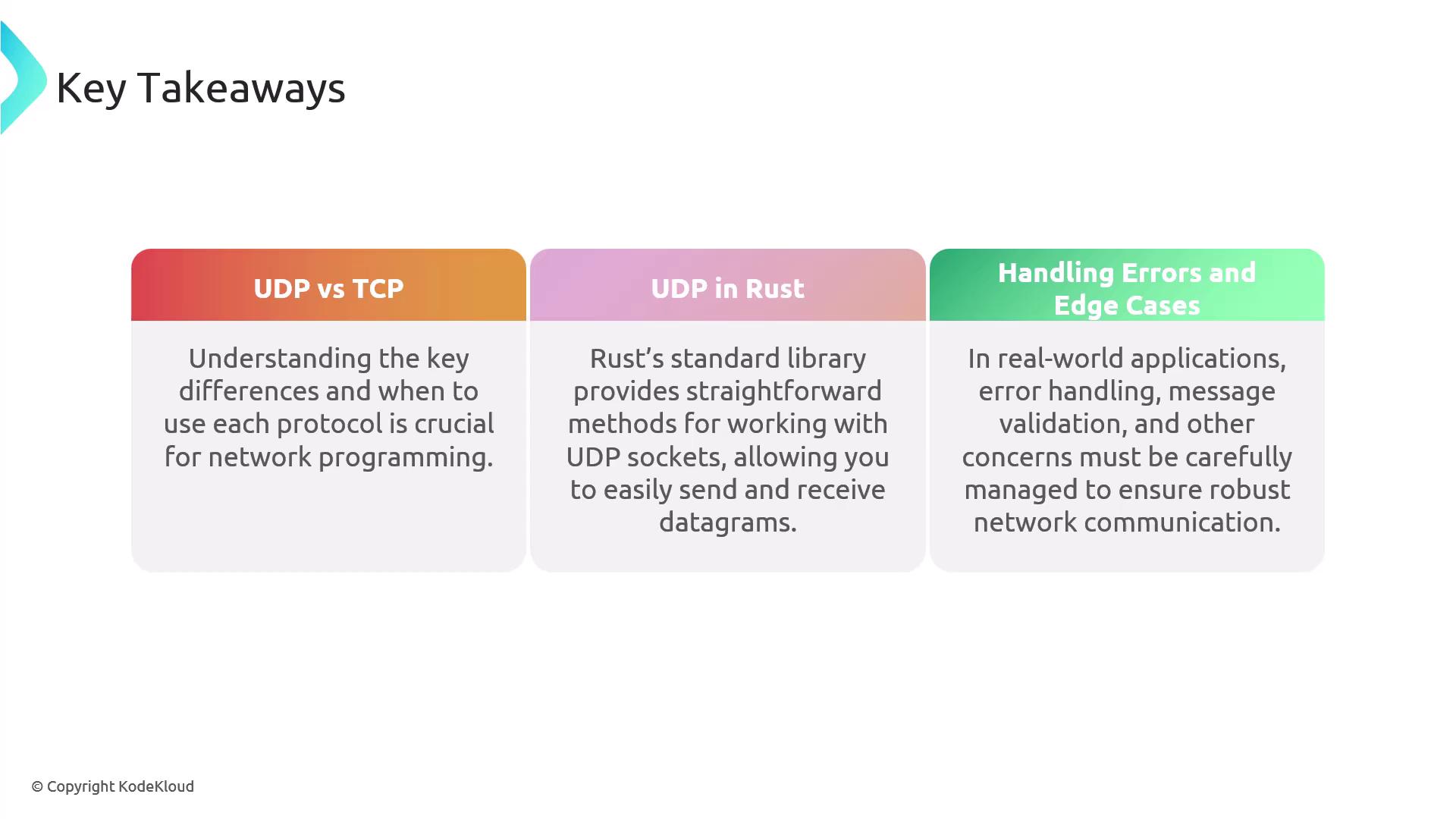
UDP versus TCP:
Understand the differences between UDP and TCP to choose the right protocol for your application’s requirements.
Using UDP in Rust:
The Rust standard library simplifies working with UDP sockets, enabling efficient sending and receiving of datagrams.
Error Handling:
Effective error handling and message validation improve the robustness of network applications.
By following this lesson, you now have a working example of a UDP echo server and client in Rust. Continue exploring further enhancements and additional error-handling strategies to build robust network applications.