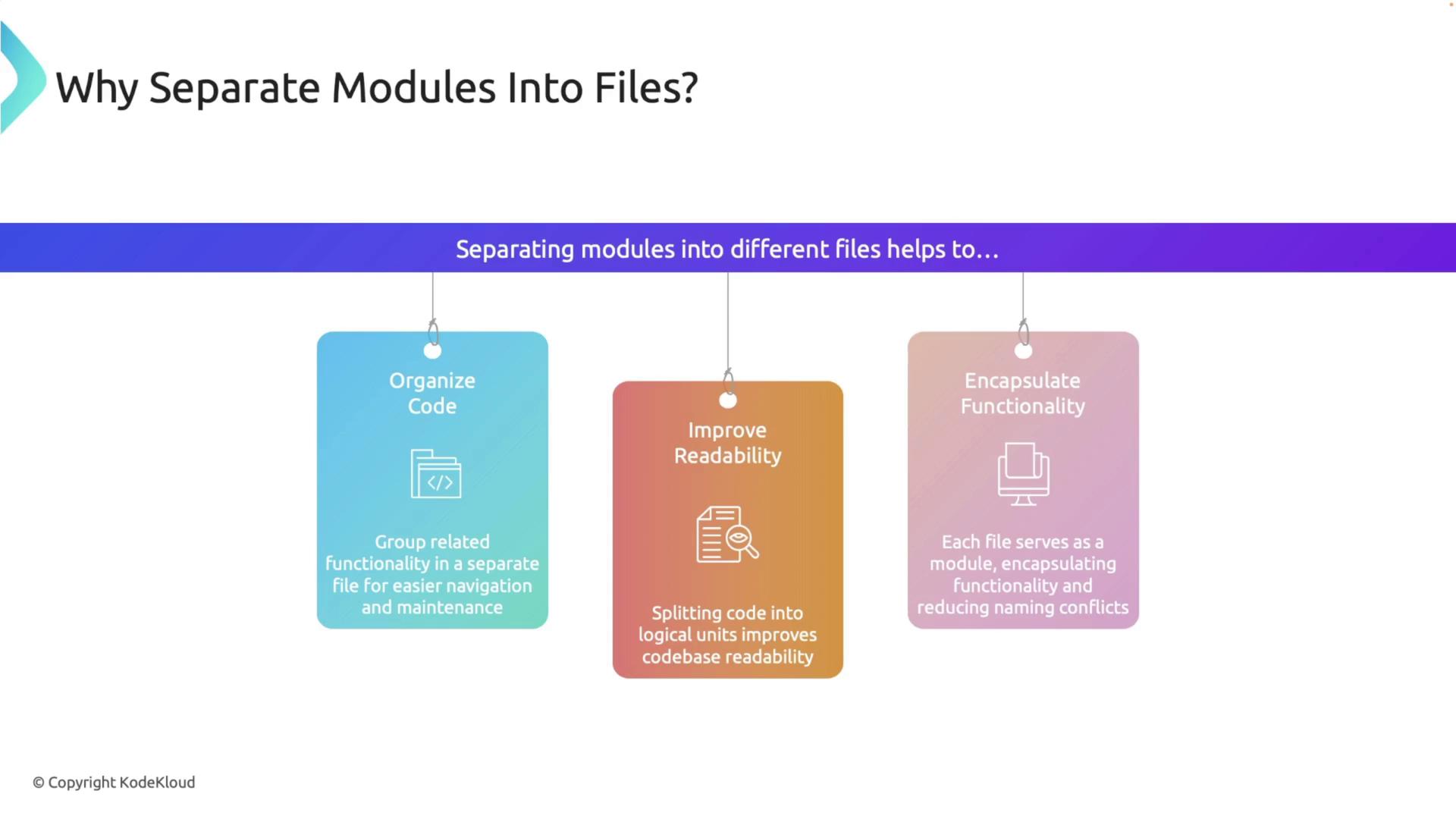
Moving a Module into Its Own File
Assume you begin with a module defined in one file:Step 1: Create a New File
Create a new file namedmath.rs in the same source directory and move all the contents of the math module into this new file.
Step 2: Declare the Module in Your Main File
Modify your main file (main.rs) to declare the module using the mod keyword:
math.rs file in the same directory as main.rs.
Organizing Sub-Modules into Directories
For a cleaner organization, especially when working with multiple modules, you can create directories for each module.Step 1: Create a Module Directory
Within the source directory, create a folder namedmath. Then, move the math.rs file into this folder and rename it to mod.rs. Your project structure should now look like this:
Step 2: Adding a Sub-Module
Suppose you need to add functionality handled by a new sub-module calledoperations. Create a file named operations.rs inside the math directory with the following content:
mod.rs file within the math directory to include the sub-module:
Step 3: Utilizing the Sub-Module in Your Main File
Update your main file to access functions from both the main module and the sub-module:Handling Deeply Nested Modules
For projects that involve deeper module nesting, the same directory organization principles apply. Each module or sub-module should be represented either as a directory (with amod.rs file) or as an individual .rs file.
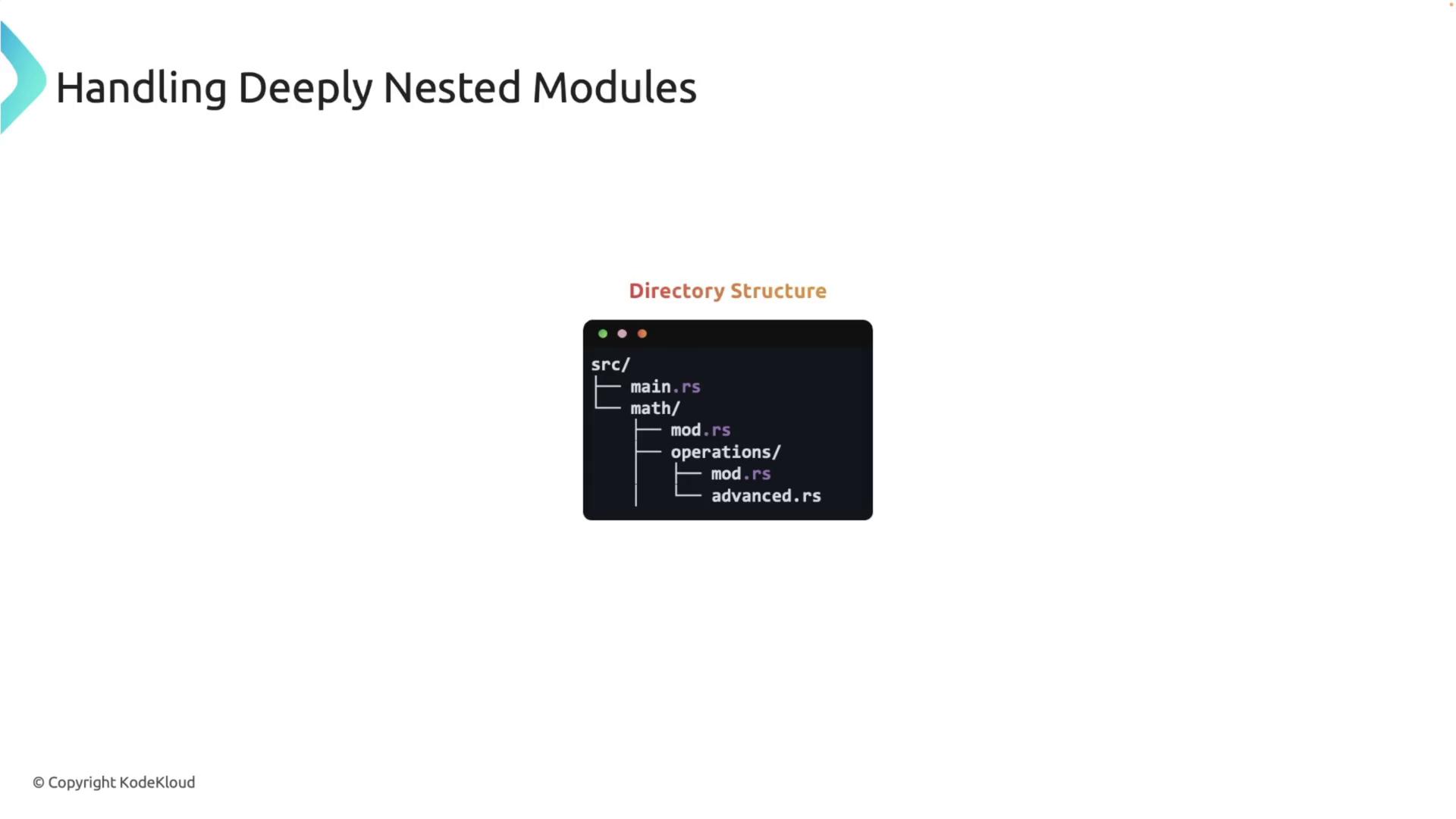
math module with an operations sub-module needs an additional advanced sub-module.
Advanced Operations Example
-
Create a file named
advanced.rsinside themath/operationsdirectory with the following code: -
Update the
mod.rsfile in theoperationsdirectory to include the newly addedadvancedsub-module, while retaining the existing functions: -
The
mod.rsfile in themathdirectory remains unchanged: -
Finally, update your main file to access the functions from both direct and nested modules:
Remember to include descriptive titles and headings in your code documentation to make it more search engine friendly.
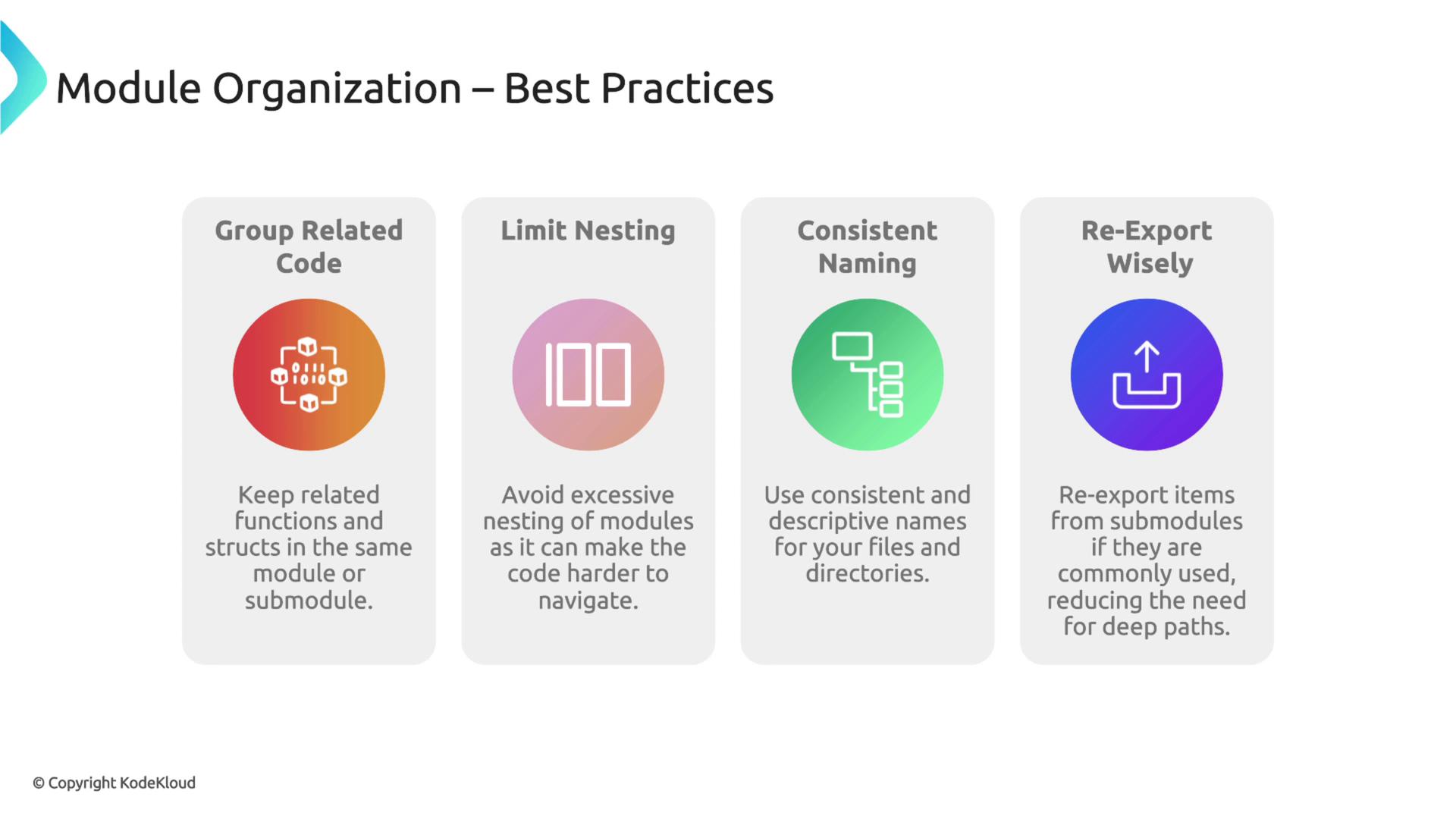
Best Practices for Module Organization
As your Rust project expands, consider these best practices for maintaining a clear module structure:Following these guidelines will enhance your project’s structure and make it easier to navigate and maintain.