The CA server is critically important because it consists of a key and certificate file that can sign certificates for the entire cluster. Unauthorized access to these files could potentially allow anyone to grant privileges within your Kubernetes environment. Ensure these files are secured and managed properly.
Automating Certificate Management with the Certificates API
Traditionally, signing requests were handled manually. However, as the size of teams and clusters grows, automation becomes essential. Kubernetes introduces a built-in Certificates API to streamline handling certificate signing requests (CSRs) and to automate certificate rotation. Instead of logging into the master node to sign certificates manually, administrators can now create a Kubernetes object called “CertificateSigningRequest” to submit CSRs directly to the API. This object is visible to cluster administrators, making it easy to review, approve, and manage CSRs using simple kubectl commands. The following diagram illustrates the automated process: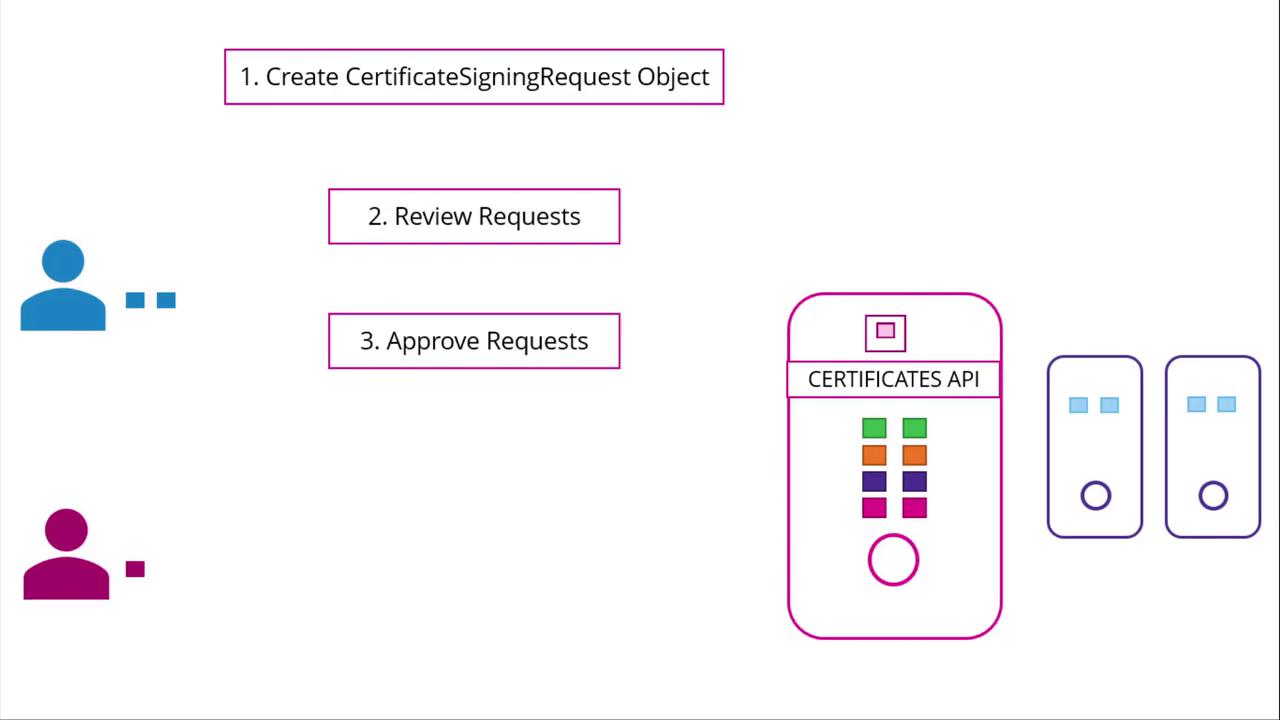
Step-by-Step Process
-
Generate a Private Key and CSR
A user, such as Jane, first creates a private key and generates a CSR with their details. Run the following commands:
The generated CSR (jane.csr) will have a structure similar to:
-
Submit the CSR to the Administrator
The user sends the generated CSR to the administrator. The administrator then creates a Kubernetes CSR object with a manifest file. Under the spec section, specify the groups the user qualifies for and the intended usages of the certificate. Make sure to Base64-encode the CSR before including it in the request field. Here’s an example manifest:
Replace
<base64-encoded-CSR>with your actual Base64-encoded CSR output. Once this manifest is applied, you can review all pending CSRs. -
Review Pending CSRs
To view pending certificate signing requests, use the following command:
The output may look like:
-
Approve the CSR
After thorough review, approve the request by running:
Kubernetes will then sign the certificate using the CA key pair.
-
Retrieve the Signed Certificate
To view the signed certificate in YAML format, execute:
The signed certificate appears in Base64-encoded format in the YAML output. Decode it using Base64 utilities and share the decoded certificate with the end user. Below is an example of a CSR object with its signed certificate in the status field:
Certificate Management in the Kubernetes Control Plane
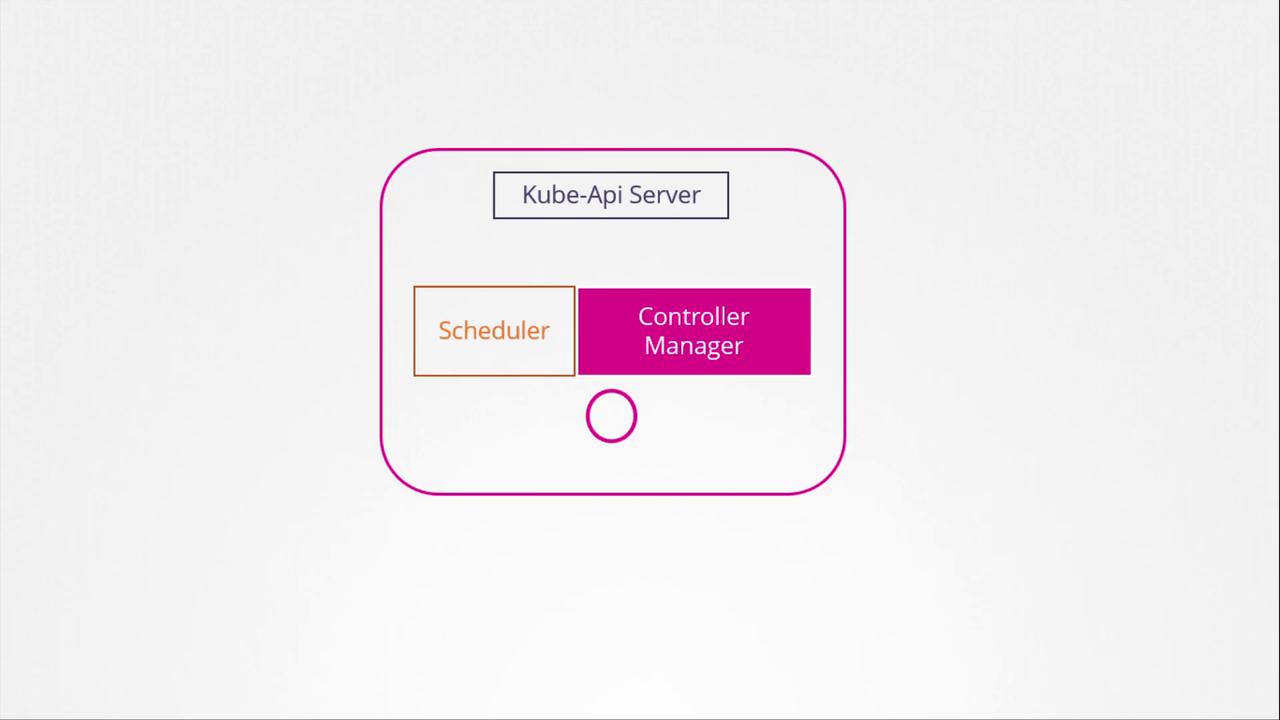
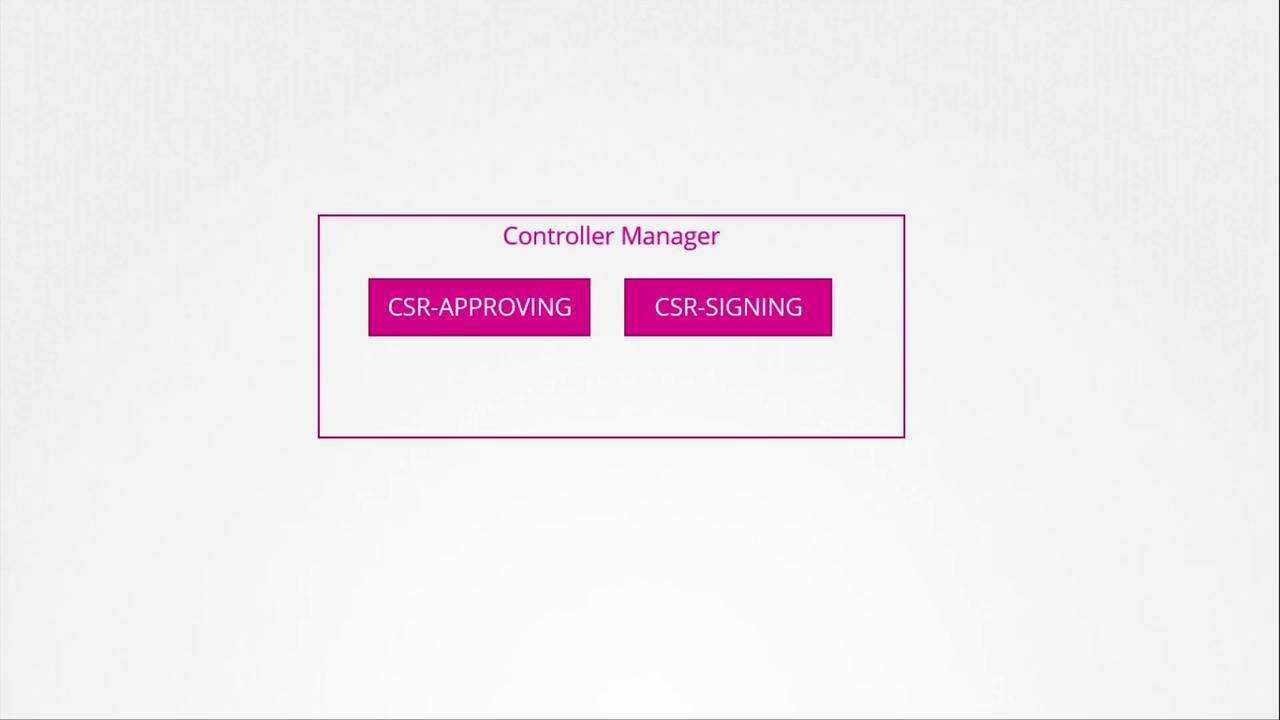
The Kubernetes control plane components, including the kube-apiserver, scheduler, and controller manager, coordinate to manage cluster operations. Certificate-related operations, such as CSR approval and signing, are performed by the controller manager through dedicated controllers. The diagram below shows the controller manager as part of the Kubernetes architecture: