This guide explores best practices for removing unnecessary packages and services to keep systems lean and secure.
In this guide, we’ll explore best practices for keeping your system lean and secure by eliminating unnecessary packages and services. Over time, systems can accumulate software installed by default from snapshots or image templates, which increases complexity and enlarges your security attack surface.
Regularly auditing installed software and services is vital. This process helps ensure that only essential components are maintained and updated with the latest security patches. For example, verify whether Apache is genuinely needed on Kubernetes cluster nodes or if it was installed inadvertently.
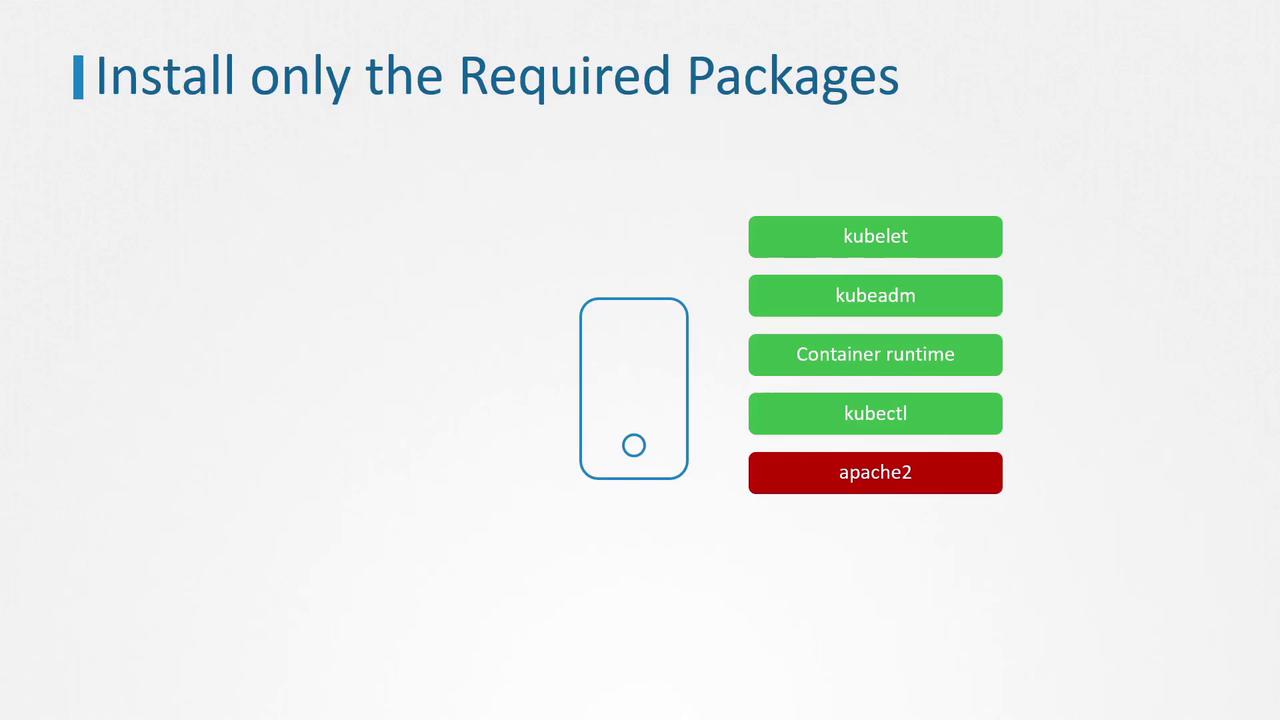
Modern Linux distributions commonly use systemd to manage services. The systemctl utility provides comprehensive control to view service status, start, and stop essential services.For instance, to check the status of the Apache service, run:
This output confirms that Apache is active and running, with its main configuration file located at /lib/systemd/system/apache2.service. While many packages install their service files automatically, some services might be manually added to launch additional processes. It is crucial to identify and manage only the services required for your environment.
To view all services installed on your system, use:
Copy
Ask AI
systemctl list-units --type service
A sample output includes:
Copy
Ask AI
apache2.service loaded active running The Apache HTTP Serverapparmor.service loaded active exited AppArmor initializationcontainerd.service loaded active running containerd container runtimedbus.service loaded active running D-Bus System Message Busdocker.service loaded active running Docker Application Container Engineebtables.service loaded active exited ebtables ruleset managementkmod-static-nodes.service loaded active exited Create list of required static device nodeskubelet.service loaded active running kubelet: The Kubernetes Node Agentproxy.service loaded active running kubectl proxy 8888systemd-journal-flush.service loaded active exited Flush Journal to Persistent Storage
If you determine that a service file is not needed, you can disable and stop it. For example, to disable Apache:
Copy
Ask AI
systemctl stop apache2systemctl disable apache2
You might see output similar to:
Copy
Ask AI
Synchronizing state of apache2.service with SysV service script with /lib/systemd/systemd-sysv-install.Executing: /lib/systemd/systemd-sysv-install disable apache2
After stopping the service, remove the corresponding package. For example, to remove Apache using apt:
Copy
Ask AI
apt remove apache2
A sample removal process output would be:
Copy
Ask AI
Reading package lists... DoneBuilding dependency treeReading state information... DoneThe following packages were automatically installed and are no longer required: apache2-bin apache2-data apache2-utils libapr1 libaprutil1 libaprutil1-dbd-sqlite3 libapru1-ldap liblua5.2-0 ssl-certUse 'apt autoremove' to remove them.The following packages will be REMOVED: apache20 upgraded, 0 newly installed, 1 to remove and 23 not upgraded.After this operation, 536 kB disk space will be freed.Do you want to continue? [Y/n] Y(Reading database ... 15908 files and directories currently installed.)Removing apache2 (2.4.29-1ubuntu4.14) ...invoke-rc.d: policy-rc.d denied execution of stop.invoke-rc.d: policy-rc.d denied execution of stop.
Before purging any package, ensure that it is not required by other services or dependencies. Removing essential software may disrupt system functionality.
For additional best practices in configuring and managing services, refer to section 2 of the CIS Benchmarks for Distribution Independent Linux.By following these guidelines, you can streamline your system by maintaining only the essential packages and services, thereby reducing complexity and enhancing overall security.