

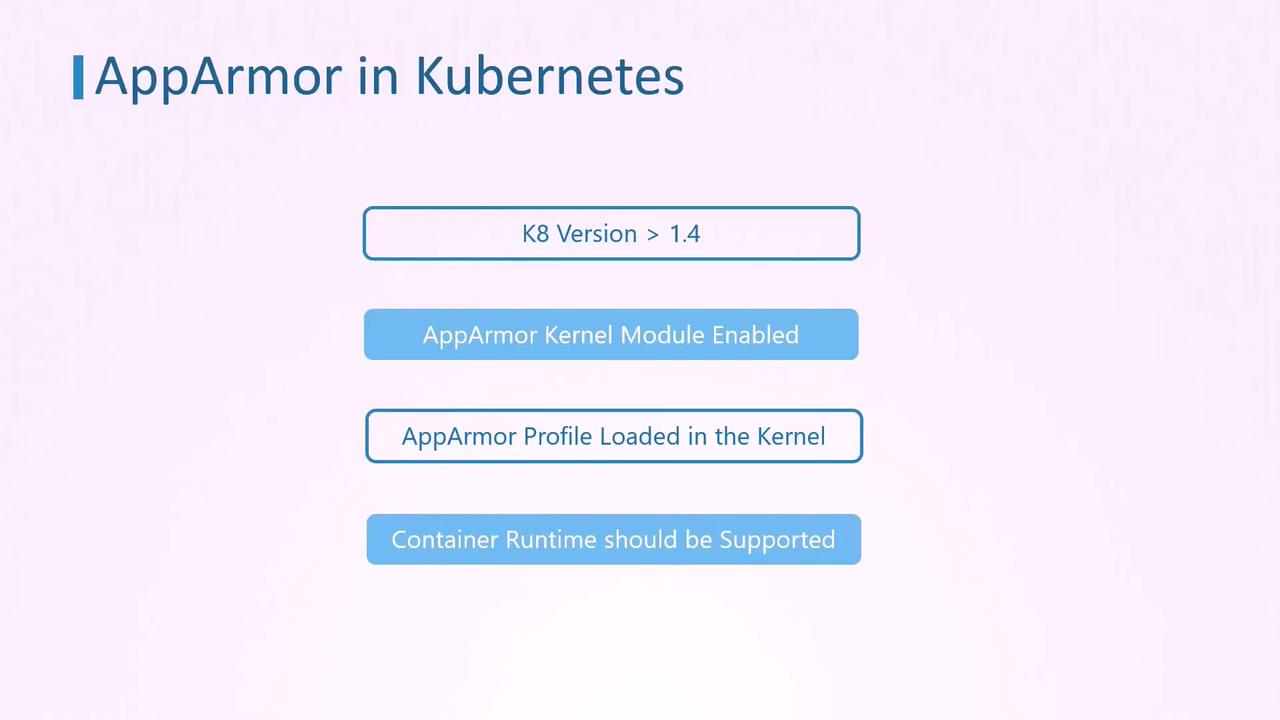
– The desired AppArmor profile must be loaded on each node.
– The container runtime (e.g., Docker, CRI-O, Containerd) must support AppArmor.
Before proceeding, verify that all nodes have the AppArmor kernel module enabled and the required profile loaded.
Example: Ubuntu Sleeper Pod with AppArmor Profile
Below is an example where an Ubuntu container is configured as a Sleeper pod. The container prints a message and sleeps for one hour. Because the container’s command does not require file system write access, the pod is secured with an AppArmor profile that denies write operations.Verify the AppArmor Profile
Before deploying your pod, ensure the AppArmor profile is loaded on all nodes. Run the following command on each worker node:Basic Pod Definition
Here is the basic YAML specification for creating the Ubuntu Sleeper pod:AppArmor Deny Write Profile
The following is an example of an AppArmor profile (apparmor-deny-write) designed to deny all file write operations:
Make sure the above profile is loaded on every worker node where your pod might run.
Applying the AppArmor Profile to the Pod
Previously, when AppArmor was in beta, it was necessary to annotate the pod’s metadata to specify the AppArmor profile. The annotation used wascontainer.apparmor.security.beta.kubernetes.io with the container name as the key and a value formatted as localhost/<profile-name>.
Legacy configuration example:
securityContext within the pod specification. The updated configuration is shown below:
Creating and Testing the Pod
-
Create the Pod: Save the YAML configuration (e.g., as
ubuntu-sleeper.yaml) and run: -
Verify Pod Logs: Check the container’s logs to ensure that the message has been printed:
-
Test the AppArmor Profile: Attempt to create a file inside the container to test the deny write rule. Run:
The operation should fail with a permission denied error:
If the file creation attempt fails as shown above, it confirms that the AppArmor profile is enforcing the security restrictions correctly.