

Namespaces Overview
Namespaces offer a way to partition cluster resources among multiple users, ensuring that resources in one namespace remain isolated from those in another. This strategy yields two primary benefits:- Resource names within one namespace can overlap with those in another, allowing teams to use familiar names without conflicts.
- Many Kubernetes security policies, including role-based access control (RBAC), roles, and network policies, are scoped to individual namespaces.

Authorization and Access Control
Proper authorization is the cornerstone of control plane isolation. Without adequate restrictions, teams or workloads might improperly access or modify API resources, undermining security policies. Implementing the principle of least privilege is essential: each team should only access the namespaces and resources they require. The next diagram emphasizes Kubernetes control plane isolation through access controls. It showcases how namespaces, pods, services, persistent volumes, and RBAC policies work together to enforce the principle of least privilege.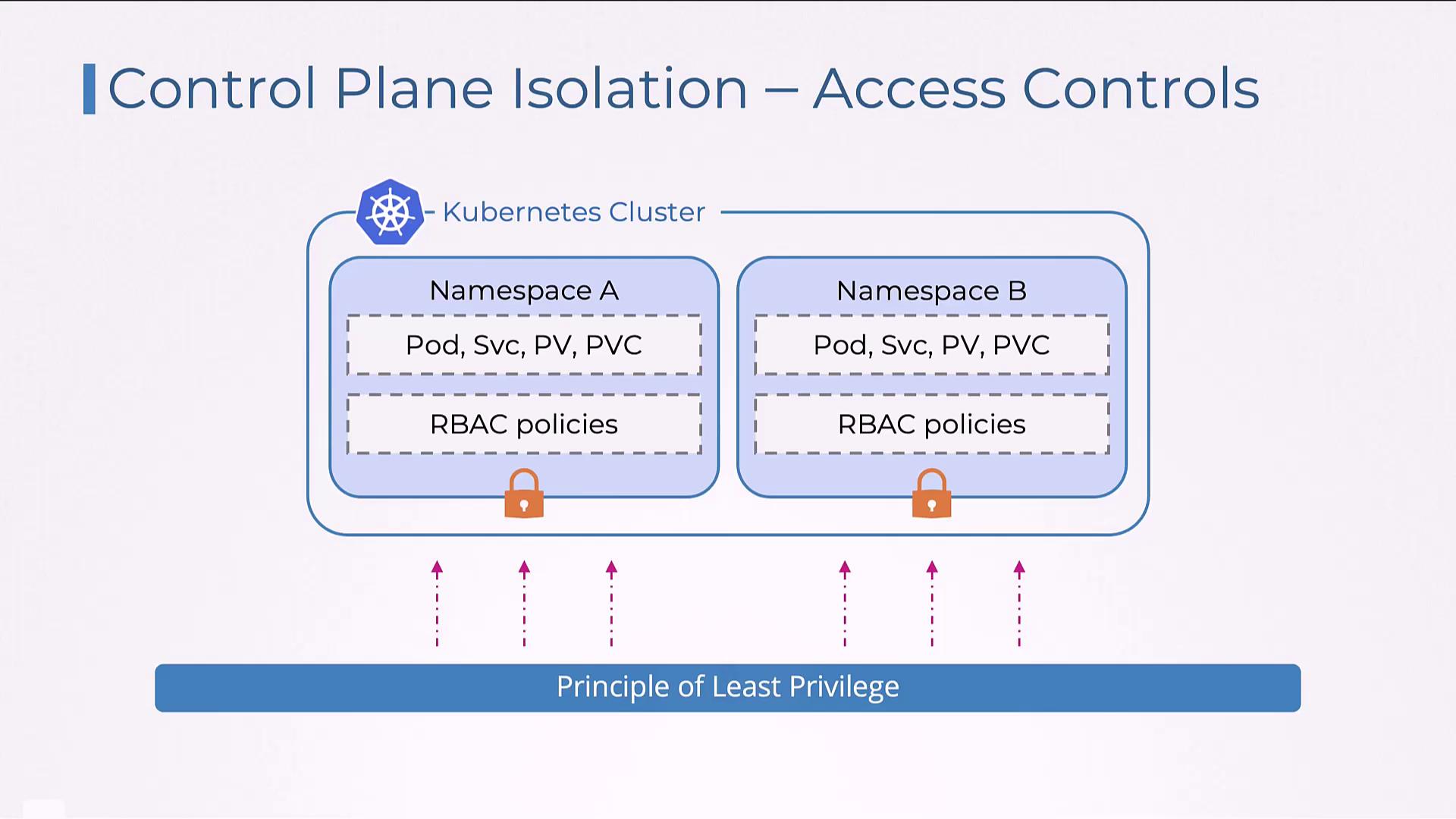
Example: Role and RoleBinding in the Development Namespace
The following example demonstrates how to create a Role and a corresponding RoleBinding in the “development” namespace. The Role, “developer-role,” grants permissions (get, list, watch, create, update, delete) on pods and services. The RoleBinding, “developer-rolebinding,” then ties this role to the user “pranjal.”This configuration enforces strict access control, ensuring that user “pranjal” can only perform the defined actions on pods and services within the “development” namespace.