

The Role of Seccomp
By default, the Linux kernel permits all user-space programs to invoke any syscall. Seccomp (Secure Computing) is a kernel-level feature, introduced in 2005 and available since Linux version 2.6.12, that allows you to sandbox applications by filtering their allowed syscalls. To verify if your kernel supports Seccomp, run:Demonstrating Seccomp in Action
First, run a container using the popular Docker whalesay image. This container prints Docker’s signature whale ASCII art alongside a provided argument (here, “hello!”):/proc/1/status. The Seccomp field should indicate a value of 2, meaning a filtered Seccomp profile is in use.
Seccomp Modes
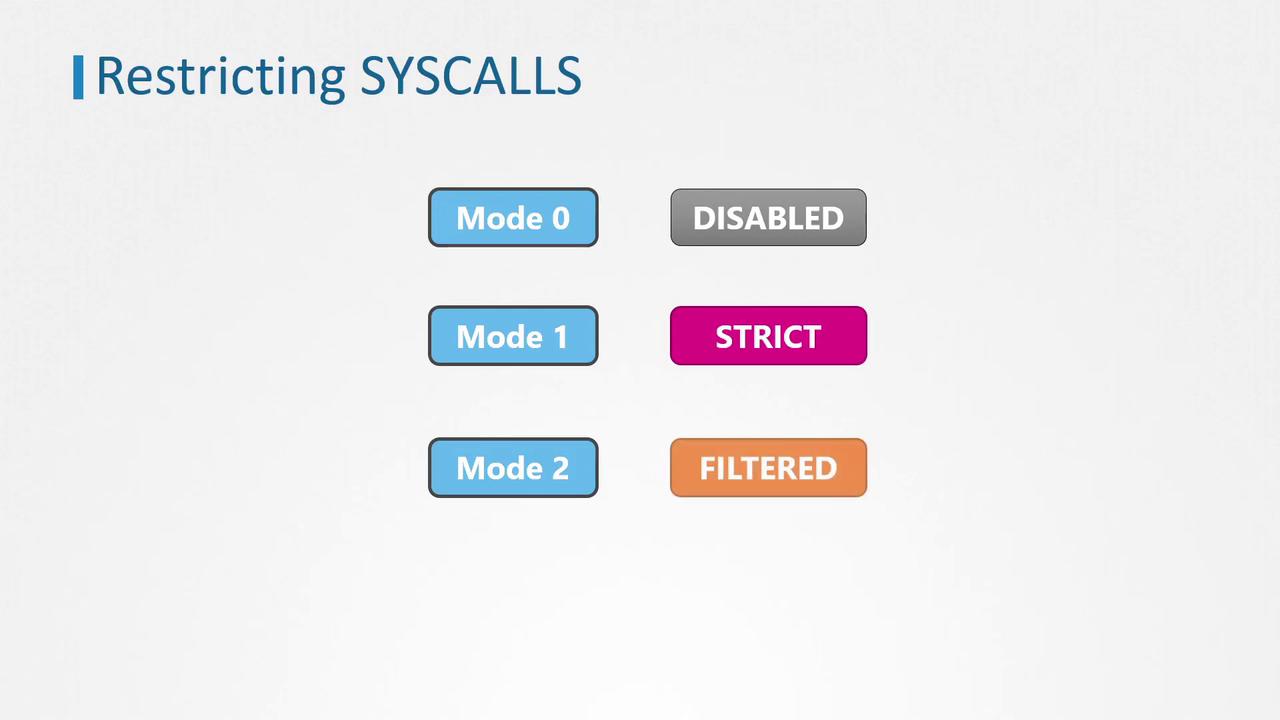
Seccomp operates in three distinct modes:- Mode 0: Seccomp is disabled.
- Mode 1: Strict mode, permitting only four syscalls: read, write, exit, and sigreturn.
- Mode 2: Filter mode, allowing a defined subset of syscalls based on a filtering profile. Our container example uses Mode 2.
Docker automatically applies a default Seccomp filter if your host supports Seccomp. This default filter is defined via a JSON document that whitelists approximately 60 syscalls.
Default Docker Seccomp Profile
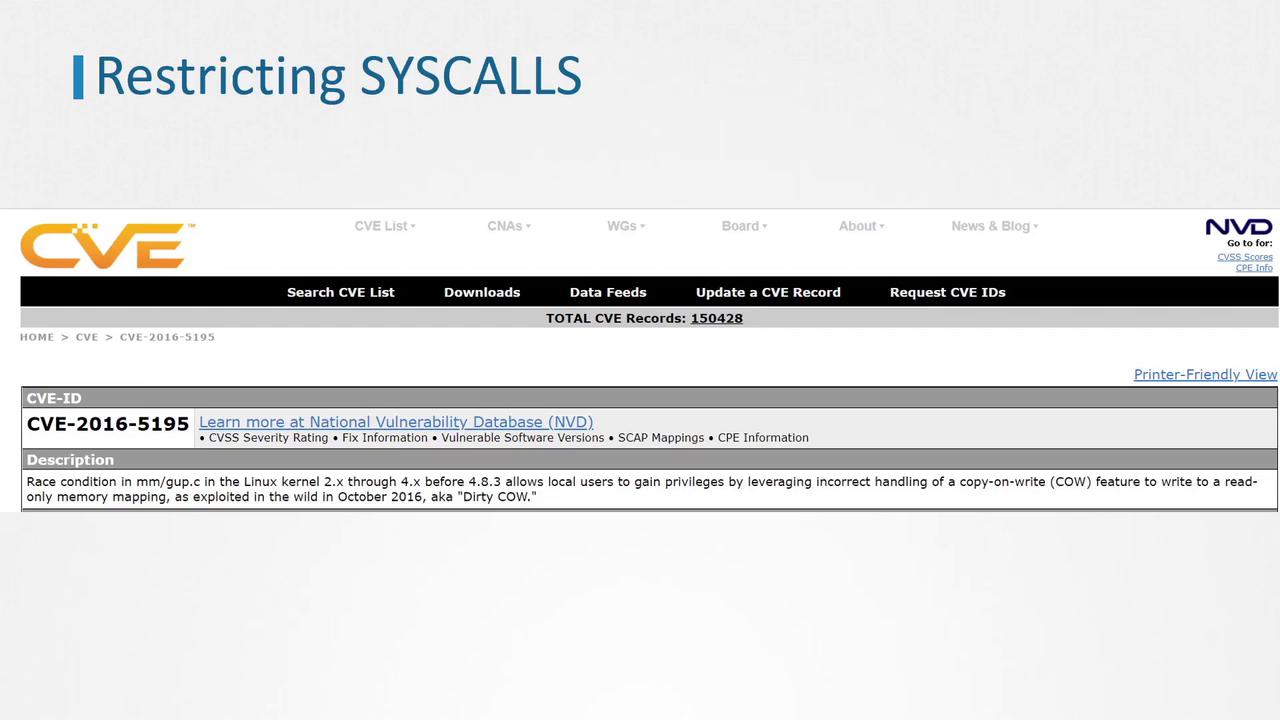
The default Docker profile is designed to block dangerous syscalls such as ptrace, which was exploited in the Dirty COW vulnerability. Here is an example snippet of a default Seccomp JSON profile used by Docker:- Architectures – Defines the supported CPU architectures (e.g., x86_64, x86, x32).
- Syscalls – An array listing syscall names and their permitted actions.
- Default Action – Determines how to handle syscalls not explicitly listed. Whitelist profiles typically deny undeclared syscalls.
While blacklist profiles are easier to implement, they are inherently less secure compared to whitelist profiles due to the possibility of overlooking dangerous syscalls.
Custom Seccomp Profiles
Although Docker’s default profile enhances security by restricting many dangerous syscalls, you can further harden your container by using a custom Seccomp profile. For example, to block the mkdir syscall, you might modify the default filter and save it as custom.json:For more guidance on Docker security and related topics, please refer to the Docker Documentation and other linked resources.