

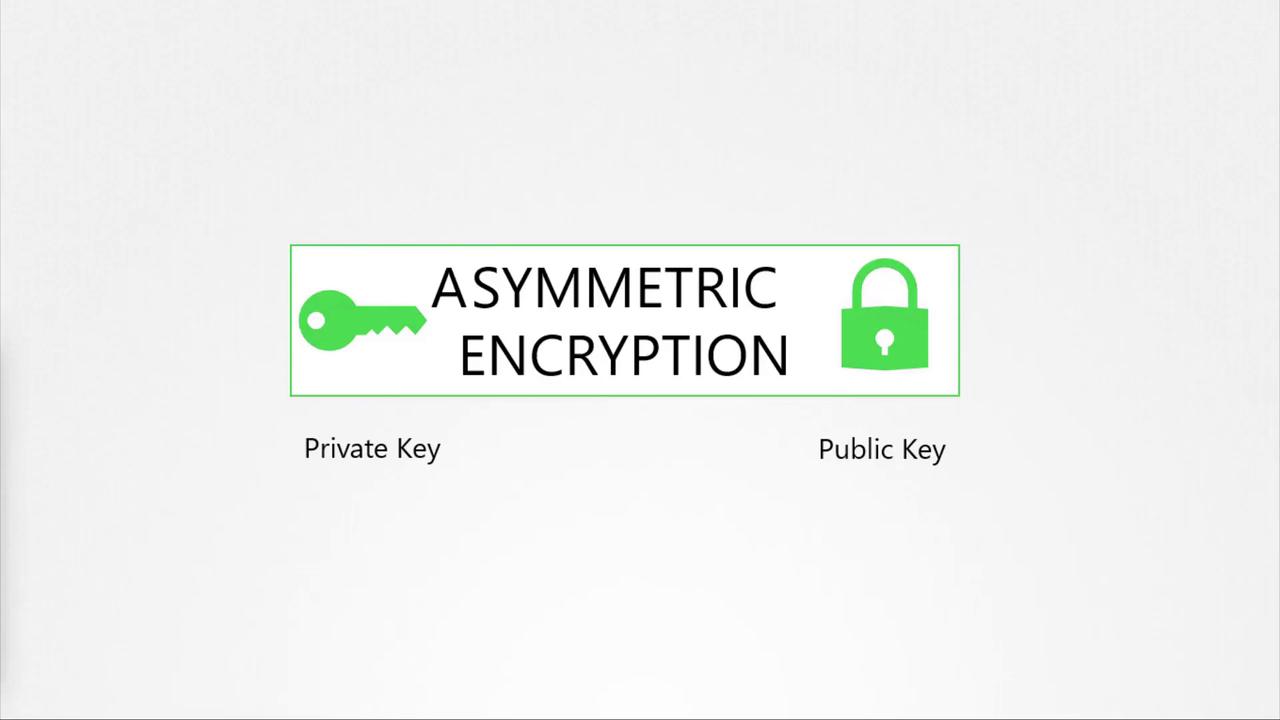
Asymmetric encryption uses a public/private key pair. The private key remains confidential, while the public key is distributed openly for encrypting data.
Securing SSH with Key Pairs
Securing SSH access to servers is a common use case for key pairs. Instead of traditional passwords—which are prone to compromise—you generate a pair of keys. The public key is placed on the server, while the private key remains with you, ensuring that only you can access the server. To generate SSH keys, run the following command:id_rsa: the private keyid_rsa.pub: the public key
~/.ssh/authorized_keys file on the server:
authorized_keys files.
Securing Web Servers with TLS
Using only symmetric encryption for a web server poses a risk because the encryption key must be transmitted over the network. Asymmetric encryption resolves this by securely transmitting a symmetric key between the client and server. For HTTPS, when a user visits a website, the server sends its public key within an SSL/TLS certificate. Even if an attacker intercepts the public key, they cannot decrypt the symmetric key because only the server holds the corresponding private key. Use OpenSSL to generate a pair of RSA keys for your web server:- The server sends its public key embedded in a certificate.
- The browser encrypts a newly generated symmetric key with this public key.
- The server uses its private key to decrypt the symmetric key.
- Future communication is secured using the symmetric key.
The Role of Digital Certificates
Digital certificates serve as more than just containers for public keys. They provide essential details including:- Certificate owner’s identity (subject)
- Issuer’s identity
- Validity dates
- Subject Alternative Names (SANs) for multiple domain support
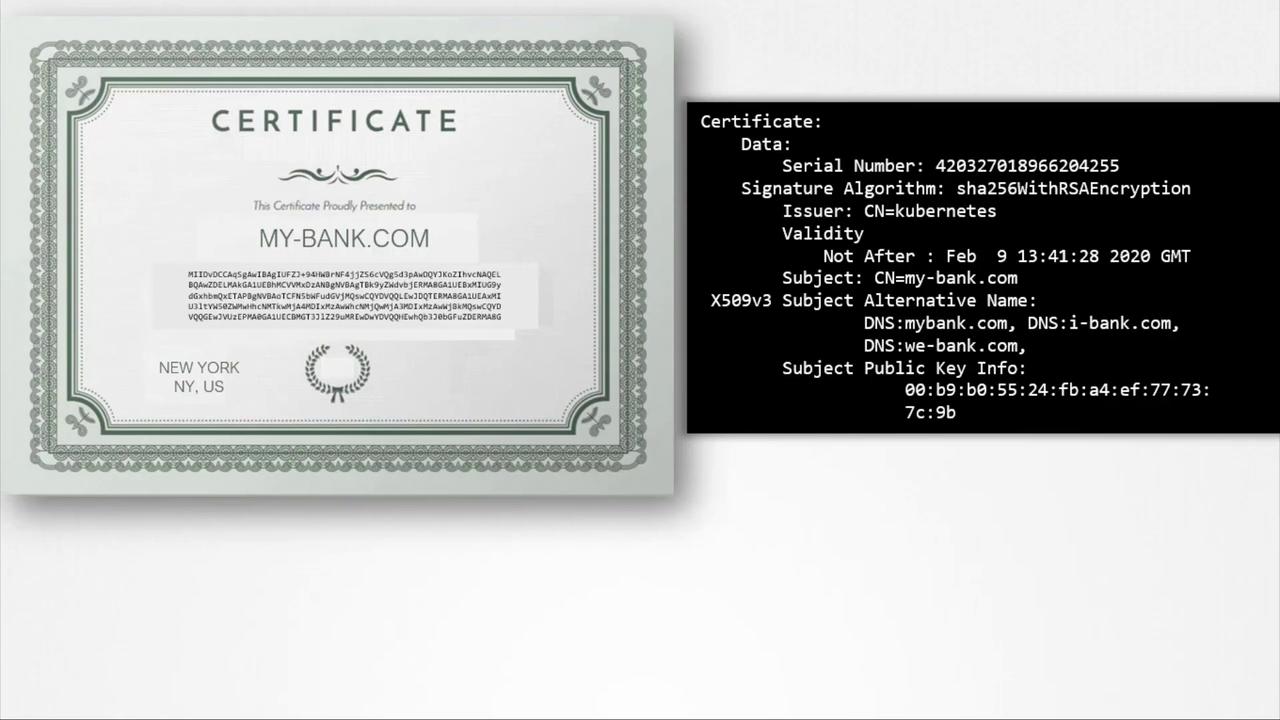
Certifying Trust with Certificate Authorities
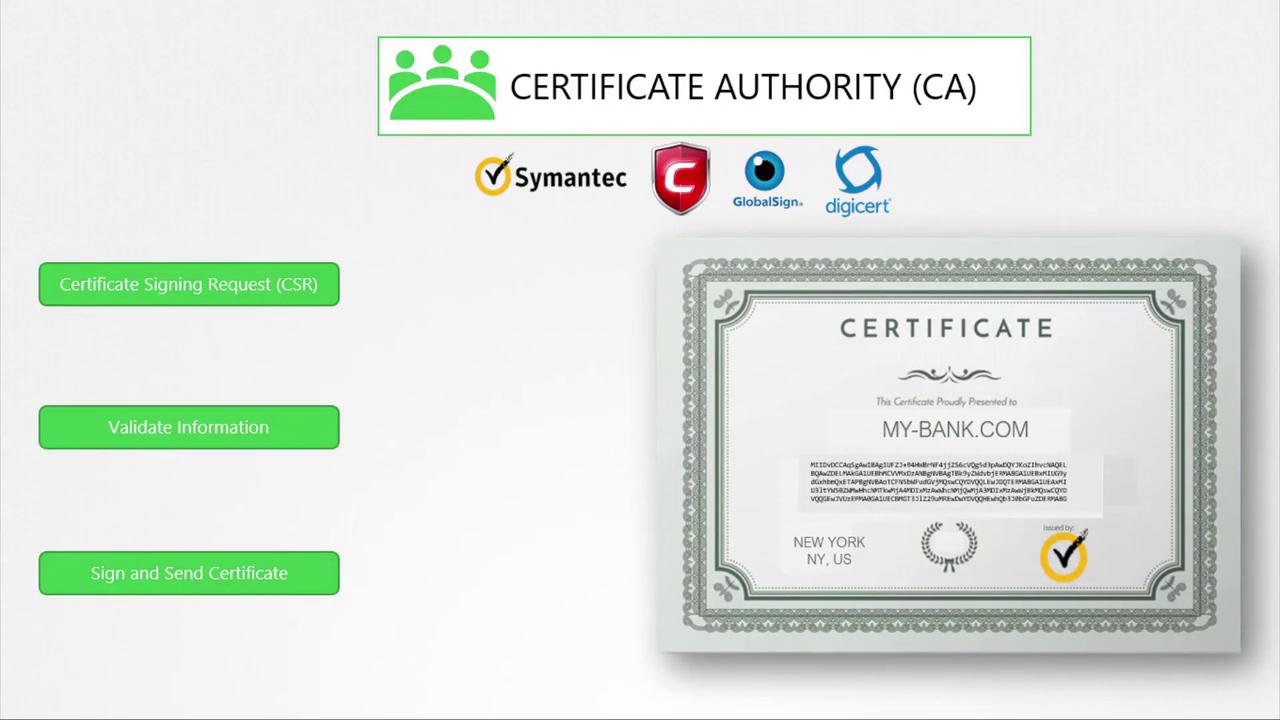
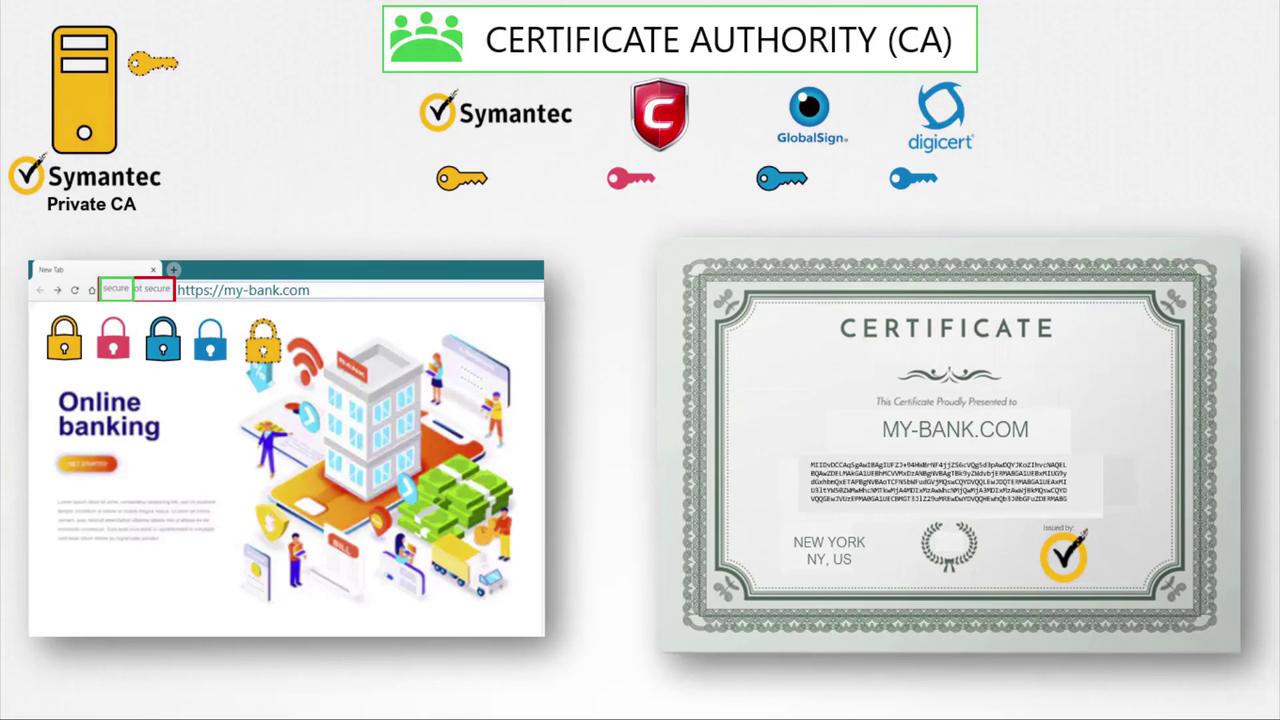
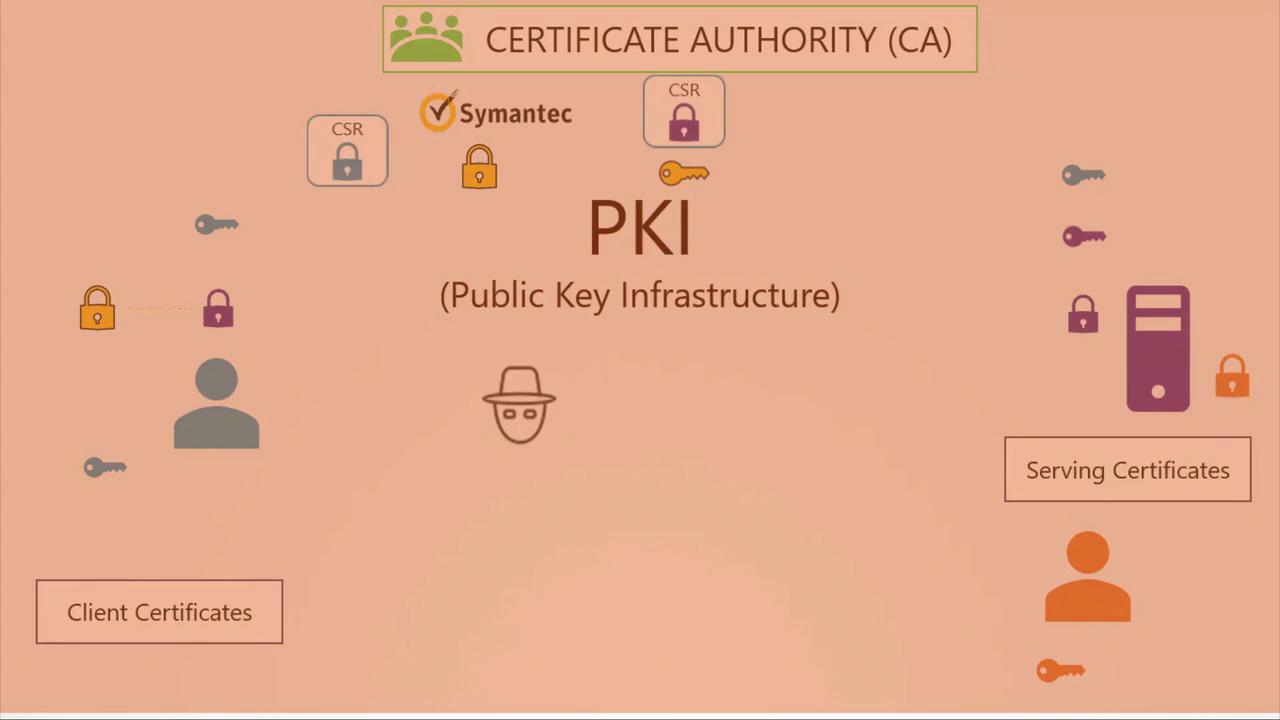
While anyone can create a certificate (including fraudulent ones), trusted Certificate Authorities (CAs) such as Symantec, DigiCert, Komodo, or GlobalSign play a vital role in establishing trust. The process is as follows:-
Generate a Certificate Signing Request (CSR) using your private key and domain name:
- Submit the CSR to a CA.
- The CA verifies your information and, once validated, signs your certificate.
- The signed certificate is returned and installed on your server, ensuring that browsers trust your website.
Recap of TLS Communication
Below is an overview of the TLS communication process:
In some advanced scenarios, the server may require a client certificate for mutual authentication, though this is less common for general web access.
This complete framework, which includes CAs, key pairs, digital certificates, and database practices for key management, is known as Public Key Infrastructure (PKI).
A Note on Key and Certificate Naming Conventions
Certificates that include a public key typically use the extensions .crt or .pem (for example, server.crt, server.pem, client.crt, or client.pem). Private keys are usually indicated by the extension .key or may include the word “key” in the filename (e.g., server.key or server-key.pem). Adhering to these naming conventions helps distinguish between public certificates and private keys.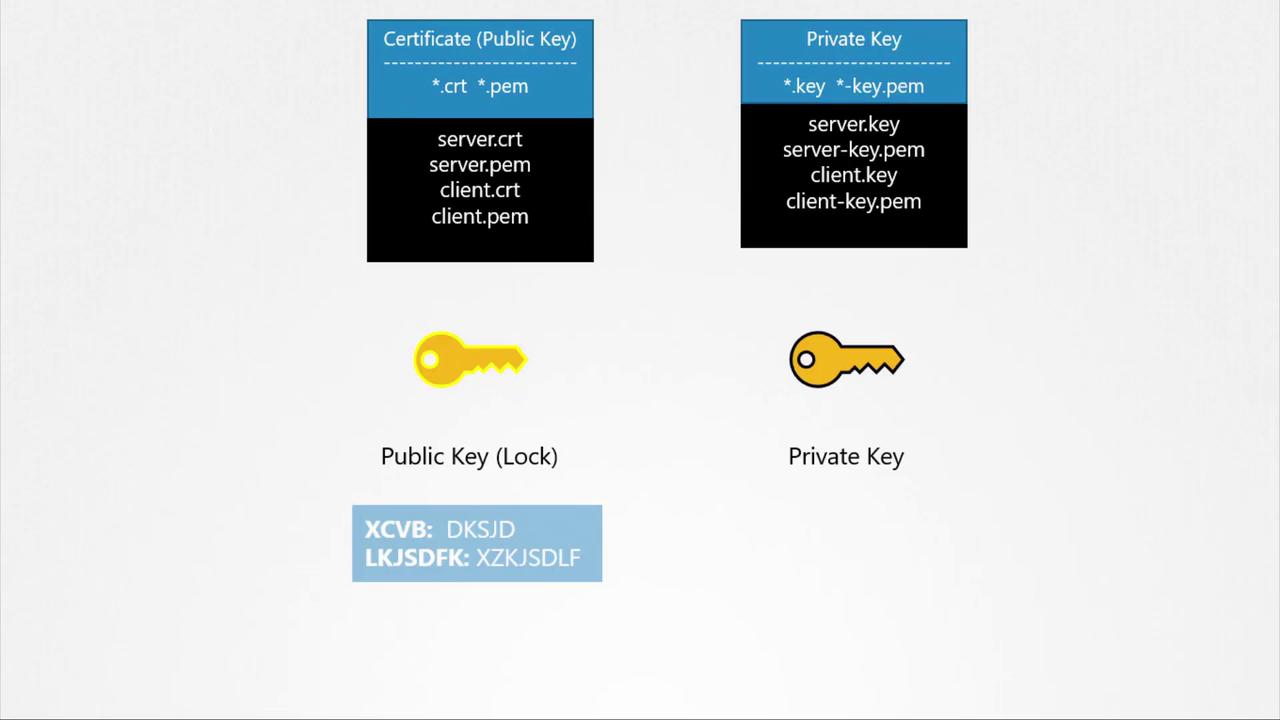
In this lesson, we’ve covered how SSL/TLS certificates secure web and SSH communications, the process of certificate generation and signing, and the importance of Certificate Authorities. By understanding these concepts, you can ensure your applications and services maintain robust security.