This article explores restricting system calls in applications using Seccomp to enhance security and minimize the attack surface.
In this article, we’ll explore how to restrict the system calls (syscalls) that applications can invoke, limiting them to only those essential for their operation. This approach minimizes the attack surface, boosting security by preventing access to all 435+ available Linux syscalls.Even seemingly simple commands, such as using the touch command, trigger multiple syscalls. For example, running:
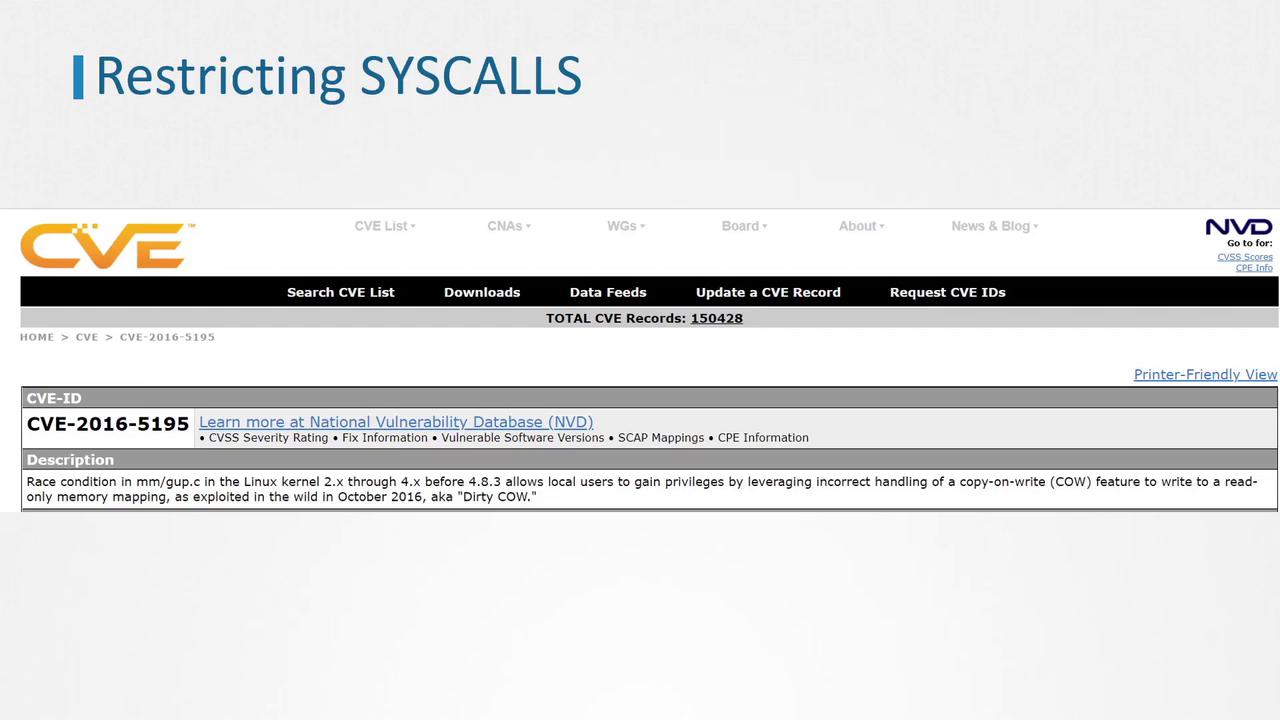
Allowing unrestricted syscall access increases the risk of exploitation. For instance, the Dirty COW vulnerability in 2016 exploited the ptrace syscall to write to a read-only file, leading to privilege escalation and container escape.
By default, the Linux kernel permits all user-space programs to invoke any syscall. Seccomp (Secure Computing) is a kernel-level feature, introduced in 2005 and available since Linux version 2.6.12, that allows you to sandbox applications by filtering their allowed syscalls.To verify if your kernel supports Seccomp, run:
First, run a container using the popular Docker whalesay image. This container prints Docker’s signature whale ASCII art alongside a provided argument (here, “hello!”):
Next, start another container with an interactive shell. Inside the container, try changing the system time. Note that the shell runs as PID 1:
Copy
docker run -it --rm docker/whalesay /bin/sh## date -s '19 APR 2012 22:00:00'date: cannot set date: Operation not permitted
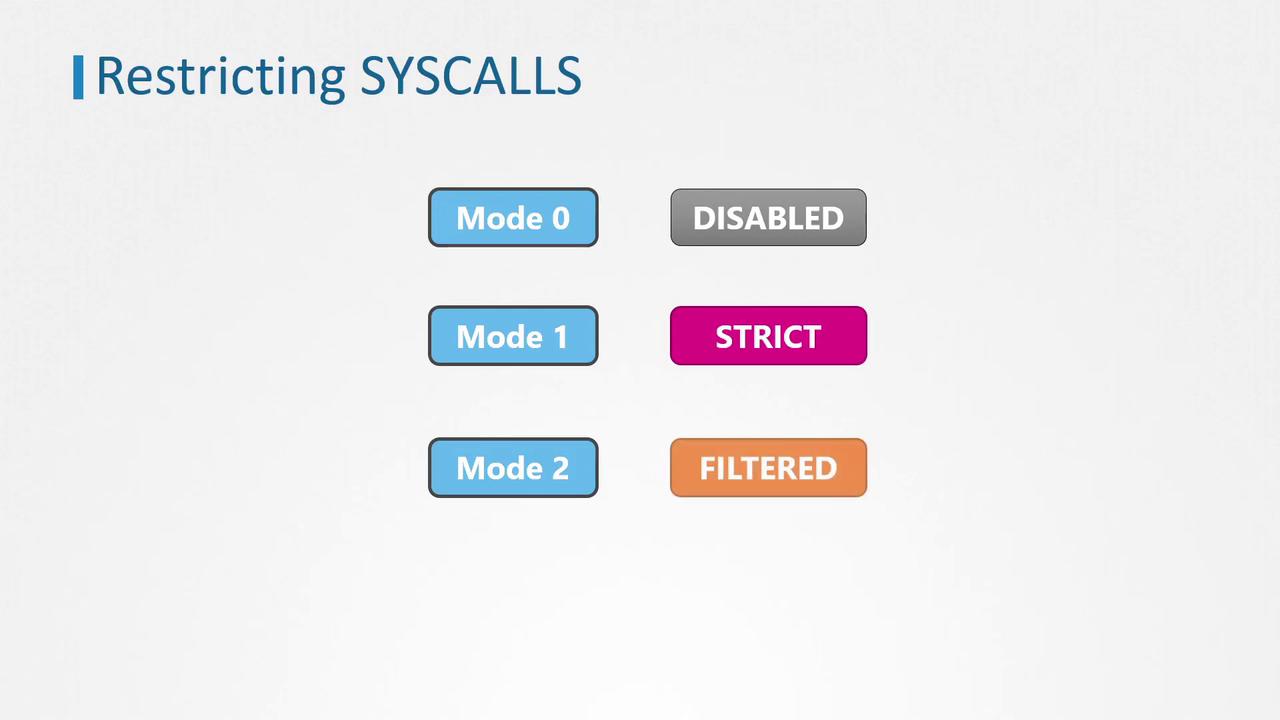
You can inspect the container’s process status by reading /proc/1/status. The Seccomp field should indicate a value of 2, meaning a filtered Seccomp profile is in use.
Mode 1: Strict mode, permitting only four syscalls: read, write, exit, and sigreturn.
Mode 2: Filter mode, allowing a defined subset of syscalls based on a filtering profile. Our container example uses Mode 2.
The diagram below summarizes these modes:
Docker automatically applies a default Seccomp filter if your host supports Seccomp. This default filter is defined via a JSON document that whitelists approximately 60 syscalls.
The default Docker profile is designed to block dangerous syscalls such as ptrace, which was exploited in the Dirty COW vulnerability. Here is an example snippet of a default Seccomp JSON profile used by Docker:
While blacklist profiles are easier to implement, they are inherently less secure compared to whitelist profiles due to the possibility of overlooking dangerous syscalls.
The default Docker Seccomp profile on x86 blocks around 60 syscalls related to functions such as system time adjustments, file system mounts, and kernel module loading. This is why changing the system time in our earlier container failed:
Copy
docker run -it --rm docker/whalesay /bin/sh## date -s '19 APR 2012 22:00:00'date: cannot set date: Operation not permitted
Although Docker’s default profile enhances security by restricting many dangerous syscalls, you can further harden your container by using a custom Seccomp profile. For example, to block the mkdir syscall, you might modify the default filter and save it as custom.json:
It is also possible to disable Seccomp entirely using the “unconfined” flag, though this is strongly discouraged:
Copy
docker run -it --rm --security-opt seccomp=unconfined docker/whalesay /bin/sh#
Even without a Seccomp profile, certain syscalls (like those used to change the system time) may remain blocked by additional Docker security measures:
Copy
docker run -it --rm --security-opt seccomp=unconfined docker/whalesay /bin/sh# date -s '19 APR 2012 22:00:00'date: cannot set date: Operation not permitted
Additional security layers are discussed in further lessons.For more guidance on Docker security and related topics, please refer to the Docker Documentation and other linked resources.