

Mutable Infrastructure
Mutable infrastructure involves updating existing servers or resources directly when changes occur. Consider a simple scenario where a web server is running Nginx version 1.17 on a host. When a new version of Nginx is released, the server software gets upgraded—first from 1.17 to 1.18 and then to 1.19. This process can be executed manually by downloading the required version or automatically using ad-hoc scripts and configuration management tools such as the Ansible Advanced Course. In a larger environment with a pool of three web servers running identical software, the same upgrade process must be applied to every server: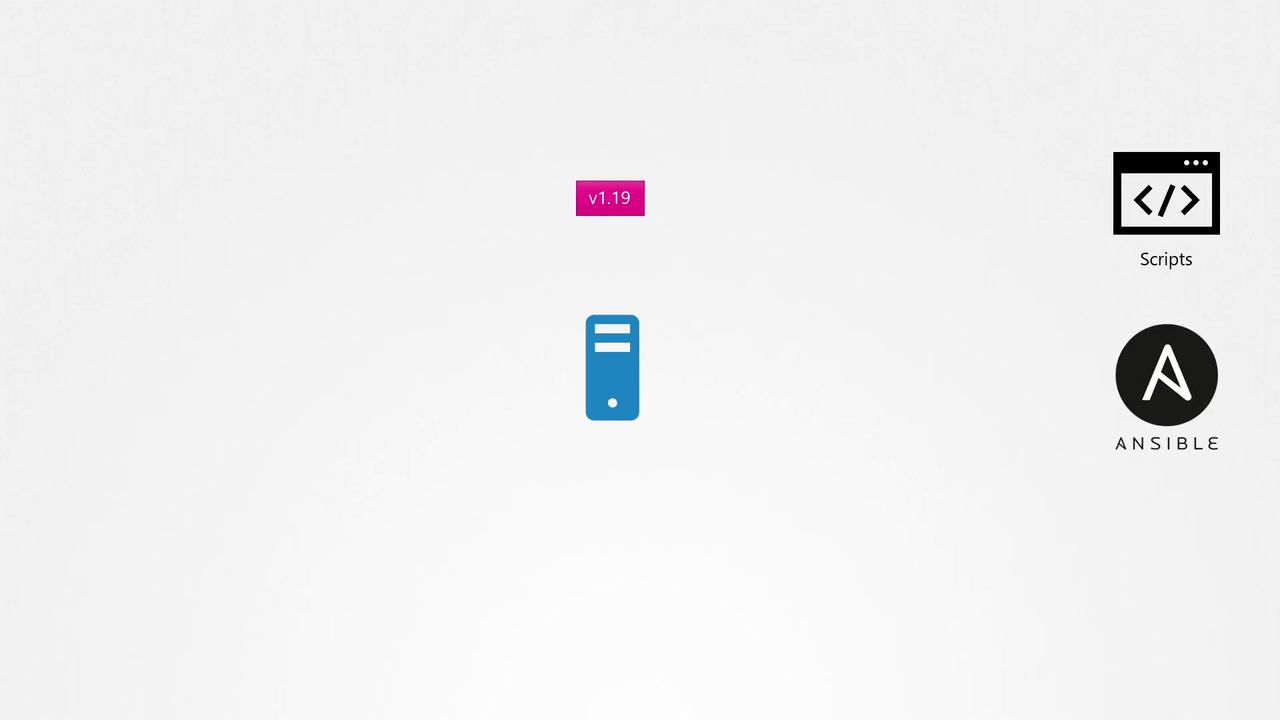
Keep in mind that in mutable environments, even though the underlying hardware remains the same, the software and configurations are subject to change.
Risks of Mutable Infrastructure
In real-world scenarios, updating servers can introduce challenges. For example, if web servers 1 and 2 have the necessary dependencies to upgrade from Nginx 1.17 to 1.19, the upgrade will complete successfully. However, if web server 3 is missing some required dependencies—whether due to network issues, insufficient disk space, or operating system discrepancies—the upgrade might fail, leaving it at version 1.18. This results in a pool of servers running different software versions, a phenomenon known as configuration drift.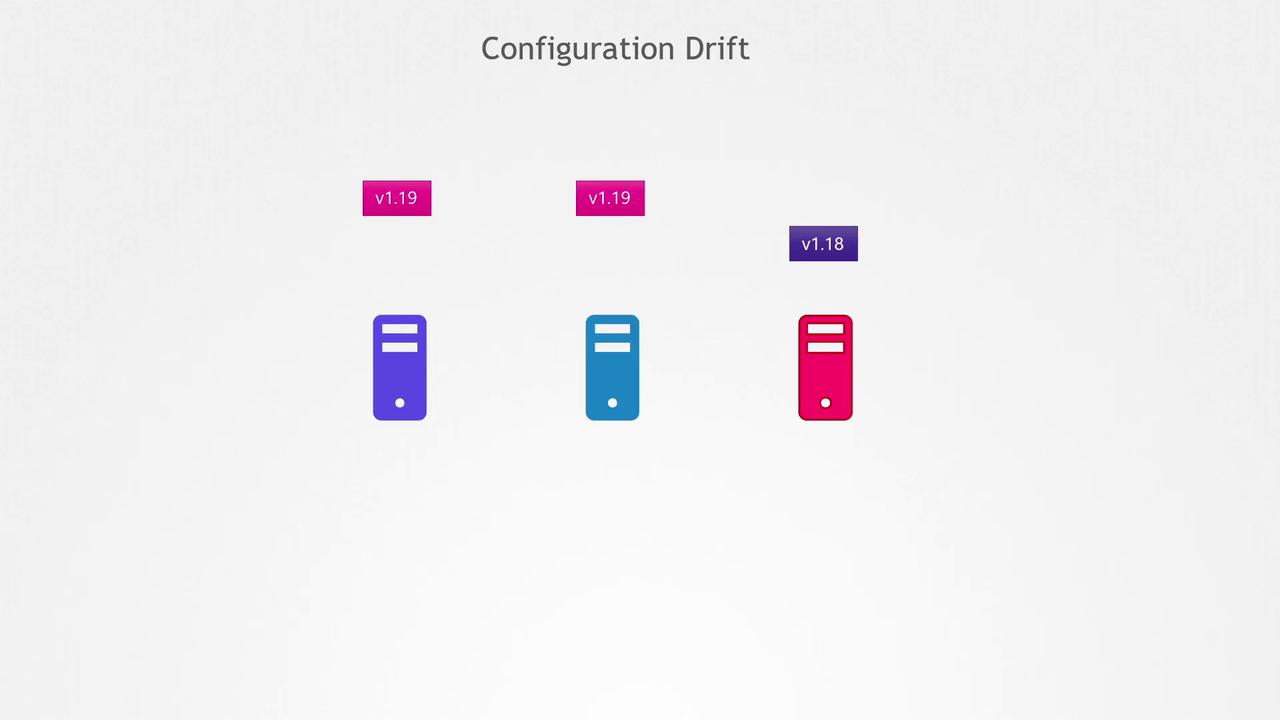
Immutable Infrastructure
Immutable infrastructure offers a contrasting approach. Instead of altering the software on existing servers, new servers are provisioned with the updated version—say, Nginx 1.19 replacing Nginx 1.17—while the old servers are decommissioned. In this model, once a server is deployed, it is never modified during its lifetime; any change requires provisioning a new server with the updated software.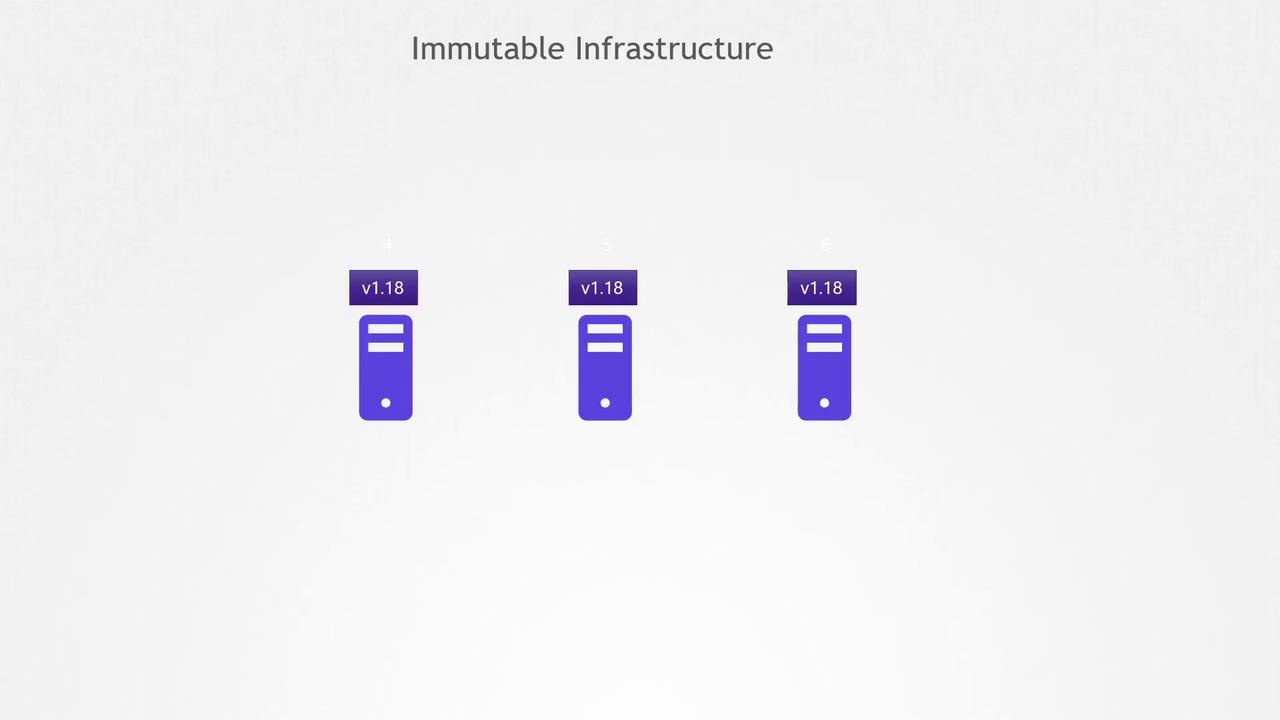
Containers and Immutability
The immutable model applies seamlessly to containerized applications. Since containers are generated from images, any update—such as moving from Nginx 1.18 to 1.19—must be performed on the image first. The updated image is then deployed through a rolling update process, ensuring that no downtime occurs during the transition. For example, to update Nginx in a Dockerfile from version 1.18 to 1.19, modify the base image as follows:While it is technically feasible to modify a running container (for example, by copying files directly to the filesystem or by manually accessing the container with a shell), doing so increases the risk of security vulnerabilities. Prevent runtime modifications to minimize the likelihood of unauthorized access or malicious changes.