my-app-image:latest. Note that this example contains several common misconfigurations:
- It deploys only a single replica, which eliminates redundancy.
- It uses the “latest” tag for the image, which is discouraged in production environments.
- It lacks recommended configurations such as resource requests, resource limits, security contexts, and liveness/readiness probes.
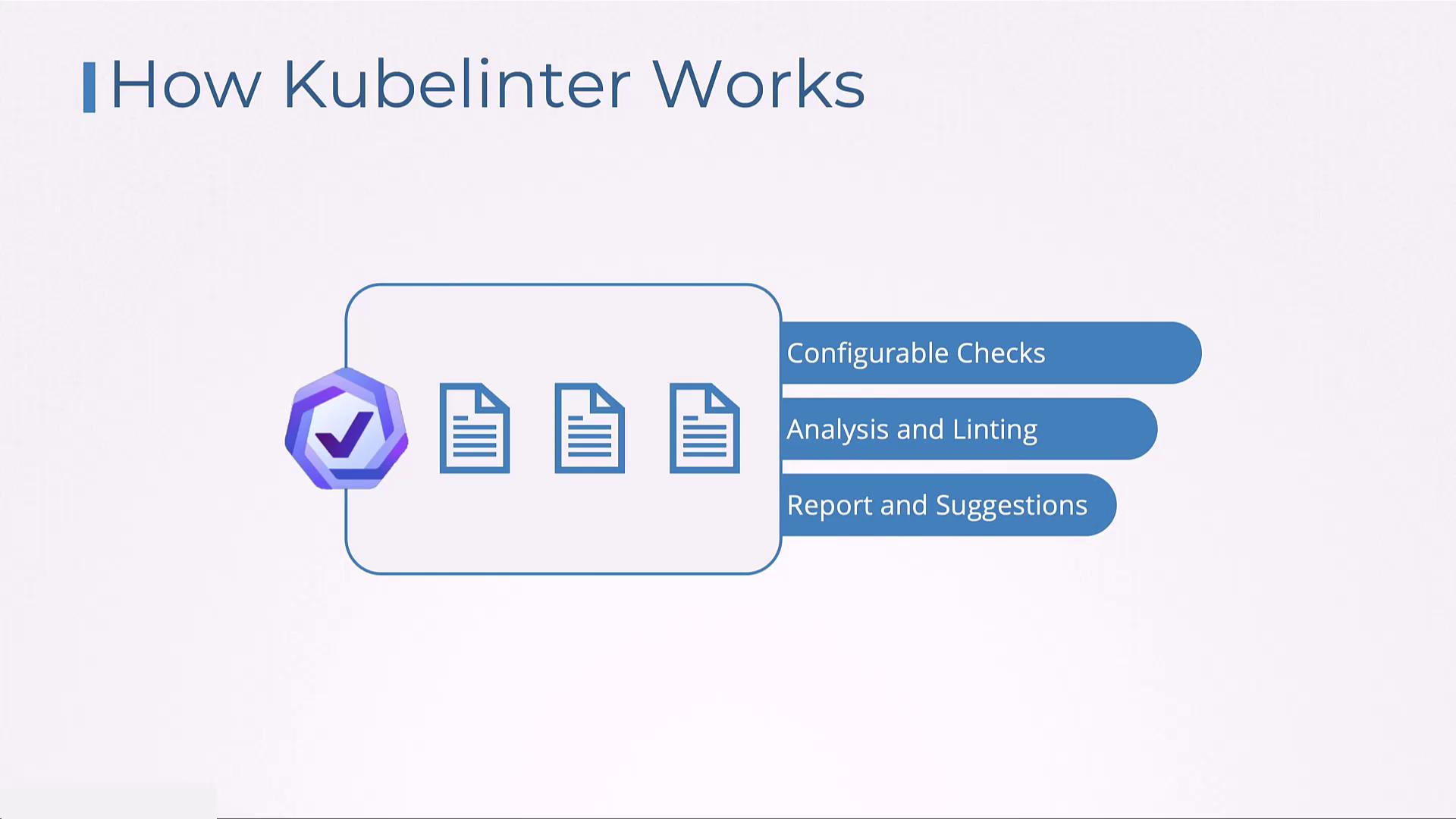
- Suggesting the addition of liveness and readiness probes when missing.
- Flagging deployments that use only a single replica.
- Recommending the inclusion of necessary security contexts.
- Enforcing rules that disallow the use of the “latest” tag for container images.
- Validating resource definitions by ensuring proper requests and limits.
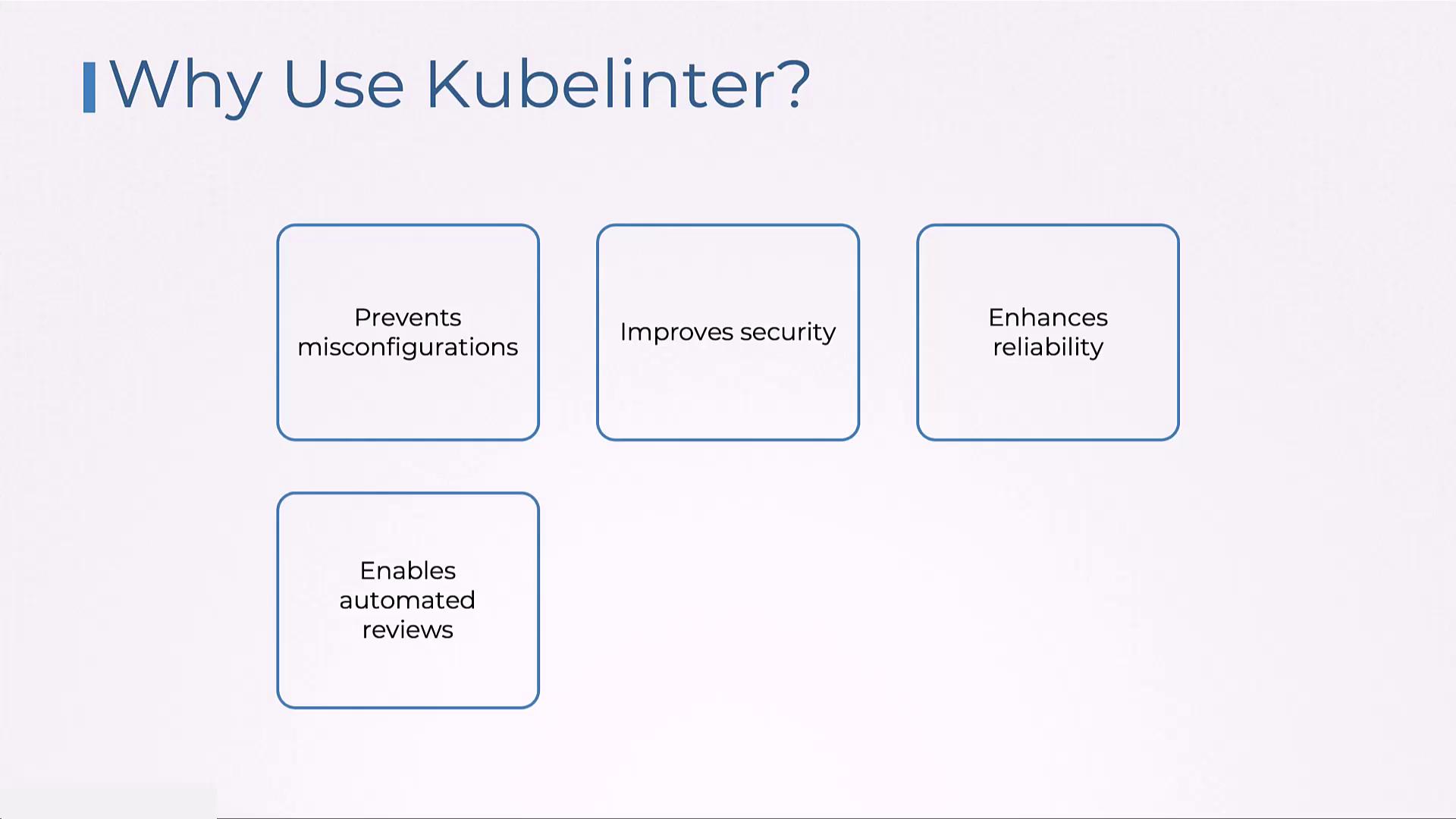
• Prevents misconfigurations
• Enhances security through customizable rules
• Improves the reliability of your Kubernetes deployments
• Automates reviews, helping to achieve cost efficiency and compliance
• Enhances security through customizable rules
• Improves the reliability of your Kubernetes deployments
• Automates reviews, helping to achieve cost efficiency and compliance
Installation and Basic Usage
Start by downloading and installing KubeLinter from the official repository with the following commands:Integration with CI/CD Pipelines
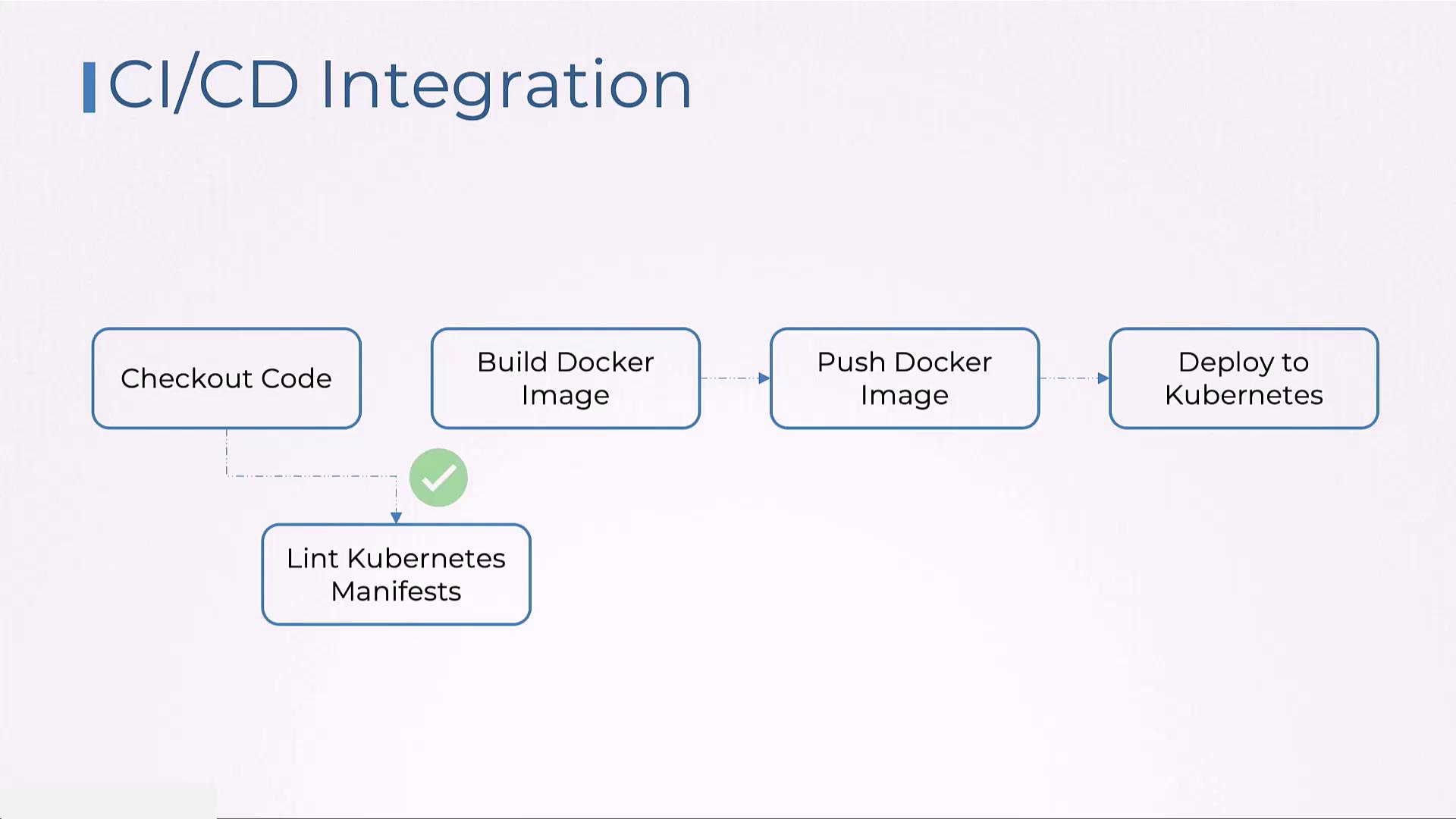
Embedding KubeLinter within your CI/CD pipeline ensures that Kubernetes manifests meet security and best practices before deployment. Whether you use Jenkins, GitHub Actions, or any similar platform, integrating KubeLinter helps catch mistakes early on. Here’s how the typical process works:- Check out the code from your repository.
- Run KubeLinter to lint your Kubernetes configurations.
- Build Docker images and proceed with subsequent CI/CD tasks if linting passes.
- Publish test results and issue notifications if problems are detected.