Example Application Overview
In our example, a simple Python web application connects to a MySQL database. On a successful connection, the application displays a success message. However, the code currently hardcodes the database hostname, username, and password. Although non-sensitive data such as hostnames or usernames can be stored in a ConfigMap, using the same approach for sensitive information like passwords is not recommended. Below is an excerpt of the Python application code:Hardcoding credentials in your application code is insecure. Use Kubernetes Secrets to manage sensitive configuration data securely.
Steps to Work with Kubernetes Secrets
Creating and using Secrets generally involves two main steps:- Create the Secret.
- Inject the Secret into a Pod.
Mapping Plain Text to Base64 Encoded Values
Consider the following mapping between plain text values and their corresponding base64-encoded values: Plain text:Always encode your sensitive data using base64 when creating a declarative Secret. Avoid using plain text values.
Creating a Secret
There are two primary methods to create a Kubernetes Secret: the imperative and declarative approaches.Imperative Approach
With the imperative approach, you can directly add key-value pairs from the command line. For example, to create a secret named “app-secret” with values for DB_Host, DB_User, and DB_Password, use:Declarative Approach
For a more controlled process, create a YAML definition for the Secret. Note that all values must be base64 encoded. Here is an example:Note: When specifying data values in plain text, the information is not secure. Ensure that the secret values are base64 encoded using one of the available encoding methods.
Encoding Secret Data
On a Linux system, you can generate the base64-encoded version of your secret by running:Viewing and Decoding Secrets
To list all Secrets, execute:Injecting Secrets into a Pod
After creating a Secret, you can inject it into a Pod in two ways: as environment variables or as files via a mounted volume.Injecting as Environment Variables
Use theenvFrom property in your container specification to inject the Secret data as environment variables. For example:
Injecting as Files in a Volume
Alternatively, mount the Secret as a volume so that each key is written into a separate file. Example configuration:/opt/app-secret-volumes) and inspect the files:
Security Considerations
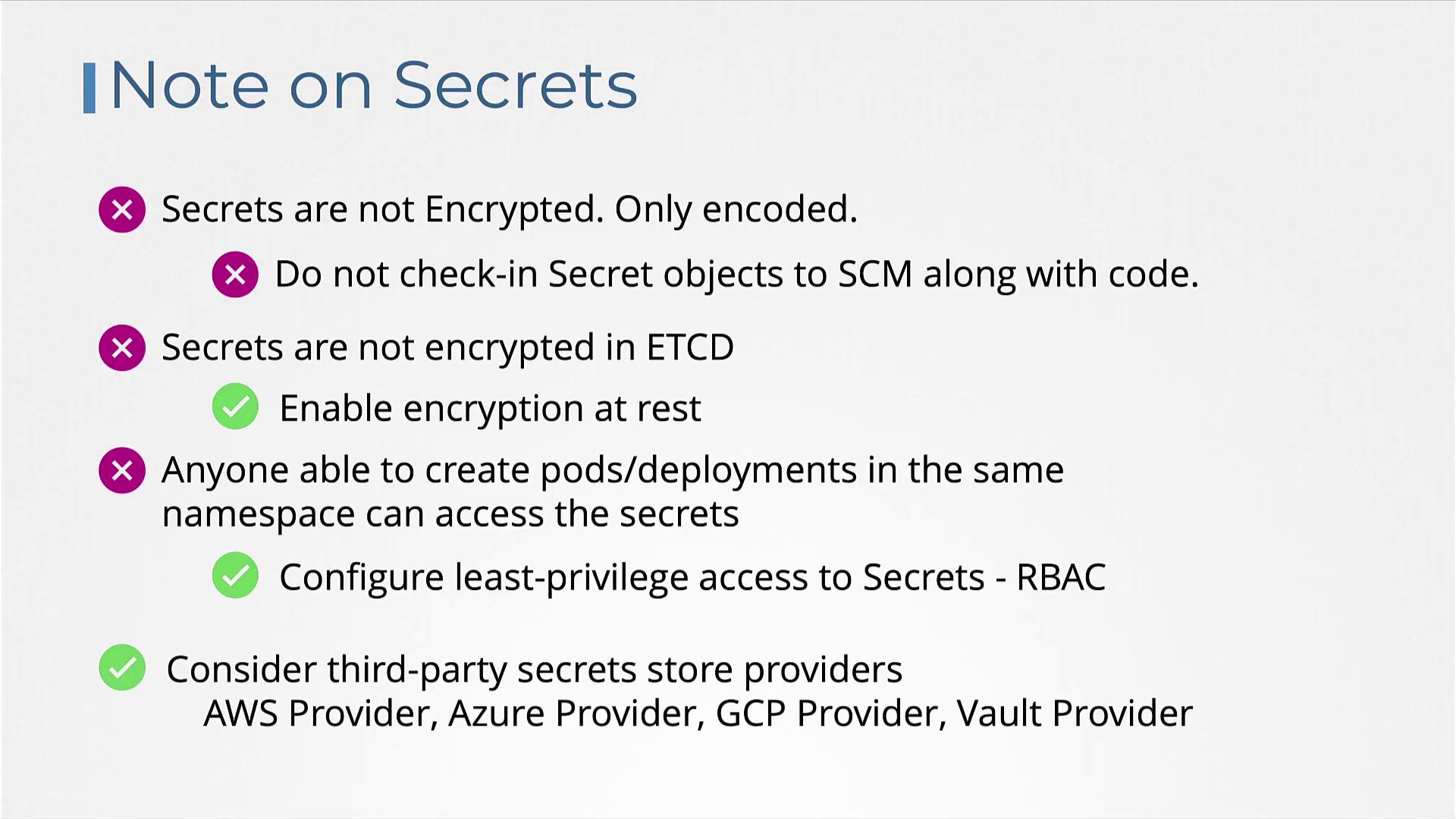
When managing Secrets in Kubernetes, keep the following security best practices in mind:- Kubernetes Secrets are encoded but not encrypted, meaning anyone with access can decode them using base64.
- Avoid checking in secret definition files to version control systems, such as GitHub.
- By default, Secrets stored in etcd are not encrypted. Consider enabling encryption at rest for enhanced security.
Enabling Encryption at Rest
To enhance security, enable encryption at rest by configuring an encryption file similar to the snippet below: