In this lesson we cover how Kubernetes audit logs work, how to configure an audit policy, and how to enable the audit log backend on the API server. Falco detects suspicious runtime events (for example, a shell opened inside a container or reads of sensitive files). Auditing in Kubernetes complements runtime detection by recording a detailed trail of API requests and responses — which objects were created or deleted, who performed the action, when it occurred, which namespace the object belonged to, and where the request originated from. These records are called audit events. Example Falco log output (for context):
Where do these audit events come from? All requests to the Kubernetes API server (kube-apiserver) pass through a sequence of stages, and each stage can produce audit events. Use an audit policy to filter and control which events are recorded so your logs remain useful and manageable. Stages that can generate audit events: Example: creating a Pod
Each stage can produce audit events, but recording every stage for every request creates very large logs. To capture only relevant data, define an audit policy that filters events by namespaces, verbs, resources, and more.
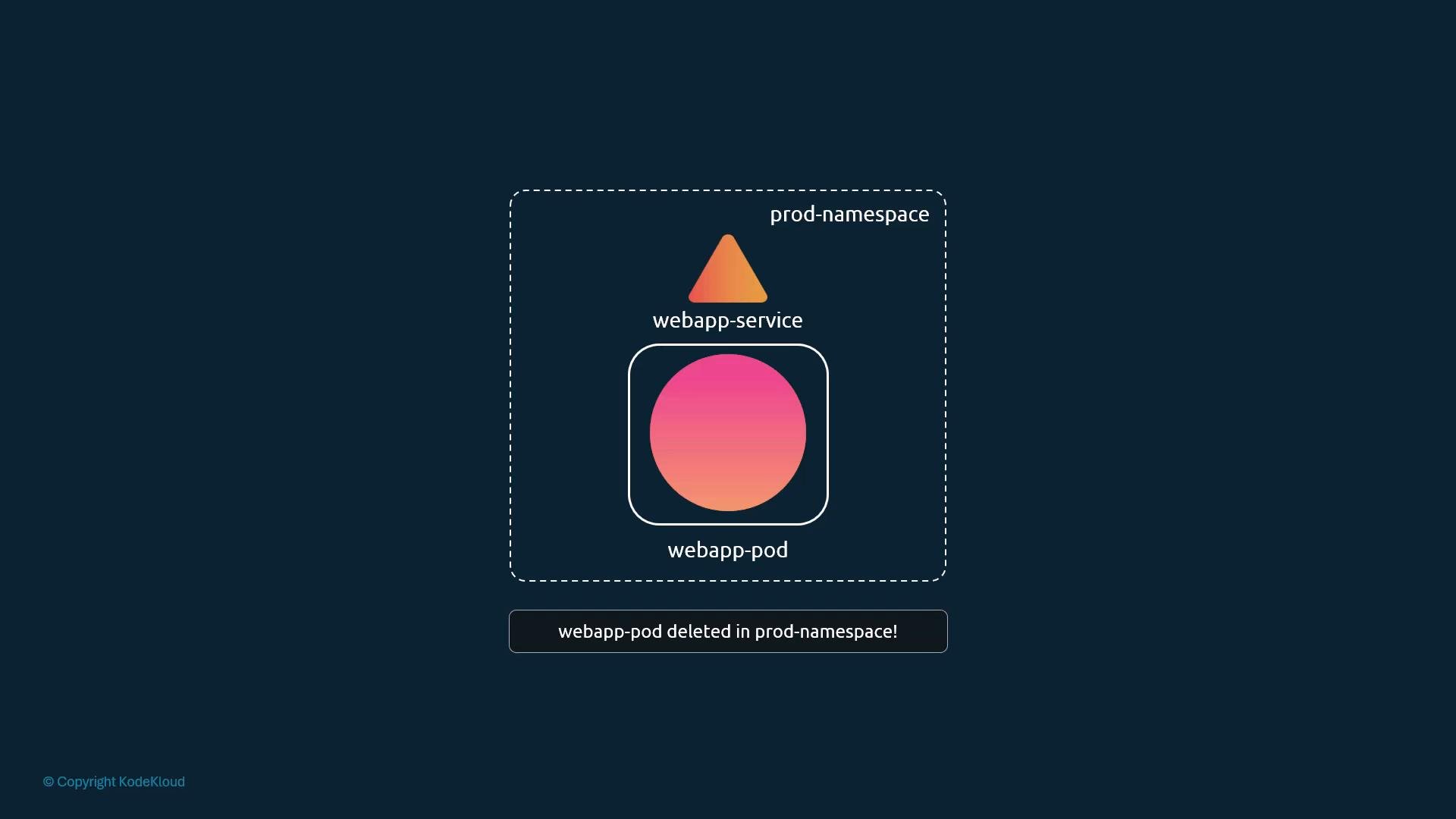
A stylized Kubernetes diagram showing a prod-namespace containing a webapp-service above a bordered webapp-pod with a pink-orange gradient circle. A banner below reads "webapp-pod deleted in prod-namespace!".
Audit policy An audit policy is a Kubernetes resource (apiVersion: audit.k8s.io/v1, kind: Policy) that contains two primary parts:
  • omitStages (optional): stages to exclude from logging (for example ["RequestReceived"]).
  • rules: an ordered list of rules that select which requests to log and at what verbosity.
A rule can match on namespaces, verbs (create, update, delete, etc.), resources and groups, resourceNames (specific object names), and more. Each rule also sets a level to control verbosity: Example policy (omits RequestReceived, logs full RequestResponse for deletes of a specific Pod in prod-namespace, and logs Metadata for Secrets cluster-wide):
Notes about fields:
  • namespaces is optional; if omitted the rule applies to all namespaces.
  • verbs is optional; if omitted the rule applies to all operations.
  • groups identifies the API group; core/v1 resources use an empty string ("").
Audit logs can grow quickly when you use verbose levels or broad-scoped rules. Craft rules narrowly (specific namespaces, verbs, and resourceNames) and configure rotation/retention for the backend to keep logs manageable.
Audit backends and enabling auditing Kubernetes supports two primary audit backends (as of v1.20): This lesson focuses on the log backend. To enable the log backend, pass kube-apiserver flags pointing to the audit policy file and the desired log path, and optionally configure rotation/retention:
  • --audit-log-path=/var/log/k8-audit.log
  • --audit-policy-file=/etc/kubernetes/audit-policy.yaml
  • --audit-log-maxage=10 (days to retain)
  • --audit-log-maxbackup=5 (number of rotated files to keep)
  • --audit-log-maxsize=100 (megabytes before rotation)
If your cluster was created with kubeadm, the kube-apiserver runs as a static Pod. Add the flags to the kube-apiserver static Pod manifest (or to the systemd unit if kube-apiserver runs as a service). Example systemd ExecStart excerpt:
Example kubeadm static Pod manifest snippet:
After updating the static Pod manifest, kubelet will recreate the kube-apiserver Pod and the new instance will begin writing events to the configured audit log file. If kube-apiserver is managed as a system service, restart that service instead.
Logging Request or RequestResponse bodies may capture sensitive data (for example, Secrets or tokens). Take care to restrict access to audit logs and avoid storing sensitive request/response bodies unnecessarily.
Testing the audit policy Create a minimal test policy that logs metadata when Pods are deleted in prod-namespace:
Load this policy with the kube-apiserver using --audit-policy-file. Then delete a Pod named webapp-pod in the prod-namespace:
With the policy above and the log backend configured, the kube-apiserver will write a metadata-level audit event for that delete operation to the audit log file. Further reading and references That’s it for this lesson.

Watch Video

Practice Lab