Welcome back. In this lesson we cover practical alert design and implementation: how to design alerts that reduce noise, focus responders on user-facing failures, and integrate with SLOs and error-budget-driven workflows. Good alerts improve reliability and reduce on-call fatigue; bad alerts do the opposite.

Why alerts matter (and how they fail)

Alerts are the front line of reliability: they wake you up at 3 AM and guide day-to-day operations. Poorly designed alerts create noise, cause alert fatigue, and bury real incidents under false alarms. On-call engineers frequently receive many alerts—many of which do not require immediate action—leading to ignored or dismissed notifications and missed critical incidents.
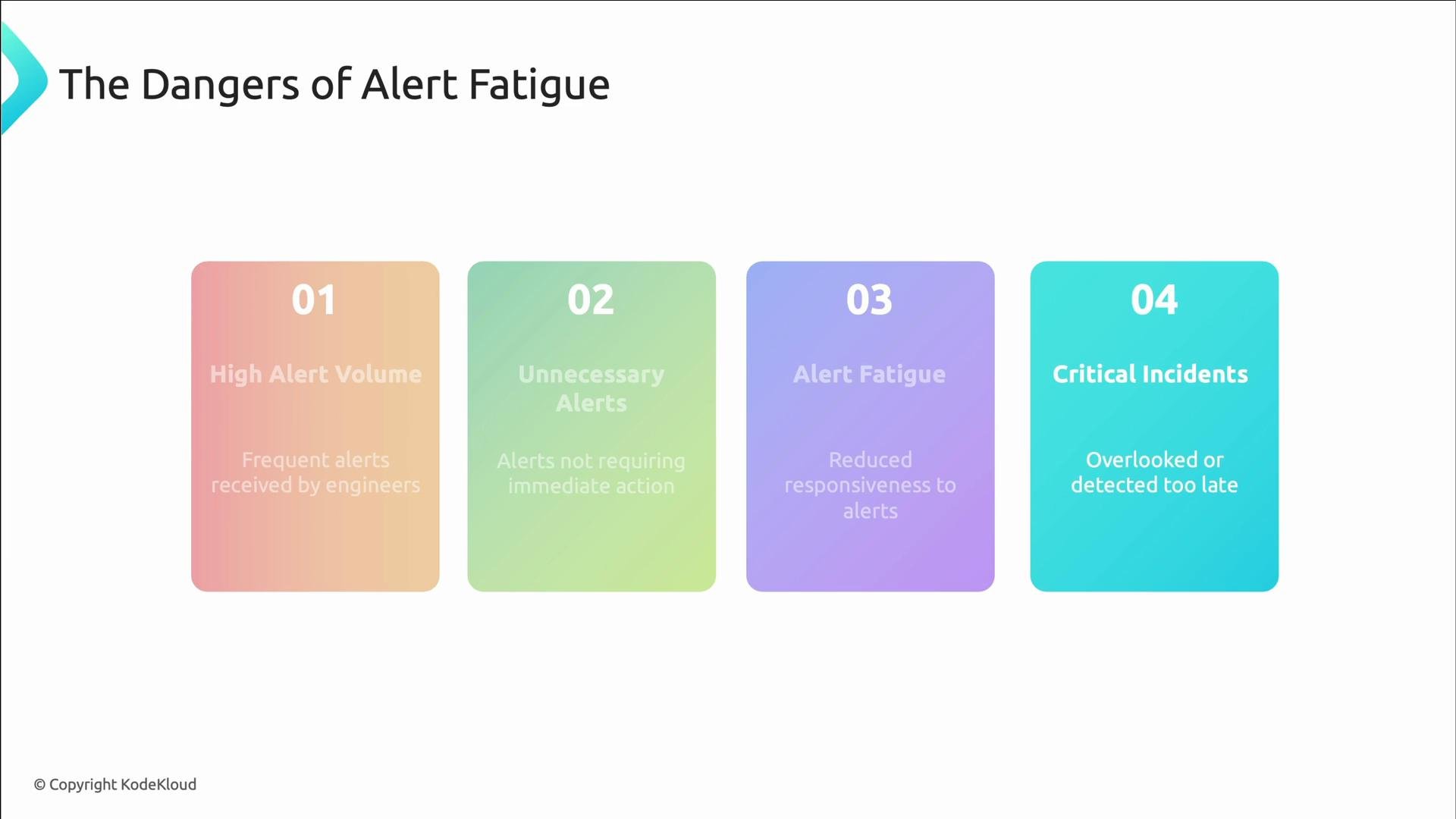
A presentation slide titled "The Dangers of Alert Fatigue" with four colored panels numbered 01–04 listing: High Alert Volume, Unnecessary Alerts, Alert Fatigue, and Critical Incidents. The slide has a clean white background and a small "© Copyright KodeKloud" notice at the bottom.
Alert fatigue is real: prioritize signals that require immediate human action and reduce noisy, low-value alerts. Otherwise, responders may miss critical incidents.

Design principles for effective alerting

Not every metric or event should generate an alert. Before converting a signal into an alert, ensure it answers these four questions:
  • Is it actionable now? If not, keep it as a metric or dashboard.
  • Does it require human intervention? If not, automate remediation.
  • Does it affect users or revenue? If not, avoid waking someone.
  • Can the on-call person fix it? If not, route it to the appropriate team.
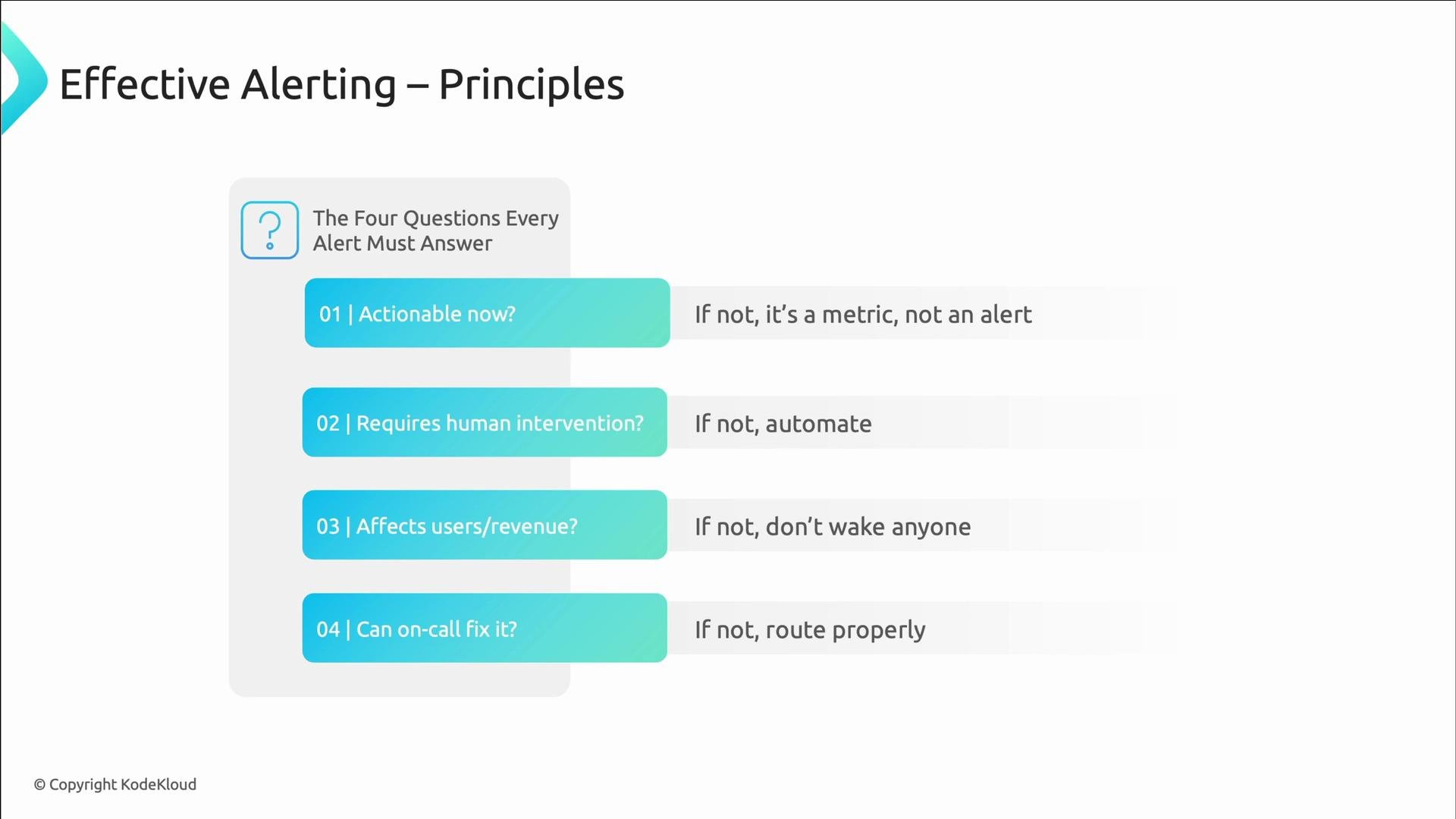
A slide titled "Effective Alerting – Principles" listing the four questions every alert must answer: 01 Actionable now? 02 Requires human intervention? 03 Affects users/revenue? 04 Can on-call fix it? Each question is paired with guidance if the answer is no (e.g., it's a metric not an alert; automate; don't wake anyone; route properly).
Only alert on signals that require immediate human attention and which the recipient can reasonably act on. Use metrics, automation, or routing for everything else.

Make alerts actionable: scope, context, and runbooks

Low-value alerts often trigger during normal operation and lack context. Provide:
  • A clear service scope (which service or component)
  • A user-facing signal (errors, latency, availability)
  • Severity and owning team labels
  • Links to runbooks and dashboards
Compare a low-context alert with a richer, actionable alert: Low-context alert:
alert: HighCPU
expr: cpu_usage > 70
for: 1m
labels:
  severity: critical
annotations:
  summary: "High CPU detected"
Actionable alert (Prometheus):
alert: CheckoutServiceDegraded
expr: rate(http_requests_total{service="checkout",status=~"5.."}[5m]) / rate(http_requests_total{service="checkout"}[5m]) > 0.05
for: 3m
labels:
  severity: critical
  team: platform
annotations:
  summary: "Checkout error rate above 5%"
  description: "Checkout error rate over the last 5 minutes exceeds 5%. Revenue impact likely."
  runbook_url: "https://wiki.example.com/checkout-debugging"
  dashboard_url: "https://grafana.example.com/d/checkout-dashboard"
Why the second is better:
  • Scopes to a specific service.
  • Uses a user-facing metric (error rate).
  • Provides severity, team ownership, and remediation resources so responders can act quickly.

SLO-based alerting: focus on user experience

SLO-based alerting shifts focus from infrastructure thresholds (CPU, disk) to user experience and business impact. Alerts driven by SLOs and error budgets better reflect when users are affected and when engineering must intervene.
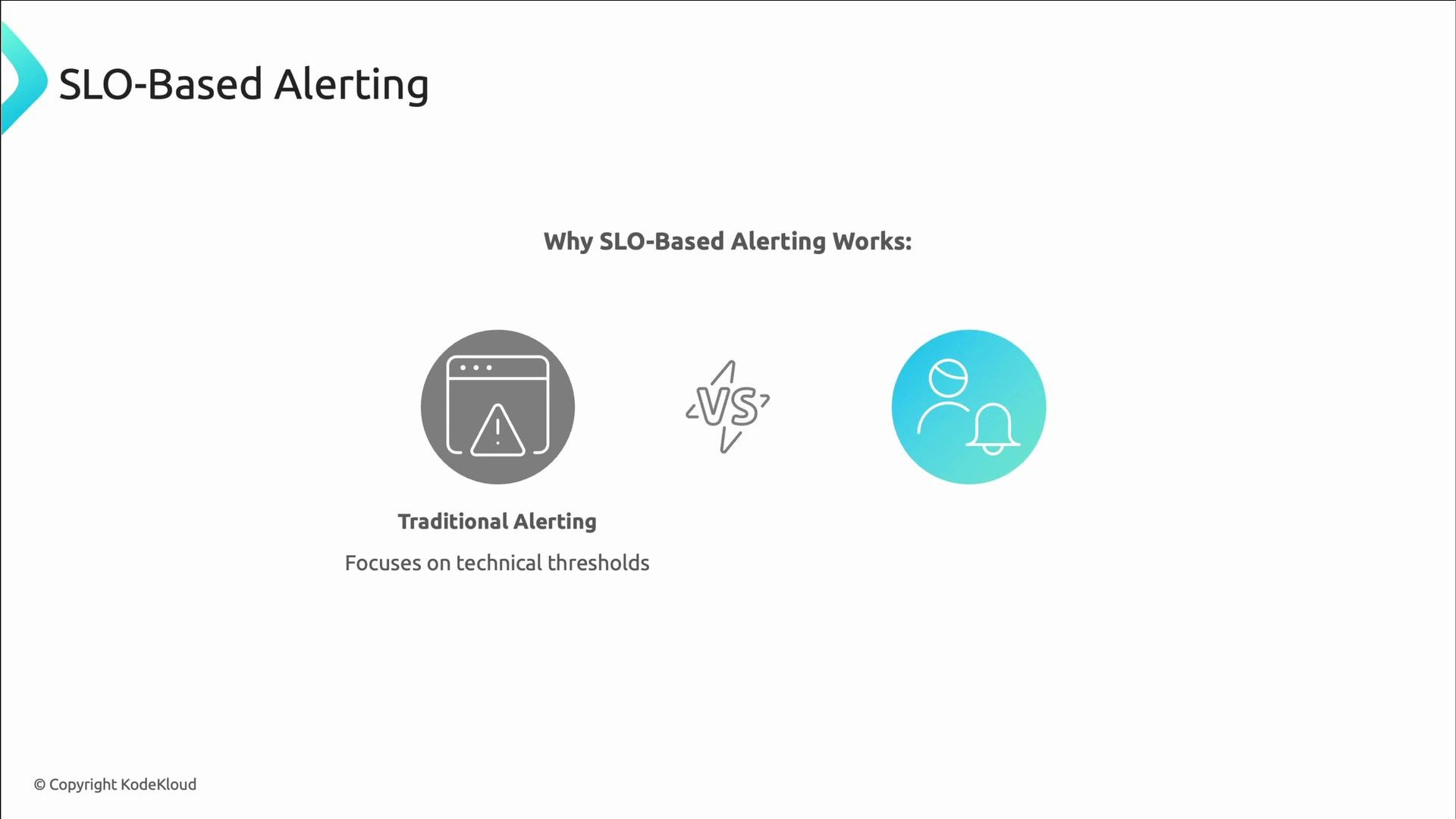
A presentation slide titled "SLO‑Based Alerting" that visually compares Traditional Alerting (focusing on technical thresholds) with a user‑focused SLO approach, using icons and a "VS" between them.
Example SLO alert (checks P95 latency for search service, fires if > 200ms):
- alert: SearchLatencySLOViolation
  expr: |
    histogram_quantile(0.95,
      rate(http_request_duration_seconds_bucket{service="search"}[10m])
    ) > 0.2
  for: 5m
  labels:
    severity: warning
  annotations:
    summary: "Search latency SLO violation"
    description: "P95 latency {{ $value }}s exceeds 0.2s SLO"

Error-budget and burn-rate alerting

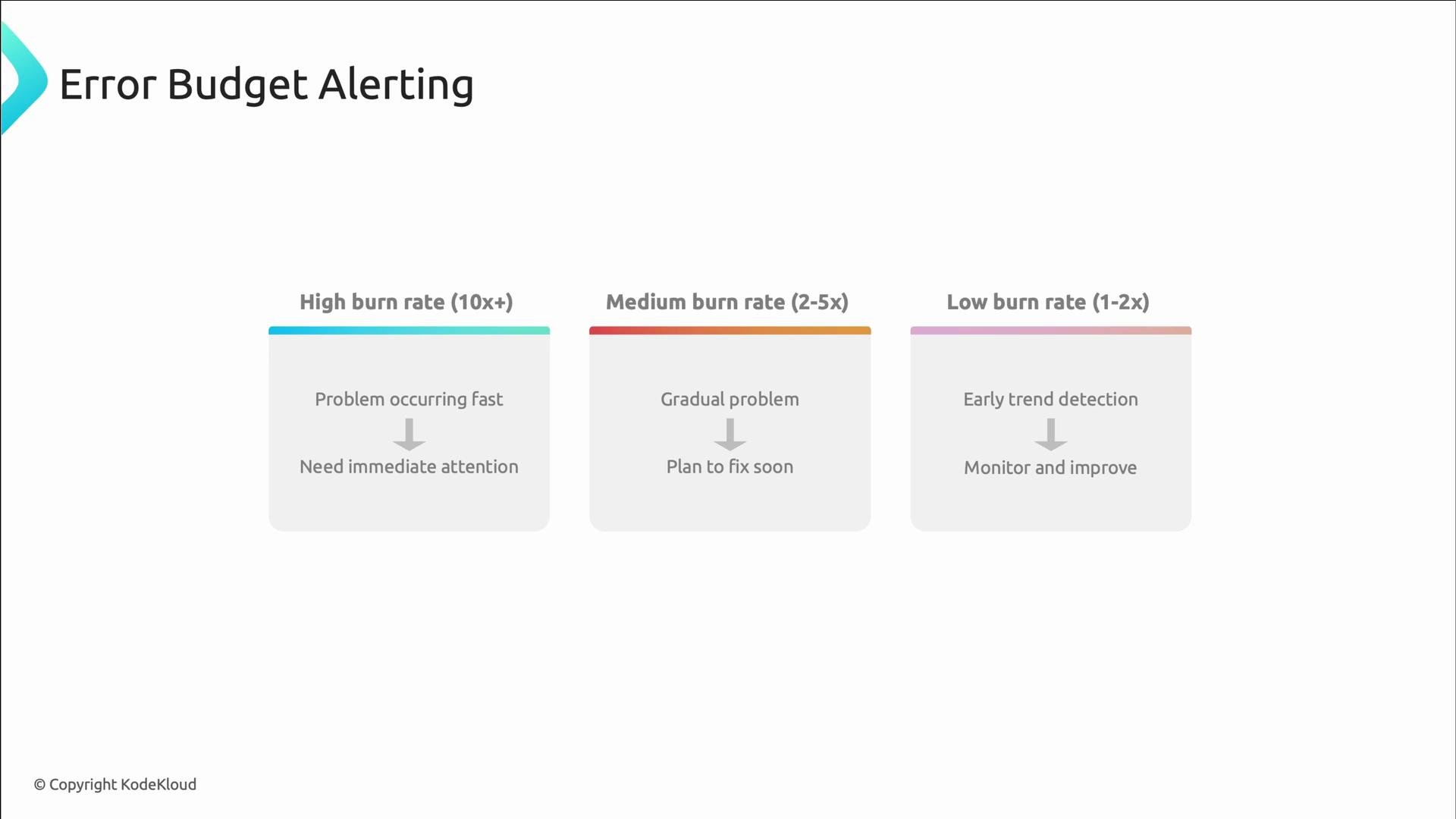
Error-budget alerting uses a burn rate: how quickly you are consuming your allowable errors versus the expected pace. Burn-rate alerts provide urgency levels tied to SLOs.
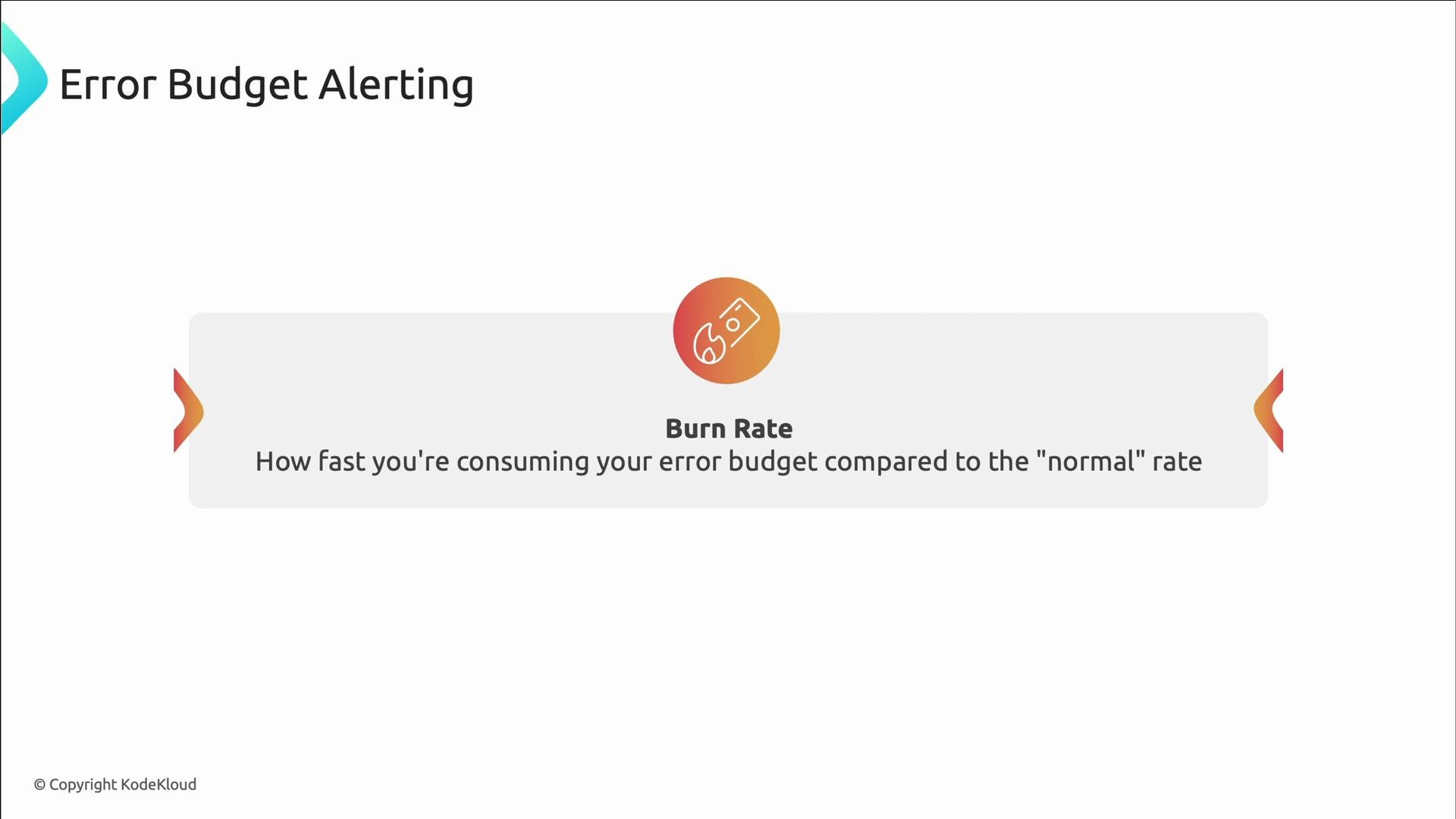
A presentation slide titled "Error Budget Alerting" with a centered panel labeled "Burn Rate." It explains burn rate as how fast you're consuming your error budget compared to the "normal" rate.
Burn-rate tiers and recommended responses:
Burn-rate tierExample multiplierWhat it meansRecommended action
High10x+You’ll exhaust monthly budget in hoursImmediate attention — page on-call and mitigate now
Medium2–5xRapid consumption, but not instantInvestigate and plan fixes; consider temporary mitigation
Low1–2xEarly warningMonitor trends and schedule improvements
A presentation slide titled "Error Budget Alerting" showing three tiers—High burn rate (10x+) needing immediate attention, Medium burn rate (2–5x) to plan a fix soon, and Low burn rate (1–2x) for early trend detection and monitoring. The slide includes brief descriptions of the problem speed and recommended actions for each tier.
Concrete burn-rate calculation example (Python-style pseudocode):
# SLO: 99.9% availability → 0.1% error budget per month
monthly_error_budget = 0.001     # 0.1% expressed as decimal
daily_error_budget = monthly_error_budget / 30    # ~0.00003333 per day

# Example: Current error rate = 0.02 (2% failure rate)
current_daily_error_rate = 0.02

# Burn rate multiplier = actual error rate / daily error budget
burn_rate_multiplier = current_daily_error_rate / daily_error_budget

# At this rate, monthly error budget exhausted in:
days_to_exhaust = 30 / burn_rate_multiplier  # ≈ 0.05 days ≈ 1.2 hours
Prometheus example for a payments SLO (critical alert if burn is > 14.4x monthly-normal fraction):
alert: PaymentSLOBurnRateFast
expr: |
  (
    rate(http_requests_total{service="payment",status=~"5.."}[1h]) /
    rate(http_requests_total{service="payment"}[1h])
  ) > (14.4 * 0.001)  # threshold = 14.4x * monthly_error_budget (0.001)
for: 2m
labels:
  severity: critical
annotations:
  summary: "Payment SLO burning too fast"
  description: "Current error rate is {{ $value }} (fraction); threshold corresponds to 14.4x the monthly error budget (0.001)."
Burn-rate alerts are effective because they quantify urgency and map technical metrics to reliability goals.

Alert routing: get alerts to the right people

Good alerting includes routing so the correct team receives the right severity at the right time. Use routing tools such as Alertmanager or PagerDuty to:
  • Group similar alerts to reduce notification volume
  • Route by service, severity, and time of day
  • Send low-severity signals to chat channels for visibility (no paging)
Basic Alertmanager routing example (grouping, receivers, and matches):
route:
  group_by: ['alertname', 'service']
  group_wait: 30s
  group_interval: 5m
  repeat_interval: 4h
  receiver: default

routes:
  - match:
      service: payment
      severity: critical
    receiver: payment-team-urgent

  - match:
      service: catalog
      severity: warning
    receiver: platform-team-business-hours

  - match:
      severity: info
    receiver: slack-only
Time-based routing example: business-hours vs after-hours:
routes:
  - match:
      service: user-service
    active_time_intervals: [business_hours]
    receiver: user-team-business-hours

  - match:
      service: user-service
    active_time_intervals: [after_hours]
    receiver: user-team-on-call

time_intervals:
  - name: business_hours
    time_intervals:
      - times:
          - start_time: '09:00'
            end_time: '17:00'
        weekdays: ['monday:friday']

  - name: after_hours
    time_intervals:
      - times:
          - start_time: '17:00'
            end_time: '09:00'
        weekdays: ['monday:friday']
      - weekdays: ['saturday', 'sunday']
During business hours, alerts route to a triage channel; after hours they go to the on-call rotation.

Where alerts live in the KodeKloud RecordStore repo

In the KodeKloud RecordStore example, Alertmanager configuration controls routing/receivers and AlertRules.yaml defines the alerts. Here’s a compact Alertmanager snippet you might find in the repository:
route:
  receiver: default
  routes:
    - match:
        severity: 'critical'
      receiver: 'critical-alerts'
      group_wait: 10s
      repeat_interval: 30m
    - match:
        severity: 'warning'
      receiver: 'default'

receivers:
  - name: 'default'
    webhook_configs:
      - url: 'http://host.docker.internal:5001/webhook'
        send_resolved: true

  - name: 'critical-alerts'
    webhook_configs:
      - url: 'http://host.docker.internal:5001/webhook/critical'
        send_resolved: true

inhibit_rules:
  - source_match:
      severity: 'critical'
    target_match:
      severity: 'warning'
    equal: ['alertname', 'instance']
Example groups and rules from AlertRules.yaml (cause-based alerts and SLO-based alerts): Cause-based alerts:
groups:
- name: Cause Alerts
  rules:
  - alert: HighErrorRate
    expr: sum(rate(http_requests_total{status=~"[45].*"}[5m])) / sum(rate(http_requests_total[5m])) > 0.05
    for: 2m
    labels:
      severity: critical
    annotations:
      summary: "High error rate detected"
      description: "Error rate exceeds 5% for the last 5 minutes."

  - alert: LongRequestDuration
    expr: histogram_quantile(0.95, sum(rate(http_request_duration_seconds_bucket[5m])) by (le)) > 1
    for: 5m
    labels:
      severity: warning
    annotations:
      summary: "Long request duration detected"
      description: "95th percentile request duration is above 1 second for the last 5 minutes."

  - alert: HighUserLatency
    expr: probe_duration_seconds{job="blackbox"} > 2
    for: 5m
    labels:
      severity: warning
      monitoring_type: black-box
    annotations:
      summary: "High user-observed latency"
      description: "User probe latency has exceeded 2 seconds."
SLO-based alerts for Checkout service:
groups:
  - name: KodeKloud_Records_Checkout_SLOs
    rules:
      - alert: CheckoutErrorBudgetBurnFast
        expr: checkout:request_failures:ratio_5m > 0.1
        for: 5m
        labels:
          severity: critical
          team: platform
        annotations:
          summary: "Checkout API error budget burning too fast"
          description: "Checkout is failing at {{ $value }} (ratio over 10%)."
          dashboard: "https://grafana.kodekloud-records.com/d/checkout"
          playbook: "https://wiki.kodekloud-records.com/playbooks/checkout"
          impact: "Customers are unable to complete purchases"

      - alert: CheckoutErrorBudgetBurnMedium
        expr: checkout:request_failures:ratio_5m > 0.02
        for: 30m
        labels:
          severity: warning
          team: platform
        annotations:
          summary: "Checkout API error budget burning at medium rate"
          description: "Checkout is failing at {{ $value }} (ratio over 2%)."
          dashboard: "https://grafana.kodekloud-records.com/d/checkout"
          playbook: "https://wiki.kodekloud-records.com/playbooks/checkout"

      - alert: CheckoutLatencyTooHigh
        expr: histogram_quantile(0.95, rate(http_request_duration_seconds_bucket{service='checkout'}[10m])) > 0.5
        for: 5m
        labels:
          severity: warning
          team: platform
        annotations:
          summary: "Checkout API p95 latency exceeding SLO"
          description: "95th percentile checkout latency is {{ $value }}s, above target."
          dashboard: "https://grafana.kodekloud-records.com/d/checkout-performance"
          playbook: "https://wiki.kodekloud-records.com/playbooks/checkout-latency"

      - alert: CheckoutErrorBudgetBurnSlow
        expr: checkout:request_failures:ratio_5m > 0.005
        for: 3h
        labels:
          severity: info
          team: platform
        annotations:
          summary: "Checkout API error budget burning slowly"
          description: "Checkout has a {{ $value }} error ratio; monitor and plan fixes."
          dashboard: "https://grafana.kodekloud-records.com/d/checkout"
Review these rules and mappings to understand how alerts map to runbooks, dashboards, and routing.

Best practices checklist

  • Alert on user-facing signals (errors, latency, availability), not raw capacity metrics, unless they directly affect users.
  • Use SLOs and error budgets to prioritize and quantify urgency.
  • Provide context: service, severity, team, runbook, and dashboard URLs.
  • Group and route alerts to the correct receiver; use time-based routing to avoid waking unnecessary people.
  • Automate remediation for common, low-risk failures.
  • Measure alert volume and triage time; iterate to reduce noise.
We’ve reached the end of the alert design and implementation lesson. Next, we’ll move into performance monitoring to explore how system performance ties to user experience and SLOs.