

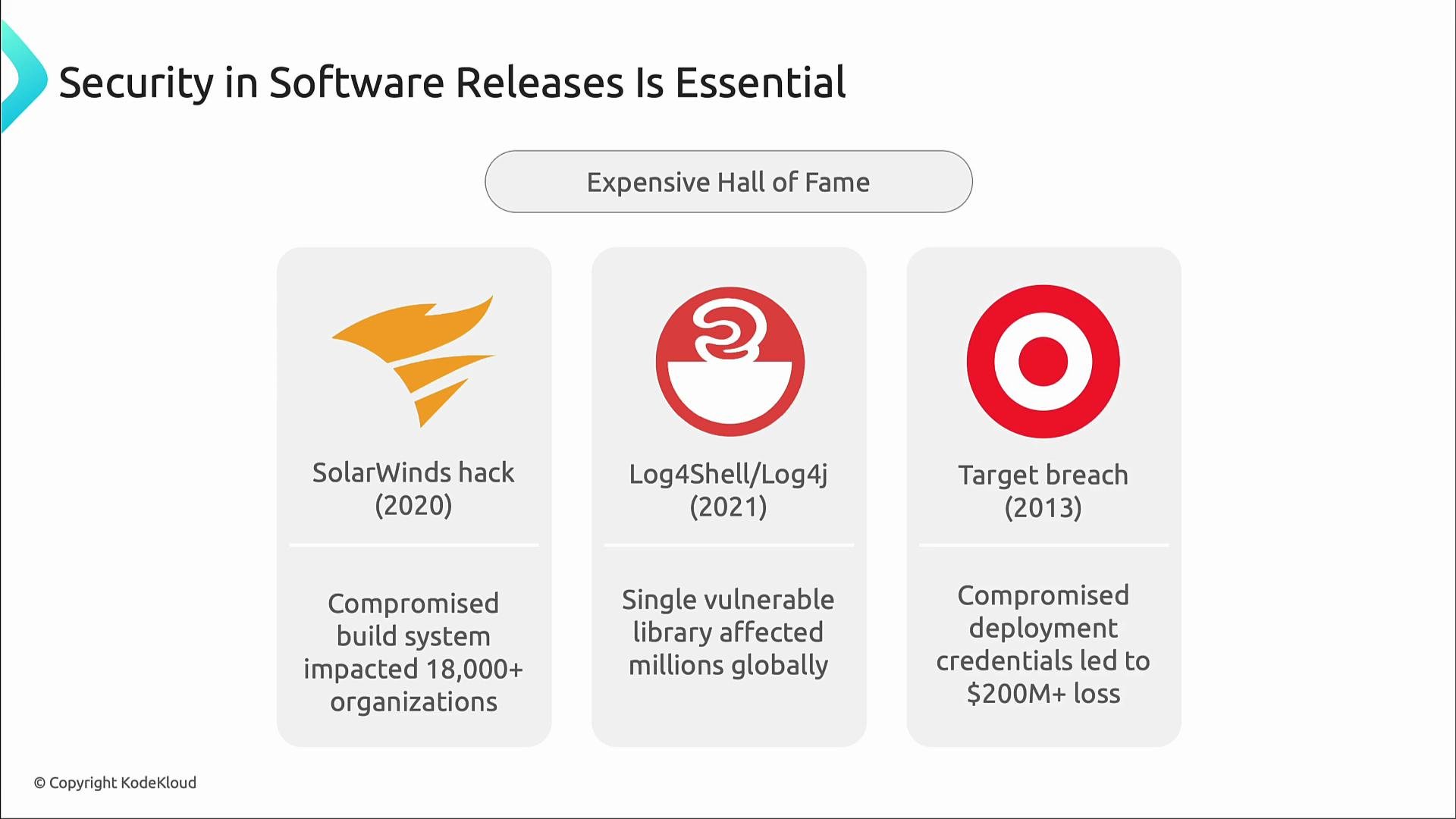
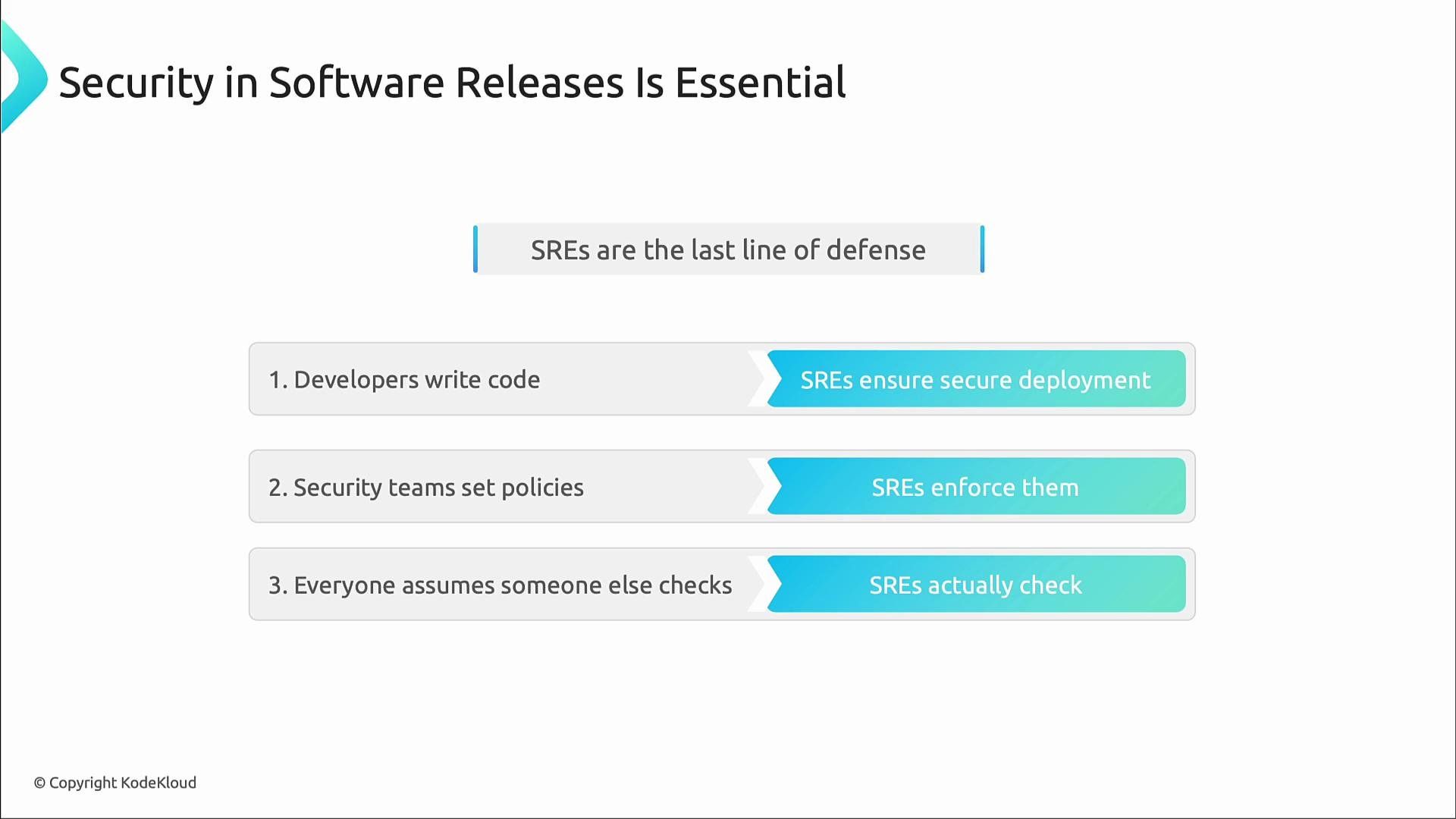
A small misstep can expose everything. For example:
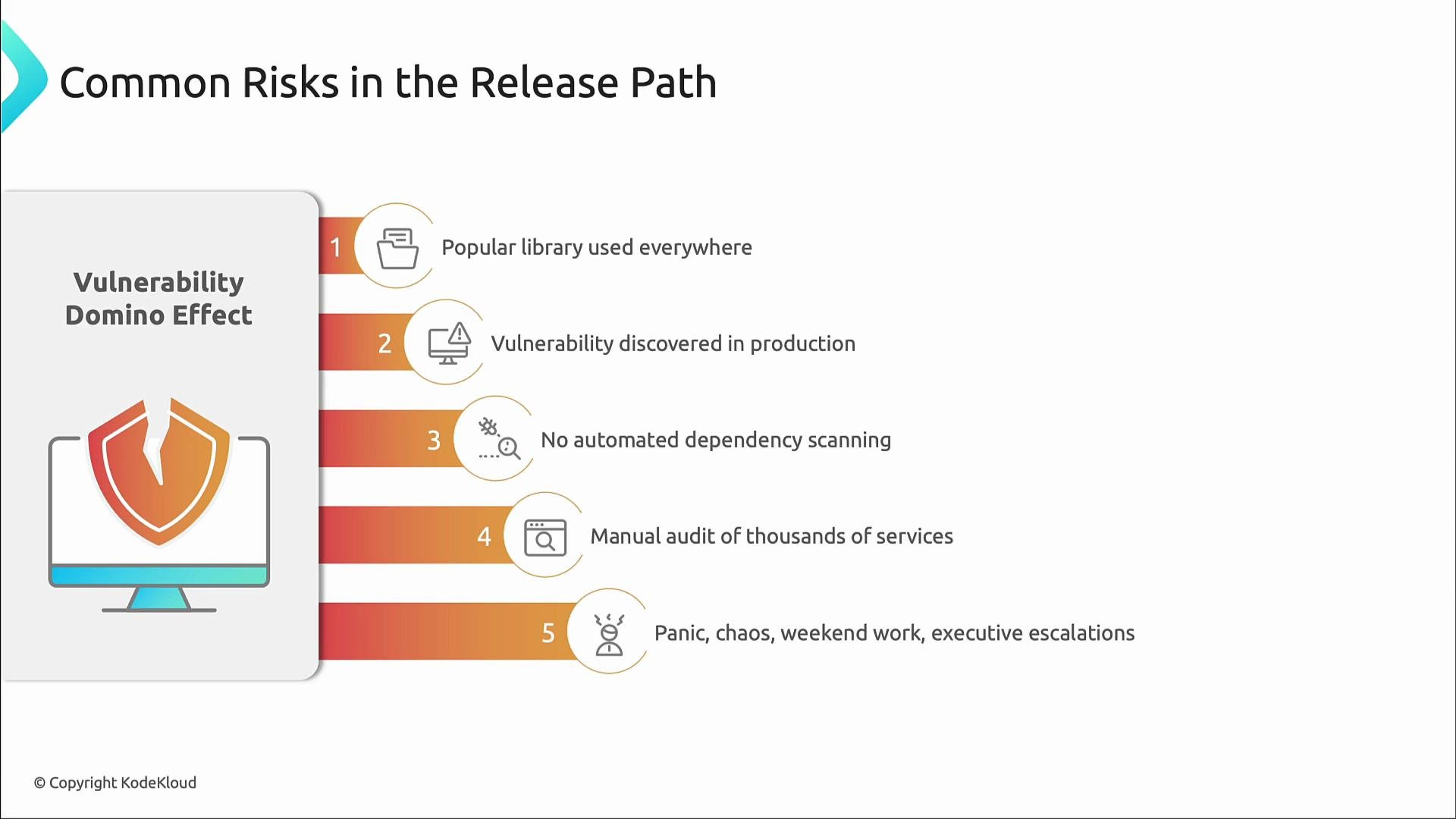
- Add automated checks in CI so vulnerabilities are detected before deployment.
- SAST (Static Application Security Testing) inspects source code for issues (SQL injection, XSS, hard-coded credentials, buffer overflows, weak crypto) without running programs.
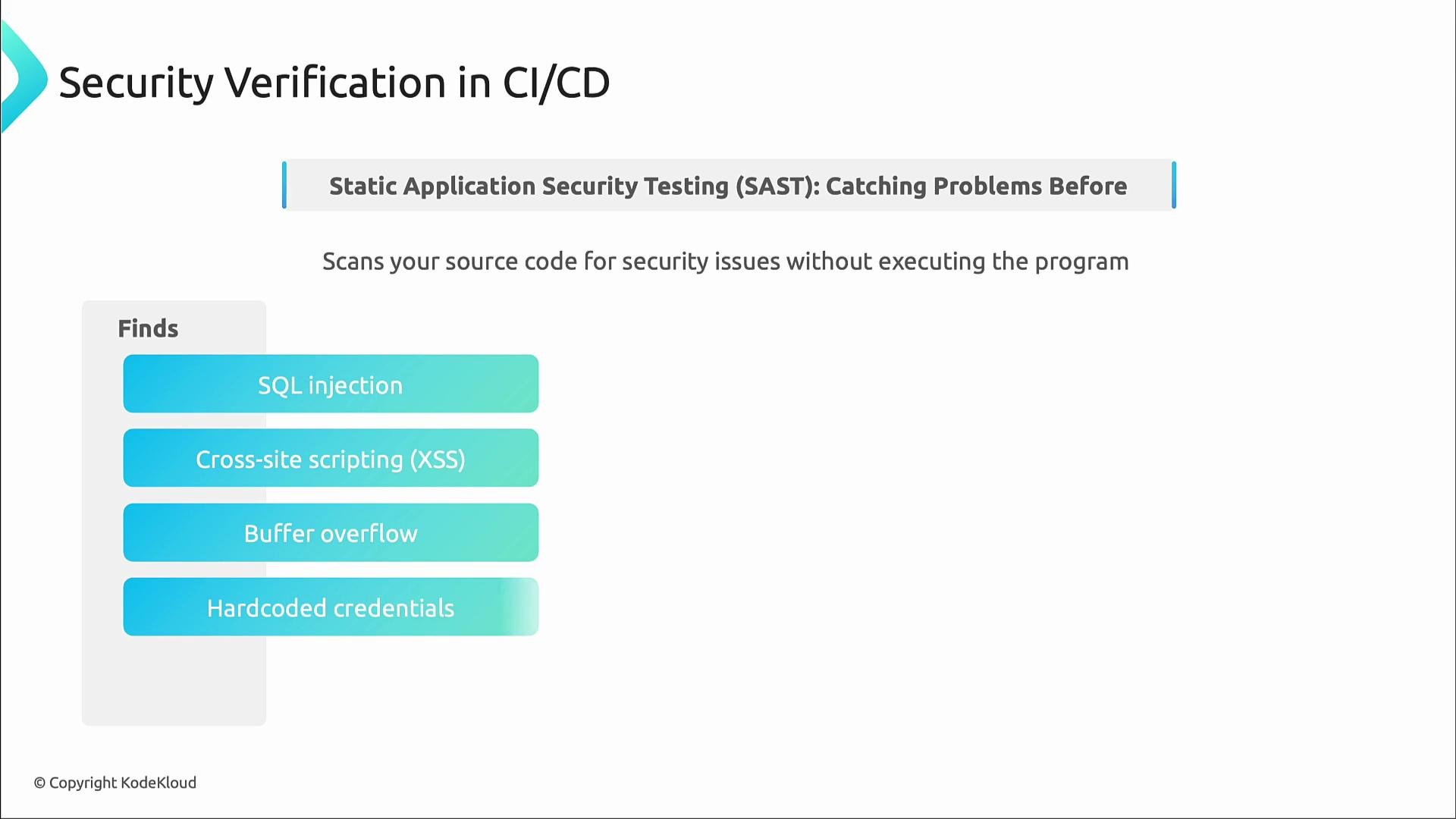
- Most modern apps include large third-party dependency trees. Automated dependency scanning prevents known vulnerable packages from reaching production.
- Tools: pip-audit, npm audit, GitHub Dependabot, SCA (Software Composition Analysis) solutions.
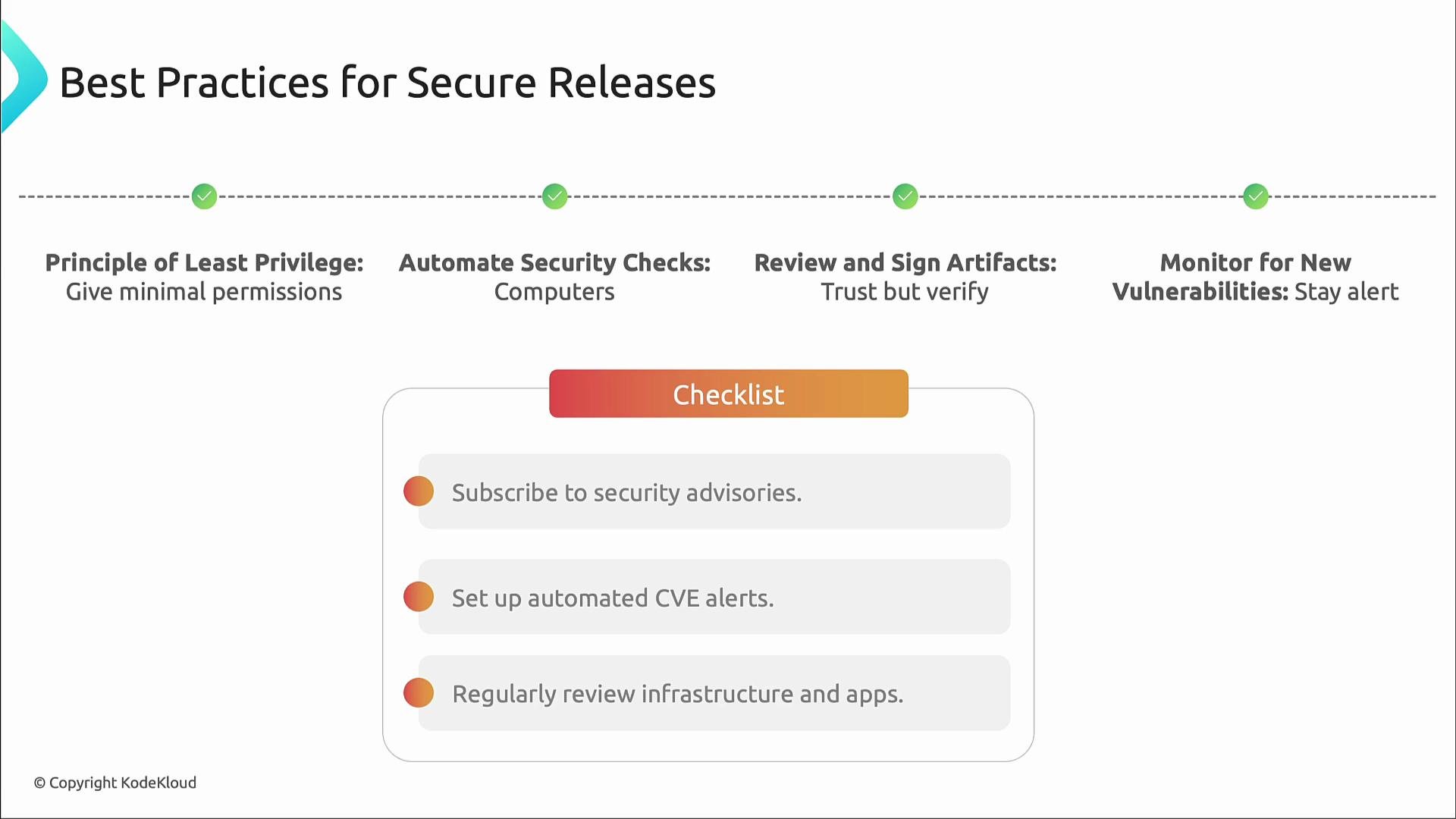
- Principle of Least Privilege: grant only the minimum permissions required.
- Automate security checks: dependency scanning, secret detection, SAST/DAST, container image scanning, and infrastructure-as-code (IaC) checks should run in CI.
- Review and sign artifacts: build-time signing ensures the artifact you deploy is the artifact you built. cosign and sigstore are industry-standard tools for container/image signing and verification.
- Continuous monitoring: subscribe to advisories, configure automated CVE alerts, and periodically re-scan deployed images and running systems.
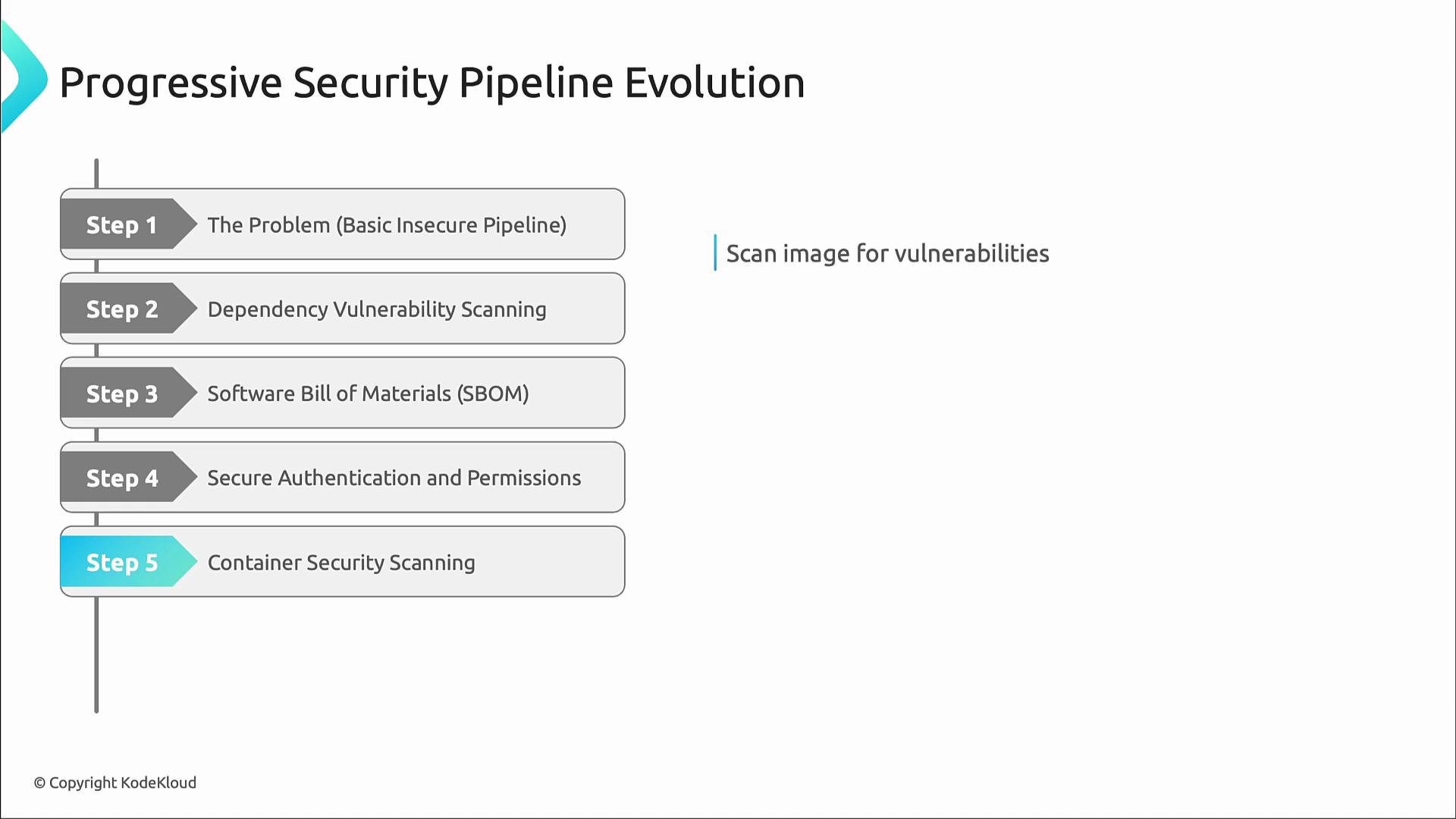
- Start with a basic build/deploy pipeline.
- Add dependency vulnerability scanning so bad packages are blocked early.
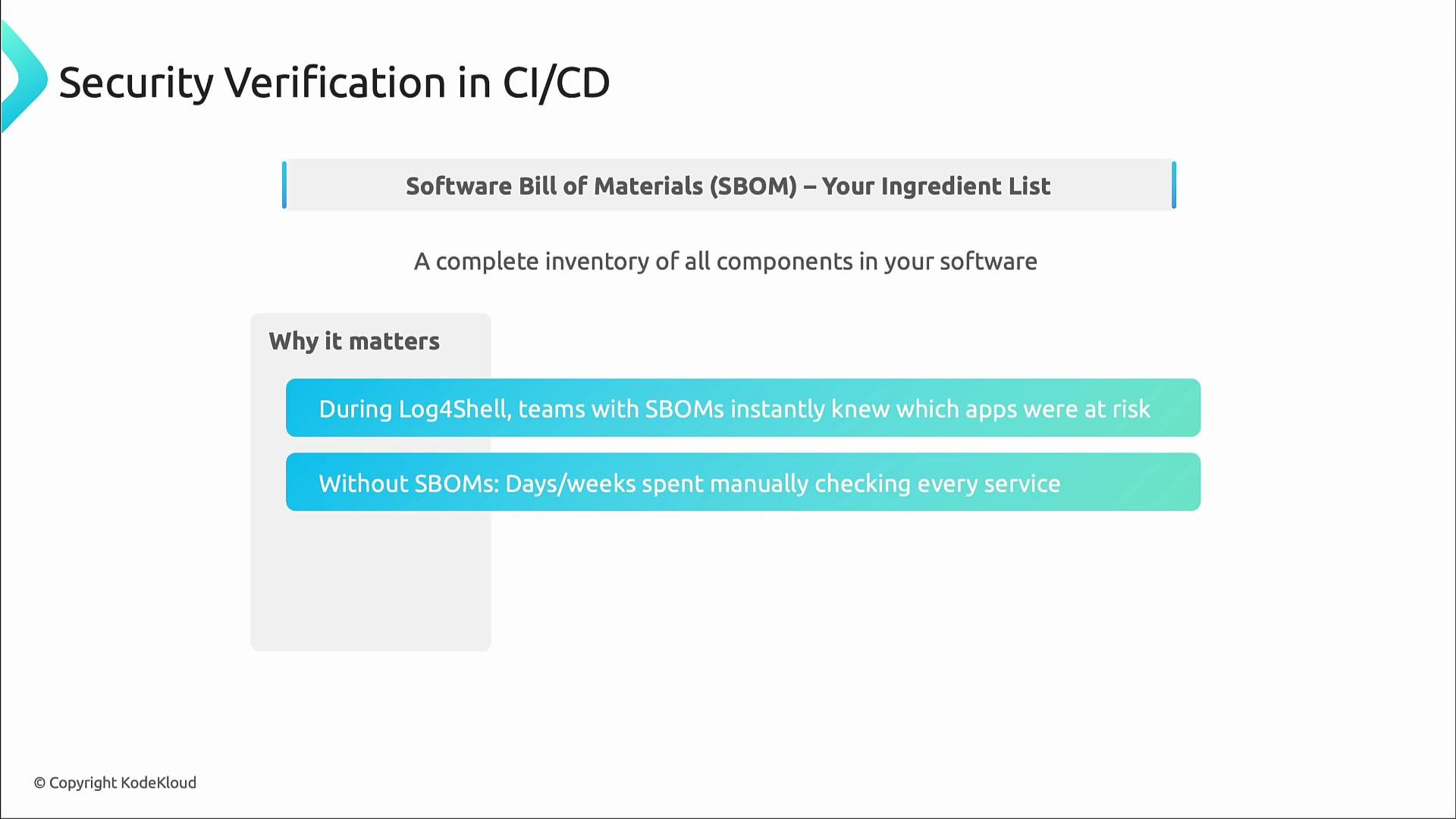
- Generate SBOMs so you can quickly identify affected apps when vulnerabilities surface.
- Improve authentication and restrict permissions (least privilege).
- Add container image scanning (Trivy, Grype, etc.).
- Enforce environment separation and promotion gates (staging → production).
- Fork and clone the repository locally to iterate on release workflows and test changes.
- Explicit triggers (push branches and workflow_dispatch for manual runs).
- Limited permissions using the top-level permissions block.
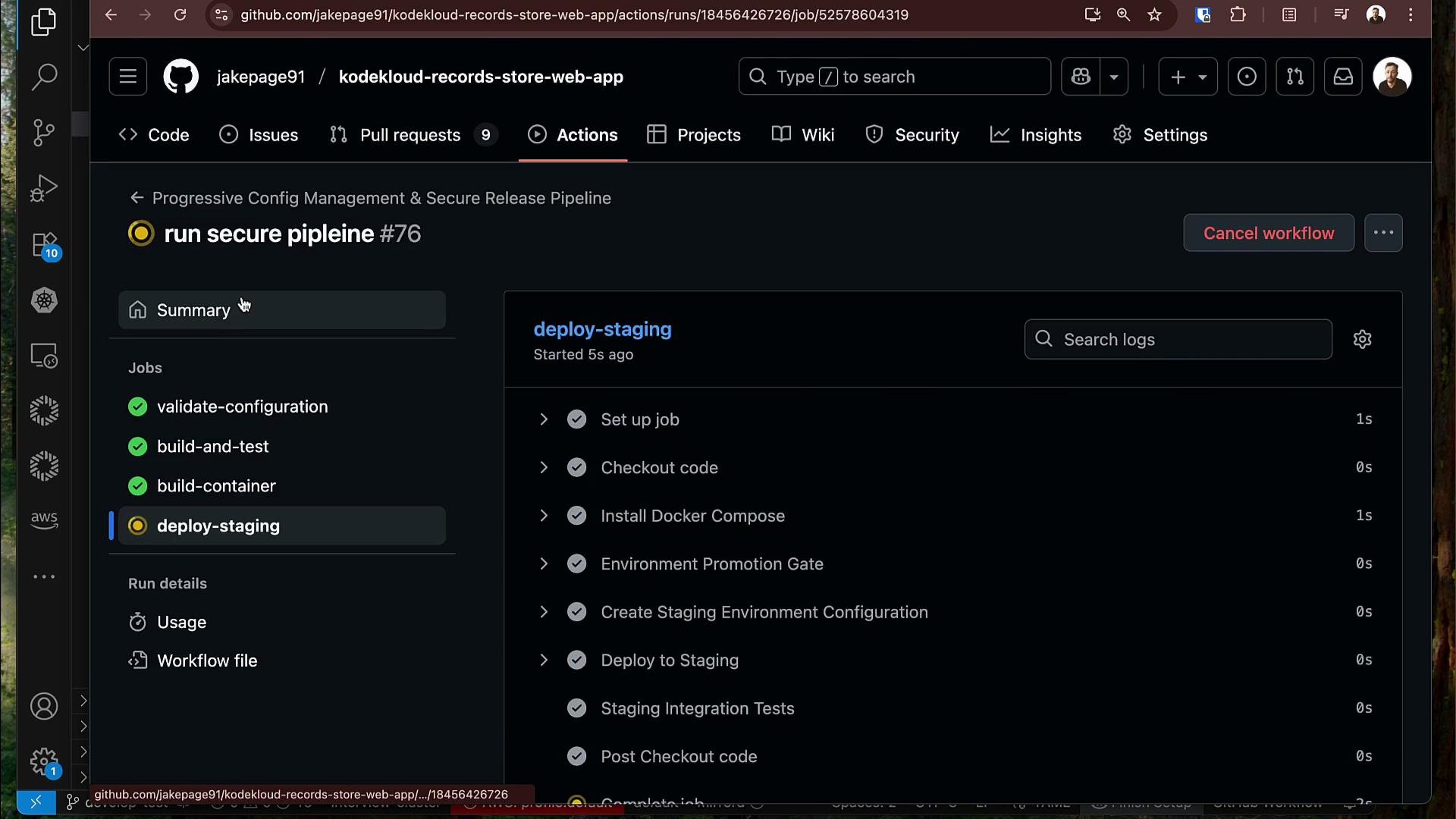
- Jobs: build-and-test, build-container (secure registry login, image build, SBOM generation, container scan), deploy-staging, and deploy-production (with manual approval).
- Never store plaintext credentials in workflows or source code.
Never store plaintext credentials in workflows or in source code. Use the provided runtime tokens and secrets.
Do not commit static credentials. Hardcoded passwords in CI can be exposed in logs, forks, or via leaked access. Rotate any credentials that were committed immediately.
- Deploy to staging automatically if scans pass.
- Require manual approval for production promotion (explicit human gate).
- Common error when using hardcoded login:
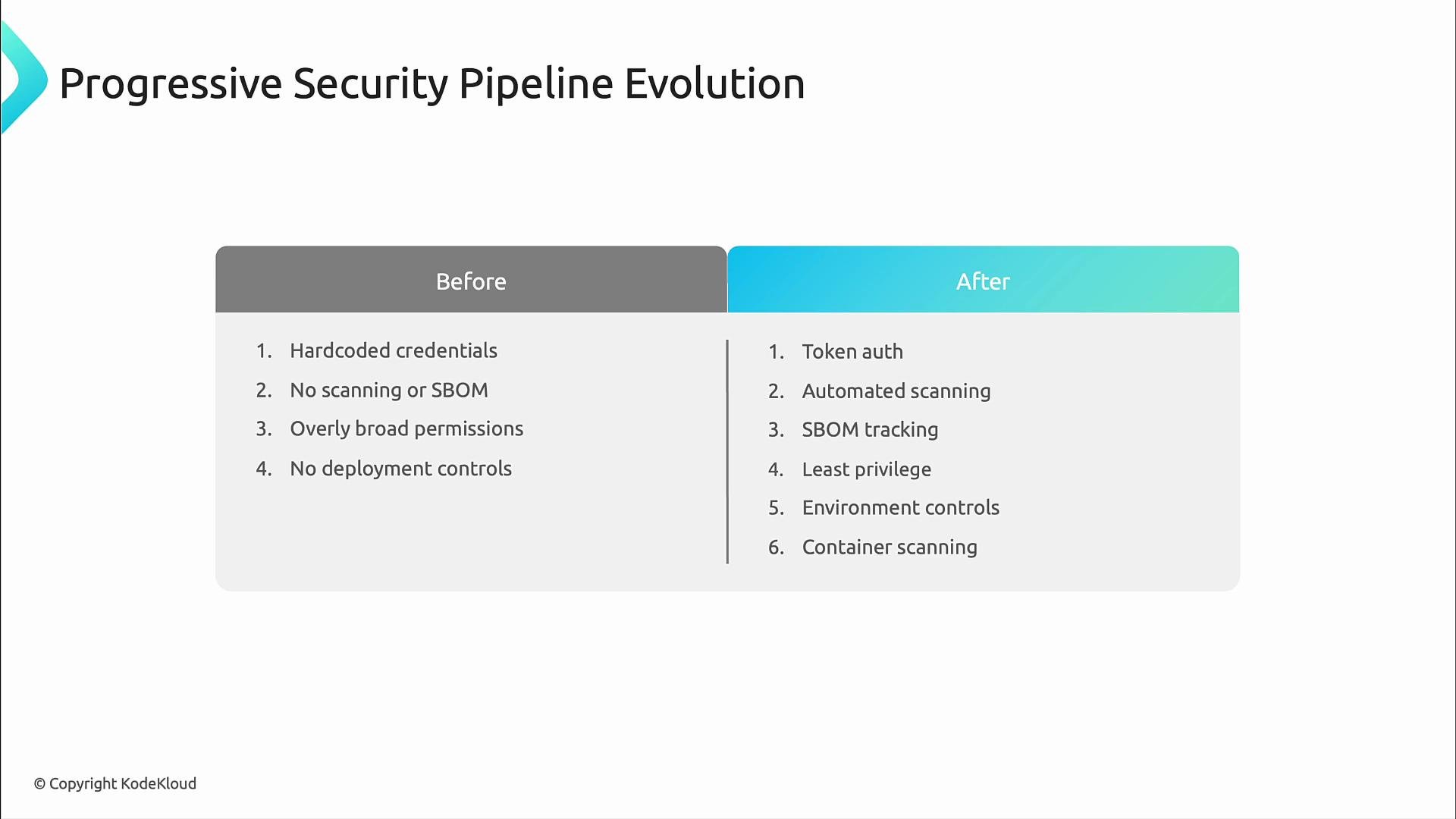
- Replaced insecure patterns with managed, auditable controls:
- Token-based authentication instead of hard-coded secrets
- Automated dependency and container scanning in CI
- SBOM generation and artifact signing to ensure provenance
- Principle of least privilege and environment-based promotion gates
- GitHub CodeQL: https://securitylab.github.com/tools/codeql
- pip-audit: https://github.com/trailofbits/pip-audit
- npm audit docs: https://docs.npmjs.com/cli/v9/commands/npm-audit
- syft (SBOM generation): https://github.com/anchore/syft
- grype (container scanning): https://github.com/anchore/grype
- cosign (artifact signing): https://github.com/sigstore/cosign
- Trivy: https://github.com/aquasecurity/trivy