

1. Locate the Kube-Proxy Process and Configuration
Identify the running kube-proxy and its config file:--config flag points to the primary configuration:
kubeconfig entry specifies where kube-proxy retrieves its API credentials.
2. Secure the kubeconfig File
Protecting the kubeconfig file prevents unauthorized access to the API server.2.1 Verify Permissions and Ownership
Use a table to validate file permissions and ownership:Always grant the minimum file permissions needed. Restrict write access to root (600) wherever possible.
3. Enforce TLS Encryption for API Connectivity
Open the kubeconfig to confirm TLS settings and service-account authentication:certificate-authorityensures the API server’s certificate is validated.server: https://…enforces encrypted HTTPS connections.- Service-account
tokenFilegrants authenticated, RBAC-controlled access.
4. Enable Audit Logging
Audit logs help you monitor all kube-proxy actions and detect suspicious activity.-
Create an audit policy (e.g.,
/etc/kubernetes/audit-policy.yaml): -
Stream audit events to verify logs:
Ensure sufficient disk space and retention policies for your audit logs to prevent data loss.
Summary of Best Practices
- Secure and limit access to
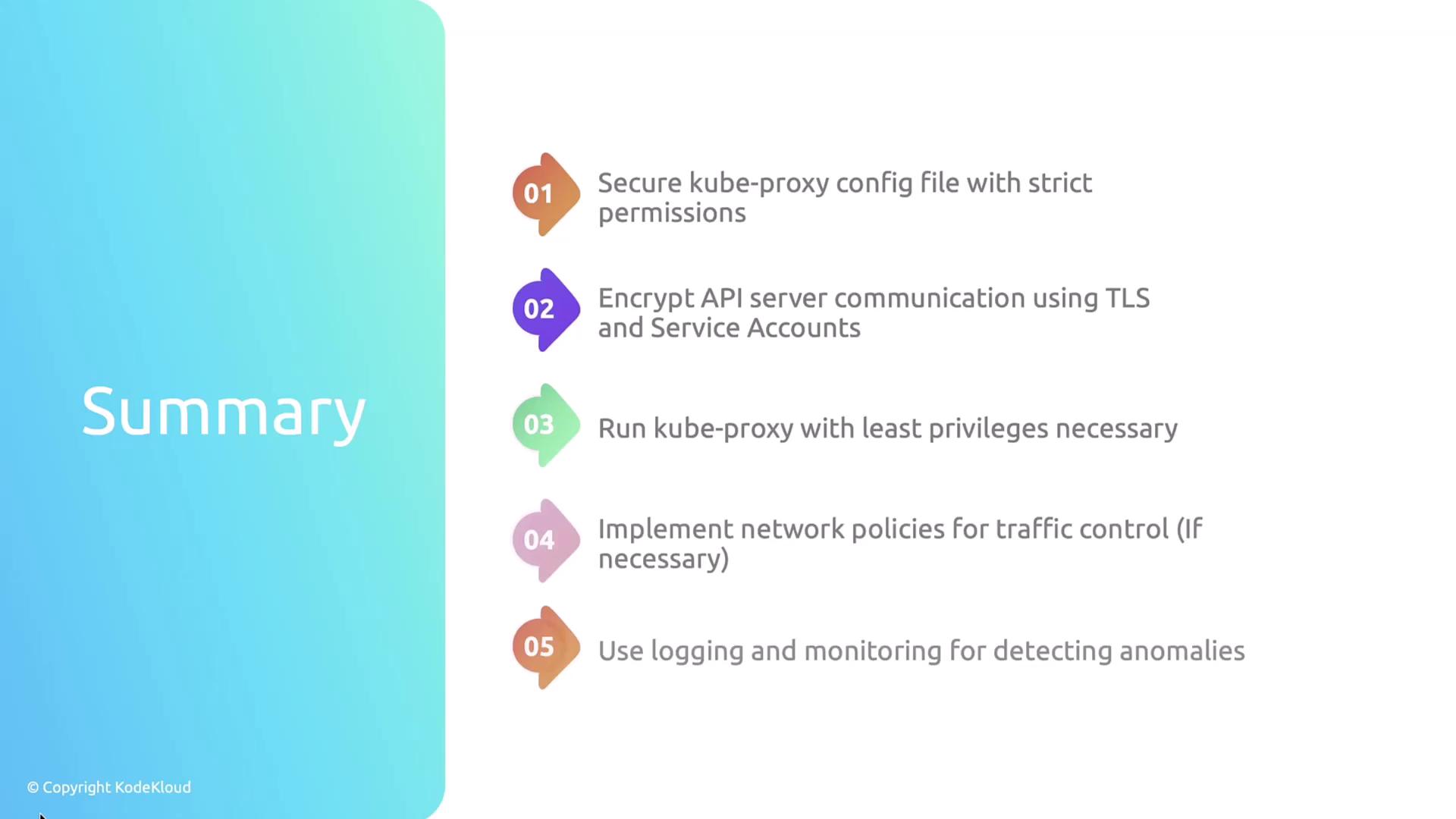
/var/lib/kube-proxy/config.confandkubeconfig.conf. - Enforce TLS and service-account authentication for API traffic.
- Run kube-proxy with least privilege.
- Apply NetworkPolicies to control pod-to-pod traffic.
- Enable logging and monitoring to detect anomalies.
- Keep kube-proxy updated with the latest security patches.
- Enable and review audit logs to track every kube-proxy action.