

1. Namespace Separation
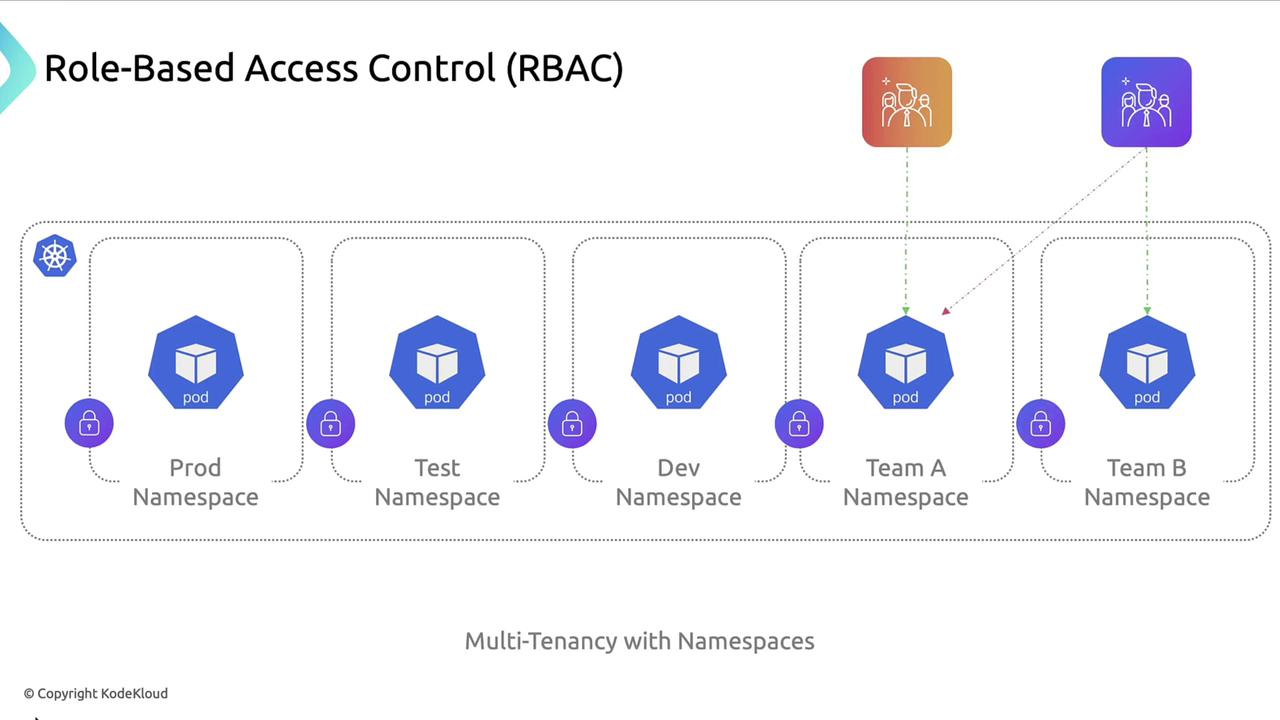
Namespaces partition cluster resources and faults, enabling logical separation and multitenancy. By isolating environments into distinct namespaces, you limit blast radius and simplify resource management.Use descriptive naming conventions (e.g.,
team-a, team-b) to keep namespaces organized and easy to manage.2. Network Policies
By default, Pods can communicate across namespaces without restriction. Kubernetes NetworkPolicy resources let you define fine-grained ingress and egress rules. Example: Allow only Pods in theprod namespace to receive ingress traffic from peers within prod:
3. Role-Based Access Control (RBAC)
RBAC enforces the principle of least privilege, reducing accidental or malicious changes. Define Roles and RoleBindings to grant only the permissions required.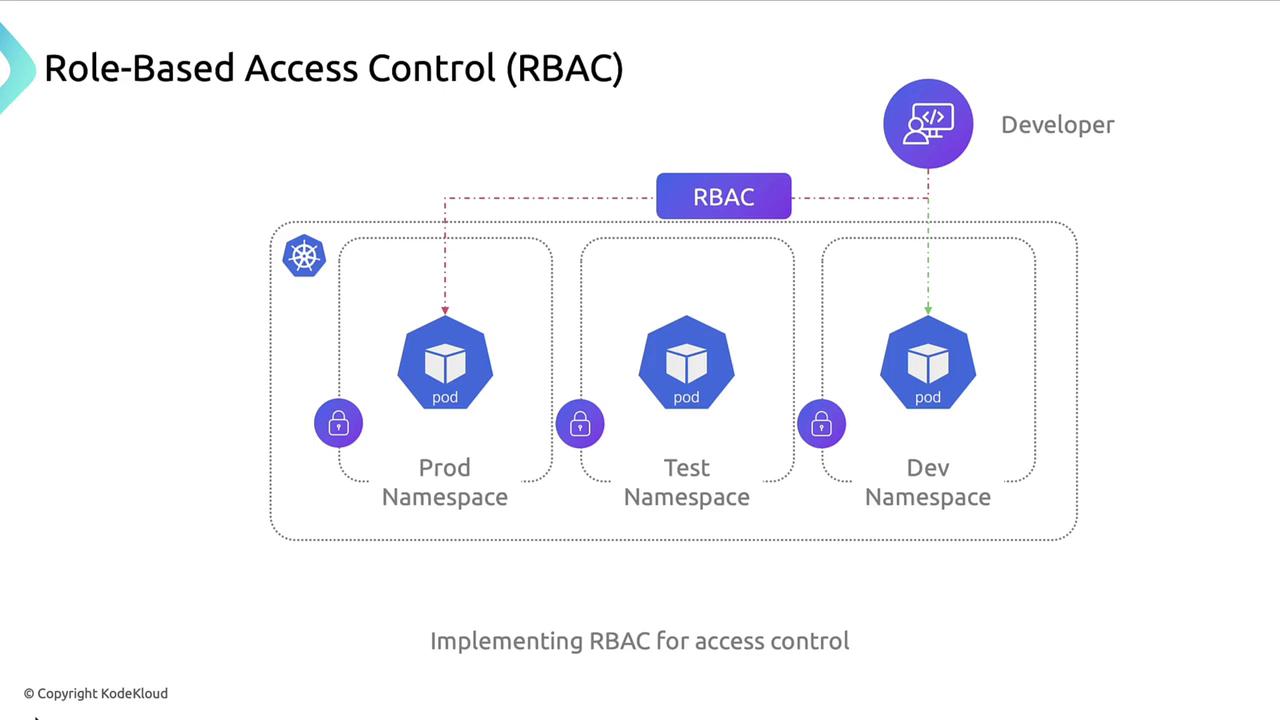
- Developers: read-only access to
prod - Developers: full access to
dev
4. Resource Quotas and Limits
ResourceQuotas control overall resource consumption per namespace. Pod-level resource requests and limits prevent individual workloads from exhausting CPU or memory.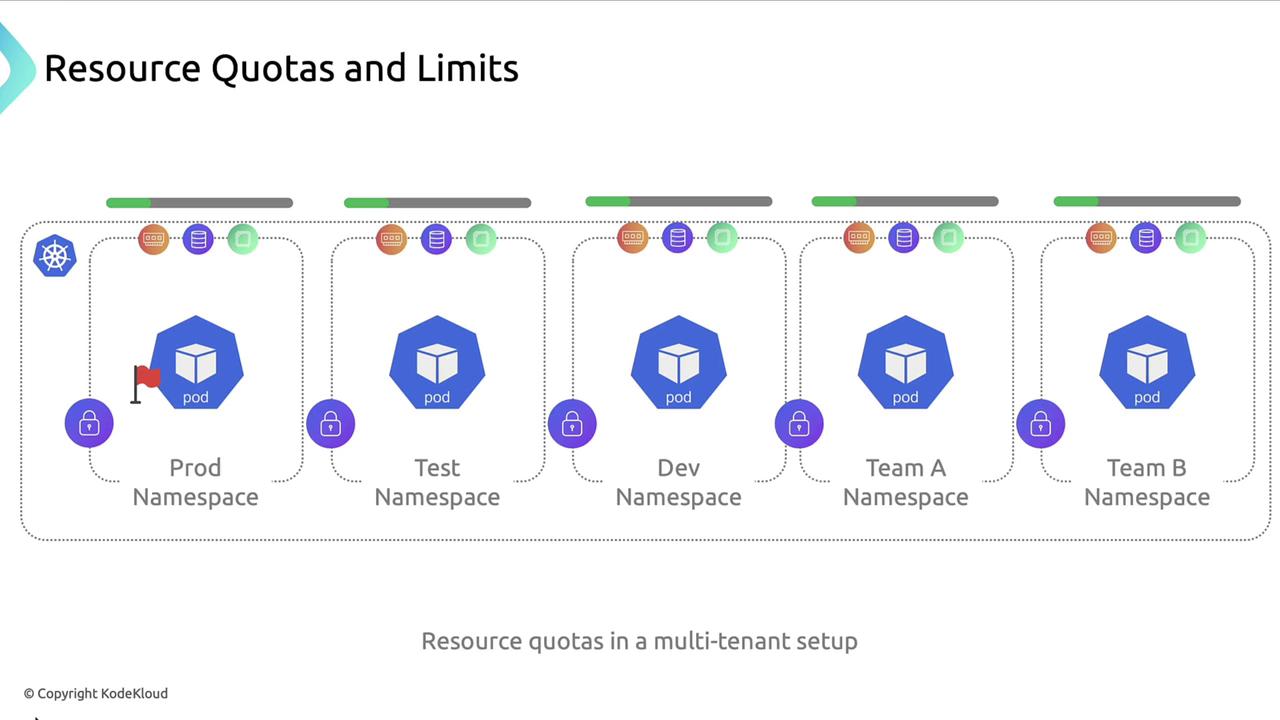
ResourceQuota:
5. Security Context
By default, containers may run as root, which heightens risk if compromised. Use asecurityContext to enforce non-root execution and restrict privileges.
Always verify that your container images support non-root users and drop unnecessary Linux capabilities.
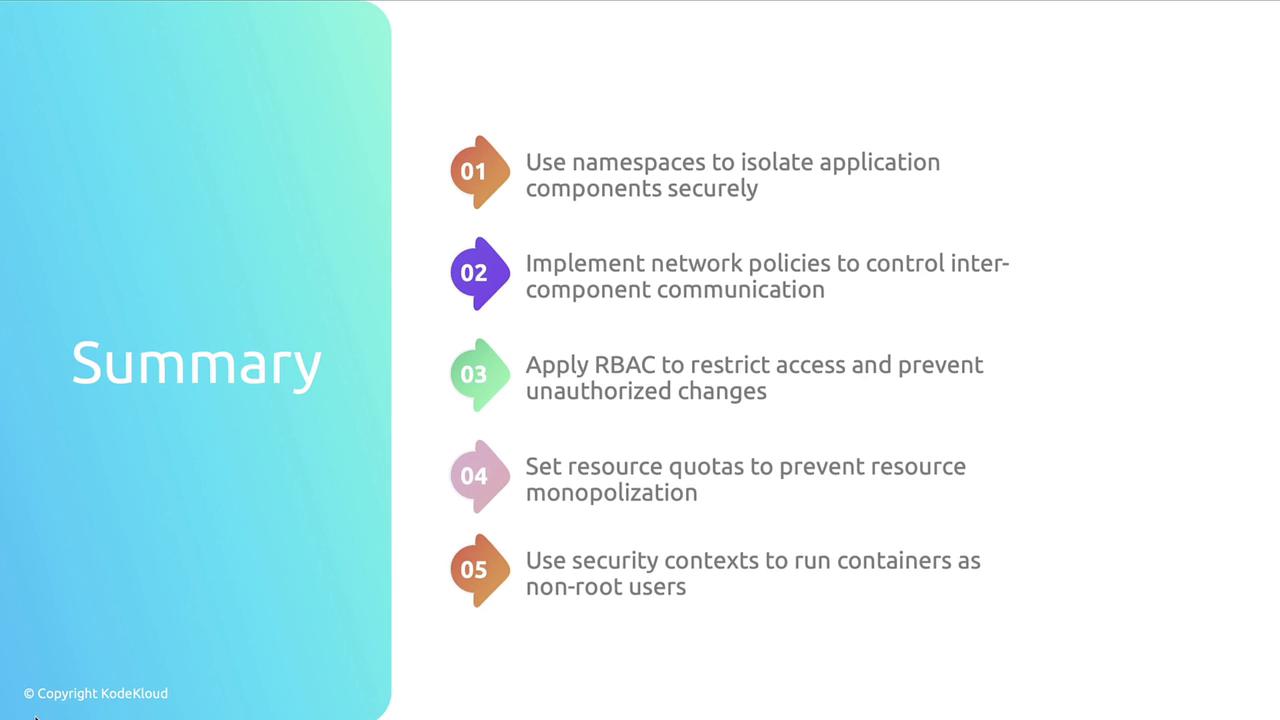
Summary of Isolation Techniques
Further Reading
- Kubernetes Namespaces
- NetworkPolicy Documentation
- RBAC Authorization
- Resource Quotas
- Security Context