

Overview
Mutual TLS (mTLS) enhances standard TLS by providing two-way authentication between client and server. In this lesson, we’ll:- Review one-way TLS (server-only authentication).
- Introduce mTLS handshake flows.
- Demonstrate how to generate certificates with OpenSSL.
- Explore securing pod-to-pod traffic in Kubernetes.
Recap: One-Way TLS (Server Authentication)
When you visit an HTTPS website—like your online bank—the browser and server establish an encrypted channel using asymmetric and symmetric cryptography.- Client requests the server’s certificate.
- Server sends its public certificate, signed by a trusted Certificate Authority (CA).
- Browser verifies the certificate against its trust store (public keys of known CAs).
- Browser generates a random symmetric key, encrypts it with the server’s public key, and sends it to the server.
- Server decrypts the symmetric key with its private key.
- Both parties use the symmetric key to encrypt application data.
One-way TLS ensures confidentiality and server authenticity but relies on application-layer credentials (usernames, passwords) to authenticate the client.
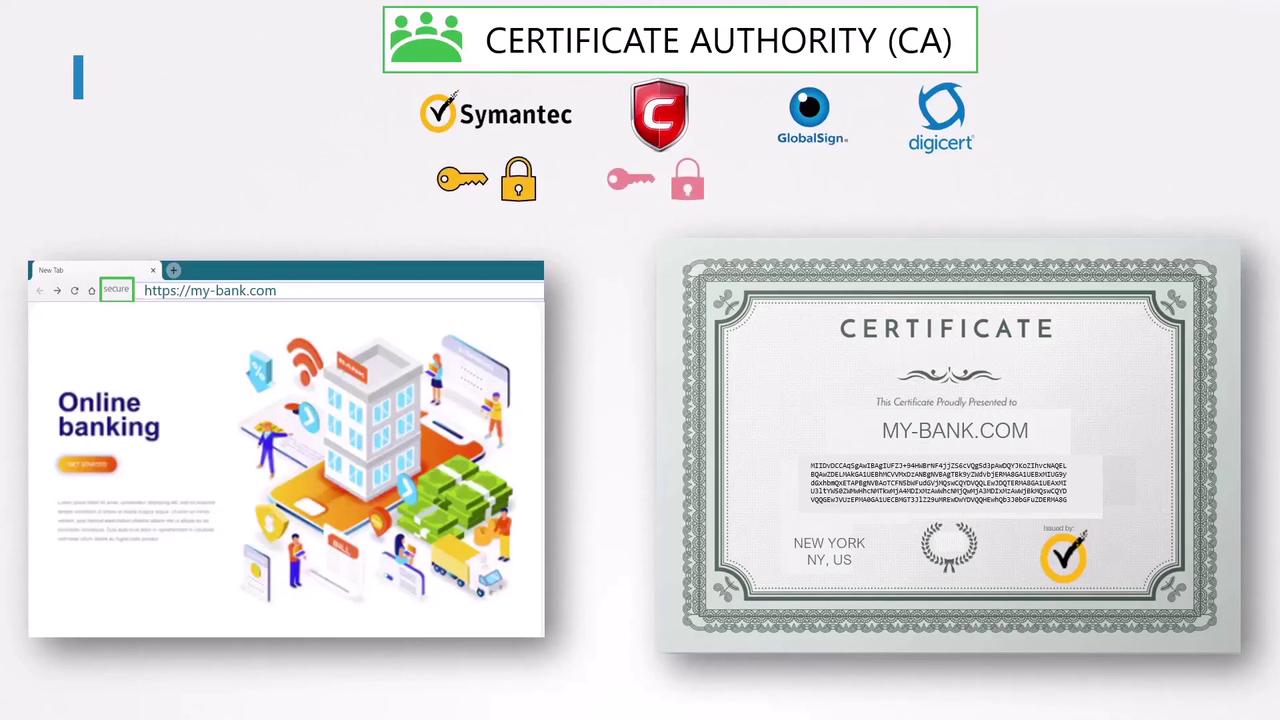
TLS Handshake Steps
Mutual TLS (mTLS) Handshake
In mTLS, both sides present certificates. This is ideal for machine-to-machine communications—such as two services exchanging confidential data—without human credentials.Why Use mTLS?
Ensure your CA certificates are stored securely and rotated regularly to prevent unauthorized access.
mTLS Handshake Sequence
Generating mTLS Certificates with OpenSSL
Below is a sample workflow to create a root CA, a server certificate, and a client certificate.Securing Pod-to-Pod Communication in Kubernetes
In a Kubernetes cluster, you can enforce mTLS between services using service meshes like Istio or Linkerd. These platforms automate certificate issuance, rotation, and mutual authentication.Links and References
- Kubernetes Documentation: TLS Setup
- Istio Security Concepts
- Linkerd mTLS Guide
- RFC 5246: TLS 1.2 Specification