

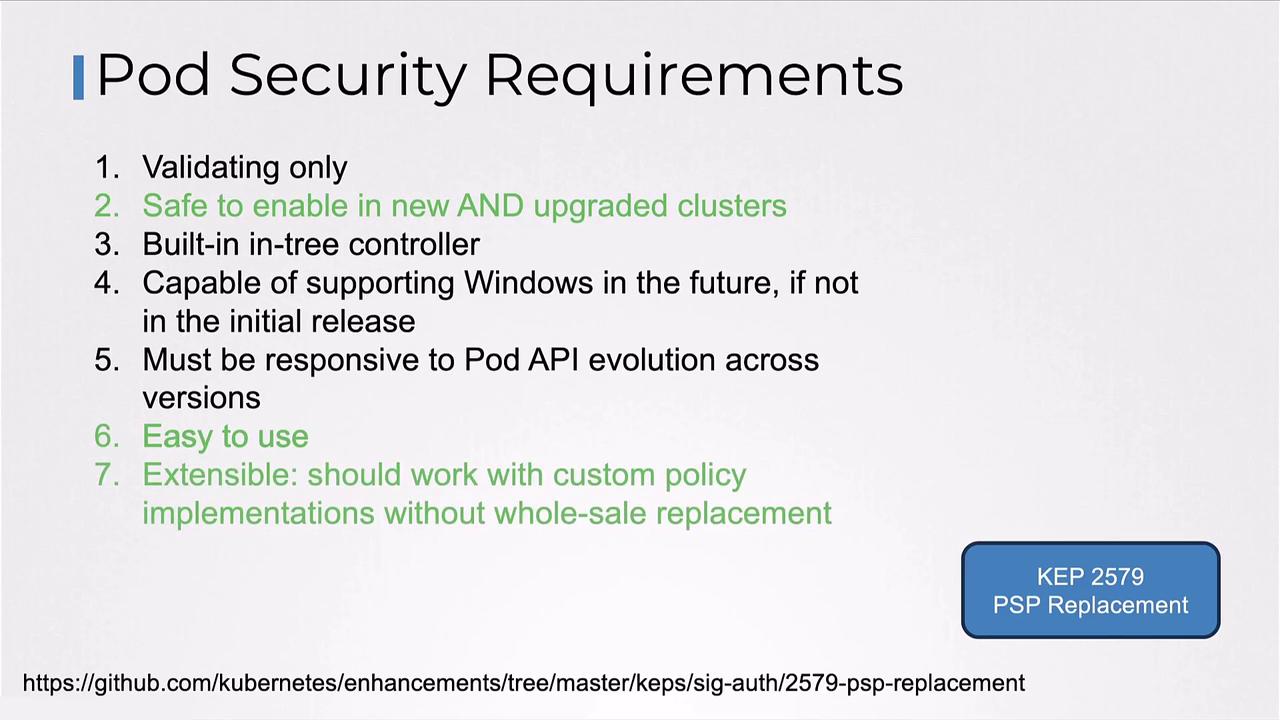
Pod Security Admission Overview
PSA is an Admission Controller enabled by default in Kubernetes.Verify it by inspecting the API server’s enabled plugins:
PodSecurity listed.
Configure PSA at the namespace level by adding labels:
PSA modes (
enforce, audit, warn) and profiles (privileged, baseline, restricted) can be combined to meet your security requirements.Pod Security Standards: Built-in Profiles
PSA offers three out-of-the-box profiles: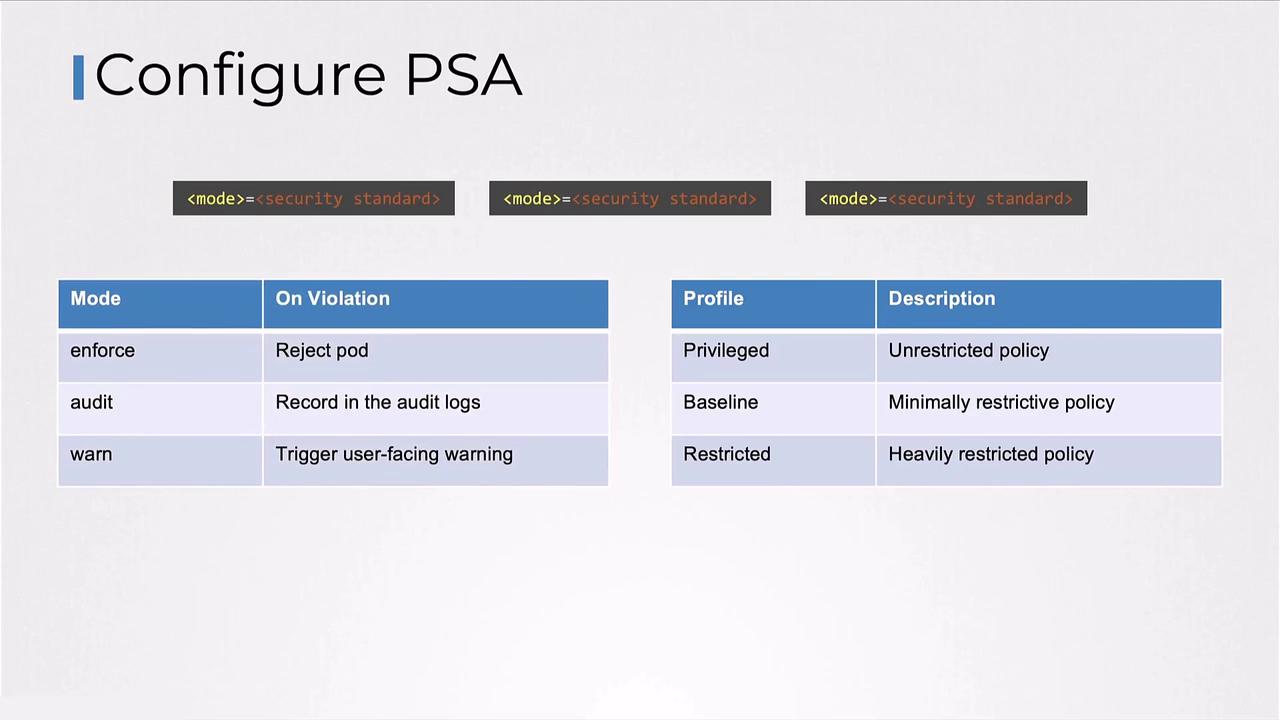
Pod Security Admission Modes
A mode controls PSA’s response to policy violations:
You can combine modes and profiles, for example:
warn+restricted— pods are allowed, violations generate warningsenforce+restricted— non-compliant pods are blocked
Profile Details
Baseline Profile
Designed for ease of adoption, the baseline profile prevents unauthorized privilege escalation while maintaining compatibility.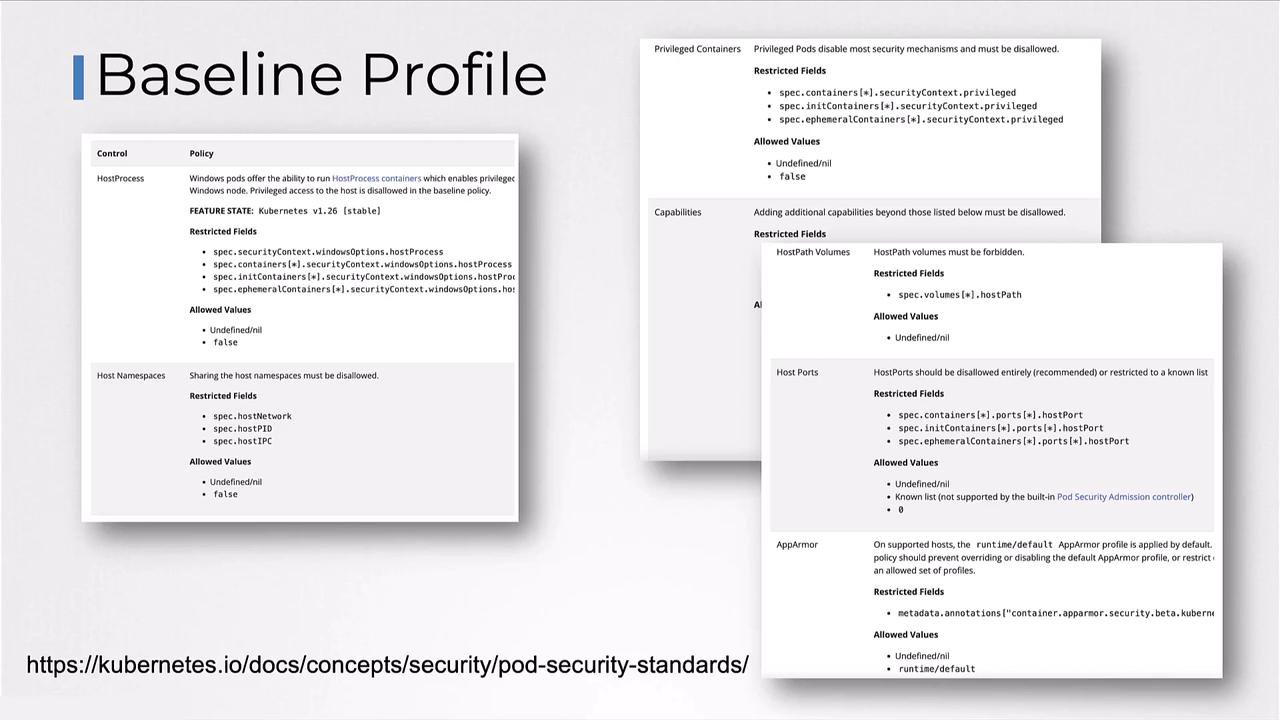
Restricted Profile
Enforces the latest pod-hardening best practices. Be aware that compatibility issues may arise.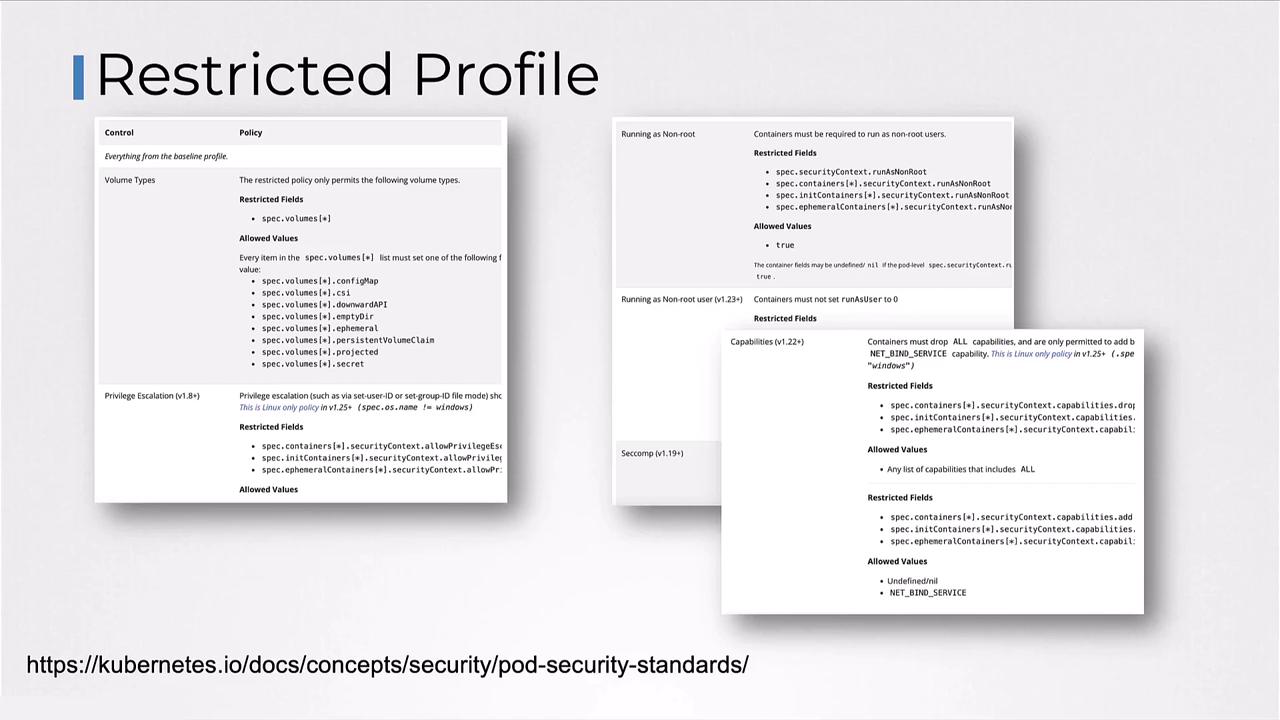
The restricted profile may require you to update container images or init scripts to comply with stricter defaults.
Privileged Profile
Applies no restrictions; all capabilities are allowed. Use with caution.Applying Profiles to Namespaces
Label your namespaces to enforce specific profiles and modes:- In payroll: any pod violating the restricted policy is rejected.
- In hr: only pods meeting the baseline policy are allowed.
- In dev: all pods are created, but restricted violations generate warnings.
References
- Kubernetes Documentation: Pod Security Admission
- Kubernetes Documentation: Pod Security Standards
- OPA Gatekeeper
- KEP 2579: PSP Migration