

Resource Scheduling in Kubernetes Clusters
A Kubernetes scheduler assigns pods to nodes based on available CPU and memory. For instance, in a three-node cluster, if you submit a pod requesting 2 CPUs and 1 Gi of memory, the scheduler will place it on the first node that meets these requirements (node-2 in this example). Pods remain in the Pending state if no node has sufficient resources. You can verify this by running: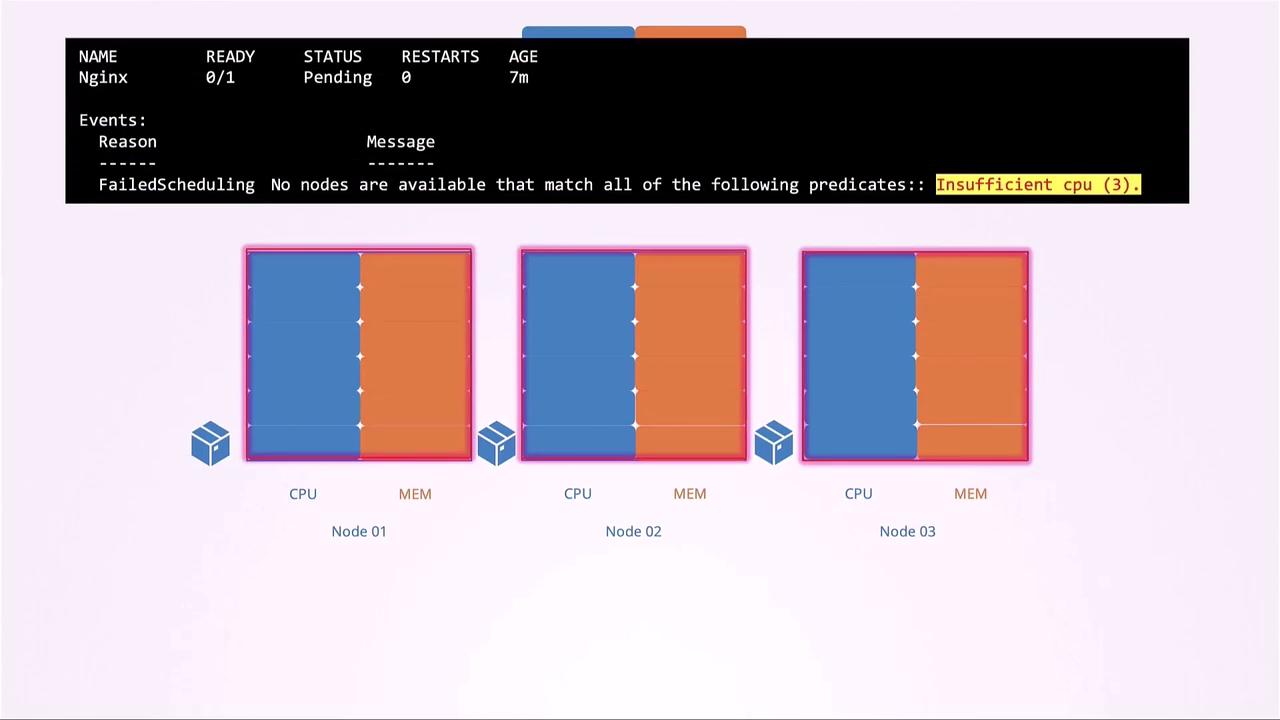
Defining Resource Requests
A resource request specifies the minimum CPU or memory a container needs. The scheduler uses these values to make placement decisions."2") or millicores (e.g., "200m" = 0.2 CPU). The smallest unit is 1m.
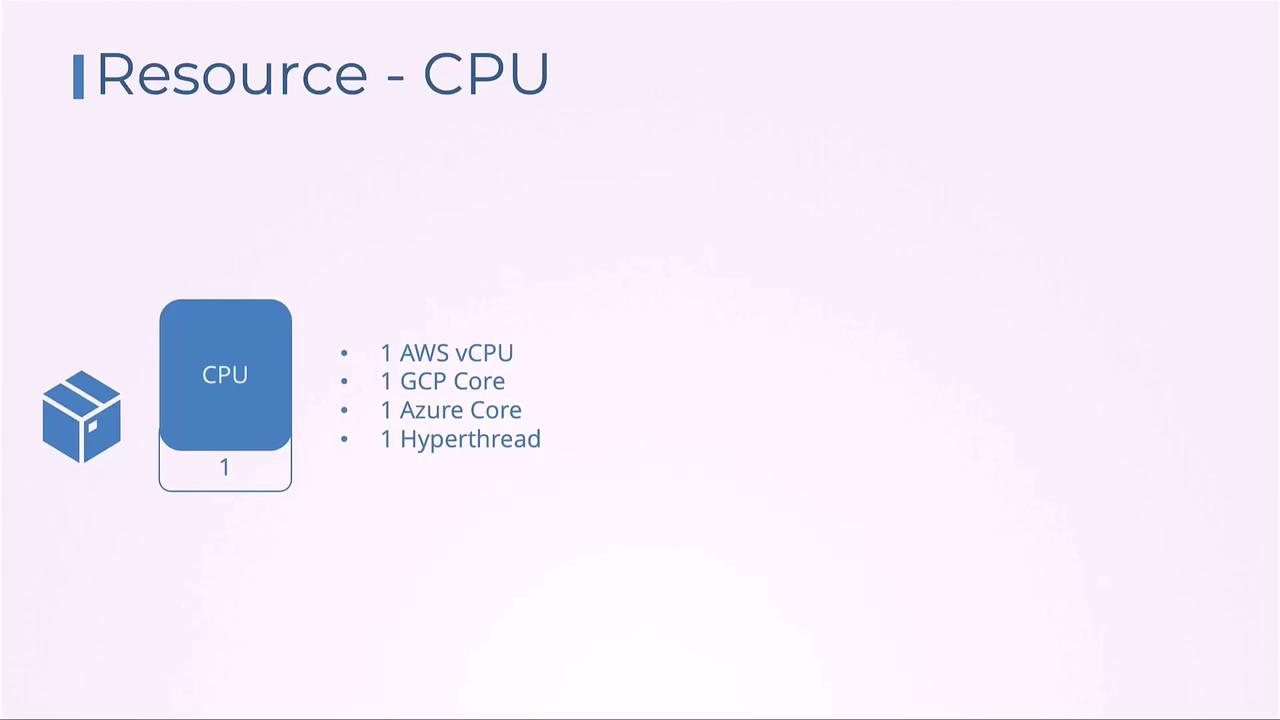
One Kubernetes CPU core maps to one AWS vCPU, one GCP core, one Azure core, or one hyperthread.
Memory Units and Conversions
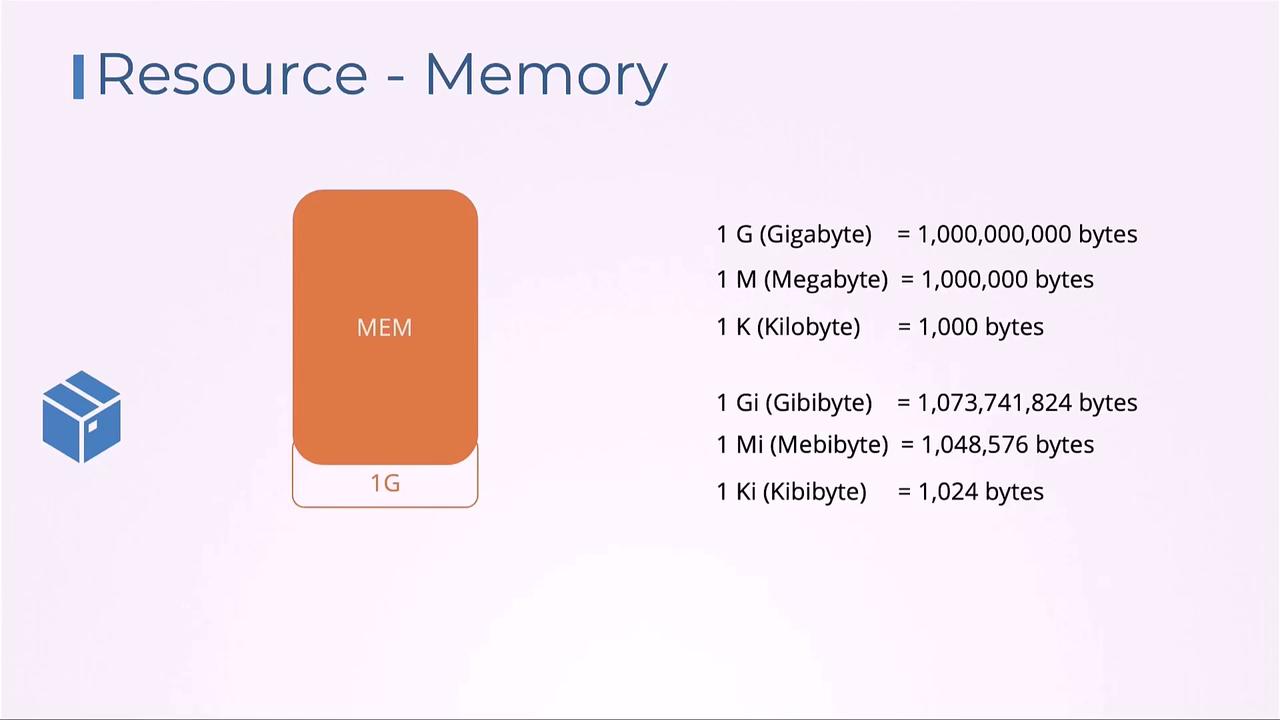
Memory can be defined using SI (e.g.,G, M) or binary suffixes (e.g., Gi, Mi):
G= 10⁹ bytesGi= 2³⁰ bytesM= 10⁶ bytesMi= 2²⁰ bytes
Setting Resource Limits
By default, containers have no resource caps and can consume all available CPU and memory. To prevent extreme usage, define bothrequests and limits:
- Exceeding the CPU limit results in throttling (slower CPU cycles).
- Exceeding the memory limit triggers an OOM kill, terminating the container.
If a container exceeds its memory
limits, Kubernetes will kill it with OOMKilled. Always set realistic memory limits to avoid unexpected terminations.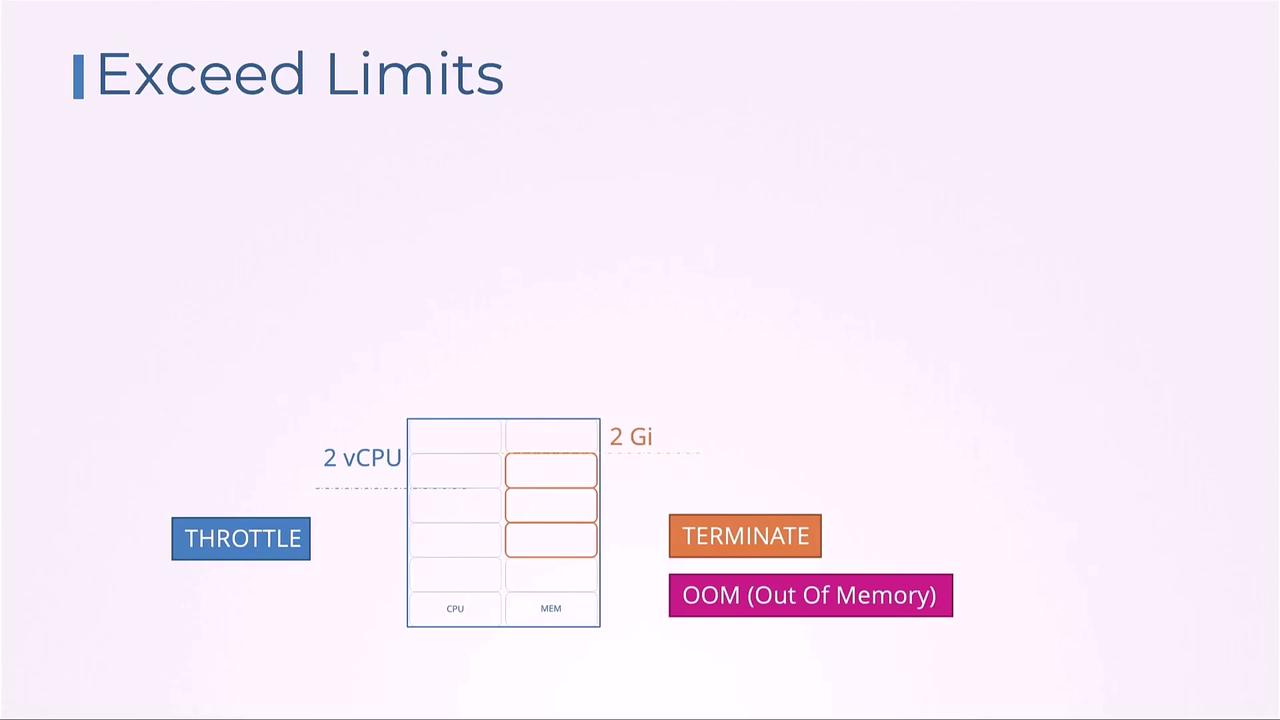
Default Behavior and Best Practices
Without explicit settings, pods may compete unpredictably for node resources. Below is a summary of CPU allocation behaviors under different configurations: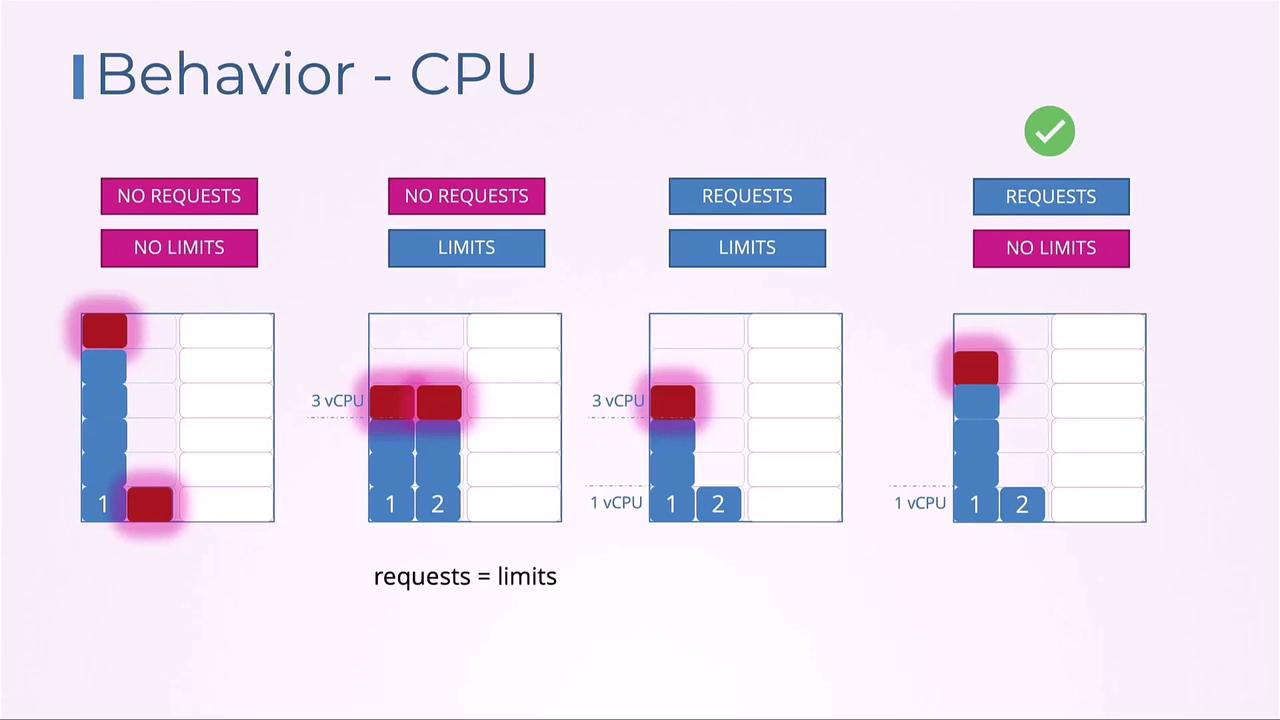
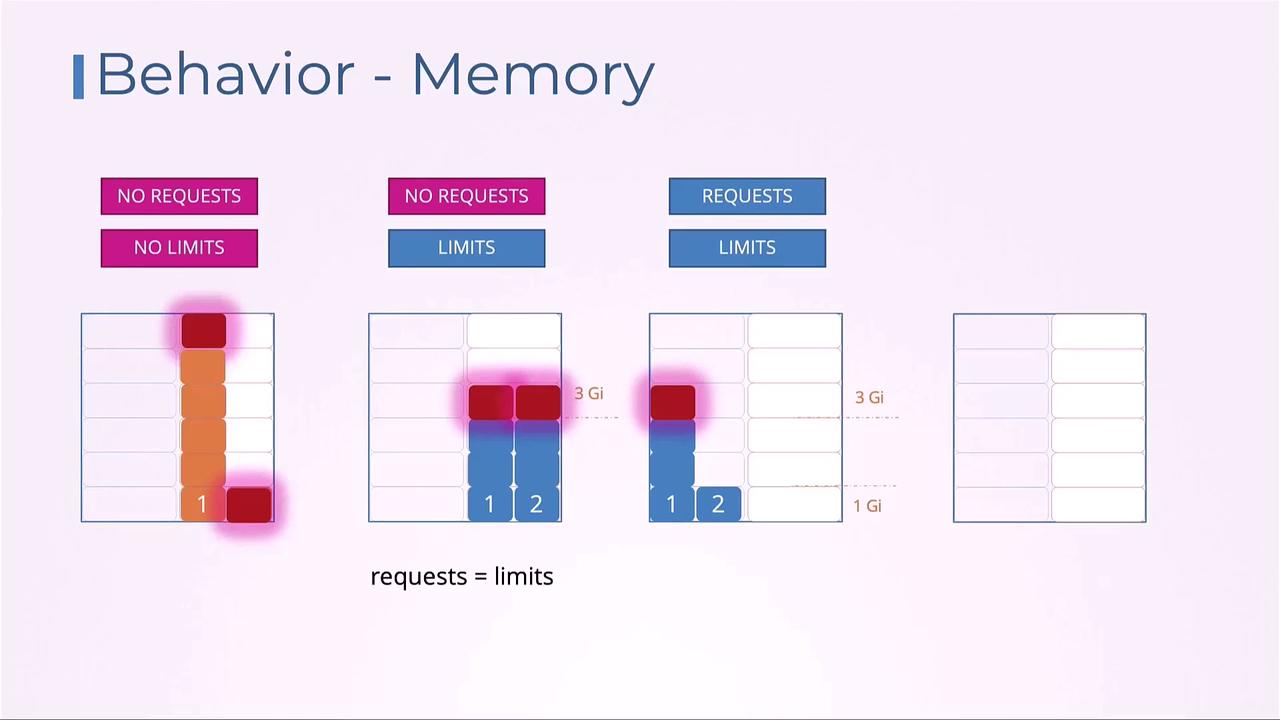
Enforcing Defaults with LimitRange
To automatically apply defaultrequests and limits within a namespace, create a LimitRange. This helps maintain consistency and prevents pods from deploying without resource settings.
LimitRange only affects pods created after the object is applied. Existing pods retain their original settings.Namespace-Wide Quotas with ResourceQuota
When you need to cap total resource consumption per namespace, use ResourceQuota. This object restricts the aggregate ofrequests and limits across all pods in the namespace:
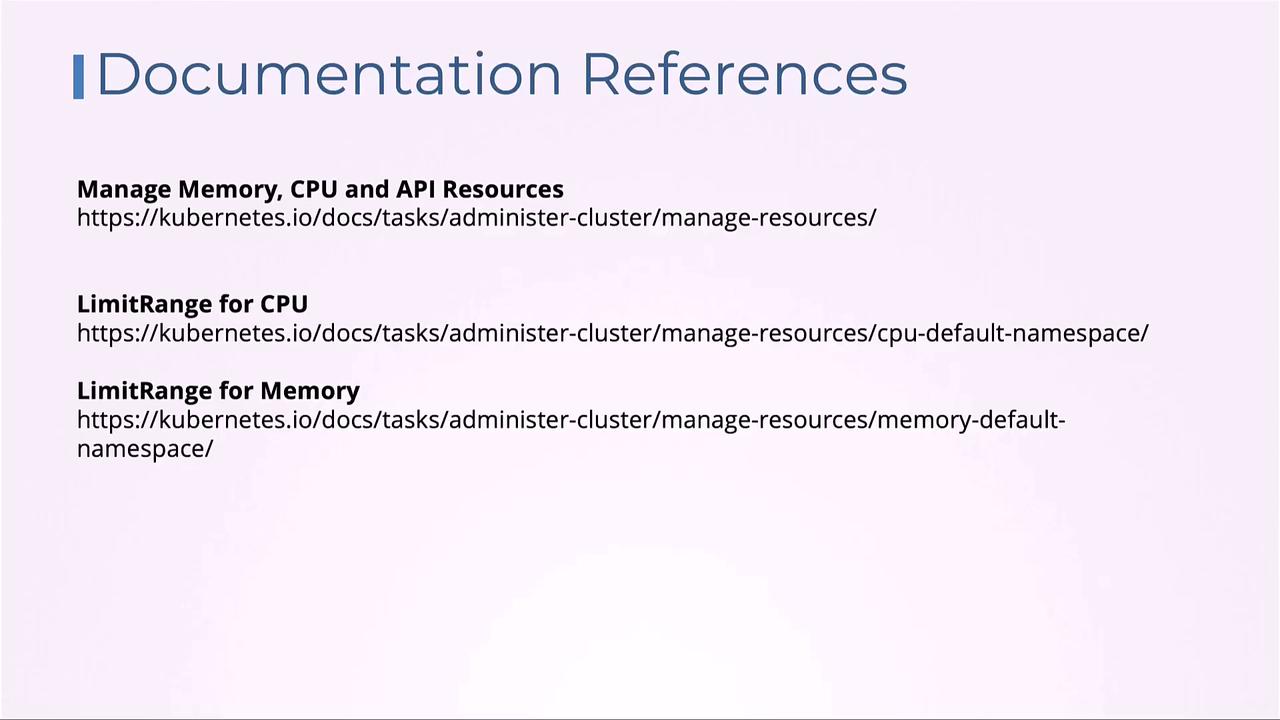
Links and References
- Managing Compute Resources for Containers
- LimitRange Documentation
- ResourceQuota Documentation
- Kubernetes Official Docs